








Want to create AI TikTok videos that actually work? First, let’s understand the challenge. Many creators struggle with consistency and quality. However, AI tools like Grok can solve this problem quickly. This comprehensive Grok AI TikTok videos workflow shows you exactly how to succeed. Specifically, you’ll get 8 actionable steps to turn your idea into a viral video. Additionally, you’ll receive copy-paste prompts that deliver results every time.
This workflow is used by AI creators and no-code builders to publish TikTok content consistently without burnout.
Why Use AI (and Grok) for AI TikTok Videos?
AI accelerates the creative cycle dramatically. For example, idea generation, scriptwriting, and visuals become faster. Grok from xAI offers multimodal capabilities, including image and short video generation. Consequently, it becomes a powerful choice for short-form content. Moreover, Grok provides real-time trend insights and prompt engineering guidance. Therefore, it’s ideal for prototyping and for quickly producing clips.
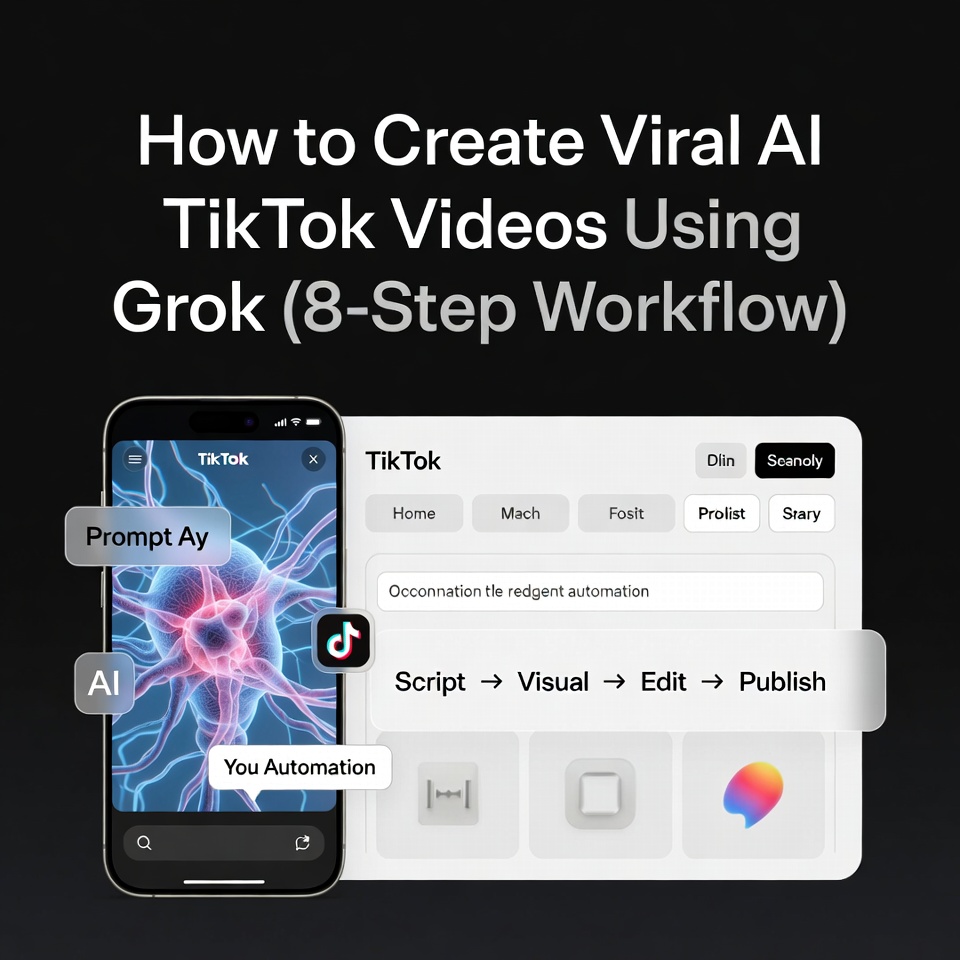
Complete Overview: 8-Step Workflow to Create Viral AI TikTok Videos
Follow this proven Grok workflow to consistently create AI-powered TikTok content
- First, Research trends and pick an angle
- Next, Generate 3 viral concepts with Grok
- Then, Write a tight 15–60s script + shot list
- After that, Create visuals with Grok Imagine
- Meanwhile, Generate voiceover and captions
- Subsequently, Edit in CapCut or InVideo
- Additionally, Optimize metadata and thumbnails
- Finally, Publish, Monitor, and Iterate
All examples shown below are created using the exact prompts shared in this guide.
Step 1: Research Trends & Pick Your Angle (10–20 Minutes)
Start with fresh trend signals. Here’s the part most people skip: trends don’t need perfection, they need speed. Specifically, look for trending audio snippets and popular formats. Then, use Grok to summarize current TikTok trends. As a result, you’ll get angle proposals tailored to your niche.
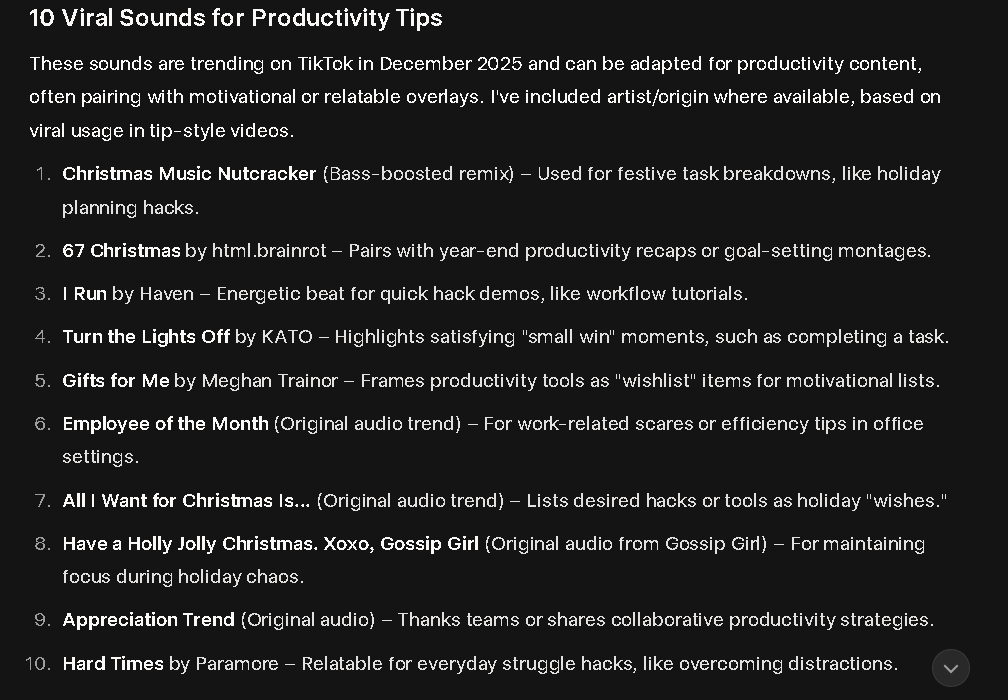
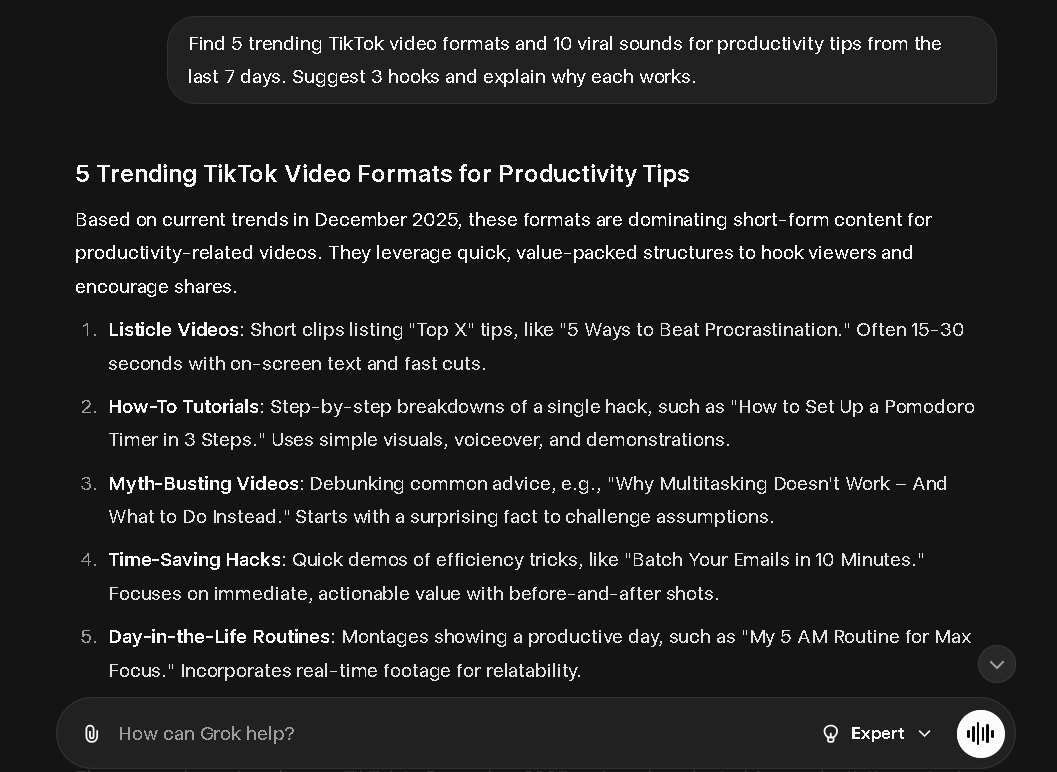
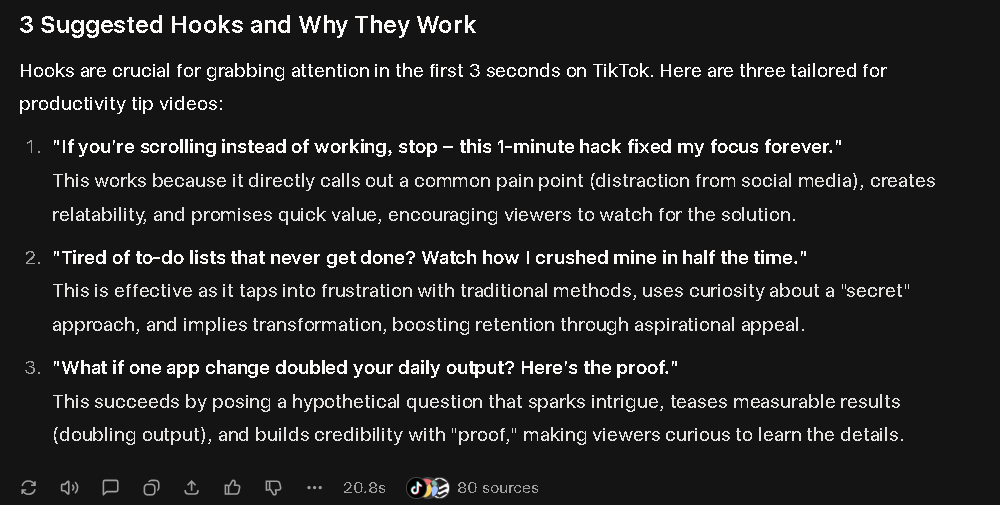
Example Grok Prompt — Trend Research (copy/paste):
Find 5 trending TikTok video formats and 5 viral sounds for 'productivity tips' from the last 7 days. Suggest 3 short hooks (first 3 seconds) and explain why each format works.Grok pulls live trend cues by integrating with social signals. Therefore, you get concise suggestions without wasting time guessing.
Step 2: Generate 3 Viral AI TikTok Video Concepts with Grok (5–10 Minutes)
Ask Grok to ideate multiple variations. As a result, you can test micro-formats quickly.The goal is to test micro-formats quickly. Don’t overthink this step your first version is just a test, not the final product. For instance, try “Before/After” or “Quick Hack” formats. Use the best by engagement potential and ease of production.
Example Grok Prompt for AI TikTok Videos: Ideation:
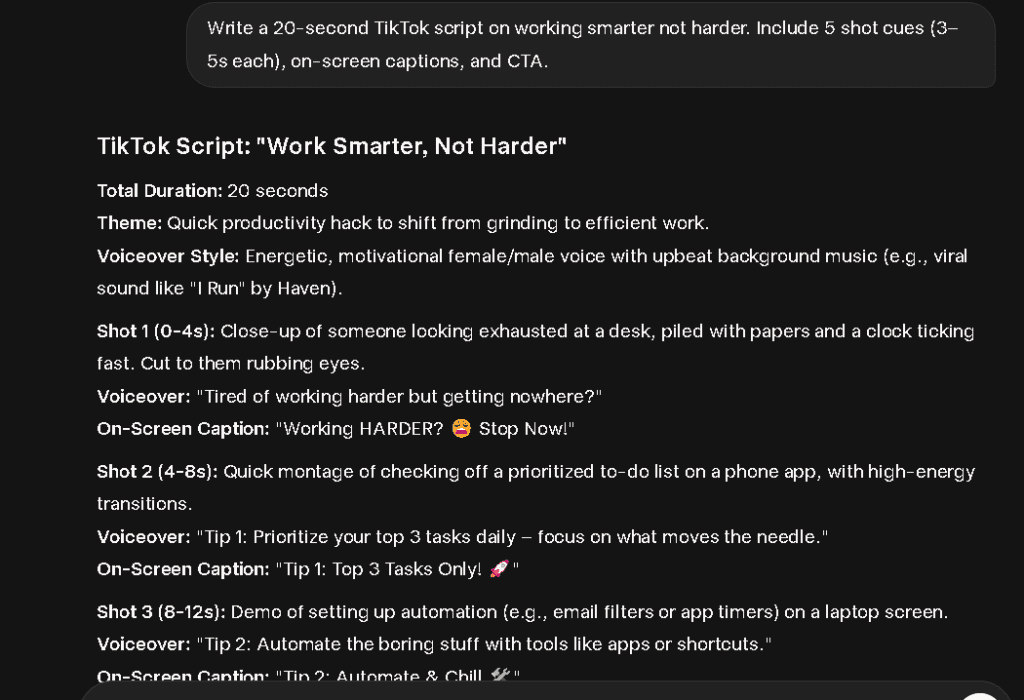
Give me 3 short TikTok concepts (15-30s) about 'working smarter, not harder' targeted at young professionals. For each: write a 6 word hook, 30 second script broken into 5 shot cues, suggested background music mood, and one caption with 5 hashtags.Step 3: Write a Script + Shot List (5–15 Minutes)
Short videos win when they move fast. Convert your chosen concept into a script of 3- 6 lines. Add camera directions and exact timestamps.
Script Checklist for AI TikTok Videos:
- Hook in first 1- 3 seconds
- One clear problem + one clear solution
- Strong end CTA (like, follow, save)
- Readable captions for silent viewing
If your script feels slow when you read it out loud, it will feel even slower on TikTok.
Step 4: Create Scroll-Stopping Visuals Using Grok Imagine & AI Tools (5-30 Minutes)
Now make the visuals. Remember, TikTok favors clarity over perfection clean visuals beat cinematic ones every time.
Grok’s “Imagine” produces quick, short clips or images. If Grok is limited, combine Grok images with AI video tools. For example, try InVideo or VideoGPT for vertical clips.
Example Prompts for Grok Imagine: Visuals:
Create a 9:16 6-second looping clip: a young professional at a cluttered desk, colors warm, subtle camera zoom-out, overlay text: 'Work smarter, not harder' cinematic, high-contrast, quick cuts.Prompt: Create a 9:16 6-second looping clip of a young professional at a cluttered desk, warm lighting, subtle zoom, cinematic, overlay text: Work smarter, not harder.
Example: Prompt-to-visual result generated using Grok Imagine for TikTok videos.
Platforms like InVideo take AI-generated images and assemble them automatically. These services include TikTok templates and aspect ratio conversion.
Step 5: Voiceover, Captions, and Music (5–10 Minutes)
Use AI TTS for consistent narration. Grok drafts the VO script lines. Then, a TTS service generates crisp audio. Always pair audio with captions — many viewers watch with the audio muted.
Practical Tip: Short, punchy VO lines work best. Specifically, use 5–7 words per line. This makes reading easier and syncs well with video cuts.
Step 6: Assembly & Editing (10–30 Minutes)
Import generated clips, images, VO, and music. For quick mobile editing, CapCut is excellent. For automated pipelines, try VEO + n8n workflows.
Editing Checklist for Viral AI TikTok Videos:
- Confirm 9:16 aspect, 1080×1920 px
- Keep each scene under 3 seconds
- Sync captions precisely
- Color grade for phone clarity
- Use sound effects for emphasis
Step 7: Hook, Caption, Hashtags & Thumbnail (5–10 Minutes)
Write a caption that teases value. Include a clear CTA. Use a mix of broad and niche hashtags. Generate an attention-grabbing thumbnail with bold text.
Example Caption for AI TikTok Videos:
Stop wasting time: 1 simple trick to double your output. Save this and try it today. #ProductivityHack #WorkSmart #LifeHacks
Step 8: Publish, Monitor, and Iterate
Post when your audience is active. Then monitor early metrics closely. Specifically, watch view retention and engagement. Use Grok to summarize performance and suggest changes.
Advanced: Automate a Daily Viral Test Pipeline
For scale, set up an automation pipeline. First, pull trending seeds. Then, prompt Grok for scripts. Next, render media via the AI video API. After that, assemble with a template engine. Finally, schedule uploads.
Ready-to-Use Prompt Examples
Grok Prompt: Trend Mining
List 7 trending TikTok audio clips this week for 'home workouts'. For each: explain format, typical length, and a 20-word hook idea.Grok Prompt: Short Script + Shot List
Write a 20-second TikTok script on 'one-minute morning routine' with 5 shot cues (each 3-5s), include on-screen captions and suggested BGM mood.Grok Prompt: Visual Generation
Create a vertical (9:16) 6-second looping video of a morning routine: sunlight, coffee, quick stretching , upbeat, cinematic. Provide 3 color palette options.Grok Resources & Guides
Explore our most popular Grok tutorials, prompt collections, and step-by-step guides to master AI-powered image editing and design.
Frequently Asked Questions About AI TikTok Videos
Q: How long does this Grok TikTok workflow take?
A: Approximately 1-2 hours for your first video. After that, just 30-45 minutes per video.
Q: Do I need technical skills for AI TikTok videos?
A: No technical skills required. Follow our 8-step process and copy and paste the prompts.
Q: Can I automate this Grok workflow completely?
A: Yes, you can automate parts. However, manual review ensures quality control for viral content.
Q: Can I monetize AI TikTok videos?
A: Yes, AI TikTok videos can be monetized successfully. Creators earn through the TikTok Creator Rewards Program, brand sponsorships, affiliate links, digital product sales, and directing traffic to YouTube or websites. The key is originality and consistency. AI helps speed up production, but your ideas, hooks, and niche positioning are what actually drive revenue.
Q: What’s the success rate for AI-generated TikTok videos?
A: With proper optimization, AI TikTok videos achieve 3-5x higher consistency than manual creation.
Legal, Safety & Ethical Considerations
- Music Licensing: Use TikTok’s sounds or licensed tracks only.
- AI Content Safety: Verify generated images to avoid misrepresentation.
- Attribution: Always credit original creators when using their formats.
Key Metrics to Track for Viral AI TikTok Videos
Track these metrics closely: View count, watch time, likes, comments, shares, and saves. High retention and early engagement boost TikTok’s algorithm push.
Realistic Expectations & Pro Tips
AI shortens production time significantly. However, viral success still depends on audience fit. Use AI to iterate fast. Create variations and test thumbnails. The more experiments you run, the better your results.
Complete Tool Roundup & Resources
- Grok (xAI): Trends, prompts, image/video generation
- InVideo / Creatomate: TikTok templates & AI assembly
- VEO / Automation: Programmatic rendering workflows
- CapCut: Mobile editor with TikTok integration
- TTS Providers: ElevenLabs, Descript for voiceovers
Conclusion: Start Creating Viral AI TikTok Videos Today
In short, this Grok TikTok workflow enables you to create viral content more quickly. First, research trends. Then, generate ideas. Finally, produce and publish. Remember: Consistency beats perfection. Most viral creators didn’t win because of one perfect video; they won because they kept publishing.
Start creating your first AI TikTok video today. Use our prompts above and watch your engagement grow.
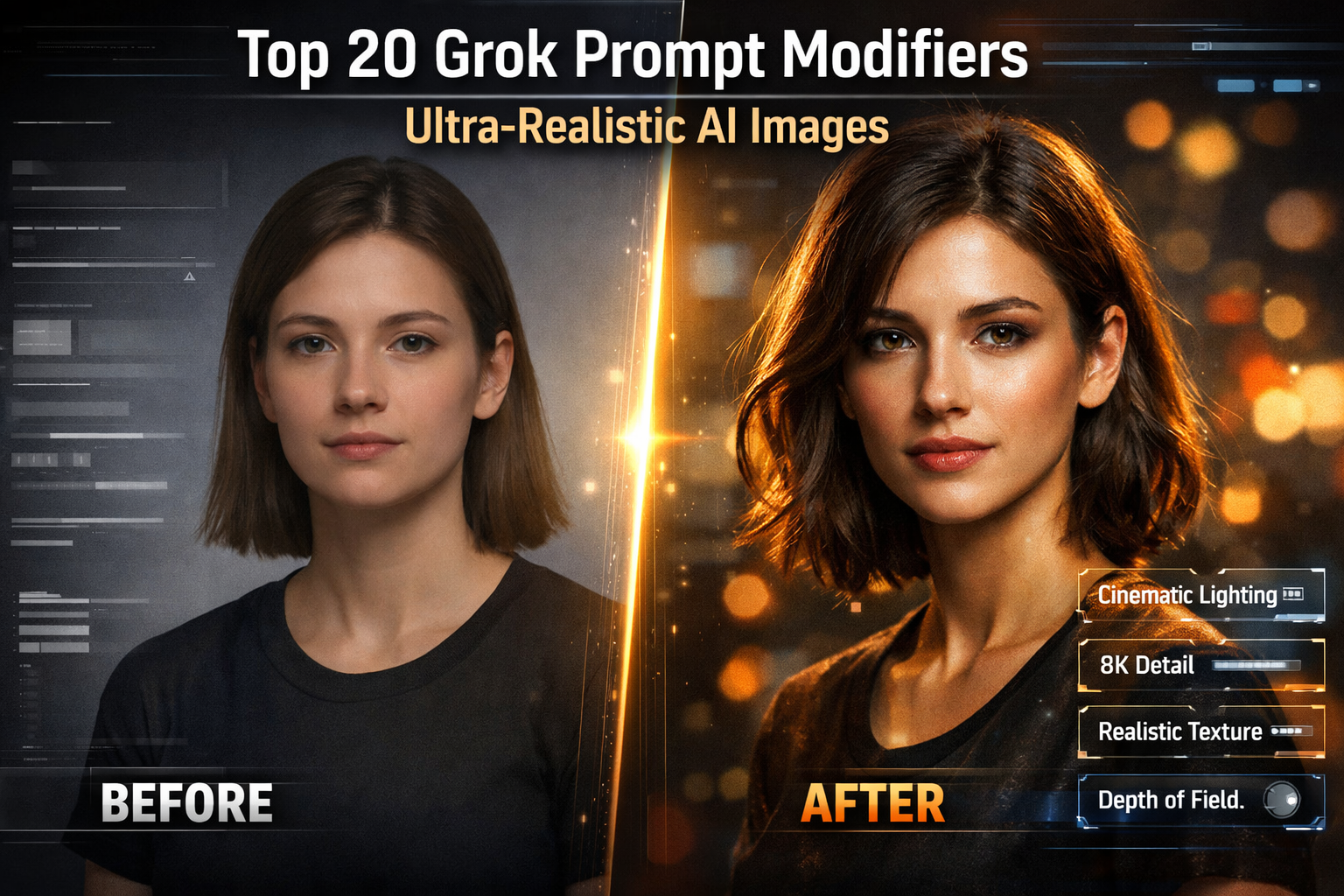
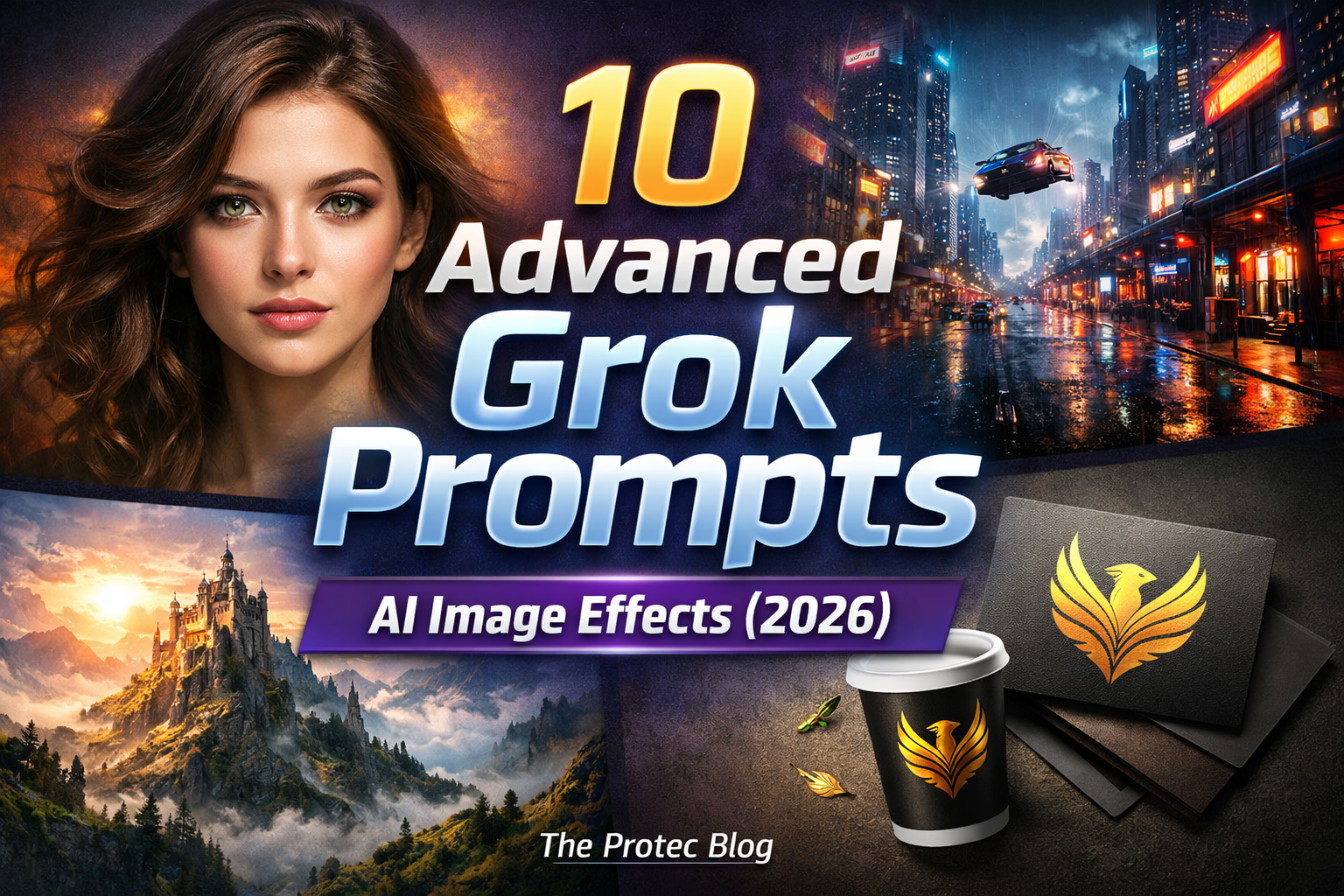
If you want to go deeper, explore our Top 10 Grok Edit Prompts for Stunning AI-Powered Photo Tweaks and learn How to Use Grok Edit Step-by-Step to master text-based image editing. For advanced visuals, don’t miss our 25 Best Grok Photo Editing Prompts and Grok Prompts for Logo Design & Branding.
Sources: Grok official docs and Grok Imagine announcements; no-code & automation tutorials for AI TikTok pipelines; AI video generator documentation (InVideo, VEO, Creatomate). See references below for quick reading.
References
- Grok Official – Features, Imagine Tool & Integration Overview
- InVideo – AI TikTok Video Generator, Templates & Editing Tools
- Creatomate – Tutorials on TikTok Automation & AI Video Generation
- VEO + n8n Workflow Example – Automated Viral Video Creation Setup
- Grok Documentation & Prompt Engineering Guide