






Why WordPress 7.0 Compatibility Matters Before You Upgrade
Every major WordPress release changes the way site owners think about their plugin stack, and WordPress 7.0 is no exception. If your website depends on forms, SEO tools, backups, page builders, ecommerce features, or performance optimization, plugin compatibility is the difference between a smooth upgrade and a stressful recovery process. The best WordPress plugins are not just feature-rich; they are actively maintained, tested against the latest core changes, and built to work reliably with modern PHP versions, block-based editing, and current security standards.
For site owners preparing to upgrade, the goal is not to install more plugins. It is to choose the right WordPress tools—ones that support the latest WordPress architecture, use clean code, and fit into a fast, stable, and secure workflow. A plugin that worked well two or three releases ago may still function today, but that is not the same as being fully compatible with WordPress 7.0. Compatibility means the developer has kept pace with changes in core APIs, editing experience, performance expectations, and accessibility requirements.
This guide focuses on the best WordPress plugins that are widely trusted, actively updated, and aligned with the current direction of the platform. If you are planning an upgrade, these are the kinds of tools worth keeping in your stack.
What Makes a Plugin Truly WordPress 7 Compatible?
Before we get into recommendations, it helps to define what “compatible” really means. A plugin is not fully compatible simply because it installs without errors. It should work cleanly with the modern WordPress experience, including the block editor, updated media handling, security improvements, and performance-related core changes. In practice, the best WordPress plugins for WordPress 7.0 share several traits:
Active maintenance: Regular updates, bug fixes, and support responses from the developer.
Broad testing: Tested against the latest WordPress core and current PHP versions.
Performance awareness: No excessive scripts, database bloat, or unnecessary background load.
Security-first design: Proper sanitization, permissions, and safe handling of user input.
Block editor support: Compatibility with modern editing workflows and block themes.
When a plugin checks these boxes, it is much more likely to survive a major core upgrade without breaking your site or slowing down your publishing process.
The Best WordPress Plugins Fully Compatible with WordPress 7.0
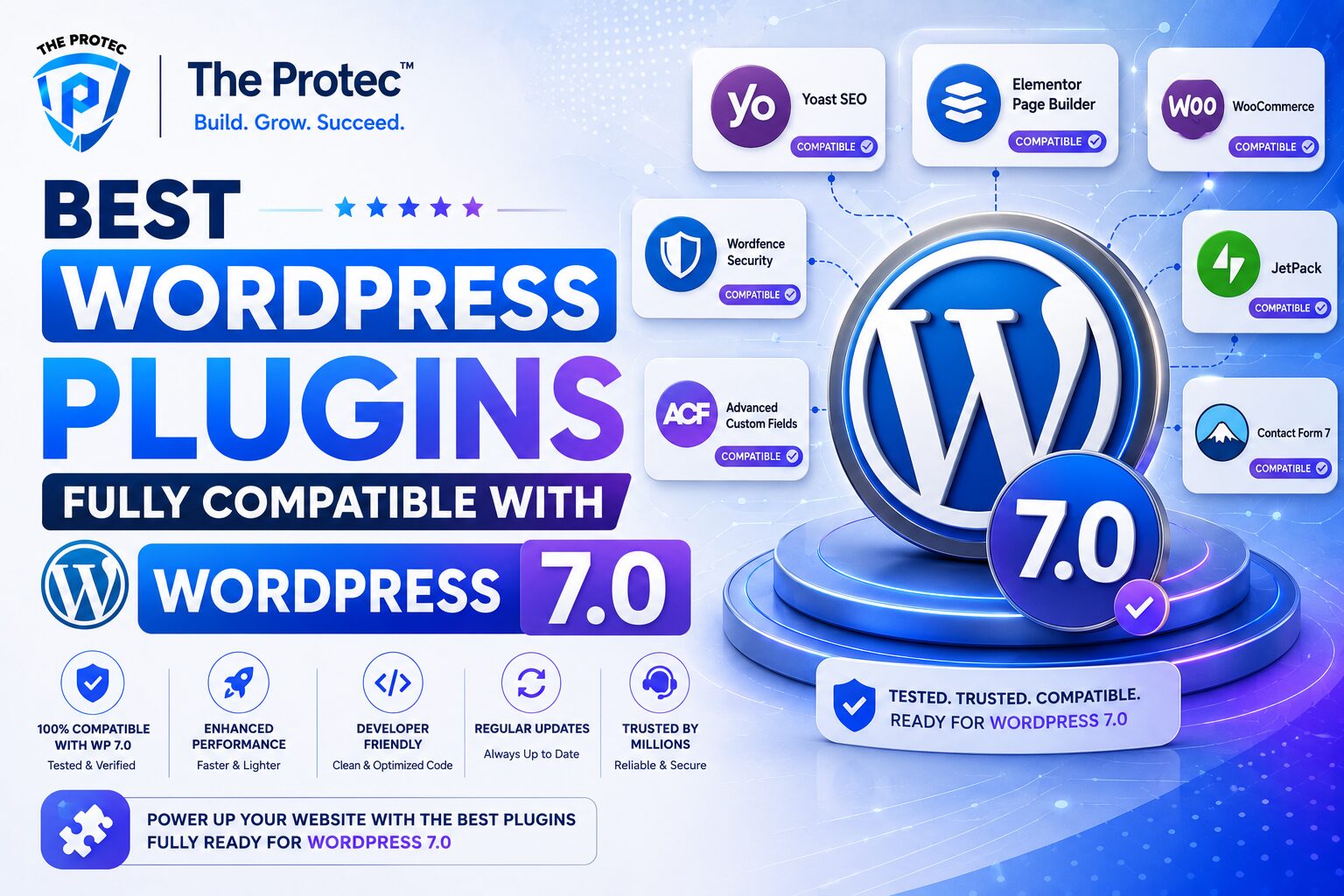
The following plugins are strong candidates for anyone building or maintaining a WordPress site that needs reliability, flexibility, and forward compatibility. They are not just popular; they are practical WordPress tools that fit the current ecosystem and are well suited for upgrade-ready sites.
1. Yoast SEO

Yoast SEO remains one of the most trusted SEO plugins for WordPress, and it continues to adapt to the platform’s modern direction. It helps with metadata, schema, XML sitemaps, canonical URLs, and on-page optimization without requiring technical SEO knowledge for every edit. For publishers preparing to upgrade, Yoast SEO is useful because it integrates cleanly with block themes and supports a streamlined editorial workflow.
Why it stands out for WordPress 7.0:
Strong compatibility with the block editor
Frequent updates aligned with WordPress core changes
Useful content analysis tools for editors and marketers
Reliable technical SEO foundation for growing sites
2. Rank Math

Rank Math has become a favorite among site owners who want advanced SEO features with a modern interface. It offers schema controls, keyword tracking, redirection management, sitemap tools, and rich snippet support. For users comparing the best WordPress plugins, Rank Math is often chosen because it combines a wide feature set with a relatively lightweight experience.
It is especially appealing if you manage multiple content types or need a plugin that can replace several separate WordPress tools. Its compatibility with current WordPress editing workflows makes it a strong option for sites moving into the WordPress 7.0 era.
3. WooCommerce

For ecommerce sites, WooCommerce is the core plugin to evaluate first. It powers product listings, checkout flows, payments, shipping rules, and order management. Because it is one of the most widely used WordPress tools in the ecosystem, it is built to evolve alongside WordPress core and remains a top choice for stores of all sizes.
WooCommerce is especially important for upgrade planning because ecommerce sites have more moving parts than standard blogs. Before moving to WordPress 7.0, store owners should verify that their payment gateways, shipping extensions, and checkout customizations are also compatible. The core plugin itself continues to be one of the best WordPress plugins for online selling.
4. WPForms

WPForms is one of the easiest form-building plugins to recommend for WordPress 7.0 compatibility. It provides drag-and-drop form creation, spam protection, conditional logic, and integrations with email and CRM platforms. Its interface is approachable for beginners while still being capable enough for lead generation, quote requests, registrations, and support forms.
Forms are often overlooked during upgrades, but they are business-critical. If your contact forms stop working, you lose leads. WPForms has earned its place among the best WordPress plugins because it consistently focuses on user experience, reliability, and modern WordPress integration.
5. Gravity Forms

Gravity Forms is a premium form solution for websites that need more advanced workflows. It excels at multi-step forms, complex conditional logic, payment integrations, and custom data collection. For agencies, membership sites, and service businesses, it is one of the most dependable WordPress tools available.
Its strength lies in flexibility and ecosystem support. Developers often choose Gravity Forms when they need a form platform that can handle custom logic without sacrificing stability. That makes it a smart fit for WordPress 7.0-ready sites where business processes depend on accurate form submissions.
6. Elementor
Elementor remains one of the most popular page builders in the WordPress ecosystem. While the broader site-building landscape has shifted toward blocks and native design tools, Elementor still has a large user base and a mature feature set. It is useful for teams that want visual design control, reusable templates, and a large addon ecosystem.
For compatibility planning, the key is to keep Elementor and its add-ons updated and to avoid stacking too many overlapping design plugins. Well-maintained versions of Elementor continue to be strong WordPress 7 compatible plugins for users who rely on visual editing and flexible layouts.
7. Beaver Builder

Beaver Builder is a trusted alternative for users who prefer stability and cleaner output over heavy design complexity. Many developers like it because it tends to be predictable, performance-conscious, and easier to maintain over time. That makes it a strong choice for business sites where reliability matters more than flashy effects.
As WordPress continues to emphasize block-based workflows, Beaver Builder’s consistent development and compatibility focus help it remain a practical option. For agencies managing multiple client sites, it is one of the best WordPress plugins to keep in the toolbox.
8. UpdraftPlus

Backups should be non-negotiable before any major WordPress upgrade. UpdraftPlus is one of the most established backup plugins in the ecosystem, offering scheduled backups, remote storage options, and simple restoration tools. If a plugin conflict appears after upgrading to WordPress 7.0, a recent backup can save hours of troubleshooting.
What makes UpdraftPlus valuable is its balance of simplicity and control. Site owners can automate backup routines without needing a separate server-side process. As a result, it remains one of the most important WordPress tools for upgrade safety.
9. Wordfence Security

Security should be part of every plugin compatibility review. Wordfence Security provides firewall protection, malware scanning, login security, and threat monitoring. It is widely used because it gives site owners practical visibility into potential risks without requiring a dedicated security team.
During a major core transition, the security plugin you choose should be actively maintained and quick to adapt to WordPress changes. Wordfence continues to be one of the best WordPress plugins for protecting content sites, stores, and membership platforms.
10. LiteSpeed Cache

Performance matters more than ever as users expect fast page loads and search engines reward speed and stability. LiteSpeed Cache is a powerful optimization plugin for sites hosted on LiteSpeed servers, but it also offers a range of caching and frontend performance features that can help improve load times.
For WordPress 7.0 readiness, performance plugins should be used carefully. The best ones reduce strain without interfering with core behavior or breaking scripts. LiteSpeed Cache is a strong candidate when paired with the right hosting environment and tested carefully after upgrades.
11. WP Rocket
WP Rocket is a premium performance plugin known for its ease of use and effective caching features. It is often recommended because it simplifies technical optimization tasks such as page caching, file optimization, lazy loading, and database cleanup. That makes it useful for site owners who want speed improvements without digging into server-level tuning.
Among WordPress tools focused on performance, WP Rocket stands out for balancing simplicity and impact. It is especially helpful for content-heavy sites that need to maintain fast load times as they add more media and scripts.
12. Advanced Custom Fields

Advanced Custom Fields, often called ACF, is essential for many developers and content teams building structured WordPress experiences. It allows custom fields to be added to posts, pages, templates, and content models, which is especially useful for editorial workflows and custom site designs.
As WordPress becomes more flexible in how it handles content and layout, structured data management remains important. ACF continues to be one of the best WordPress plugins for teams that need more than standard posts and pages. Its ecosystem and developer adoption make it a dependable choice for WordPress 7.0 projects.
How to Check Plugin Compatibility Before Upgrading
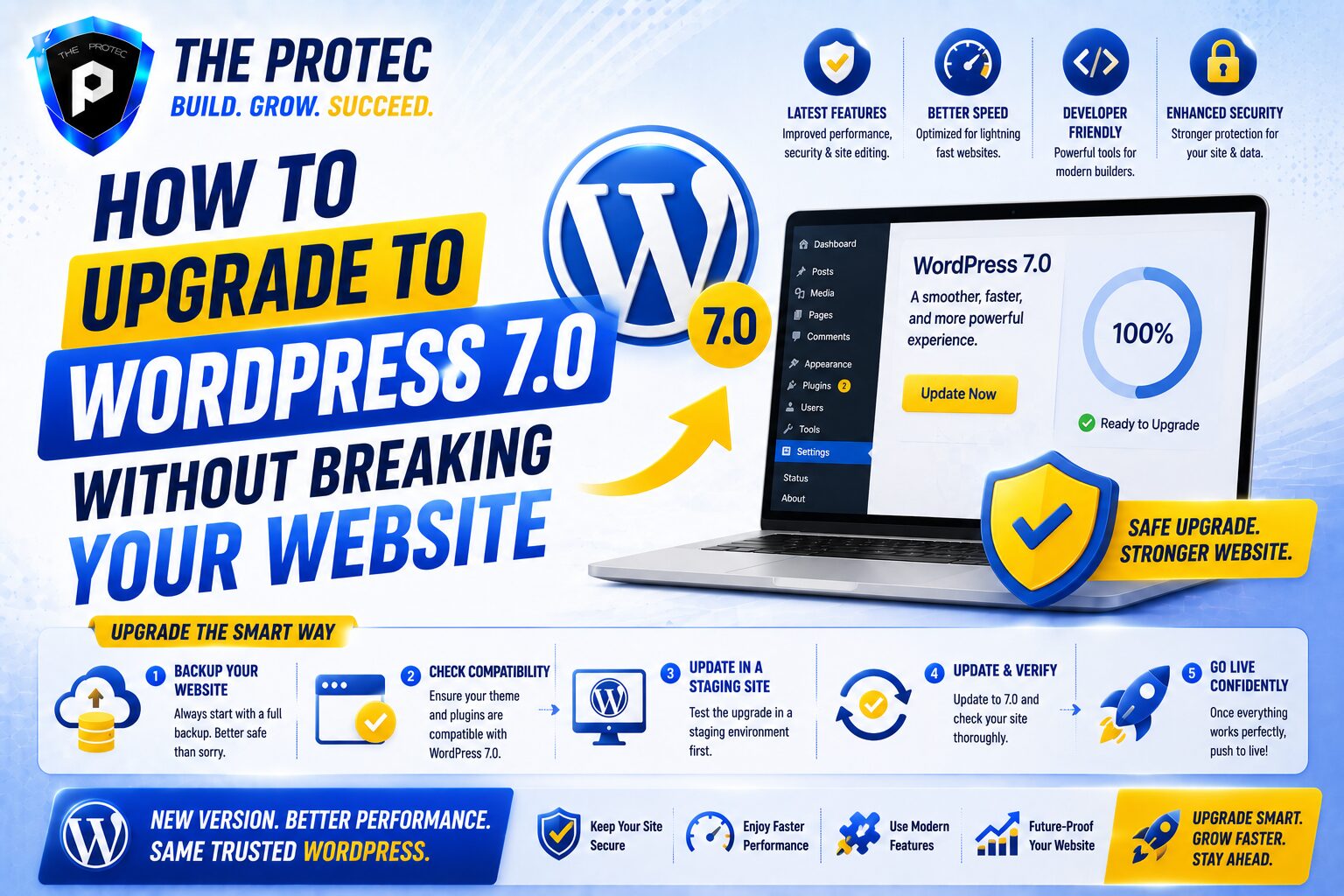
Even if a plugin is popular, you should still check its compatibility before upgrading your production site. The safest approach is to create a staging copy and test your full plugin stack there first. This is especially important for stores, membership sites, and publishing teams that rely on complex workflows.
Review the plugin changelog: Look for recent updates and notes about WordPress compatibility.
Check support forums: See whether users are reporting issues with the latest WordPress core versions.
Test in staging: Verify forms, checkout flows, page templates, and tracking scripts.
Audit overlapping plugins: Remove duplicate tools that perform the same job.
Confirm PHP compatibility: Some plugins may be fine with WordPress but not with newer PHP releases.
This process helps you identify which plugins are truly ready for WordPress 7.0 and which ones should be replaced before the upgrade.
Plugin Stack Strategy for a Safer WordPress 7.0 Upgrade
The smartest upgrade strategy is not to chase the largest number of plugins. It is to build a lean, stable stack that covers only the functions you actually need. A simpler plugin environment reduces the chance of conflicts, speeds up troubleshooting, and improves site performance.
A well-balanced stack for many sites might include one SEO plugin, one form plugin, one backup solution, one security tool, one caching tool, and one design system. Ecommerce sites may add WooCommerce and only the extensions they truly need. Editorial sites may add tools like Advanced Custom Fields or a page builder, but not both unless the workflow demands it.
When evaluating the best WordPress plugins, ask a practical question: does this plugin still earn its place after the upgrade? If the answer is no, it may be better to remove it than to carry unnecessary risk into WordPress 7.0.
External Resources Worth Checking
For official release information and plugin development guidance, it is smart to follow trusted sources. The WordPress.org News section is the best place to monitor core announcements, while the WordPress Developer Resources hub provides technical documentation for plugin compatibility and modern development practices.
FAQs About WordPress 7 Compatible Plugins
How do I know if a plugin is fully compatible with WordPress 7.0?
Check the plugin’s recent update history, changelog, support activity, and stated tested WordPress version. The most reliable WordPress 7 compatible plugins are actively maintained and used successfully by a broad base of site owners.
Should I remove old plugins before upgrading?
Yes, if they are unused, abandoned, or duplicative. Removing unnecessary plugins reduces conflict risk and makes it easier to identify problems during the upgrade process.
Are popular plugins always the safest choice?
Not always, but popularity often indicates strong maintenance and broader testing. Still, you should verify that the plugin is updated regularly and works with your hosting setup, theme, and other WordPress tools.
Can I upgrade without testing plugins first?
You can, but it is not recommended. Testing in staging is the safest way to confirm that your forms, SEO settings, checkout flows, and performance tools will continue to work after the upgrade.
Final Thoughts
Preparing for WordPress 7.0 is less about fear and more about discipline. If you choose the best WordPress plugins, keep your stack lean, and test carefully before upgrading, you can move forward with confidence. The most reliable WordPress tools are the ones that support your site quietly in the background while staying compatible with the direction of the platform.
Whether you run a blog, a business site, or an online store, the plugins in this guide provide a strong foundation for the next version of WordPress. Focus on active maintenance, performance, and real-world stability, and your upgrade will be far smoother when the time comes.