








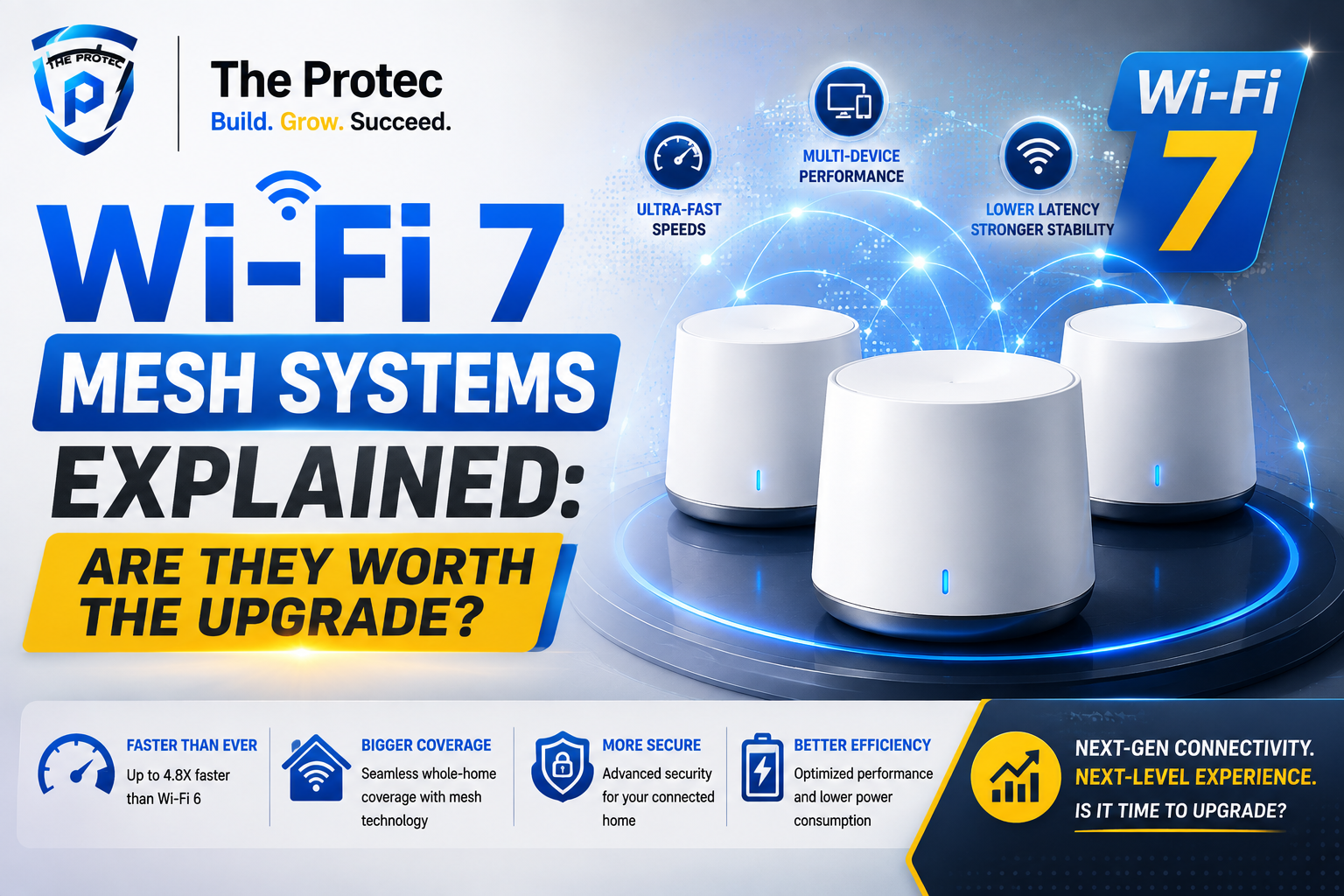
Wi-Fi 7 Mesh Systems Explained: Are They Worth the Upgrade for Large Homes?
For homeowners with sprawling floor plans, dead zones, and an ever-growing list of connected devices, the question is no longer whether mesh Wi-Fi helps. It’s whether the newest generation is worth the jump. Wi-Fi 7 mesh systems are arriving with big promises: faster throughput, lower latency, wider channels, and smarter handling of crowded networks. But if your main problem is whole-home coverage, the real question is simpler: will a Wi-Fi 7 mesh router actually improve daily life enough to justify the cost?
The short answer is that Wi-Fi 7 can be a meaningful upgrade for large homes, but only if your network bottlenecks match what Wi-Fi 7 is designed to solve. If your current mesh system struggles with backhaul performance, congestion, or multi-gig internet speeds, the upgrade can be transformative. If your internet plan is modest and your current mesh already covers every room, the benefits may be more incremental than dramatic.
In this guide, we’ll break down what Wi-Fi 7 brings to mesh networking, how it changes whole-home coverage, what matters most in large homes, and how to decide whether the best Wi-Fi 7 mesh system is truly worth the investment.
What Makes Wi-Fi 7 Different from Previous Mesh Generations?
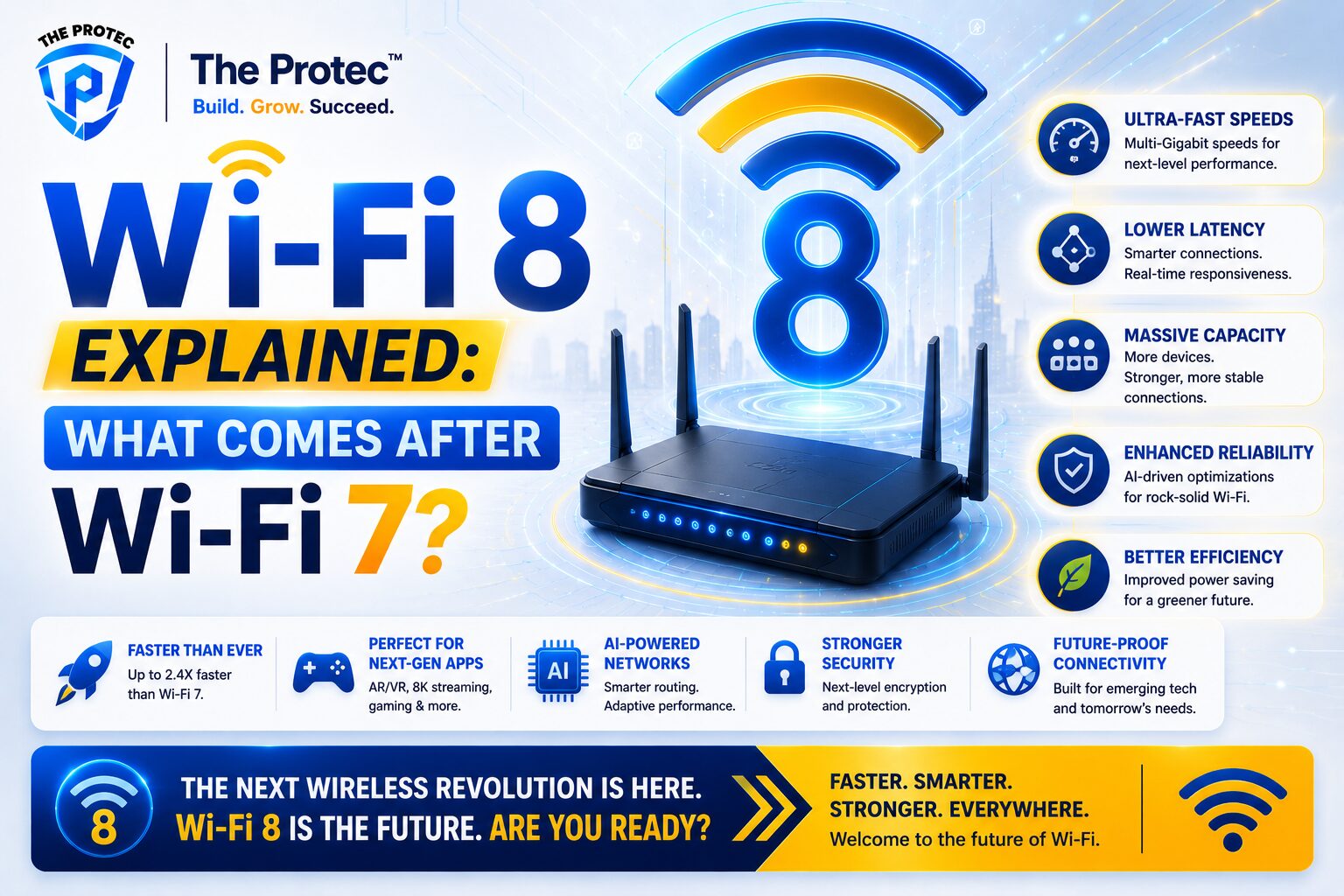
Wi-Fi 7, also known as IEEE 802.11be, is built for denser, faster, and more demanding home networks. Compared with Wi-Fi 6 and Wi-Fi 6E, it introduces several technical improvements that matter most in real-world mesh setups.
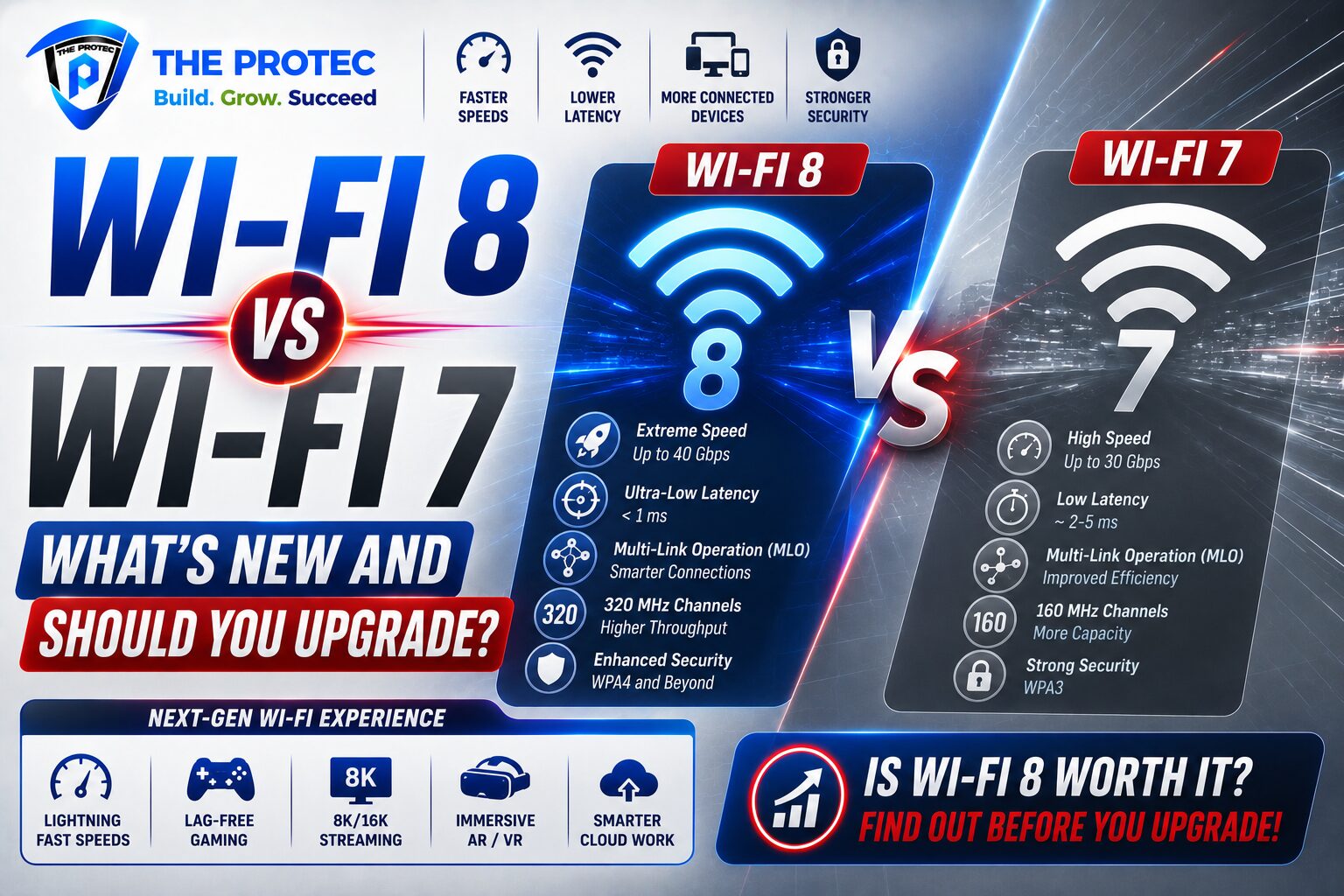
- Wider channels: Wi-Fi 7 supports 320 MHz channels in the 6 GHz band, doubling the width of Wi-Fi 6E’s maximum channel size.
- Higher modulation: 4096-QAM can increase data density, helping compatible devices move data more efficiently at short range.
- Multi-Link Operation (MLO): This allows devices and mesh nodes to use multiple bands at once, reducing latency and improving reliability.
- Better spectrum use: Wi-Fi 7 is designed to handle interference and congestion more intelligently in busy environments.
For a single room, these gains are impressive. For a large home, they matter even more because mesh systems must do two things at once: deliver a strong signal to devices and maintain a fast connection between nodes. That second part is called backhaul, and it is often the difference between a mesh system that feels premium and one that merely extends coverage.
Why Large Homes Need More Than Basic Coverage
Many buyers focus on square footage, but large-home networking is really about layout. A 4,000-square-foot home with open sightlines is easier to cover than a 2,800-square-foot home with thick walls, multiple floors, and a detached garage. Building materials, stairwells, appliance placement, and neighboring Wi-Fi networks all affect performance.
Mesh systems solve this by distributing connectivity across multiple access points. Instead of one router pushing signal to every corner, several nodes work together to create a unified network. The challenge is that each node has to communicate with the others without slowing down the devices connected to it. If that backhaul link is weak, the system may show excellent bars on your phone but deliver disappointing speeds.
This is where Wi-Fi 7 mesh systems can stand out. They are designed to maintain stronger backhaul performance, especially when used with tri-band or quad-band designs and, in some cases, wired Ethernet backhaul. In large homes, that means smoother streaming, better gaming responsiveness, fewer drops on video calls, and more consistent performance in rooms far from the main node.
The Real Advantage: Backhaul Performance
If you only remember one term when shopping for a Wi-Fi 7 mesh router, make it backhaul. Backhaul is the link between mesh nodes, and it is often the hidden bottleneck that determines whether your whole-home network feels fast or frustrating.
Traditional dual-band mesh systems often share the same wireless spectrum for client devices and node-to-node communication. That creates competition for airtime. Tri-band systems improve this by dedicating one band, often 5 GHz or 6 GHz, to backhaul. Wi-Fi 7 makes this even better through wider channels and Multi-Link Operation, which can help nodes communicate across multiple frequencies at once.
In practical terms, this means the remote node in your upstairs bedroom or basement office is less likely to lose speed when the main living room router is under heavy load. That matters in busy homes where one person is streaming 4K video, another is gaming online, and a third is uploading large files to the cloud.
If your current mesh system already uses wired Ethernet backhaul, Wi-Fi 7 still has value, but the benefits shift more toward client-device performance and capacity. If you rely on wireless backhaul, Wi-Fi 7 can be a much bigger leap.
Multi-Gig Internet: When Wi-Fi 7 Starts to Shine
One of the strongest arguments for upgrading is multi-gig internet. As fiber and cable providers expand plans above 1 Gbps, older mesh systems can become the bottleneck. A router with a 1 Gbps WAN port may never fully use a 2 Gbps or 5 Gbps service, even if the wireless radio is capable of more.
Wi-Fi 7 mesh systems increasingly include 2.5 GbE, 5 GbE, or even 10 GbE ports on the main unit and sometimes on satellite nodes. That makes them better suited to high-speed internet and fast wired devices such as NAS storage, desktop PCs, and media servers.
For large homes, multi-gig support matters in two ways:
- Better internet utilization: Faster WAN ports help the system avoid choking premium broadband plans.
- Stronger local network performance: Large households increasingly move large files between devices, not just out to the internet.
If your household has multiple power users, home office setups, 8K media streaming, or local file backups, the best Wi-Fi 7 mesh system can make the network feel more capable and future-ready. If your plan is still under 1 Gbps and your devices are mostly phones, tablets, and smart TVs, you may not see the full value yet.
Device Compatibility: The Catch Most Buyers Miss
Wi-Fi 7 mesh systems can improve the network even before every device supports Wi-Fi 7, but the biggest gains depend on compatible hardware. A Wi-Fi 7 router can still serve Wi-Fi 6, Wi-Fi 6E, and older devices, yet those devices won’t benefit from features like 320 MHz channels or Multi-Link Operation.
This is important because many households upgrade the router before upgrading phones, laptops, and gaming devices. That does not make the purchase pointless. It just means expectations should be realistic.
Here’s how compatibility usually breaks down:
- Wi-Fi 7 devices: Can take advantage of the newest features, especially in low-latency and high-throughput scenarios.
- Wi-Fi 6E devices: Can use the 6 GHz band, which may still improve performance in crowded homes.
- Wi-Fi 6 and older devices: Will connect normally, but gains come mainly from stronger coverage and better network management.
In other words, a Wi-Fi 7 mesh system can be a network-wide improvement today and a performance upgrade tomorrow as your devices catch up. That makes it especially appealing to households that replace phones, laptops, and laptops every few years rather than all at once.
Is Wi-Fi 7 Mesh Worth It for Whole-Home Coverage?
This is the key buying question: is Wi-Fi 7 mesh worth it if your main pain point is coverage? The answer depends on what is causing the coverage problem.
Wi-Fi 7 is worth it if:
- Your home is large, multi-level, or has hard-to-cover areas such as basements, garages, or outdoor living spaces.
- You use wireless backhaul and want better speeds between nodes.
- Your household has many active devices at the same time.
- You subscribe to multi-gig internet or plan to soon.
- You want a longer upgrade cycle and prefer buying ahead of demand.
Wi-Fi 7 may not be worth it yet if:
- Your current mesh already delivers strong speeds in every room.
- Your internet plan is under 1 Gbps and unlikely to change soon.
- Your devices are mostly older Wi-Fi 5 or Wi-Fi 6 models.
- You can solve the problem with better node placement or Ethernet backhaul on your current system.
For many families, the answer is not yes or no but “not yet.” If your current setup is failing, Wi-Fi 7 is a compelling upgrade. If your current mesh is decent but not perfect, you may get a larger return from better placement, more nodes, or running Ethernet cable before replacing the entire system.
What to Look for in the Best Wi-Fi 7 Mesh System
Not every Wi-Fi 7 mesh router is built the same. Marketing can make systems look similar, but the details matter, especially in large homes. When comparing options, look beyond the Wi-Fi 7 label and focus on hardware design.
- Tri-band or quad-band support: More bands often mean better backhaul flexibility and less congestion.
- Multi-gig Ethernet ports: At least one fast WAN port is important for modern broadband plans.
- Dedicated backhaul options: Wireless backhaul should be strong, but Ethernet backhaul is still ideal where possible.
- Coverage per node: Manufacturers often list ideal coverage, but real-world performance depends on walls and layout.
- Security and management features: Parental controls, guest networks, automatic updates, and device prioritization all matter in a family home.
- Scalability: Some systems support adding more nodes later, which is valuable for larger properties or growing needs.
The best Wi-Fi 7 mesh system for one home may not be the best for another. A long, narrow house may need different node spacing than a multi-story home with a basement. Consider where the main bottlenecks are before choosing a package.
Wi-Fi 7 Mesh vs. Wi-Fi 6E Mesh: Should You Wait?
For many shoppers, the decision is between a proven Wi-Fi 6E mesh and a newer Wi-Fi 7 system. Wi-Fi 6E remains a strong option, especially if you want 6 GHz support at a lower price. It can deliver excellent coverage and speed for many homes, particularly when paired with wired backhaul.
Wi-Fi 7, however, has a stronger long-term case because it improves the mechanics of mesh networking itself. Where Wi-Fi 6E opened new spectrum, Wi-Fi 7 makes better use of that spectrum. That means stronger performance under load, better responsiveness, and more room for future devices and faster broadband plans.
If you’re upgrading from Wi-Fi 5 or an older dual-band mesh, Wi-Fi 7 may feel like a significant leap. If you already own a capable Wi-Fi 6E mesh that covers your home well, the jump may be harder to justify unless you need multi-gig support or better wireless backhaul.
What Large-Home Buyers Should Prioritize Before Buying
Before choosing a mesh system, assess your home like a network engineer would. The right system starts with the right diagnosis.
- Map dead zones: Identify where signal drops, not just where speed tests dip.
- Check internet speed: If your service is under 1 Gbps, network improvements may matter more than raw throughput.
- Count devices: Smart TVs, cameras, thermostats, phones, consoles, and laptops all compete for airtime.
- Consider wiring: Ethernet backhaul can dramatically improve any mesh network, including Wi-Fi 7.
- Think about future use: Home offices, media servers, and smarter homes tend to increase network demand over time.
For some homes, a well-placed three-node mesh with Ethernet backhaul may outperform a more expensive system used poorly. For others, especially homes with no cabling and lots of interference, Wi-Fi 7’s advanced wireless features may be exactly what’s needed.
Bottom Line: Is Wi-Fi 7 Mesh Worth the Upgrade?
Wi-Fi 7 mesh systems are not just faster—they are better suited to the realities of modern large homes. They address the pain points that matter most: backhaul performance, crowded wireless environments, and the growing demand for multi-gig internet. If your current network is struggling to cover every room evenly, a Wi-Fi 7 mesh router can absolutely be worth the upgrade.
That said, the value depends on your setup. The best Wi-Fi 7 mesh system is the one that matches your home’s layout, your internet speed, and your device ecosystem. If you have a large property, multiple heavy users, and an internet connection that can take advantage of faster hardware, the upgrade makes strong sense. If your current mesh already works well and your internet plan is modest, you may not feel the full benefit yet.
In simple terms: Wi-Fi 7 is most compelling when coverage, congestion, and speed all matter at once. That combination is common in large homes, which is why this new generation is attracting so much attention.
FAQ
What is the biggest advantage of a Wi-Fi 7 mesh system?
The biggest advantage is improved whole-home performance under load. Wi-Fi 7 improves backhaul, increases capacity, and reduces latency, which helps large homes maintain strong coverage and speed across multiple rooms.
Do I need Wi-Fi 7 devices to benefit from a Wi-Fi 7 mesh router?
No. Wi-Fi 7 mesh systems are backward compatible with older devices. However, the most advanced features, such as Multi-Link Operation and wider channels, require Wi-Fi 7-compatible clients.
Is Wi-Fi 7 mesh worth it for internet speeds below 1 Gbps?
It can be, but the value is less obvious. If your main issue is coverage and congestion in a large home, Wi-Fi 7 can still help. If your current mesh already covers the home well, the upgrade may not feel urgent.
Should I choose wireless or Ethernet backhaul with a Wi-Fi 7 mesh system?
Ethernet backhaul is still the best choice when available because it frees wireless capacity for devices. Wireless backhaul is more flexible and easier to install, and Wi-Fi 7 improves it significantly, especially in larger homes.
How many nodes do I need for a large home?
It depends on the layout, wall materials, and square footage. Many large homes need at least a three-node system, but open floor plans may need fewer and dense, multi-story layouts may need more.
Final Takeaway
If your priority is reliable, room-to-room coverage in a large home, Wi-Fi 7 mesh systems are more than a marketing refresh. They are a practical response to how modern households actually use the internet. Faster broadband, more devices, and higher expectations for seamless streaming and gaming have raised the bar. Wi-Fi 7 is built for that reality.
For buyers comparing the best Wi-Fi 7 mesh system options, the smartest move is to focus on backhaul quality, port speeds, and real coverage needs rather than headline Wi-Fi speeds alone. That’s where the real value lives—and where the upgrade becomes truly worth it.