







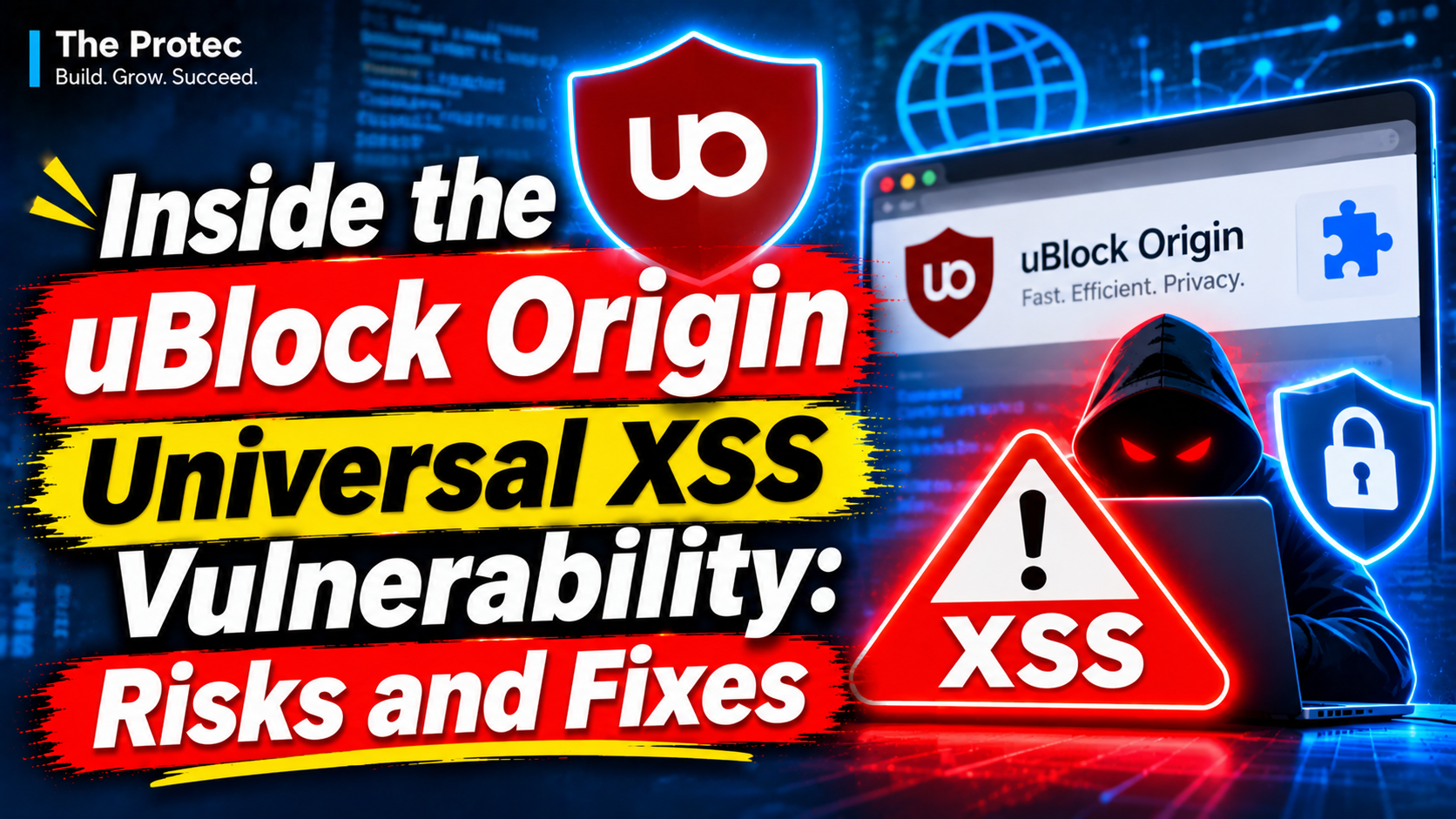
A webpage should not be able to turn an ad blocker into a tool for attacking other sites. Yet the uBlock Origin universal XSS vulnerability created that possibility in affected Firefox installations. Disclosed by security researcher Smitty van Bodegom, the high-severity flaw allowed a malicious page to misuse uBlock Origin’s website-driven element picker, internal messaging, and insufficient filter validation. After persuading a user to click within the page, an attacker could potentially create a trusted filtering rule capable of injecting JavaScript into unrelated websites.
The issue is documented in GitHub advisory GHSA-cmqw-9r2w-6wv2. It affected the Firefox Manifest V2 edition of uBlock Origin through version 1.75.2 and was patched in version 1.75.4. Later changes in 1.76.0 added further validation and temporarily prevented certain WAR-related filtering behavior. The advisory does not assign or identify a CVE, and the available public record does not establish that attackers exploited the weakness in real-world campaigns.
What happened in the uBlock Origin security vulnerability?
uBlock Origin includes an element picker that lets users select distracting or unwanted parts of a webpage and create filters to hide them. Ordinarily, this is a useful, user-directed feature: the user activates the picker, chooses an element, reviews a suggested rule, and confirms it.
The vulnerable Firefox Manifest V2 implementation exposed a more dangerous path. A hostile site could initiate or influence the website-driven picker workflow and then trick the visitor into clicking on the page. The problem was not merely that the site could suggest an ordinary cosmetic rule. Weaknesses in how messages and proposed filters were handled could allow attacker-controlled input to cross into a context where uBlock Origin treated it with greater trust than a webpage should possess.
In effect, the vulnerable workflow blurred two security roles. The webpage was untrusted content, while the extension had elevated browser privileges. Because the extension did not sufficiently validate all relevant message fields and filter characteristics at that boundary, a malicious page could attempt to create a trusted filter. Such a rule could invoke privileged filtering capabilities, including mechanisms able to place extension-supplied JavaScript into pages.
How the element picker vulnerability could become universal XSS
Cross-site scripting usually affects a particular website because that site handles attacker-controlled content unsafely. Universal cross-site scripting, often shortened to UXSS, is more serious in scope: a browser component or extension may provide a route for code to run across multiple origins rather than within one vulnerable application.
The reported uBlock Origin XSS chain began on a page controlled by the attacker. Van Bodegom’s technical account describes conceptual use of manipulated XMLHttpRequest activity and an invisible iframe to steer data through the picker-related process. The iframe could provide another browsing context while the altered request or response data helped shape the filter submitted to the extension. A click from the victim supplied the user interaction needed to advance the flow.
The critical outcome was trusted filter injection. Once accepted, the malicious rule could apply beyond the attacker’s original page and inject JavaScript into other websites. That cross-origin reach is why the weakness was classified as a universal XSS issue rather than a conventional page-level script injection bug.
This description intentionally omits payload construction, message formats, and step-by-step reproduction details. Defenders need to understand the trust failure, but publishing an unnecessary exploitation recipe would add little value for users deciding whether to update.
Trusted filters are not ordinary cosmetic filters
Most people think of an ad-blocking filter as an instruction to block a network request or hide a page element. Those routine rules are designed to have limited effects. A cosmetic filter might remove a banner matching a selector, while a network filter might stop a request to a known advertising domain.
Trusted filters occupy a more privileged category. They can use capabilities reserved for trusted lists or extension-controlled operations, including advanced transformations and scriptlet-style behavior. These features are valuable for countering sophisticated anti-blocking code and modifying troublesome page behavior, but they also carry greater risk if untrusted input can create them.
The security lesson is straightforward: a filter’s text is not harmless simply because it resembles configuration data. If a filtering language can trigger privileged actions, accepting a filter is comparable to accepting code. The extension must validate both the source and the permitted semantics of the rule instead of relying on a user click as proof that everything inside the request is safe.
Affected versions and the uBlock Origin update
- Affected product: The main issue applied to uBlock Origin’s Firefox Manifest V2 extension.
- Affected versions: Version 1.75.2 and lower, according to the advisory.
- Patched version: Version 1.75.4 addressed the disclosed vulnerability.
- Additional hardening: Version 1.76.0 introduced more filter validation and temporarily prevented WAR-related filters in the relevant workflow. Here, WAR refers to web-accessible-resource functionality, not armed conflict.
- CVE status: GHSA-cmqw-9r2w-6wv2 does not identify a CVE for the issue.
Users should install the newest version available from Mozilla’s official extension store rather than stopping at the minimum patched release. Subsequent releases can contain additional security hardening and compatibility fixes. Browser extension stores normally update add-ons automatically, but checking manually is worthwhile after a significant disclosure.
How uBlock Origin Lite differs from the Firefox MV2 flaw
A similar issue was reported in uBlock Origin Lite, the Manifest V3-based product, but it was described as less serious. It should not be treated as identical to the main Firefox extension vulnerability. Manifest V3 imposes different architectural and permission constraints, and uBO Lite does not simply reproduce every capability of full uBlock Origin.
The central advisory concerns the Firefox Manifest V2 version and its picker, messaging, and trusted-filter handling. The related uBO Lite vulnerability still reinforces the need to validate webpage-originated input, but readers should avoid assuming that both extensions offered the same exploitation path or impact. Likewise, the disclosure is not evidence that Manifest V2 is always insecure or that Manifest V3 automatically eliminates extension flaws. Secure design depends on the implementation as well as the platform.
Why browser extension security boundaries matter
Extensions often operate across many websites and may receive permissions to inspect or alter page content, intercept requests, store configuration, or communicate with privileged background components. That power makes them useful, but it also makes their interfaces security boundaries.
A content script may interact with a webpage while also exchanging messages with an extension’s background logic. Any bridge between those environments must assume that page-controlled values are hostile. A user gesture can authorize a narrow action, but it should not cause the extension to trust arbitrary hidden parameters supplied by the page.
Robust browser extension security therefore requires strict message schemas, sender and context checks, allowlists for privileged operations, and validation at the final point where an action is performed. Sanitizing data only in the visible interface is insufficient if another internal component later interprets the same data as a trusted rule.
What users should do now
- Update through the official store. Obtain uBlock Origin only through Mozilla’s official add-on marketplace or another browser’s verified extension store. Avoid third-party download sites and repackaged files.
- Verify the installed version. In Firefox, open the Add-ons Manager, select Extensions, and view uBlock Origin’s details. Version 1.75.4 contains the initial patch, while users should install the latest currently offered release.
- Keep automatic updates enabled. Extension and browser updates close known security gaps and may add defense-in-depth improvements beyond the original fix.
- Update the browser itself. Extension isolation and messaging depend partly on browser security controls, so an updated add-on should not be paired with an obsolete browser.
- Limit extension exposure. Remove extensions you no longer use and avoid add-ons from unknown developers. Every extension with broad site access expands the software trusted with browsing activity.
There is no need to uninstall a legitimately sourced, current version of uBlock Origin solely because an older release contained this flaw. Updating is the appropriate response. Users also should not infer compromise merely because they previously ran an affected version; no confirmed exploitation campaign is identified in the advisory.
An unusual role for AI-assisted vulnerability research
Van Bodegom’s disclosure account credits GPT-5.6 Sol with performing much of the initial vulnerability discovery, while stating that the researcher personally verified the issue. That attribution is notable, but it does not remove the need for human validation. Security findings require reproducibility, impact analysis, responsible reporting, and careful separation of plausible model output from confirmed behavior.
The episode offers a measured example of AI assisting security research rather than independently establishing a vulnerability. The durable evidence remains the verified technical behavior, maintainer response, patches, and published advisory.
Frequently asked questions
Was the uBlock Origin universal XSS vulnerability exploited in the wild?
No public evidence cited by the advisory establishes real-world exploitation. The vulnerability had a credible attack path, but possibility is not proof of an active campaign. Claims that users were broadly attacked through this flaw would require evidence not present in the disclosed sources.
Did merely visiting a malicious website trigger the attack?
The reported scenario required the page to manipulate the picker-related workflow and trick the user into clicking. That interaction did not make the process safe, because the extension could still accept attacker-influenced data. However, the issue should not be described as an automatic infection caused by every passive page visit.
Which version fixed the vulnerability?
GitHub advisory GHSA-cmqw-9r2w-6wv2 lists uBlock Origin 1.75.4 as the patched version for installations affected through 1.75.2. Version 1.76.0 added more validation and temporarily restricted WAR-related filters. Installing the latest official release is preferable to seeking an old minimum version.
Does the vulnerability have a CVE number?
No CVE is identified in the advisory. Its public tracking identifier is the GitHub Security Advisory number GHSA-cmqw-9r2w-6wv2. The absence of a CVE does not reduce the technical importance or severity of a confirmed vulnerability.
Is uBlock Origin Lite affected in the same way?
No. A similar concern was reported for uBlock Origin Lite, but it was characterized as less serious and operates under a different Manifest V3 architecture. The high-severity universal XSS advisory primarily concerns the full Firefox Manifest V2 extension.
The broader takeaway
This flaw was not simply an ad-blocking mistake. It was a trust-boundary failure in software with authority across websites. A convenient page-facing interface, insufficiently constrained internal messages, and a powerful filtering language combined to create cross-origin risk.
The patches address the known path, while the additional validation in 1.76.0 reflects a defense-in-depth response. For users, the priority is simple: run an official, current extension and browser. For extension developers, the lesson is broader—webpages must remain untrusted even when a user clicks, and no external message should gain privileged meaning without rigorous validation.