








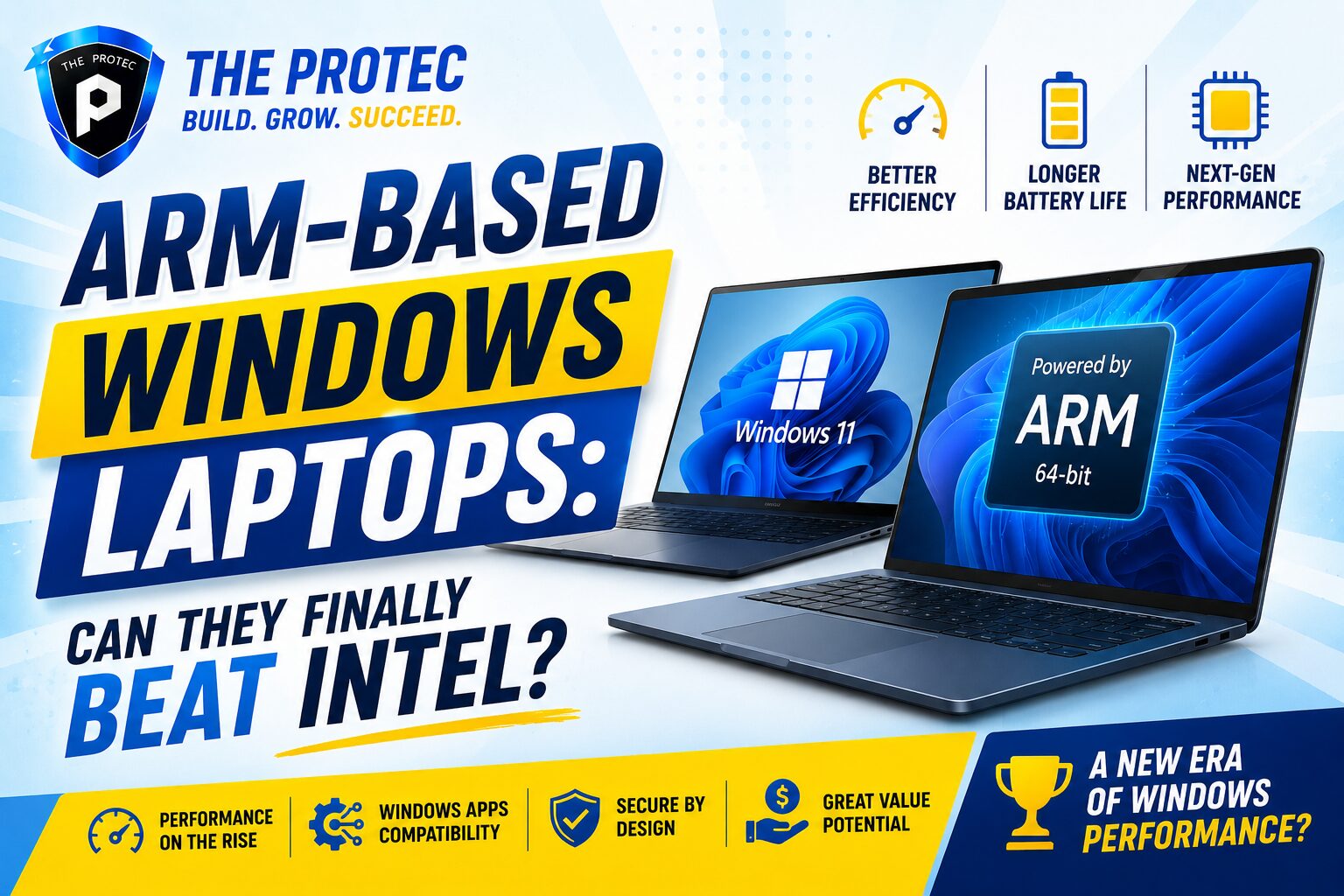
ARM-Based Windows Laptops: Are They Ready to Replace Intel?
For years, the idea of a Windows laptop powered by ARM has sounded promising but unfinished. The pitch was simple: better battery life, cooler operation, instant wake, and always-connected performance in a slimmer design. The reality, however, often came with trade-offs in app compatibility, emulator overhead, and uneven performance under heavier workloads.
That conversation has changed dramatically. With Qualcomm’s Snapdragon X Elite platform now pushing ARM Windows laptops into the mainstream, the question is no longer whether ARM can run Windows. The real question is whether it can replace Intel for the productivity user who lives in browsers, Office apps, Slack, Zoom, cloud tools, and lightweight creative workflows.
If you are comparing Intel vs ARM laptops today, the answer depends less on raw benchmark hype and more on how you work. Some users will find ARM laptops ready right now. Others will still be better served by Intel, especially if they depend on specialized software, legacy drivers, or demanding local workloads. In this article, we’ll look closely at performance, compatibility, battery life, and the practical realities of switching.
Why ARM Windows Laptops Matter Now
ARM laptops are not new, but the latest wave of Windows machines is different. Earlier attempts often felt like first-generation experiments: promising battery life, but limited app support and inconsistent performance. What makes the current generation important is that it finally combines three things productivity users care about: strong CPU performance, excellent power efficiency, and a growing ecosystem of native apps.
Qualcomm’s Snapdragon X Elite has become the headline chip because it raised expectations across the industry. Instead of positioning ARM as a compromise, it made ARM laptops look competitive with mainstream Intel ultrabooks in everyday work. That matters because most knowledge workers do not need desktop-class brute force; they need a fast, quiet machine that stays responsive all day and handles hundreds of browser tabs, video calls, and office documents without turning into a space heater.
At the same time, Microsoft has been steadily improving Windows on ARM with better emulation, stronger developer support, and more native application availability. This is a major reason the platform feels much closer to mainstream readiness than it did even a few years ago.
Intel vs ARM Laptops: The Core Difference
When people compare Intel vs ARM laptops, they are usually comparing two very different design philosophies.
- Intel laptops use x86 processors, which have powered Windows PCs for decades.
- ARM laptops use ARM-based processors built around efficiency and lower power consumption.
That architectural difference affects everything from battery life to software compatibility. Intel systems have the advantage of maturity: nearly every Windows application, peripheral, and driver has been tested on x86 for years. ARM systems, by contrast, need either native ARM apps or emulation for older x86 software.
In the past, that emulation gap was a deal-breaker for many buyers. Today, it is much less severe for productivity users than it once was. But “less severe” does not mean invisible. If your workflow depends on niche enterprise tools, certain VPN clients, older printer drivers, or specialized hardware integrations, you still need to verify support before making the jump.
Snapdragon X Elite and the New ARM Performance Story
The Snapdragon X Elite has changed the conversation because it demonstrates that ARM Windows laptops can deliver strong day-to-day performance without depending on aggressive power draw. In practical terms, that means a laptop can feel quick in common productivity tasks while staying quiet and efficient.
For most office users, performance comes down to responsiveness rather than peak benchmark numbers. Opening large spreadsheets, switching between browser tabs, joining video meetings, and editing documents are the tasks that define a workday. ARM systems built around Snapdragon X Elite are very good at this type of workload, especially when the software is native or well-optimized.
Where the platform stands out:
- Fast app launching for modern native software
- Smooth multitasking in browser-heavy workflows
- Low fan noise and cooler chassis temperatures
- Excellent standby behavior and instant resume
That said, there are still situations where Intel can pull ahead, particularly in workloads that rely on mature x86 software optimization, certain plug-ins, or apps that have not been fully tuned for ARM. If your work is light to moderate and cloud-based, ARM can feel surprisingly complete. If your work is specialized or locally intensive, Intel remains the safer choice.
Battery Life: Still ARM’s Biggest Advantage
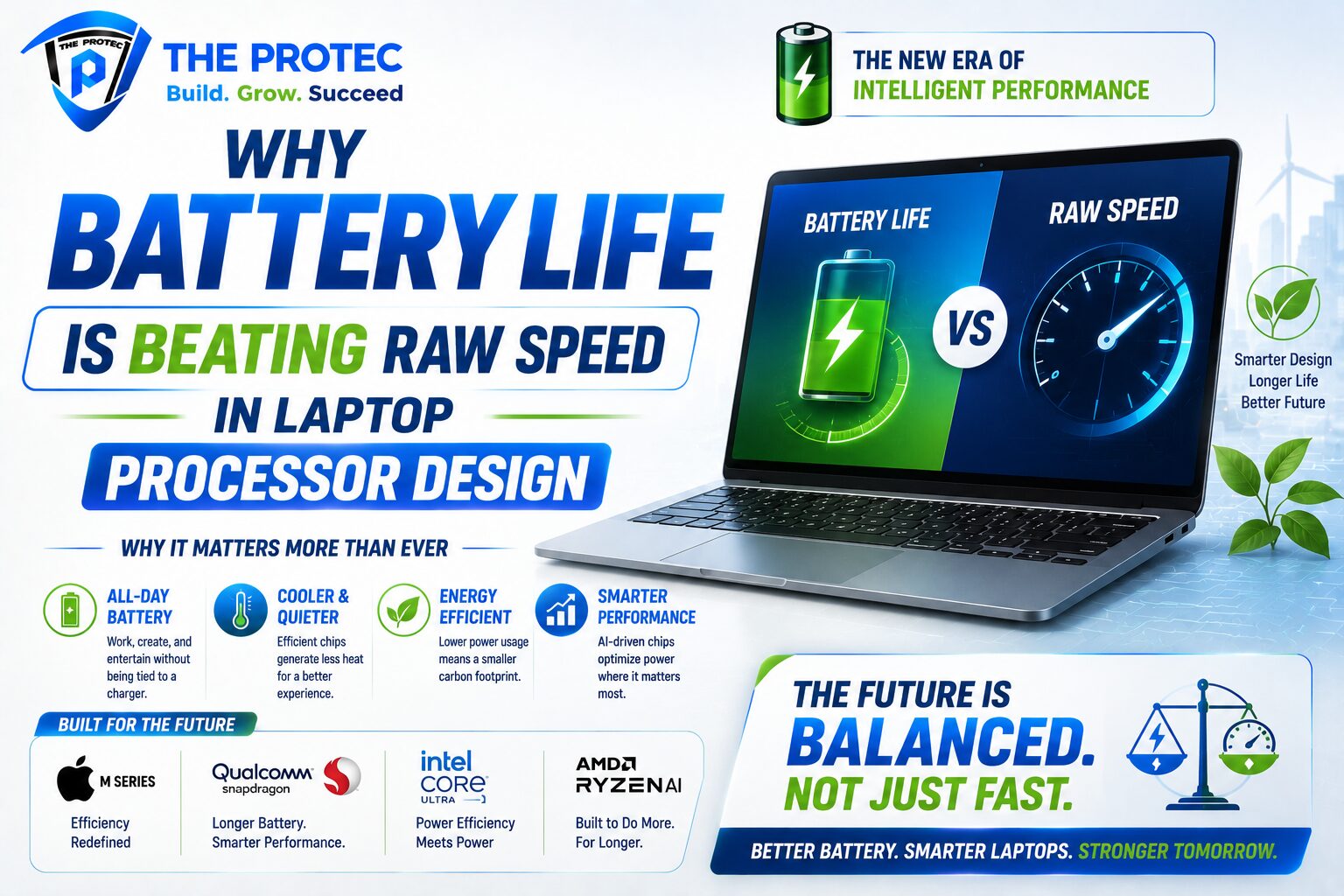
If there is one area where ARM Windows laptops have consistently impressed, it is battery life. ARM chips are designed around efficiency, and that shows up in real-world use. Productivity users who spend hours in browsers, email, documents, and calls will often see significantly longer unplugged sessions compared with many Intel systems.
This is especially valuable for people who move between meetings, travel frequently, or simply want a laptop that does not require daily charging. In mixed-use scenarios, ARM laptops can easily become “all-day” machines and, in some cases, go beyond that. That changes how people work because they stop thinking about battery anxiety and start treating the laptop like a truly mobile device.
Intel has improved efficiency a lot, especially in newer laptop platforms, but ARM still tends to lead on battery life per watt. For productivity users, that advantage can be more meaningful than a small difference in peak speed. A machine that is 10% faster but needs charging twice as often is not always the better work tool.
Compatibility: The Biggest Question for Productivity Users
Compatibility is the most important issue in the Intel vs ARM laptops debate. For productivity users, the question is not whether the laptop can run a benchmark. The question is whether it can run the exact software you rely on every day.
Today’s Windows on ARM ecosystem is much healthier than before, but compatibility still breaks into three broad categories:
- Native ARM apps that run best and use the platform efficiently
- Emulated x86/x64 apps that usually work, but may lose some performance
- Incompatible apps or drivers that can still create problems
For mainstream productivity, compatibility is now reasonably good. Microsoft Office, Edge, Chrome, Teams, Zoom, and many popular collaboration tools are available in native or well-supported forms. Cloud-first workflows also reduce friction because the browser handles much of the heavy lifting.
However, there are still caveats. Some antivirus tools, legacy business apps, older printer and scanner drivers, and specialized peripherals may not be supported. Virtualization and development workflows can also be more complicated depending on the software stack you use.
That is why ARM laptops are easiest to recommend for users whose workload is mostly modern, web-based, and mainstream. The more your workflow depends on older or specialized software, the more carefully you should evaluate compatibility before switching.
What Works Well on ARM Windows Laptops
For the right user, ARM Windows laptops can be excellent productivity machines. They are especially strong in scenarios where efficiency, portability, and quiet operation matter more than raw local compute.
Best-fit productivity tasks
- Web browsing with many tabs open
- Email, calendar, and office work
- Video conferencing and remote collaboration
- Note-taking and document editing
- Light photo editing and content review
- Cloud-based project management tools
These are not trivial tasks. For many professionals, they represent 80% or more of the workday. In these scenarios, Snapdragon X Elite systems can feel genuinely premium, delivering the kind of responsiveness and battery life that make a laptop pleasant to use instead of merely acceptable.
Another benefit is thermals. ARM laptops often stay cooler under normal use, which improves comfort during long typing sessions and makes fan noise less distracting in meetings or shared spaces.
Where Intel Still Has the Edge
Even with the rise of ARM Windows laptops, Intel remains the safer default for many buyers. That is not because ARM is weak; it is because Intel has decades of software and hardware compatibility behind it.
Intel laptops still make more sense if you need:
- Maximum compatibility with older Windows software
- Specialized drivers and enterprise hardware support
- Consistent behavior with legacy VPN, security, or accounting tools
- Better support for certain virtualization and development setups
- A wider choice of workstation-class and performance-tuned devices
Intel also remains attractive for users who occasionally step beyond productivity into heavier local workloads. If you run large local datasets, build software frequently, or use niche applications that depend on x86-specific behavior, the reliability of Intel is still hard to beat.
In short, Intel is not obsolete. It is simply no longer the only credible option for a mainstream Windows productivity laptop.
Developer, IT, and Enterprise Considerations
One of the most interesting shifts in the ARM Windows laptop market is how enterprise teams are beginning to evaluate it. IT departments care less about chip architecture and more about deployability, security, manageability, and app support. On that front, ARM is getting better, but it is not yet universal.
For managed fleets, the big questions include whether line-of-business apps are ARM-ready, whether device management tools behave correctly, and whether corporate security software is supported. Enterprises that are heavily cloud-based and standardized on Microsoft 365 may find the transition easier. Organizations with older internal software or custom drivers may face more friction.
Developers also need to think carefully. If you work primarily in web development, Python scripting, or cloud-native tooling, ARM can be workable and sometimes excellent. If you depend on specific virtualization stacks, Linux containers, emulation layers, or architecture-specific test environments, Intel may still be the smoother path.
Should Productivity Users Buy ARM Now?
For many productivity users, the answer is yes, but with conditions. ARM Windows laptops are ready for people whose work is modern, connected, and software-light. If your day is built around browser apps, Office, messaging, video meetings, and cloud storage, a Snapdragon X Elite laptop can be a great fit.
Buy ARM now if you value:
- Outstanding battery life
- Quiet and cool operation
- Fast everyday responsiveness
- Modern productivity software
- Portable, all-day computing
Stick with Intel if you need:
- Broadest software compatibility
- Legacy app and driver support
- Specialized business tools
- More predictable behavior with older workflows
In practical terms, ARM is now ready to replace Intel for a large segment of productivity buyers, but not for everyone. The market has reached an important milestone: ARM is no longer the risky choice by default. Instead, it is a compelling alternative that may actually be better for the right user.
What the Market Trends Suggest Next
The direction of the market is clear. More native ARM apps are arriving, developers are paying more attention to Windows on ARM, and hardware vendors are now building premium laptops around the platform rather than treating it as a side project. That creates a positive feedback loop: better hardware attracts more users, which encourages more software support, which makes the platform more viable for everyone.
At the same time, Intel is not standing still. The competitive pressure from Snapdragon X Elite and similar ARM platforms is forcing x86 vendors to keep improving efficiency, battery life, and thermal performance. That is good news for buyers, because it means even Intel laptops are becoming better balanced machines.
The most likely future is not a sudden replacement of Intel, but a gradual shift where ARM becomes a first-class option for mainstream productivity. Over time, many users may stop caring what architecture their laptop uses, as long as it is fast, efficient, and compatible with their apps. That is when ARM will have truly won.
FAQ: ARM Windows Laptops vs Intel
Are ARM Windows laptops fast enough for everyday work?
Yes. For browsing, email, Office apps, video conferencing, and cloud-based workflows, modern ARM Windows laptops are fast enough for most productivity users. Snapdragon X Elite models are especially strong in this area.
Do ARM laptops have app compatibility problems?
They can, but the situation has improved a lot. Many popular apps now run natively or work well through emulation. The main risk is with older, specialized, or driver-dependent software.
Is Intel still better than ARM for Windows?
Intel is still better if you need maximum compatibility, legacy software support, or specialized enterprise tools. But for battery life and quiet, efficient productivity, ARM is now highly competitive and often better.
Should I buy a Snapdragon X Elite laptop?
If your workload is mostly modern productivity software and you want excellent battery life, a Snapdragon X Elite laptop is a strong choice. If you rely on niche apps or older peripherals, check compatibility carefully first.
Will ARM eventually replace Intel laptops?
ARM is likely to take a much larger share of the Windows laptop market, especially among productivity users. Full replacement of Intel is less certain, but ARM is clearly becoming a mainstream option rather than a niche one.
Final Verdict
ARM-based Windows laptops are finally at the point where they deserve serious consideration from productivity users. With Snapdragon X Elite leading the charge, they offer a compelling mix of battery life, portability, quiet operation, and strong everyday performance. For many users, especially those who work in modern cloud-first environments, ARM is no longer a compromise.
But Intel still matters. Its compatibility advantage remains real, and that advantage is enough to keep it the better choice for users with older, specialized, or demanding workflows. The smartest way to think about ARM Windows laptops is not as a universal Intel replacement, but as a new mainstream option that is excellent for the right kind of work.
If your laptop life is mostly productivity, the ARM era has arrived. If your workflow depends on legacy software or complex local tooling, Intel still deserves its place. Either way, the competition is making Windows laptops better for everyone.
Nice comparison between ARM and Intel.
Long battery life with ARM Based processors can make it better choice for many.