







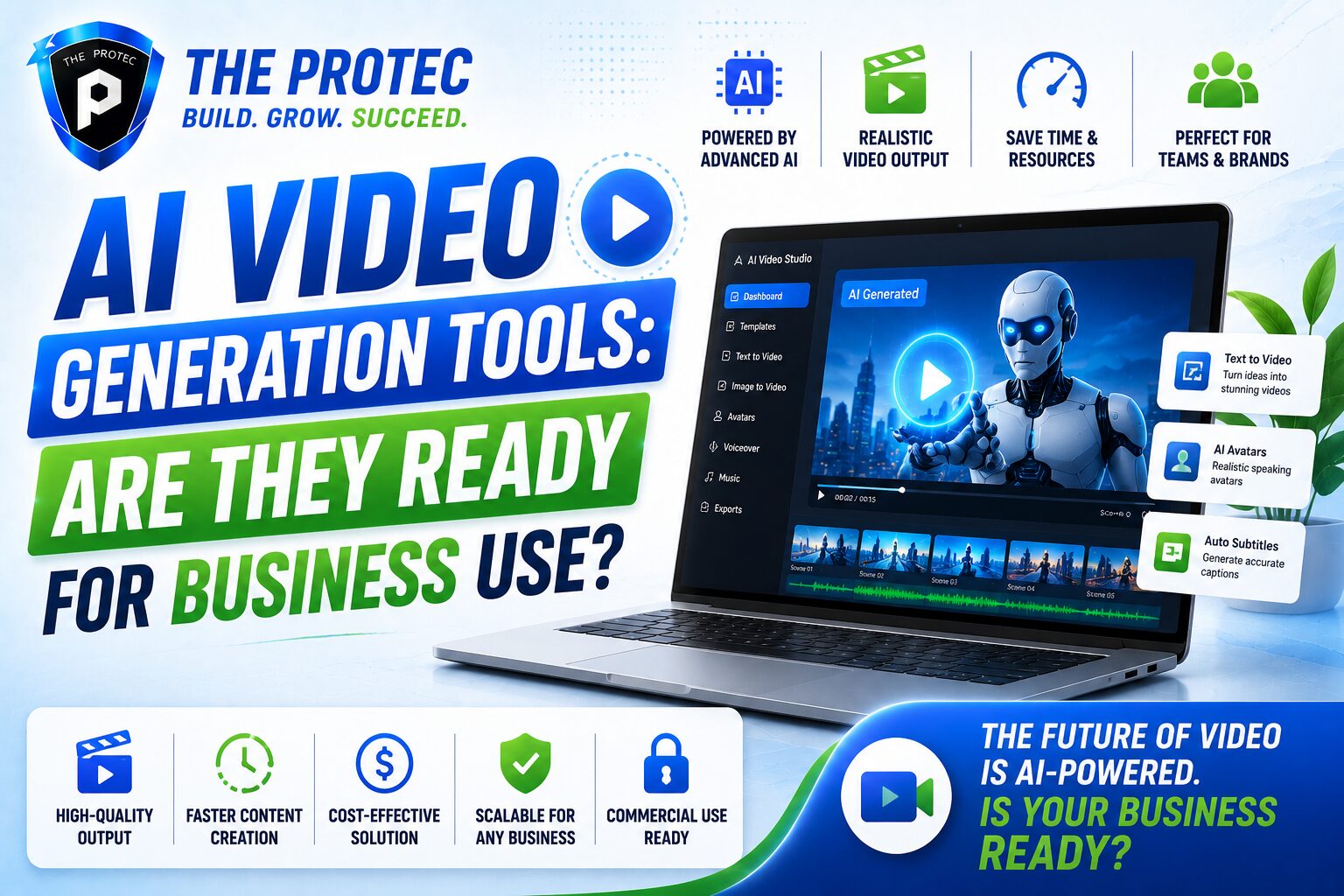
AI Video Generation Tools: Are They Ready for Business Use?
AI video generation has gone from novelty to serious business conversation. What used to be a futuristic demo now shows up in marketing teams, enablement workflows, internal communications, and customer support experiments. The promise is obvious: turn a script, prompt, or product brief into a polished video in minutes instead of days. For businesses under pressure to produce more content with fewer resources, that sounds like a breakthrough.
But the real question is not whether text to video AI can create impressive clips. It is whether video AI tools can produce content that is reliable, brand-safe, scalable, and cost-effective enough for everyday business use. That is a much higher bar. A tool can generate a slick talking-head avatar or cinematic scene, yet still fail when it comes to consistency, compliance, editing control, localization, or output that aligns with a company’s standards.
This article reviews where the leading AI video generation platforms stand today, what they do well, where they still fall short, and which business use cases are already practical. If you are evaluating video AI tools for marketing, training, sales, or operations, the key is not just speed. It is trust, control, and repeatability.
What AI Video Generation Actually Means Now
AI video generation used to mean one thing: turning text into simple motion or short synthetic clips. Today it covers a much wider stack of capabilities. Modern platforms can generate videos from text prompts, convert scripts into narrated explainers, create avatar-led presentations, animate product scenes, localize content into multiple languages, and even repurpose existing long-form content into short clips.
In practice, most business-focused platforms fall into a few categories:
- Text to video AI tools that generate scenes or sequences from prompts and scripts.
- Avatar-based video platforms that create presenter-led content without cameras or actors.
- Editing and repurposing tools that use AI to cut, summarize, subtitle, and reformat existing footage.
- Creative generation platforms that produce cinematic or highly stylized footage for campaigns and concepts.
These categories matter because business readiness depends on the job. A tool that is excellent for turning training scripts into consistent modules may be a poor choice for brand campaigns that require visual originality. Likewise, a tool that creates striking concept videos may not be dependable for compliance-approved customer communication.
What Businesses Actually Need From Video AI Tools
Before comparing platforms, it helps to define the criteria that matter in business environments. A good AI video tool is not simply one that makes attractive videos. It should support production workflows, reduce bottlenecks, and maintain quality under real-world constraints.
1. Brand consistency
Businesses need more than a one-off output. They need repeated use across campaigns, teams, and formats. That means visual style, tone, fonts, colors, avatars, and motion language should stay consistent. Tools that let teams lock brand templates and re-use approved assets are much more valuable than tools that produce random creativity every time.
2. Editing control
AI can generate a starting point, but teams often need manual control over pacing, captions, transitions, voiceover timing, scene order, and on-screen text. A business-grade workflow should make it easy to refine the output without starting over.
3. Accuracy and reviewability
For training, product education, HR, and customer support, factual accuracy matters. A video that looks good but misstates a process or feature creates risk. The best platforms offer script editing, version control, approval steps, and the ability to preview final output before publishing.
4. Localization
Global teams increasingly need multilingual content. The strongest video AI tools now offer translated scripts, multilingual voiceovers, lip-sync options, and subtitle generation. This is especially valuable for onboarding, sales enablement, and product education.
5. Rights and compliance
Business users must care about licensing, likeness rights, training data transparency, and content governance. The legal and reputational risk of using synthetic media without clear policy controls is too high to ignore.
Reviewing the Leading AI Video Generation Tools
There is no single best platform for every business. Instead, the market is splitting into specialized tools that fit different use cases. Below is a practical review of the most relevant types of video AI tools and how they perform for business needs.
Synthesia: Strong for training and internal communication
Synthesia has become one of the most widely recognized business-facing AI video generation platforms, especially for corporate learning, onboarding, and multilingual communication. Its strength is consistency. Teams can create presenter-led videos with avatars, reusable templates, and scripted narration without needing a production crew.
For businesses, the appeal is clear: fast updates, consistent messaging, and easy localization. If a policy changes or a product feature is updated, a team can revise the script and regenerate the video quickly. This makes it especially useful for internal training content and operational communication that changes often.
Its limitations are also important. Avatar videos can feel repetitive if overused, and they are not ideal for every brand voice. They work best when clarity matters more than entertainment.
Runway: Best for creative teams and concept work

Runway is one of the more advanced creative AI video generation tools, especially for teams experimenting with stylized visuals, concept development, and generative editing. It is powerful for pre-production, campaign ideation, and visual storytelling. Marketing teams can use it to mock up scenes, create motion ideas, or generate abstract visuals that would otherwise require much more production time.
For business use, Runway is strongest where originality matters and precision can be handled later in the workflow. It is not always the best choice for straightforward business explainers or compliance-heavy content, but it is valuable for creative departments that need speed and flexibility.
The tradeoff is predictability. Generative footage can vary in quality, and the output often requires a human to review, refine, or combine with traditional editing. That makes it a strong supporting tool rather than a complete replacement for a video production pipeline.
HeyGen: Good balance of avatars, localization, and ease of use
HeyGen has earned attention because it combines approachable design with practical business features. It is commonly used for sales outreach, training, and multilingual messaging, especially when companies want presenter-style content without a full studio setup.
One of its most useful strengths is localization. Teams can create content in one language and adapt it for multiple audiences, which is a major advantage for distributed organizations. The platform also tends to be easier to adopt than more technical video AI tools, making it appealing for non-specialist teams.
Its limitations are similar to other avatar-first platforms: the output is efficient, but not always distinctive. If your brand requires highly cinematic or deeply customized visual storytelling, you may need to pair it with other tools.
Descript: Excellent for editing and content repurposing
Descript is not a pure text to video AI generator in the cinematic sense, but it is highly relevant for business video workflows. Its strength lies in AI-assisted editing, transcription, subtitle generation, overdub-style voice workflows, and turning long recordings into polished, reusable assets.
For content teams, this is often more practical than full generation. A company can take webinars, podcasts, interviews, or demo recordings and transform them into short clips, social cuts, internal summaries, and training snippets. That makes Descript a strong choice for teams focused on maximizing existing footage rather than generating everything from scratch.
In business settings, this matters because repurposing is often lower risk than pure generation. The content starts from real source material, so accuracy and authenticity tend to be better. For many teams, that is the most reliable path to adopting video AI tools.
Veed has become popular with marketing teams that need fast turnaround on social videos, short-form explainers, subtitles, and lightweight edits. It sits in the practical middle ground between simple online editors and more advanced AI video generation platforms.
Its business value comes from speed. Teams can create rough cuts, add captions, resize content for multiple platforms, and streamline repetitive tasks. That makes Veed especially helpful for campaign teams that need to publish frequently and do not want every edit to pass through a full video department.
It is less suited to high-stakes corporate communication or advanced creative generation, but it is a strong everyday tool for social-first businesses.
Pika and similar prompt-based generators: Exciting, but still limited for enterprise use

Tools in the prompt-based generation category are often the most visually impressive in demos. They can produce striking clips, motion concepts, and synthetic scenes from text prompts. For creative ideation, they are exciting. For business use, however, they remain more experimental than dependable.
The biggest issue is consistency. Businesses need controlled output, not just surprising output. If a generated scene changes between versions, introduces visual artifacts, or fails to maintain product accuracy, the workflow breaks down. These tools are useful for concept exploration, ad mockups, and creative testing, but most businesses should treat them as pre-production aids rather than finalized production systems.
Where AI Video Generation Is Already Ready for Business Use
Not every use case needs Hollywood-grade production. In fact, some of the most valuable business applications are those where consistency, speed, and scale matter more than artistic flair. In these areas, AI video generation is already proving useful.
Training and onboarding
Internal training is one of the strongest business use cases. Companies often need to explain policies, tools, workflows, and compliance steps at scale. AI-generated presenter videos can standardize this content, reduce production time, and make updates easier when procedures change.
Sales enablement
Sales teams can use video AI tools to create personalized outreach, product walkthroughs, and pitch support content. Instead of making every video from scratch, teams can generate versions tailored to role, industry, or region. This can improve engagement when used thoughtfully and with quality review.
Customer education
Product tutorials, FAQ explainers, and how-to videos are well suited to AI-assisted production. These videos need to be clear and repeatable more than highly creative. If a company can regenerate a tutorial every time the UI changes, that saves time and keeps support content current.
Localized communication
Translation and localization may be the clearest near-term win. AI video generation can reduce the cost and complexity of adapting content across markets. For global teams, this can unlock much broader video adoption.
Where the Technology Still Falls Short
Despite rapid progress, there are still several reasons to be cautious before rolling out AI video generation broadly.
Visual inconsistency
Even the best tools can produce awkward transitions, slight facial artifacts, or scene drift. That may be acceptable for a rough social clip, but not for polished brand communication.
Lack of deep customization
Many tools offer templates, but fewer offer the level of control enterprise teams need. If every video looks like it came from the same system, audiences may tune out quickly.
Governance challenges
Businesses need approval workflows, usage policies, and clear ownership of generated assets. Without that structure, teams can create content that is off-brand, inaccurate, or legally risky.
Ethical concerns
Synthetic presenters, voice cloning, and realistic footage raise questions about disclosure and authenticity. Companies should be transparent when AI is used in customer-facing media, especially in contexts where trust matters.
How to Choose the Right Video AI Tools for Your Business
If you are evaluating AI video generation for business use, the best approach is to start with the workflow, not the hype. Ask what kind of content you need to produce repeatedly, who will approve it, and how much editing control your team requires.
- Choose avatar-based platforms if you need fast training, onboarding, or multilingual explainer videos.
- Choose editing-focused tools if you already have recordings and want to repurpose them efficiently.
- Choose creative generators if your goal is concept development, campaign ideation, or visually experimental content.
- Choose a hybrid stack if your team needs both generation and post-production control.
It also helps to run a pilot. Test a tool on a real business workflow, not a sample prompt. Measure time saved, revision cycles, approval friction, and audience response. A tool that looks expensive on paper may save money if it reduces production bottlenecks and localization costs.
The Bottom Line: Ready, But Not Universal
So, are AI video generation tools ready for business use? The answer is yes, but selectively. They are already practical for training, internal communication, localization, sales support, and content repurposing. They are less ready for high-stakes brand campaigns, regulated messaging, and any use case that requires absolute visual consistency or deep creative control.
The best businesses are not asking whether AI will replace video production entirely. They are asking where AI can remove friction, speed up output, and expand content capacity without compromising quality. In that sense, video AI tools are no longer experimental. They are becoming part of the production stack.
The companies that get the most value will be the ones that treat AI video generation as a workflow advantage, not a shortcut. That means choosing the right tool for the right job, building review standards, and knowing where human judgment still matters most.
FAQ
What is AI video generation?
AI video generation refers to software that creates or assists with video production using artificial intelligence. It can turn text prompts, scripts, or existing footage into narrated videos, avatar-led presentations, short clips, or edited segments.
Are text to video AI tools reliable enough for business use?
They can be reliable for specific business tasks such as training videos, internal updates, product explainers, and repurposed social content. They are less reliable for highly regulated, brand-critical, or visually demanding campaigns unless there is strong human review.
Which business teams benefit most from video AI tools?
Marketing, learning and development, sales enablement, customer success, and internal communications teams tend to benefit the most. These teams often need to produce a lot of video content quickly and repeatedly.
What should businesses watch out for when using AI video generation?
Key risks include factual errors, inconsistent visuals, weak customization, licensing concerns, and unclear disclosure of synthetic media. Businesses should establish review processes before publishing AI-generated video.
Can AI video generation replace traditional video production?
Not entirely. It can replace or reduce production work for certain repeatable and informational use cases, but traditional production still has an edge for premium storytelling, nuanced branding, and complex creative work.
For businesses, the smartest approach is not to ask whether AI video generation is perfect. It is to ask where it is already good enough to create measurable value. In many workflows, that answer is now “more than enough.”