



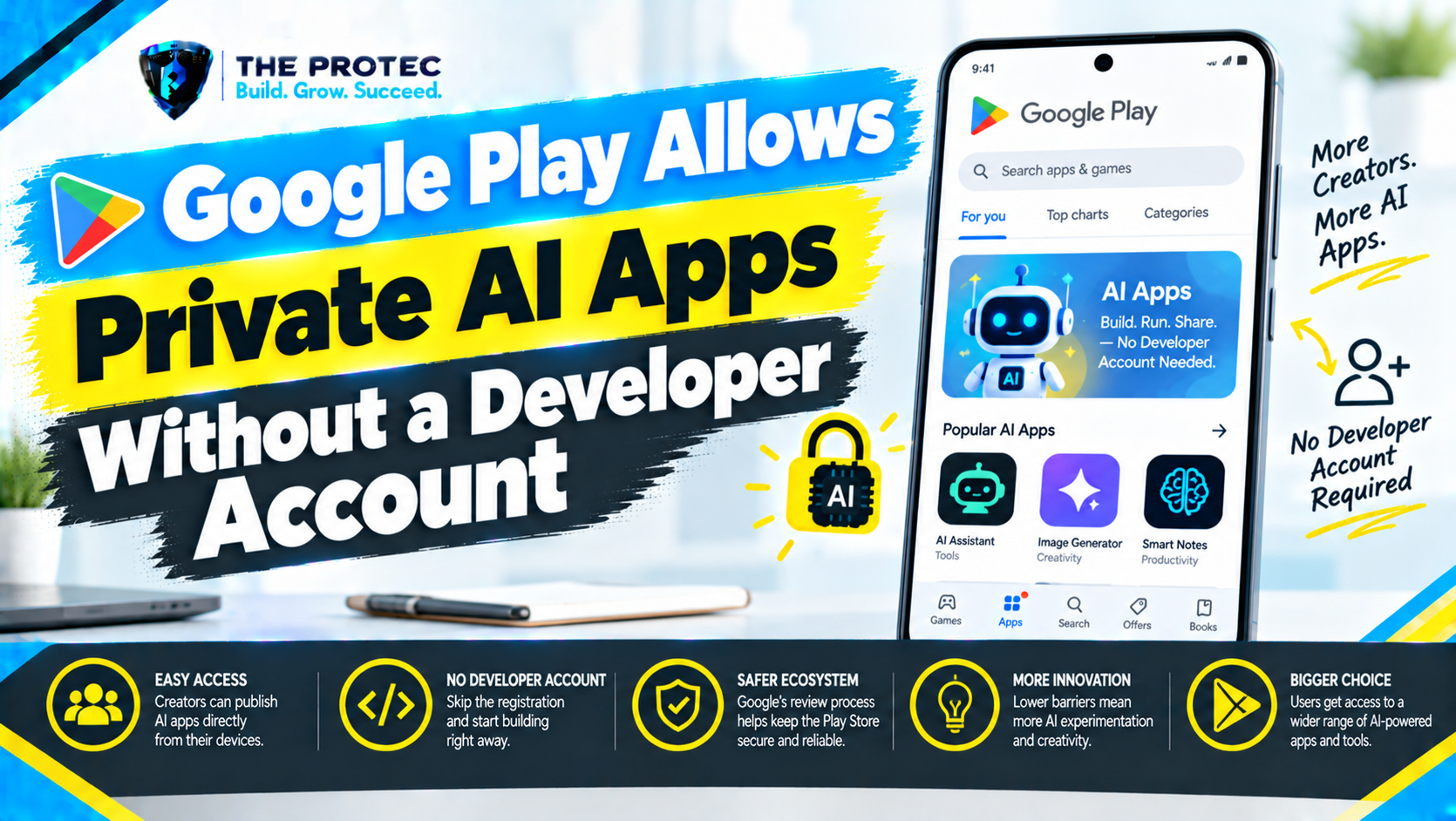
Google Play Store is opening a new path for people who want to create and run personal Android apps without first completing the traditional public developer registration and publishing process. Announced as an October 2026 update, the change lowers a significant barrier for hobbyists, students, small teams, and curious beginners experimenting with AI-powered Android development.
The important word is personal. This is not a way to publish an unrestricted app publicly, avoid Google Play trust and safety reviews, or anonymously distribute software to millions of users. At launch, the experience is designed around creating an app for individual use and installing it privately. Google says limited sharing with friends and family is planned for the coming months, while public distribution will continue to require an appropriate professional developer account and the standard review process.
Combined with vibe coding Android apps through tools such as Google AI Studio, the update could make small, purpose-built software far more accessible. A user might describe a meal planner, study timer, field checklist, inventory tracker, or household dashboard in plain language, refine a prototype with AI, and privately run the finished app on a compatible Android device.
What the Google Play Store update actually changes
Traditional Google Play app distribution has been built for developers publishing software to other people. It normally involves creating a Play Console account, satisfying Google Play developer account requirements, verifying identity or organization information, configuring app listings, declaring data practices, completing testing requirements where applicable, and submitting the app for review.
The new personal-app route separates private creation and use from that full public publishing workflow. Eligible users can work toward installing a custom Android app for themselves without presenting it as a public Play Store product. This gives beginners a more approachable route than registering as a public developer simply to run a small tool they created for personal use.
Google describes the October launch as a rollout rather than a guarantee of immediate, identical access for every account and country. Eligibility, regional availability, supported account types, compatible devices, and interface availability can vary during deployment. Users should check the official Android Developers announcements and the options displayed for their own Google account before relying on the feature. Managed work or school accounts, supervised accounts, device policies, age restrictions, and unsupported regions may have different access.
Personal installation, limited sharing, and public publishing
Understanding the distribution level is essential because several very different activities are being discussed under the broad label of Google Play private apps.
Creating a personal app
Creating an app means producing its screens, behavior, data model, and Android project or installable build. AI coding environments can help with this process, but Google Play is primarily the installation and distribution layer. The Play update does not mean that the store automatically turns every prompt into a finished, secure application.
Installing an app privately
At launch, the central use case is installing and running a personal app for individual use. Access is connected to an eligible Google account and supported Android environment rather than a public store listing. The app is not searchable by other Play users and is not promoted through public discovery surfaces.
Sharing with friends and family
Google says limited Google Play friends and family app sharing is planned for the coming months. That planned capability should provide a controlled way to authorize a small group rather than opening an app to the public. Until Google activates the feature for a particular account or region, users should not assume that private group distribution is available.
Publishing publicly
Public publishing remains a separate process. Developers who want an app to be searchable, broadly downloadable, monetized, or distributed without a tightly limited audience will still need the appropriate professional developer account. Public apps remain subject to listing requirements, policy declarations, testing rules, technical checks, and Google Play trust and safety reviews.
In short, Google Play public vs. private apps is not merely a visibility setting. Each route has different identity, review, audience, support, and compliance obligations.
How vibe coding and Google AI Studio fit into the process
Vibe coding uses natural-language instructions to guide an AI system in generating and modifying software. Instead of manually writing every function, a beginner might ask, “Create an Android-friendly app that tracks daily water intake, stores entries locally, and shows a seven-day chart.” The user then tests the result and asks the model to correct errors or add features.
Google AI Studio apps and other AI coding tools can accelerate planning, interface generation, code creation, debugging, and documentation. Gemini-based tools may help explain unfamiliar code, generate test cases, identify missing permission handling, or turn a rough idea into a working web or Android prototype. This makes it increasingly realistic to build an app without coding experience, although it does not eliminate the need for judgment and testing.
The distinction between the tools matters. Google AI Studio can help generate application logic or a prototype, while Android development tools may still be needed to package, sign, and validate a native app. Google Play then provides the supported private installation or distribution route. An AI-generated web app does not automatically become an Android package, and code shown in a browser is not automatically ready for Play.
Depending on the project, users may need Android Studio, a no-code Android app builder, a compatible packaging service, signing credentials, or a cloud backend. Google’s announcement supports a simpler personal distribution path; it does not promise that every technical build step disappears.
A practical beginner workflow for a personal Android app
The safest first project is small, low-risk, and useful without collecting sensitive information. A local shopping list, classroom timer, workout counter, or equipment checklist is a better starting point than a banking tool, medical adviser, password manager, or app that continuously tracks location.
- Define one clear task: Write a short description of the problem, the intended user, required screens, and where information should be stored.
- Choose an AI development tool: Use Google AI Studio or another reputable environment to generate a prototype. Specify Android compatibility, accessibility, offline behavior, and data minimization in the prompt.
- Inspect the output: Ask the tool to explain the code, dependencies, network requests, requested permissions, and storage behavior. Do not treat generated code as automatically trustworthy.
- Build the Android version: If the result is not already a native Android project, use an appropriate framework or development environment to package it. Resolve build errors and sign the application as required by the supported workflow.
- Test before using real data: Run the app with sample information. Check navigation, screen rotation, offline behavior, error handling, battery use, and behavior after restarting the device.
- Review permissions: Remove access to contacts, files, camera, microphone, location, or notifications unless the app genuinely needs it.
- Use the personal installation option: If the feature is available for the account and region, follow Google Play’s private installation flow rather than creating a public listing.
- Maintain the app: Save the source code and signing materials, document dependencies, and retest after Android or library updates.
An app is suitable for private use when its behavior is understandable, its permissions are proportionate, its data handling is acceptable, and failures will not create serious financial, health, safety, or privacy consequences.
Account, device, and security considerations
Android apps without a developer account are not necessarily apps without accountability or technical controls. A personal installation may still require an eligible Google account, a compatible Android device, current Google Play components, supported app packaging, and compliance with platform security protections. Device manufacturers, employers, schools, or administrators may block custom applications.
Private access also does not make unsafe code safe. AI-generated applications can contain exposed API keys, vulnerable libraries, excessive permissions, insecure network calls, inaccurate logic, or hidden data transfers introduced through third-party components. Users should identify what data the app collects, where it is stored, whether it leaves the device, and who operates any external service it contacts.
Cloud-connected Google AI Studio Android apps deserve additional attention. Sending notes, photos, documents, or voice recordings to an AI model may create privacy and cost implications. Secrets should never be hard-coded into a distributed app. API keys should be protected through an appropriate backend, usage limits should be configured, and users should understand applicable service terms.
Google Play policies and Android security requirements can change as the feature expands. The official Google Play Console information remains the authoritative starting point for public publishing requirements and platform services.
How private Play apps compare with other options
Traditional Google Play publishing
Traditional publishing offers broad discovery, updates, monetization tools, analytics, and scalable distribution. It also requires registration, verification, policy declarations, store assets, testing, and review. It is the correct route for customer-facing or widely distributed software.
Sideloading APK files
Sideloading allows users to install custom Android apps outside Google Play, but it usually requires enabling installation from another source and manually transferring a package. Updates and trust decisions become the user’s responsibility. Android’s evolving developer verification and security protections may also affect how externally distributed apps operate. The personal Play route aims to provide a more integrated experience without turning the app into a public product.
No-code app builders
No-code builders provide visual components, templates, hosted databases, and deployment assistance. They can be easier than managing a native codebase, but users should examine pricing, export options, data ownership, vendor lock-in, and Android packaging support. A no-code builder creates the app; Google Play personal app publishing determines how an eligible build can be privately installed.
AI coding environments
AI environments offer greater flexibility than rigid templates and make AI app development for beginners more practical. Their weakness is unpredictability: generated code may compile while still being insecure or incorrect. Human review becomes more important as an app’s permissions, audience, and consequences grow.
What the change means for Android creators
For hobbyists, this is a lower-friction way to turn small ideas into useful personal software. Students can learn through projects that run on real devices rather than stopping at code samples. Small businesses can prototype internal calculators, checklists, or workflows before investing in a supported production system.
Professional developers also benefit. Personal installation can provide a convenient sandbox for experiments and highly specialized utilities that were never intended for public release. However, businesses should not treat a personal channel as a substitute for managed enterprise distribution, proper security review, backups, support, or regulatory compliance.
The broader significance is that Google Play AI app creation now sits closer to the growing vibe-coding ecosystem. Natural-language development reduces the effort needed to produce software, while a private installation route reduces the effort needed to run it. Neither change removes the responsibility to test, secure, and maintain what has been built.
Frequently asked questions
Can anyone publish an Android app publicly without a developer account?
No. The update concerns personal creation and private use. Unrestricted public publishing still requires the appropriate professional developer account and compliance with Google Play’s review, testing, identity, content, and safety requirements.
Not necessarily. Individual private installation is the launch focus. Google has said limited sharing with friends and family is planned for the coming months, so availability depends on rollout status, region, account eligibility, and the final limits Google applies.
Does Google AI Studio automatically create a Play-ready Android app?
It can help generate code, logic, interfaces, and prototypes, but additional work may be required. A project may need packaging, signing, dependency checks, Android testing, permission configuration, and security review before it can be installed through a supported private workflow.
Are private Android apps reviewed by Google?
Private installation does not imply the same public listing review process, but platform security checks, account controls, technical requirements, and prohibited-content rules may still apply. Users remain responsible for evaluating generated code and protecting data.
Is private Play installation safer than sideloading?
It can offer a more integrated account-based installation path and reduce the need to enable unknown-source installation. That does not guarantee an app is secure. Its code, dependencies, permissions, network connections, and data practices still require careful review.
A meaningful shift, with clear limits
The Google Play Store update makes personal Android experimentation more accessible at exactly the moment AI coding tools are making software creation easier. It offers a practical bridge from natural-language idea to privately installed app without forcing every beginner through public developer registration.
Its limits are equally important: launch access is personal, small-group sharing is planned rather than universally available, and public distribution still requires registration and review. Used responsibly, the new model could make custom software as personal as a spreadsheet—while preserving stronger safeguards for apps distributed to everyone.