









Contents
- 1 WordPress 7.0 Review: What Website Owners Need to Know
- 2 What Makes WordPress 7.0 Different?
- 3 WordPress 7 Features That Matter Most
- 4 Performance Improvements in WordPress 7.0
- 5 Developer Changes in WordPress 7.0
- 6 What Website Owners Should Watch Before Upgrading
- 7 Who Benefits Most from WordPress 7.0?
- 8 WordPress 7.0 Review: Is It Worth Upgrading?
- 9 Best Practices for a Safe WordPress Update
- 10 FAQ
- 11 Final Thoughts
WordPress 7.0 Review: What Website Owners Need to Know
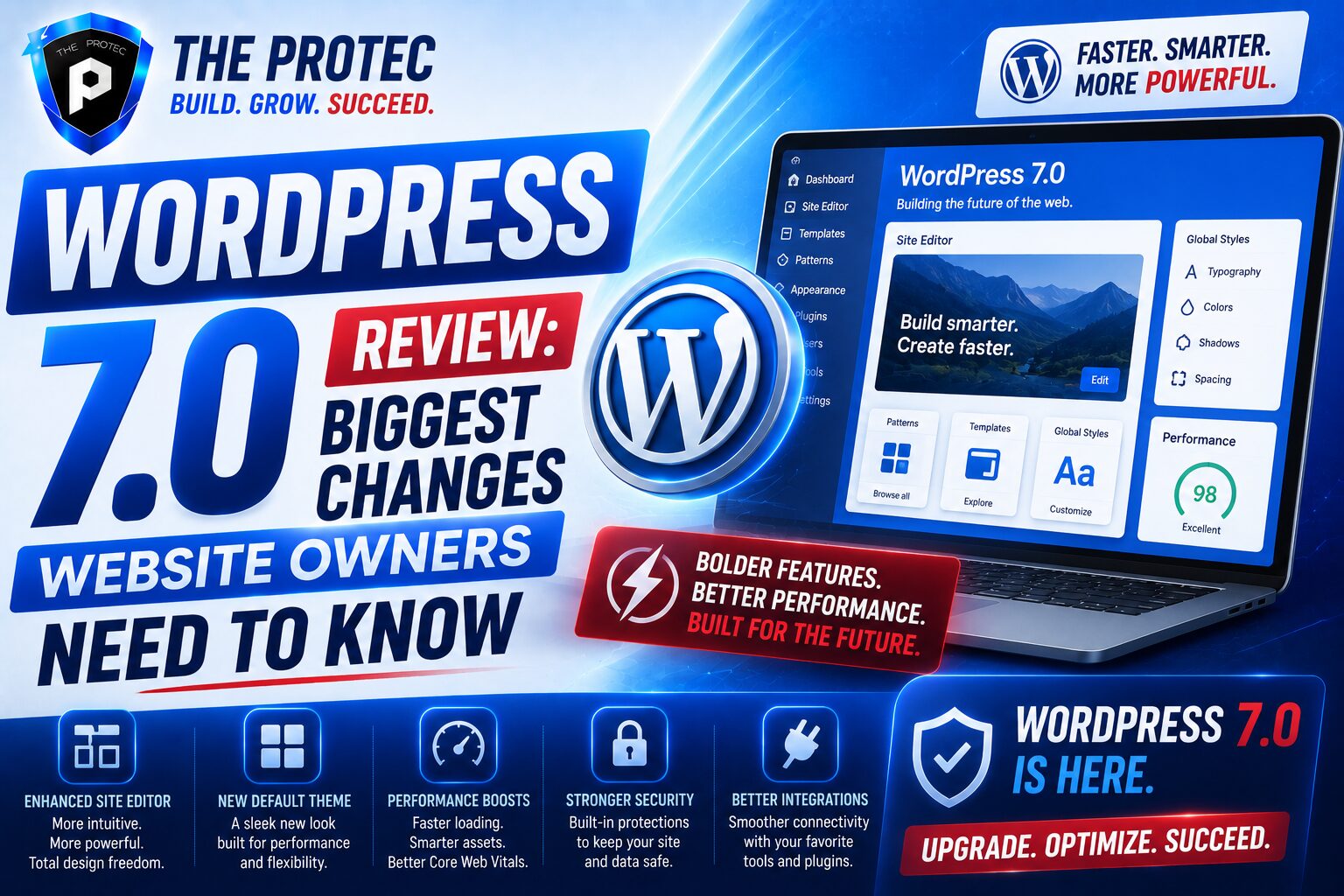
The latest WordPress update has arrived with a clear message: the platform is pushing harder than ever toward faster publishing, cleaner site management, and a more modern development workflow. This WordPress 7.0 review takes a practical look at what matters most for website owners, agencies, and developers who need to know whether the upgrade is worth the effort. The short answer is yes, but with a few important caveats.
WordPress 7.0 is not just a cosmetic refresh. The release focuses on improving performance across the front end and the admin experience, streamlining the block editor, and giving developers more reliable tools for building scalable sites. For business owners, that means better Core Web Vitals potential, smoother editing, and fewer friction points when managing content. For developers, it means a more mature foundation for custom blocks, patterns, and site-wide design systems.
If you have been watching recent WordPress trends, you already know the ecosystem has been moving toward more modular, block-based workflows and stronger performance standards. WordPress 7.0 continues that direction while tightening the details that affect everyday site operations. Below, we break down the most important WordPress 7 features, what they actually change, and how to prepare for the update.
What Makes WordPress 7.0 Different?
Every major WordPress update tends to promise speed and usability improvements, but WordPress 7.0 stands out because it focuses on practical refinements rather than flashy reinvention. The release emphasizes performance, consistency, and developer stability. That matters because website owners do not just need new features; they need features that reduce maintenance overhead and improve conversion-friendly user experiences.
One of the biggest themes in this release is workflow simplification. Editing content feels more predictable, block interactions are less clunky, and the site editor continues to mature into a true design control center. At the same time, under-the-hood improvements help reduce unnecessary processing, improve load efficiency, and create a better foundation for plugin and theme compatibility.
In other words, this is the kind of WordPress update that may not look dramatic at first glance, but has meaningful long-term value for site owners who care about performance, scalability, and maintainability.
WordPress 7 Features That Matter Most
1. Faster Editing and a Cleaner Interface
One of the most noticeable WordPress 7 features is the refinement of the editing experience. The block editor has long been the center of the WordPress ecosystem, but this release makes it feel more polished and less distracting. Controls are easier to locate, block options are more consistent, and the overall interface is designed to reduce friction when creating or updating content.
For website owners, the practical benefit is speed. Editors spend less time hunting for settings and more time publishing. That can reduce production delays and make content operations more efficient, especially for teams managing frequent updates across multiple authors or content types.
2. Improved Performance Across the Stack
Performance is one of the biggest reasons to pay attention to this release. WordPress 7.0 introduces multiple optimizations that improve how the CMS handles rendering, block loading, and admin interactions. While these changes may not always be visible to casual users, they can influence page speed, responsiveness, and backend usability in meaningful ways.
For sites that rely heavily on blocks, dynamic content, or complex page layouts, even small performance gains can add up. Faster rendering can improve perceived speed, and a lighter admin experience can make day-to-day management less frustrating. In a search landscape where speed and user experience continue to influence rankings and conversions, these improvements are not trivial.
3. Better Template and Pattern Management
Patterns and templates are becoming more important as WordPress evolves into a design system platform. WordPress 7.0 improves how users handle reusable layouts, making it easier to maintain consistency across pages and posts. This is especially useful for companies that need branded landing pages, service pages, or content templates that can be deployed quickly without reinventing the structure each time.
For agencies and in-house teams, this means less duplicate work. A refined pattern workflow can reduce errors, speed up onboarding, and make site-wide changes easier to manage. It also helps non-technical users stay within brand guardrails without needing developer support for every update.
4. More Stable Theme and Block Integration
WordPress 7.0 continues the push toward seamless integration between themes and blocks. The goal is not simply to make sites more flexible, but to make the design system more stable and predictable. Theme developers have more consistent tools for defining visual behavior, while site owners benefit from fewer layout surprises after updates.
This matters because many WordPress maintenance problems come from mismatches between themes, plugins, and editor settings. A more stable integration model reduces that risk. For site owners, that means fewer emergency fixes after a routine WordPress update and a better chance that the website will continue functioning as intended after future upgrades.
Performance Improvements in WordPress 7.0
Performance has become one of the most important signals in modern web strategy. Search engines, users, and conversion funnels all reward faster websites. WordPress 7.0 addresses this reality with a series of internal improvements that are designed to help the platform scale better under real-world conditions.
One of the most valuable aspects of this release is that it improves both frontend and backend performance. The frontend benefits can support better page load behavior, especially on block-heavy pages. Meanwhile, the admin side feels more responsive, which helps teams work more efficiently. That dual benefit is especially important for enterprise sites, eCommerce stores, and publishers that rely on WordPress as an operational hub.
Another key trend is reduced overhead in common CMS tasks. WordPress 7.0 aims to minimize unnecessary processing during routine editing, rendering, and layout handling. That may sound technical, but it translates into a smoother experience for users and less strain on hosting resources. In practical terms, that can mean fewer bottlenecks on shared hosting, better performance on mid-tier managed hosting, and more headroom for traffic spikes.
If your website has grown over time and accumulated plugins, custom blocks, or complex templates, these improvements can be especially valuable. A modern WordPress update needs to do more than add features; it needs to keep the platform efficient as websites become more demanding. WordPress 7.0 takes a step in that direction.
Developer Changes in WordPress 7.0
For developers, this release is about consistency, extensibility, and cleaner APIs. WordPress 7.0 brings refinements that make it easier to build block-based experiences, maintain custom functionality, and reduce brittle code paths. The emphasis is on making development more predictable so that sites are easier to support over time.
More Reliable Block Development
Block-based development continues to evolve, and WordPress 7.0 improves the tools available for creating custom blocks and block variations. Developers benefit from a more structured environment for managing block behavior and visual output. That can reduce maintenance issues and help teams build more reusable components.
For website owners, this matters because custom blocks often power key conversion elements such as testimonials, pricing tables, service highlights, and lead capture sections. Better block reliability means fewer visual bugs and less time spent troubleshooting after an update.
Improved APIs and Cleaner Extensibility
WordPress 7.0 also introduces developer-facing refinements that support better extensibility. Cleaner APIs and more consistent behavior make it easier to integrate custom features without relying on brittle workarounds. This is especially important in larger builds where long-term maintainability matters more than quick implementation.
When developers can work with more stable foundations, the result is usually a healthier site ecosystem. Plugins are less likely to conflict, custom themes are easier to support, and future updates become less painful. That is good news for website owners who want a more sustainable WordPress stack.
More Predictable Site Editor Behavior
The site editor is one of the biggest areas of ongoing change in WordPress, and WordPress 7.0 continues to refine how it behaves. For developers, that means more predictable control over templates, template parts, global styles, and design settings. For site owners, it means fewer surprises when editing layouts or switching content structures.
Predictability is underrated in web development. When the editor behaves consistently, teams can move faster and make fewer mistakes. That lowers support costs and improves confidence in the platform, especially for businesses with frequent content changes.
What Website Owners Should Watch Before Upgrading
Even with a strong release, no major WordPress update should be installed without preparation. Website owners should review plugins, theme compatibility, and custom code before moving to WordPress 7.0. The more customized your site is, the more important this step becomes.
- Test all critical plugins in a staging environment before updating production.
- Confirm that your theme supports the latest block and site editor changes.
- Back up your database and files before applying the update.
- Check custom code for deprecated hooks, filters, or assumptions about editor behavior.
- Review key pages after the update to verify layouts, forms, and interactive elements.
If your site supports sales, lead generation, or high-value content, it is smart to approach the update strategically. A good staging process can prevent downtime, broken layouts, or plugin conflicts. That is especially true for sites with custom functionality, multilingual setups, or ecommerce integrations.
Who Benefits Most from WordPress 7.0?
WordPress 7.0 is a strong release for a wide range of users, but certain groups will benefit more than others. Content-heavy publishers can take advantage of better editing workflows and improved performance. Agencies and freelancers gain a more stable environment for building client sites. Businesses with in-house content teams will appreciate the cleaner interface and easier template management.
Developers building custom blocks, patterns, or design systems will also find the update useful because it reinforces the direction WordPress has been heading for several release cycles. If your team is committed to the block ecosystem, this update strengthens the case for deeper adoption.
Sites that are still heavily dependent on legacy workflows may need a little more preparation. However, the long-term direction is clear: WordPress is continuing to evolve into a modern content platform, and WordPress 7.0 supports that transition with more polish and better tooling.
WordPress 7.0 Review: Is It Worth Upgrading?
For most website owners, the answer is yes. This WordPress 7.0 review shows a release that is less about dramatic disruption and more about meaningful refinement. The strongest WordPress 7 features are the ones that improve day-to-day usability, speed, and reliability. That makes the update valuable not only for developers, but also for business teams that depend on WordPress every day.
If your site is well maintained and your plugins are compatible, the upgrade should offer a net benefit. You will likely notice a smoother editing experience, cleaner workflow behavior, and performance improvements that support both user experience and SEO goals. If your site is more complex, the update is still worthwhile, but only after careful testing.
The biggest takeaway is that WordPress 7.0 reflects where the platform is heading: toward a faster, more modular, and more stable content management experience. Website owners who stay ahead of that shift will be better positioned to scale, publish efficiently, and keep maintenance costs under control.
Best Practices for a Safe WordPress Update
Before upgrading, it is smart to treat the process as part of your site maintenance strategy rather than a quick click-and-go task. A disciplined update process helps preserve uptime and avoids common compatibility issues.
- Use a staging environment to test the full site experience.
- Verify backups and recovery procedures.
- Audit plugins that affect checkout, forms, membership, or multilingual functionality.
- Review analytics and search performance after the update for any unexpected changes.
- Monitor the site closely for 24 to 48 hours after deployment.
These steps are especially important if your website drives revenue or leads. A successful WordPress update is not just about installing the newest version; it is about confirming that your business-critical systems continue to work as expected.
FAQ
What is the biggest change in WordPress 7.0?
The biggest change is the combination of better performance, a smoother editing experience, and more stable block-based development. It is a refinement-focused release that improves the overall CMS experience rather than introducing one single dramatic feature.
Will WordPress 7.0 improve website speed?
Yes, in many cases it can. WordPress 7.0 includes performance optimizations that may improve rendering, admin responsiveness, and block handling. Actual results depend on your theme, plugins, hosting, and site structure.
Should I update to WordPress 7.0 right away?
Most site owners should update, but only after testing in staging. If your site uses critical plugins or custom code, confirm compatibility first to avoid layout issues or functionality problems.
Is WordPress 7.0 good for developers?
Yes. Developers benefit from cleaner APIs, more reliable block workflows, and a more predictable site editor experience. This release makes it easier to build and maintain modern WordPress sites.
Does WordPress 7.0 affect SEO?
Indirectly, yes. Performance improvements and a better user experience can support SEO outcomes, especially if they help reduce load times and improve engagement. However, SEO still depends on content quality, technical setup, and site architecture.
Final Thoughts
This WordPress 7.0 review makes one thing clear: the update is meaningful because it improves the parts of WordPress that matter most to real users. Website owners get a cleaner editing experience and performance gains. Developers get a more stable and extensible platform. Teams managing content at scale get better tools for maintaining consistency and speed.
If you have been waiting for a release that strengthens the foundation rather than overhauling it for the sake of novelty, WordPress 7.0 is worth serious attention. It reflects the modern direction of the platform and offers practical benefits that can improve site management, user experience, and long-term maintainability.
As with any major WordPress update, the smartest approach is to test carefully, update deliberately, and monitor results after deployment. Done right, WordPress 7.0 can be a solid step forward for both your site and your workflow.