







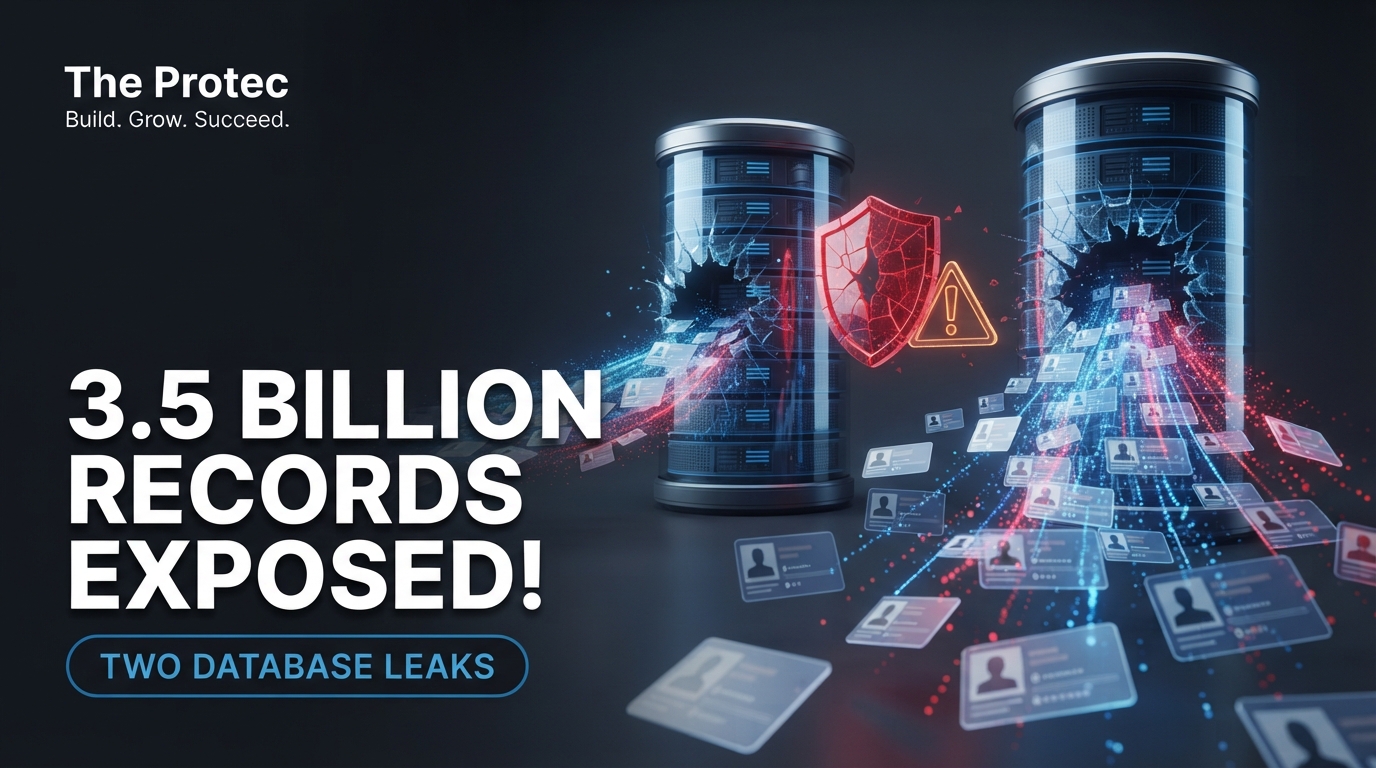
A vast collection of personal data and stolen credentials was left accessible through two separate unsecured databases, with more than 3.5 billion records exposed between them. A November 24, 2026, WIRED investigation detailed the discoveries: a 1.64 billion-document repository found by UpGuard researcher Greg Pollock and a separate credential database containing approximately 2 billion records found by Jeremiah Fowler of Black Hills Information Security. Both databases were taken offline, but critical questions—including who operated them, how long they were exposed, and whether criminals accessed them—remain unanswered.
The numbers are alarming, but they require context. The combined total does not mean 3.5 billion people were affected. A single person may appear in numerous records, credentials may be duplicated, and some entries may be old, incomplete, or unverified. Even with those qualifications, the breadth and organization of the exposed information illustrate how disconnected pieces of data can be assembled into profiles useful for account takeover, identity fraud, phishing, and session hijacking.
What the WIRED investigation found
WIRED reported on two independently discovered databases rather than one coordinated breach. The researchers found different collections, at different locations, with different types of information. There is no confirmed evidence that the databases had the same owner or operator.
The 1.64 billion-document database found by Greg Pollock
Greg Pollock, vice president of cyber risk analytics at UpGuard, discovered an unsecured database containing approximately 1.64 billion documents. According to WIRED’s account of Pollock’s findings, the repository included records involving national ID numbers, phone numbers, student information, and business registrations.
This collection appears significant because it brought together multiple categories of identifying and administrative data. A phone number alone may have limited value. Combined with a name, national identifier, educational record, or business registration, however, it can help an attacker verify a person’s identity, answer account-recovery questions, or make a fraudulent message appear credible.
The use of the term documents also matters. A document is not necessarily a unique individual, and one document may contain several data fields. The 1.64 billion figure therefore describes entries in the database, not a confirmed population of victims.
The approximately 2 billion credentials found by Jeremiah Fowler
Jeremiah Fowler, a security researcher with Black Hills Information Security, separately found a database containing approximately 2 billion credential-related records. WIRED reported that the exposed material included passwords, browser cookies, session tokens, and device details associated with data commonly collected by infostealer malware.
This second repository presented a different kind of danger. Passwords and stolen login credentials can support direct attempts to access accounts. Cookies and session tokens may be even more immediately useful because they can sometimes allow an attacker to impersonate a signed-in user without entering a password. Device details can help criminals understand the victim’s operating environment or make fraudulent access look less unusual.
Nothing publicly confirmed in the investigation establishes that every credential was current or valid. Stolen-data collections often contain repeated entries, expired sessions, obsolete passwords, malformed records, and information copied from earlier collections. That does not make the exposure harmless: criminals can test data at scale and focus on the subset that still works.
Why 3.5 billion records does not mean 3.5 billion victims
The phrase 3.5 billion data exposure describes the combined volume of database records. It should not be interpreted as a count of unique affected people.
- One person can generate many records. Separate logins, devices, browser sessions, school files, phone entries, or business records may all refer to the same individual.
- Credentials may be captured repeatedly. Infostealer malware can collect the same account details during multiple infections or from synchronized browsers.
- Aggregated datasets often overlap. Operators may combine information obtained from previous leaks, malware logs, scraping, or multiple suppliers.
- Not every record is verified. Some entries may be incomplete, outdated, incorrectly matched, or automatically generated.
As of November 24, researchers had not established the number of unique individuals represented in either collection. They also had not confirmed how much of the material originated from newly compromised systems rather than older data gathered from other sources.
How infostealer malware collects passwords and session data
Infostealers are malicious programs designed to extract valuable information from infected computers. They are commonly distributed through deceptive downloads, pirated software, malicious advertisements, fake updates, email attachments, or trojanized installers. Once executed, an infostealer searches the device for data that can be packaged and transmitted to an operator.
Depending on the malware and the victim’s software, the stolen material may include:
- Saved usernames and passwords from web browsers
- Authentication cookies and active session tokens
- Autofill data, email addresses, and phone numbers
- Cryptocurrency wallet information
- Device names, IP addresses, operating-system details, and browser versions
- Screenshots, files, or lists of installed applications
Many infostealers create a structured package called a log. Criminals can sell individual logs, provide access through subscription services, or combine them with other stolen datasets. Changing an exposed password is essential, but it may not terminate an already authenticated session. That is why session revocation and malware removal are separate, necessary steps.
How data aggregation cybercrime creates searchable profiles
The two database discoveries highlight a larger cybercrime practice: aggregating fragmented information into organized, searchable collections. Raw stolen data can be inconsistent. Names may use different formats, phone numbers may contain country codes or punctuation, and the same website may appear under several domain variations.
Operators can normalize those records by standardizing fields, removing obvious formatting differences, categorizing data by source, and connecting entries through shared identifiers. An email address might link an exposed password to a phone number. That phone number might connect to a national ID record, school entry, or business registration.
The result can be more useful to criminals than any individual leak. Instead of searching numerous disorganized files, an attacker may be able to look up a person, domain, phone number, or organization and retrieve a consolidated profile. This is why data aggregation cybercrime amplifies risk even when some underlying information is old or publicly available.
The most serious risks from the exposed information
Account takeover and credential stuffing
Attackers can test stolen login credentials against email, social media, shopping, financial, and workplace services. Password reuse makes credential stuffing especially effective: a password stolen from one service may unlock several unrelated accounts. Email compromise is particularly dangerous because an inbox often provides password-reset access to other services.
Session token theft and hijacking
Session token theft can let an attacker reuse proof that a user has already authenticated. Depending on the service and its security controls, this may bypass the normal login prompt and, in some cases, the immediate protection offered by multi-factor authentication. Expiration, risk-based checks, device binding, and manual revocation can invalidate a stolen token, but implementations vary.
Identity fraud
Exposed national ID numbers, phone numbers, student records, and registration information may support impersonation or fraudulent applications. Criminals can also use these details to pass weak identity-verification checks. Identity theft protection and credit monitoring may help detect misuse, but they cannot remove data already copied by an unknown party.
Detailed personal information makes phishing more convincing. A message that references a real school, business, device, phone number, or account can appear legitimate. Attackers may pose as a bank, employer, government agency, help desk, or service provider and pressure the recipient to disclose a code, open a file, or visit a fake login page.
What is known—and what remains unconfirmed
According to WIRED’s primary reporting and the researchers’ accounts, both databases were exposed without adequate access controls when discovered. The researchers pursued disclosure efforts, and the repositories were subsequently taken offline. Their removal limits continued public access at the same locations, but it cannot show whether data was copied beforehand.
Several important facts were still unconfirmed at the time of publication:
- The owners or operators of the databases
- The purpose for which each collection was assembled
- How long either database had been publicly accessible
- Whether unauthorized parties found or downloaded the records
- How much information was duplicated, outdated, or inaccurate
- The number and geographic distribution of unique affected people
- Whether the two repositories had any operational connection
Calling the incidents a database leak is useful shorthand for exposed information, but it should not be taken as proof of a newly confirmed intrusion into a single company. The immediate security failure was that the repositories were accessible; the origins and handling history of their contents require further investigation.
Practical security checklist
- Use a reputable password manager. It can create and store long, random credentials without requiring you to memorize each one.
- Make every password unique. Prioritize email, banking, cloud storage, social media, and work accounts if you have reused passwords.
- Enable multi-factor authentication. Prefer passkeys or security keys when available. An authenticator app is generally more resistant to interception than SMS codes.
- Review and revoke sessions. Use account security settings to sign out unknown devices—or all devices—especially after changing a password.
- Scan devices for malware. Update the operating system and security software, then run a full scan. If infection is suspected, change credentials from a known-clean device.
- Check account activity. Review login histories, sent email, password-reset notices, forwarding rules, financial transactions, and changes to recovery information.
- Be cautious with personalized messages. Accurate personal details do not prove that a caller or sender is legitimate. Contact organizations through independently verified channels.
- Monitor for identity misuse. Where available, consider fraud alerts, credit freezes, government identity-account monitoring, or comparable local protections.
Frequently asked questions
Were 3.5 billion people affected?
No such conclusion has been established. The total refers to records or documents across two separate databases, not unique individuals. Duplicates, multiple records per person, old credentials, and unverified entries may substantially reduce the unique count.
Were the two exposed databases connected?
No connection was confirmed in WIRED’s November 24 reporting. They were independently discovered by Greg Pollock and Jeremiah Fowler and contained different categories of information. Shared ownership or coordination should not be assumed.
Does multi-factor authentication stop stolen session tokens?
Not always. MFA can block an attacker who has only a password, but a valid stolen session token may represent an already authenticated session. Revoking active sessions, removing malware, and changing passwords are therefore important alongside MFA or passkeys.
How can I tell whether my information was included?
No definitive public lookup was identified for the full contents of these databases. Watch for unfamiliar login alerts, password resets, account changes, financial activity, and phishing tied to accurate personal details. Treat reused or malware-exposed credentials as compromised rather than waiting for confirmation.
The bottom line
These discoveries show that the danger lies not only in individual breaches but also in the industrial organization of stolen and exposed data. Although the databases are offline, their ownership, exposure duration, access history, and unique victim count remain unknown. Users should avoid assuming that every record was accurate—or that removal erased the risk. Unique passwords, passkeys or multi-factor authentication, session revocation, clean devices, and careful account monitoring provide the most practical defenses against the kinds of abuse these collections can enable.