






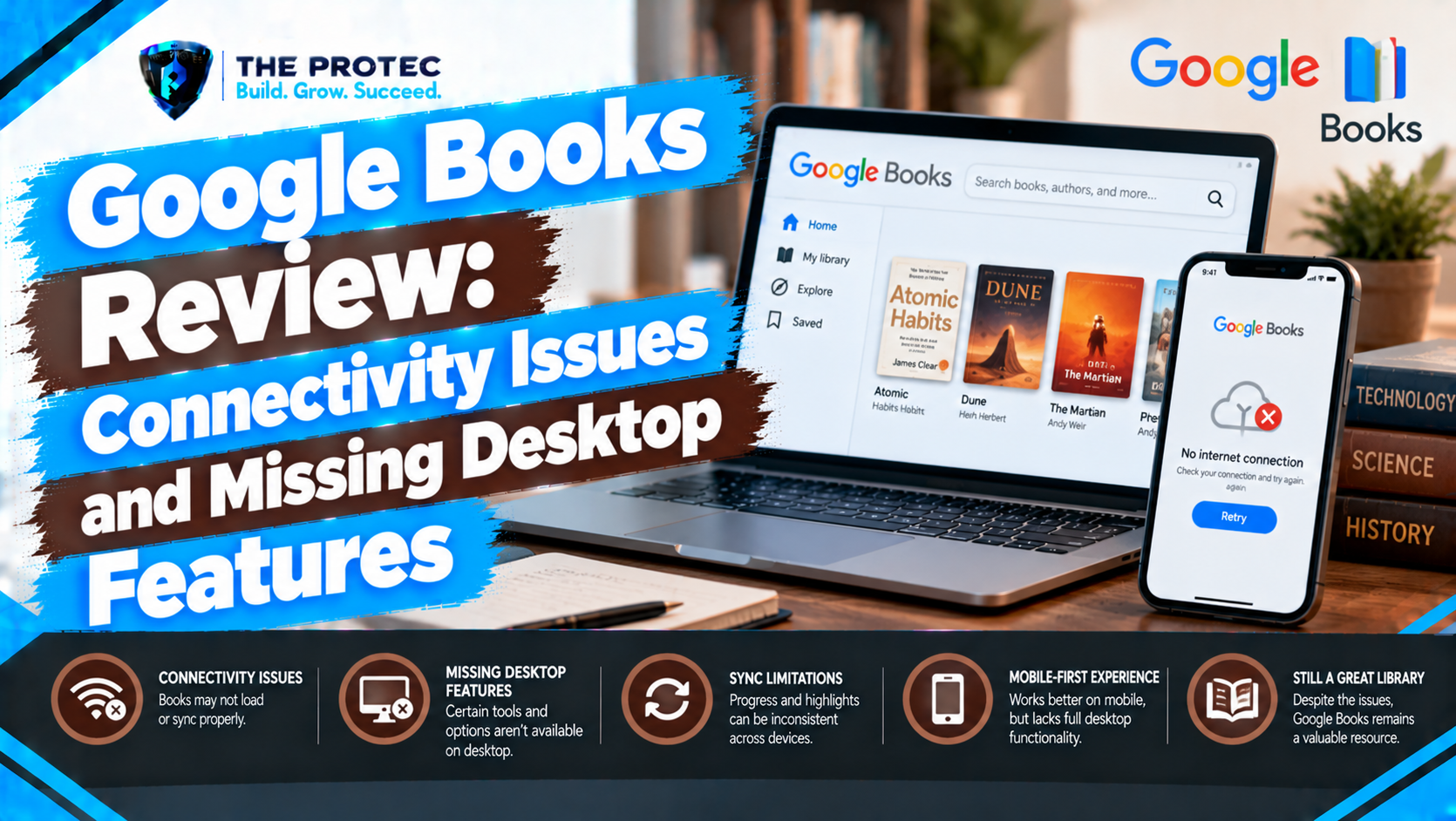
Google offers one of the most accessible gateways to digital books, combining searchable previews, purchased ebooks, uploaded documents, audiobooks, and cloud-based reading. That flexibility should make it ideal for readers who move constantly between phones, tablets, and computers. In practice, the experience is less consistent.
This Google Books review examines the problems that matter after the novelty wears off: connectivity failures, unreliable library synchronization, intermittent software bugs, restricted offline reading, and missing desktop features. These limitations do not make the platform unusable, but they can make it frustrating for readers with large libraries or multi-device workflows.
Google Books and Google Play Books Are Not the Same Product
The names are often used interchangeably, but Google Books and Google Play Books serve different purposes. Google Books is primarily the searchable book index at books.google.com. It provides bibliographic information, text search, public-domain works, snippets, and publisher-authorized previews.
Google Play Books is the commercial reading platform. Its Android and iOS apps, web reader, store, cloud library, and audiobook player handle purchases and personal uploads. Most complaints about the Google Books app, syncing, offline access, or reading software are therefore complaints about Google Play Books.
The distinction matters when diagnosing a problem. A preview unavailable through Google Books is usually a licensing issue, while a purchased title failing to appear on another device is a Google Play Books synchronization issue.
What the Google Books Reading Experience Gets Right
Google’s platform has several genuine strengths. Readers can buy books without subscribing to a closed membership program, access their libraries through a browser, and upload supported EPUB or PDF files. Uploaded books can sync reading position, notes, and highlights, although PDFs and unusually formatted files do not always behave like store-bought ebooks.
The mobile apps offer adjustable fonts, themes, brightness controls, search, bookmarks, notes, dictionaries, and volume-key page turning on supported Android devices. The web reader is convenient on shared or managed computers because it requires no traditional installation. Google’s catalog discovery, sample availability, and cross-platform account access also lower the barrier to starting a book.
For casual readers with stable internet access and a modest library, the core Google Books user experience is clean and approachable. The weaknesses become more visible when connectivity is unreliable or when several devices must stay aligned.
How to Reproduce Google Books Connectivity Issues
Connectivity complaints can be tested without specialized tools. Open the same account on a phone and desktop browser, begin reading a purchased title, add a bookmark, and highlight a passage. Close the mobile app, wait for synchronization, and then open the title on the web. Repeat the process while moving between Wi-Fi and cellular data, and once more after briefly enabling airplane mode.
A reliable cloud reader should upload every change after connectivity returns. Reported Google Books connectivity issues include books remaining on an older page, highlights appearing late, a loading screen persisting despite a working connection, or the library failing to refresh until the app is restarted. These failures are not universal, and some originate with account restrictions, VPNs, filtered networks, or battery-saving settings. However, the test makes the impact easy to verify on an affected device.
Google’s official Play Books help resources recommend checking connectivity, updates, account status, downloads, and storage. Those steps can resolve local faults, but they do not eliminate occasional service-side delays.
Software Instability and Google Books App Bugs
Google Books software problems are generally intermittent rather than catastrophic. Commonly reported symptoms include blank pages, slow cover loading, frozen progress indicators, failed downloads, unexpected sign-outs, or an app returning to the library instead of reopening the current book. Public reviews on the Google Play Books app listing provide an ongoing record of user experiences across different Android devices and software versions.
Not every negative review proves a platform-wide defect. Older phones, low storage, damaged uploads, manufacturer power controls, and beta operating systems can all cause similar behavior. Still, repeated reports involving downloads, page position, and library loading indicate that Google Books software stability can vary more than readers may expect from a mature cloud service.
Clearing the cache, updating the app, removing and downloading a title again, or signing out and back in may help. These are useful recovery steps, but frequent troubleshooting reduces confidence in a reading platform designed to preserve progress automatically.
Library Synchronization Is Useful but Not Always Predictable
Google Books library synchronization covers purchases, eligible uploads, reading position, bookmarks, notes, and highlights. Under normal conditions, moving from an Android phone to an iPad or browser is nearly seamless. Problems arise when the app has not uploaded its latest state before another device opens the book.
This creates a conflict that is easy to miss. A tablet may display an earlier page, and reading from there can replace newer progress from the phone. Notes may take longer to appear than page position, while cover images and collection changes can refresh on separate schedules. Readers should allow the first device to reconnect and complete synchronization before opening the title elsewhere.
Large digital libraries expose another limitation: organization is comparatively basic. Shelves help, but bulk classification, metadata editing, duplicate detection, advanced filtering, and desktop-grade library maintenance are limited. A few dozen books remain manageable; hundreds of purchases and uploads can become difficult to audit efficiently.
Google Books Offline Reading Has Important Limits
Offline reading is strongest on Android and iOS. A title downloaded inside the app generally remains available without a network connection, making the mobile experience practical for flights or commuting. Readers should download and open each book before traveling because licensing checks, incomplete downloads, or insufficient storage can prevent last-minute access.
The desktop situation is weaker. The browser reader depends heavily on connectivity and does not provide the same obvious, library-wide offline workflow as the mobile apps. Some publishers permit EPUB or PDF export, while protected books may require an ACSM file and compatible Adobe Digital Editions software. Export rights vary by title, so this is not a universal substitute for a native offline desktop application.
This difference is central to any Google Play Books review: mobile offline access is convenient, but the Google Books desktop experience is not equally self-contained.
Missing Google Books Desktop Features
Google provides a capable web reader but no full-featured first-party desktop library application comparable to established Windows or macOS ebook clients. That omission affects readers who want dependable offline storage, keyboard-friendly library management, local backups, drag-and-drop organization, or detailed metadata controls.
The web interface handles basic reading, search, notes, and library access, yet it feels like an extension of the cloud service rather than a complete desktop product. Uploading files is useful, but managing many uploads can be cumbersome. Sorting and shelf tools do not match dedicated ebook managers, and network interruptions can disrupt reading more noticeably than in a native program.
These Google Books missing features matter most to researchers, reviewers, students, and collectors. Mobile-first readers may barely notice them, while anyone using a laptop as the primary reading device may consider them a decisive weakness.
Device Compatibility: Broad Access, Uneven Capability
Google Books device compatibility is broad at the account level. Android, iPhone, iPad, and modern desktop browsers can reach the same library. Capability is not identical, however. Mobile apps provide the most complete offline experience, while desktop users receive a browser-centered service. E-ink support is also less direct than on platforms built around proprietary readers.
PDF rendering depends on the source file, screen size, and text layer. Fixed-layout books may be comfortable on a tablet but awkward on a phone. Uploaded EPUB files usually provide a better reflowable reading experience, although complex typography can still introduce formatting inconsistencies.
Google Books Alternatives and Competitive Usability
Amazon Kindle offers mature mobile and desktop software, extensive device integration, and strong synchronization, although its ecosystem is more tightly controlled. Kobo provides dedicated e-readers plus desktop and mobile applications, making offline computer reading more straightforward. Apple Books is polished across Apple hardware but offers limited appeal to readers who regularly use Android or Windows. Library-focused services such as Libby excel at borrowing but are not replacements for owning and uploading a personal collection.
Google’s main competitive advantage is flexibility. It works across major mobile platforms, requires no dedicated e-reader, and accepts personal EPUB and PDF uploads. Its main disadvantage is inconsistency between interfaces. Competing platforms often make desktop, mobile, and dedicated-device behavior feel like parts of one product; Google Play Books can feel like a strong mobile app attached to a simpler website.
Google Books Pros and Cons
Pros
- Accessible through Android, iOS, and desktop browsers
- Supports purchased books, audiobooks, EPUB uploads, and PDFs
- Useful cloud syncing for progress, notes, and highlights
- Strong search, previews, samples, and public-domain discovery
- No dedicated reading device is required
Cons
- Occasional sync delays and connectivity-dependent failures
- Intermittent app bugs and download problems
- No comprehensive native desktop application
- Limited bulk organization for large libraries
- Desktop offline options vary by title and publisher permissions
Verdict: Convenient, but Not Fully Dependable
Google Play Books remains a capable reading platform for people who value browser access, mobile apps, personal uploads, and freedom from dedicated hardware. Its core reading tools are polished when synchronization and connectivity work as intended.
However, Google Books sync problems, uneven offline access, software instability, and missing desktop features weaken the experience for demanding users. It is best for casual or mobile-first reading, not for readers who need a robust desktop archive or flawless transitions among several devices.
Frequently Asked Questions
Why is Google Books not syncing between devices?
The original device may not have uploaded its latest progress, or the second device may be displaying cached data. Confirm that both devices use the same Google account, restore a stable connection, keep the first app open briefly, and refresh the library before resuming elsewhere.
Can Google Play Books be read offline?
Yes. Android and iOS users can download eligible books in the app. Desktop offline access is less consistent and may require an authorized EPUB, PDF, or ACSM download, depending on publisher restrictions.
Does Google Books have a desktop app?
Google offers a web reader rather than a complete first-party Windows or macOS library application. The website supports reading and basic management, but it lacks the integrated offline storage and advanced organization available in some competing desktop clients.
Is Google Books the same as Google Play Books?
No. Google Books is primarily a searchable index with previews and digitized works. Google Play Books is the store, cloud library, audiobook service, and reading app used for purchases and personal uploads.