







Why Grok Prompts Matter for Cybersecurity Research
Cybersecurity teams are under pressure to investigate faster, summarize more data, and make better decisions with less time. That is where well-designed Grok cybersecurity prompts can help. Used correctly, Grok can assist with threat analysis AI workflows, security research, and structured thinking across logs, intelligence feeds, incident notes, and defensive planning.
The key word is ethically. Advanced AI security prompts should support detection, prioritization, and understanding of threats not offensive abuse or harmful automation. For analysts, defenders, students, and researchers, the value of Grok lies in its ability to turn messy security data into clear hypotheses, concise reports, and actionable questions.
This article covers 10 advanced prompts you can adapt for defensive cybersecurity learning. Each prompt is designed to improve research quality, speed up analysis, and sharpen your judgment. The examples focus on current realities: AI-assisted SOC workflows, cloud and identity threats, supply-chain risk, phishing evolution, malware behavior, and open-source intelligence correlation.
Before using any prompt, remember the basics: verify outputs, cross-check with trusted sources, and never rely on a model as the sole authority. AI can accelerate analysis, but human expertise still validates the conclusion.
How to Use Grok Safely for Threat Analysis
When building prompts for security analysis, structure matters more than clever wording. The most effective prompts specify the goal, the expected output format, the data source, and the ethical boundary. A strong prompt should ask Grok to explain, summarize, compare, classify, or prioritize not to exploit.
- Use defensive framing: ask for detection, analysis, triage, or reporting.
- Provide context: include log snippets, IOCs, alert summaries, or incident notes.
- Request structured output: tables, bullet lists, timelines, or risk scores.
- Ask for uncertainty: have Grok separate facts from assumptions.
- Cross-check findings: validate against vendor advisories, OSINT, and internal telemetry.
For deeper verification, pair AI findings with trusted sources such as MITRE ATT&CK and CISA. These references help ground AI-assisted analysis in known adversary behaviors and practical defensive guidance.
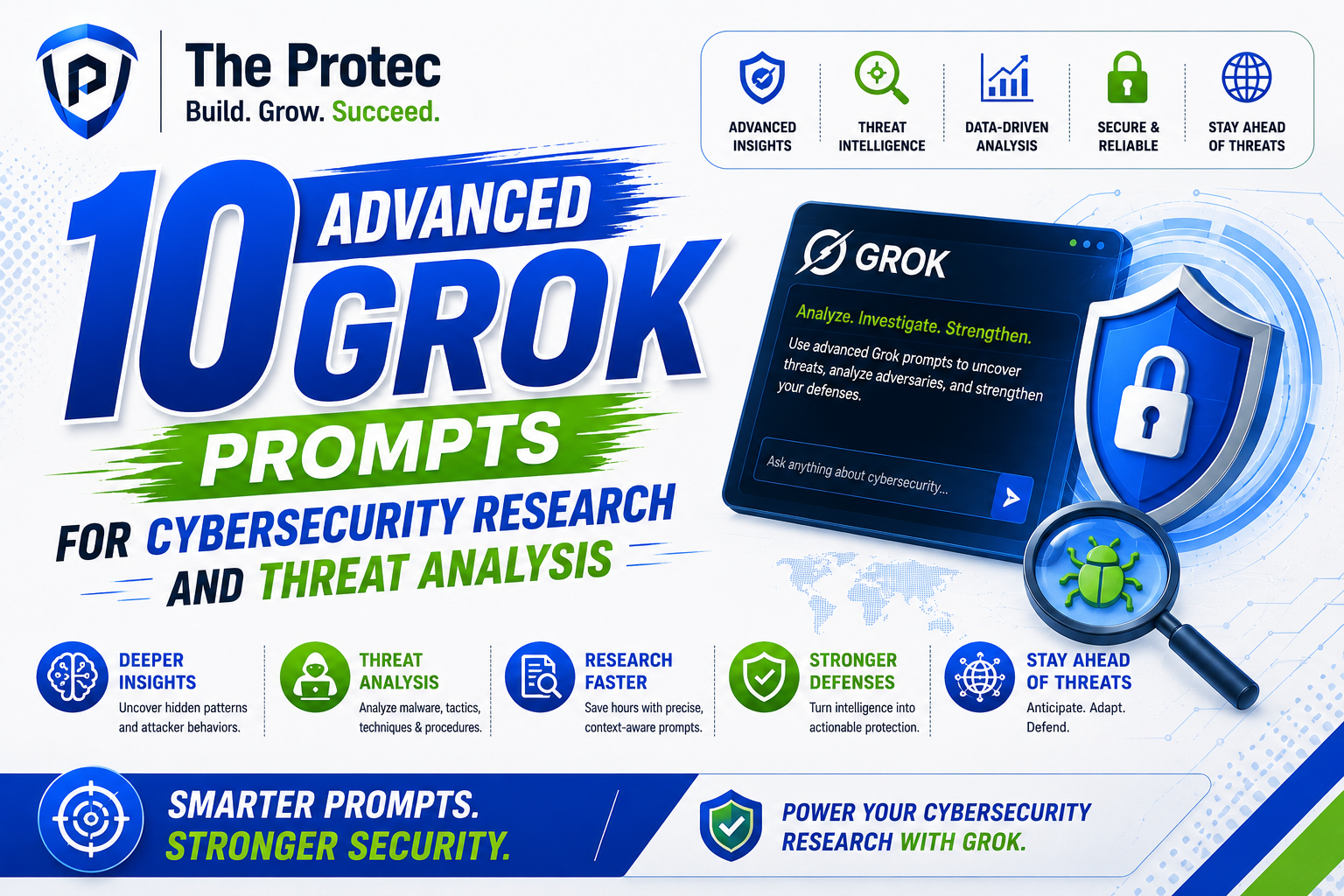
10 Advanced Grok Prompts for Cybersecurity Research and Threat Analysis
1. Summarize an alert into a defensible incident hypothesis
Prompt: “Analyze the following security alert and produce a concise incident hypothesis. Separate confirmed facts, likely explanations, and unknowns. Then recommend the top five validation steps a SOC analyst should take next. Format the output as: Facts, Hypotheses, Unknowns, Next Checks, and Confidence.”
This is one of the most useful Grok cybersecurity prompts because it turns noisy alert data into a decision-ready summary. Instead of asking the model to “explain the alert,” you are asking it to think like an analyst. That encourages clearer reasoning and helps reduce rushed triage mistakes.
Best use cases: SIEM alerts, EDR detections, cloud security notifications, suspicious authentication events.
Why it works: It forces separation between evidence and inference, which is essential for threat analysis AI.
2. Map observed behavior to MITRE ATT&CK techniques
Prompt: “Given this sequence of observed attacker behaviors, map each action to the most likely MITRE ATT&CK techniques. Explain why each mapping fits, list alternative techniques if relevant, and note which logs or telemetry sources would help confirm the mapping.”
This prompt is powerful for research and post-incident analysis. It helps analysts connect real-world activity to a standardized framework, making it easier to communicate with teammates and search for related detections. It also supports better detection engineering because the output can be translated into rules, hunt queries, or validation tasks.
Best use cases: intrusion analysis, purple-team exercises, incident retrospectives, detection mapping.
Analyst advantage: You gain a structured view of attacker tradecraft without losing nuance.
3. Compare two threat actor profiles with operational detail
Prompt: “Compare these two threat actor profiles in a table: objectives, initial access patterns, persistence methods, common payload types, targeting preferences, and defensive indicators. Highlight differences that matter for defenders and include a short assessment of how their tradecraft overlaps.”
Threat research often stalls because teams compare actors only by name or headline attribution. This prompt pushes Grok to focus on operational behavior, which is far more useful. It is especially relevant as adversaries borrow techniques from one another and blend crimeware with espionage-style methods.
Best use cases: actor profiling, executive briefings, analyst training, campaign comparisons.
What to watch: Ask the model to avoid overstating attribution certainty. Distinguish similarity from identity.
4. Generate a defensive hunt plan from a report or advisory
Prompt: “Read this threat report or advisory and create a defensive hunt plan for a security team. Include the most relevant indicators, likely telemetry sources, likely false positives, suggested queries to investigate, and a prioritization order. Keep it focused on detection and validation.”
Modern AI security prompts should save time without creating unsafe shortcuts. This prompt helps convert narrative reports into tactical hunts. It is useful for teams that receive too many advisories and need a quick way to decide what to check first.
Best use cases: vulnerability response, threat intelligence triage, SOC hunting, campaign monitoring.
Why it matters now: Adversaries move quickly across cloud, identity, and endpoint layers, so defenders need fast translation from intelligence to action.
5. Extract indicators and explain their defensive value
Prompt: “From the following incident notes, extract all potentially relevant indicators such as domains, hashes, IPs, file names, user agents, registry keys, commands, and email characteristics. Then explain which indicators are durable, which are fragile, and which are best suited for detection engineering versus enrichment.”
This prompt is ideal for turning messy notes into usable data. Not every indicator is equally valuable, and some are too brittle to build detections around. Grok can help analysts separate durable behavioral cues from short-lived artifacts.
Best use cases: incident response, malware triage, enrichment workflows, detection content creation.
Analyst benefit: Better prioritization of what to alert on, what to hunt, and what to archive for context.
Prompt: “Analyze this phishing email or message and identify the social engineering tactics used, including urgency cues, authority cues, brand impersonation, language anomalies, and delivery signals. Then suggest defensive training points and mail security controls that would reduce success.”
Phishing remains one of the most adaptive threat vectors, and AI-generated lures are more polished than ever. This prompt focuses on defensive awareness. It helps researchers understand the psychology and structure behind social engineering while generating practical lessons for users and mail teams.
Best use cases: phishing analysis, user awareness content, email security tuning, BEC research.
What makes it advanced: It asks for both behavioral analysis and mitigation ideas, which makes the output more useful than a simple “is this phishing?” question.
7. Build a cloud threat analysis checklist from telemetry
Prompt: “Review this cloud security telemetry and produce a threat analysis checklist. Focus on identity abuse, privilege escalation, unusual API activity, token misuse, storage exposure, cross-account access, and logging gaps. Rank the findings by likely risk and explain what would confirm or dismiss each concern.”
Cloud environments have changed the rhythm of security investigations. Threat actors often target identity providers, tokens, permissions, and misconfigurations before touching endpoints. This prompt helps analysts think in cloud-native terms rather than forcing endpoint logic onto cloud events.
Best use cases: AWS, Azure, and Google Cloud investigations; identity incident response; cloud posture reviews.
Current relevance: With more organizations using distributed cloud services and identity-first architectures, strong cloud analysis prompts are now essential.
8. Identify likely malware behavior from execution artifacts
Prompt: “Given these execution artifacts process tree, command lines, persistence clues, network behavior, and file activity summarize the likely malware behavior in defensive terms. Avoid naming a family unless evidence supports it. Explain what stage of the attack lifecycle the activity suggests and which next artifacts would help confirm the assessment.”
This is one of the most valuable threat analysis AI patterns because it emphasizes behavior over labels. Malware families mutate, but execution patterns often reveal intent. By asking for a lifecycle-based summary, you get an analysis that is more resilient than a signature-only response.
Best use cases: EDR investigations, sandbox output review, endpoint triage, malware research.
Good practice: Ask Grok to distinguish between observed behavior and inferred purpose.
9. Convert noisy OSINT into a ranked risk brief
Prompt: “Take this collection of OSINT posts, forum mentions, social media snippets, and public advisories, then produce a ranked risk brief. Separate verified intelligence from rumors, identify the most credible signals, and explain why each item matters to defenders. Include a confidence rating and recommended follow-up sources.”
Open-source intelligence is increasingly fragmented. A model can help consolidate weak signals, but only if the prompt demands source discipline. This prompt helps analysts avoid overreacting to hype while still spotting emerging threats early.
Best use cases: emerging campaign monitoring, brand abuse tracking, executive risk updates, early warning analysis.
Research value: The output can reveal which signals deserve deeper collection and which are noise.
10. Draft a detection engineering brief from observed techniques
Prompt: “Using these attacker techniques and related telemetry, create a detection engineering brief. Include likely detection logic concepts, data sources, false positive concerns, tuning ideas, and a validation checklist. Keep the focus on defensive monitoring and safe implementation.”
This prompt bridges analysis and action. It is especially helpful for teams that want to convert threat research into concrete detection projects. Rather than asking for a ready-made rule, this prompt asks for a brief that a human analyst or engineer can safely refine.
Best use cases: SIEM content planning, EDR rule ideation, hunt-to-detect workflows, purple-team validation.
Why it stands out: It supports collaboration between analysts and engineers while avoiding brittle, copy-paste detections.
How to Improve Grok Cybersecurity Prompts
Advanced prompts work best when you refine them in layers. Start with a specific question, then add context, then define the output format. If the first response is too broad, ask Grok to narrow the scope, explain its assumptions, or rank the findings by confidence.
- Ask for evidence labels: confirmed, likely, possible, unknown.
- Specify environment: cloud, endpoint, email, IAM, network, or hybrid.
- Request a table: it improves readability and makes review easier.
- Include constraints: defensive only, no exploitation, no weaponization.
- Iterate carefully: use follow-up prompts to deepen analysis, not to shortcut validation.
In practice, the best AI security prompts resemble a skilled analyst handing work to a junior teammate: clear objective, enough context, and strict guardrails. That structure is what makes output useful.
Common Mistakes to Avoid with Threat Analysis AI
Even strong models can mislead users if the prompt is vague or the analyst is too trusting. A few mistakes show up repeatedly in security workflows.
- Over-attribution: assuming a behavior proves a specific actor or malware family.
- Under-contextualizing: feeding a single log line instead of the broader event chain.
- Ignoring uncertainty: treating model output as fact instead of a hypothesis.
- Chasing novelty: using AI for flashy summaries instead of practical triage.
- Skipping validation: not checking findings against telemetry and trusted intelligence.
The best defensive teams use Grok as an accelerator, not a replacement. It can help frame questions faster, but the analyst remains responsible for verification, prioritization, and response.
FAQ
Are Grok cybersecurity prompts useful for beginners?
Yes. Beginners can use Grok cybersecurity prompts to learn how analysts think, how incidents are structured, and how threat reports are summarized. The best beginner approach is to start with safe, defensive tasks like alert summarization, indicator extraction, and phishing analysis.
Can Grok help with malware or threat research without being unsafe?
Yes, if the prompts are framed for defense. Ask Grok to describe behavior, summarize artifacts, map techniques, or identify indicators. Avoid prompts that request exploitation, persistence methods for misuse, or step-by-step offensive instructions.
How do I know if a threat analysis AI response is reliable?
Look for clear separation between facts and assumptions, confidence levels, and references to observable evidence. Then verify the output with logs, vendor reports, and trusted frameworks such as MITRE ATT&CK. If the model is uncertain, treat that uncertainty as part of the analysis.
What is the best way to adapt these prompts to my environment?
Add your actual context: cloud provider, endpoint platform, SIEM, detection goals, and sample telemetry. The more specific the prompt, the more actionable the response. You can also ask Grok to tailor the output for SOC analysts, incident responders, or detection engineers.
Final Thoughts
Advanced AI security prompts are most valuable when they improve judgment, not just speed. The ten prompts above are designed to help defenders analyze alerts, study adversary behavior, process intelligence, and turn observations into practical next steps. Used responsibly, Grok can make research more efficient and analysis more consistent.
The real advantage is not automation for its own sake. It is the ability to ask better questions, structure evidence, and move from noise to insight faster. For cybersecurity teams and learners alike, that can be a meaningful edge in a world where threats evolve constantly and attention is limited.