









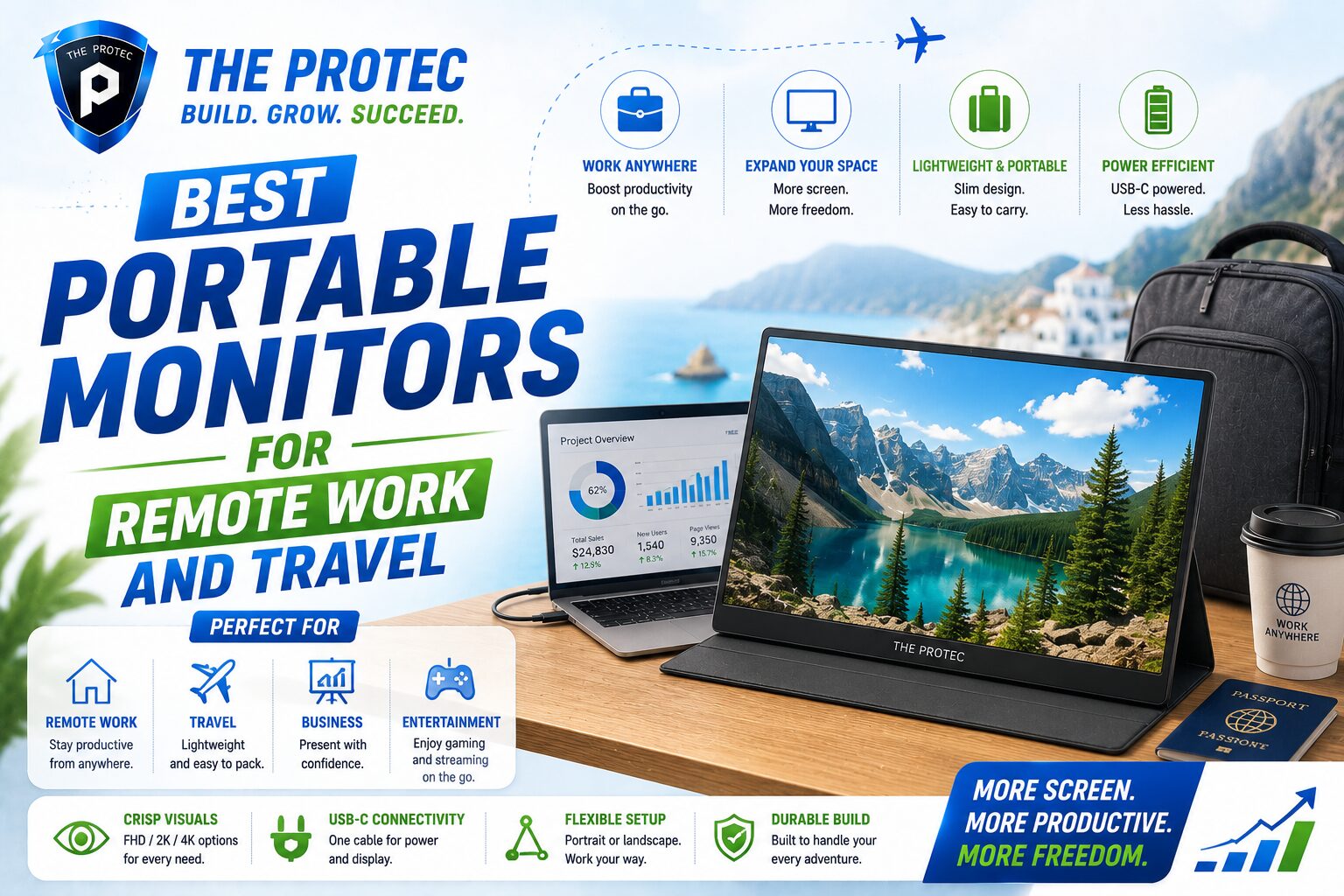
Why Portable Monitors Have Become Essential for Remote Work
Remote work has changed the way professionals build their daily setup. A laptop alone can get the job done, but once your workload includes spreadsheets, video calls, design tools, coding environments, or multiple browser tabs, one screen starts to feel limiting. That is where a portable monitor can make a major difference. The best portable monitor gives you the kind of extra screen space that used to require a full desk setup, but in a slim, lightweight format that fits inside a backpack.
For travelers, consultants, digital nomads, students, and hybrid workers, a travel monitor is no longer a niche accessory. It has become a practical productivity tool. Newer models are lighter, brighter, more color-accurate, and easier to connect than earlier generations. USB-C has simplified setup, OLED and mini-LED options are trickling into the category, and built-in stands and smart covers have improved usability. In other words, portable displays are finally mature enough to be worth serious consideration.
If you are upgrading your remote work setup, the right monitor can help you work faster, reduce eye strain, and keep your workflow organized whether you are in a home office, hotel room, airport lounge, or coworking space. The key is knowing which features matter most and which models are genuinely suited to mobile professionals.
What Makes the Best Portable Monitor for Professionals
Not every portable display is built for the same user. Some are designed for gaming, some for creative work, and some are focused purely on convenience. For remote work and travel, the best portable monitor usually balances weight, image quality, connectivity, and ease of setup.
1. Screen size and resolution
The most common size range is 13 to 16 inches, with 15.6-inch models still the sweet spot for many professionals. A 14-inch display is easier to carry, while a 16-inch display offers more workspace for multitasking. Resolution matters just as much as size. Full HD remains common and works well on smaller screens, but 2.5K and 4K models provide sharper text and better detail, especially for design, content creation, and spreadsheet-heavy work.
2. Weight and portability
For frequent travelers, every ounce counts. A good travel monitor should be slim enough to slide into a laptop sleeve or backpack compartment without adding bulk. Some of the lightest models now weigh under 2 pounds, which makes them much easier to carry than older portable displays. If you commute daily or fly often, a lighter screen with a durable folio cover is a major advantage.
3. Connectivity
USB-C is the standard to look for because it can handle display signal and power over a single cable. Many of the best portable monitors now support plug-and-play operation with USB-C laptops, tablets, and even smartphones. HDMI is still useful for compatibility with older machines, consoles, and some docking setups, but USB-C keeps your remote work setup cleaner and faster to deploy.
4. Brightness and panel quality
Brightness matters when you work in cafes, coworking spaces, or near windows. A panel with at least 300 nits is a solid starting point, while 400 nits or more is better for brighter environments. IPS panels remain popular for their viewing angles and color consistency. OLED is emerging as a premium option for users who want richer contrast and deeper blacks, though battery efficiency and price can be tradeoffs.
5. Power requirements
Some portable displays draw power directly from the laptop, which keeps the setup simple. Others include an external power option for brighter screens or enhanced performance. If you travel frequently, it helps to choose a monitor that can run from one USB-C cable, because fewer adapters mean fewer complications.
The Best Portable Monitor Features to Prioritize
When comparing lightweight displays for professionals, the best choice is not always the one with the most specs. It is the one that fits your workflow. Here are the features that matter most for remote work and travel.
- Single-cable USB-C support: Ideal for quick setup and fewer accessories.
- Lightweight design: Better for commuting, flights, and shared workspaces.
- Sharp resolution: Helps with text clarity and detailed workflows.
- Good brightness: Improves visibility in changing environments.
- Built-in stand or smart cover: Essential for stability on hotel desks and small tables.
- Wide device compatibility: Useful if you switch between laptop brands or use tablets.
- Low blue light and eye comfort features: Helpful for long work sessions.
Professionals often underestimate how much a monitor stand or kickstand affects usability. A travel monitor that looks great on paper can be frustrating if it wobbles on a narrow desk or forces an awkward viewing angle. Stability is part of productivity.
Top Portable Monitor Types for Remote Work and Travel
There is no single best portable monitor for everyone, but there are clear categories that suit different kinds of professionals. Understanding these types can help you choose a model that matches your work style.
Best for everyday productivity
For most remote workers, the ideal portable monitor is a 15.6-inch IPS display with Full HD or 2.5K resolution, USB-C connectivity, and a folding cover. This category offers the best balance of size, usability, and price. It is large enough to handle documents, Slack, calendars, and browser-based tools without feeling cramped. It is also easy to pack and set up in minutes.
Best for frequent travelers
If you are on the road constantly, prioritize weight and durability over extra features. A thin 14-inch or 15.6-inch monitor with a protective case is usually the best travel monitor choice. Look for models that can be powered directly from a laptop and include a simple stand. The fewer parts you need to carry, the better.
Best for creative professionals
Designers, photographers, editors, and content creators should look for higher resolution, better color coverage, and accurate factory calibration. A 2.5K or 4K portable display with strong sRGB or DCI-P3 coverage is worth the investment. OLED models can be attractive for content review and media work, but professionals should still check brightness and burn-in mitigation features before buying.
Best for multitasking and finance work
Analysts, coders, and operations teams often benefit from the largest practical screen they can carry. A 16-inch display with a 16:10 aspect ratio can add valuable vertical space for code, dashboards, and long documents. That extra height can improve efficiency more than a slightly wider screen.
How Portable Monitors Improve Your Remote Work Setup
A second screen changes the way you work. Instead of constantly switching windows, you can keep your main task on one display and your supporting tools on the other. That could mean your video call on one screen and notes on the other, or your spreadsheet on one display and your browser research on the other. The result is a smoother workflow and less cognitive friction.
Portable monitors also help separate tasks. Many remote workers find that a dual-screen setup reduces the feeling of being overwhelmed because information is easier to organize. For example, project managers can keep task boards visible while drafting updates. Writers can research on one screen while composing on the other. Developers can monitor logs while editing code.
Travel adds another layer of value. In a hotel room or temporary office, a portable display can recreate the comfort and efficiency of a home workspace. That makes it easier to stay productive on longer trips and maintain consistency across environments. A well-chosen travel monitor can be the difference between improvising and actually working comfortably.
Comparing the Best Portable Monitor Options by Use Case
Here is a practical way to think about the best portable monitor for different professional needs.
- Best overall balance: 15.6-inch IPS USB-C monitor with Full HD or 2.5K resolution, lightweight design, and smart cover.
- Best for travel: 14-inch model with low weight, strong portability, and reliable single-cable connection.
- Best for premium visual quality: OLED or high-end 4K portable display with excellent contrast and color accuracy.
- Best for productivity on a budget: Entry-level IPS monitor with solid brightness and basic stand support.
- Best for power users: 16-inch display with 16:10 ratio and higher resolution for multitasking.
When comparing options, think beyond the spec sheet. A monitor that requires a separate power brick, awkward adapters, or a complicated stand may be less useful than a simpler model with fewer headline features. Convenience often wins in real-world travel conditions.
What Is New in Portable Monitor Technology
The portable display category has matured quickly, and recent developments have made these products more compelling than ever. USB-C power delivery has become more reliable, reducing setup friction. Many new models include better screen coatings to handle glare, improved speakers, and slimmer bezels that make the displays feel more modern and immersive.
Another important trend is the rise of higher refresh rates in certain portable monitors, especially those aimed at hybrid use cases like gaming and creative review. While remote workers do not necessarily need 120Hz or 144Hz, smoother motion can still be a nice benefit for people who split time between work and entertainment.
We are also seeing broader compatibility with tablets, handheld PCs, and smartphones. This is useful for professionals who want a flexible mobile workspace. A single portable monitor can now serve multiple roles, from second screen for a laptop to on-the-go presentation display.
For a deeper look at display technology and standards, resources like DisplayNinja and RTINGS monitor reviews can be helpful when evaluating panel quality, brightness, and color performance.
How to Choose the Right Portable Monitor for You
The best portable monitor depends on how and where you work. Before buying, ask yourself a few practical questions.
- Do I need maximum portability or a larger workspace?
- Will I mostly use the monitor for text, creative work, or mixed productivity?
- Does my laptop support USB-C display output?
- Will I work in bright spaces that require higher brightness?
- Do I need a monitor that can power from the laptop alone?
- Is color accuracy important for my work?
If your answer is yes to portability and simplicity, keep the setup compact and choose a monitor with USB-C and an integrated stand. If your work is more visual, invest in a higher-resolution panel with better color coverage. If you are often in meetings and need to present from different locations, prioritize compatibility and fast setup over premium extras.
Setup Tips for a Better Remote Work Experience
Buying the right monitor is only half the equation. A smart setup makes a big difference in comfort and productivity. Position the portable display so the top edge is close to eye level, and use your laptop as the primary or secondary screen depending on your workflow. If the monitor is too low, use a laptop stand to align the displays more naturally.
Keep cables organized with a small pouch or cable tie so your kit stays travel-ready. If your portable monitor supports power pass-through, test it before a trip to make sure your laptop can stay charged while driving the display. It is also worth carrying a compact wall charger with enough wattage for both devices.
For long work sessions, adjust brightness to match your environment and enable any available eye comfort settings. A good monitor should reduce fatigue, not introduce it. Finally, pack a microfiber cloth and a slim protective sleeve. These small accessories help preserve the screen and keep the display looking sharp over time.
FAQ: Best Portable Monitors for Remote Work and Travel
What size portable monitor is best for remote work?
For most professionals, 15.6 inches is the best balance of screen space and portability. If you travel often and want a lighter option, 14 inches is easier to carry. If multitasking is a priority, a 16-inch model can be more comfortable.
Is a portable monitor worth it for travel?
Yes, especially if you work from hotels, airports, coworking spaces, or temporary offices. A travel monitor can dramatically improve productivity by giving you extra screen space without forcing you to carry a full-size external display.
Do portable monitors work with any laptop?
Most modern portable monitors work with laptops that support USB-C display output. Some also include HDMI for broader compatibility. Before buying, check whether your laptop’s USB-C port supports video output, since not every USB-C port does.
What resolution should I choose?
Full HD is fine for many 13- to 15.6-inch monitors, but 2.5K or 4K is better if you want sharper text or do visual work. Higher resolution is especially useful if you spend long hours reading documents or editing content.
Can a portable monitor replace a desktop monitor?
For some users, yes. If your work is mobile-first and you value flexibility, a portable monitor can serve as your main second screen. However, for a permanent desk setup, a larger desktop monitor may still be more comfortable for all-day use.
Final Thoughts
The best portable monitor is the one that makes your remote work setup easier, faster, and more comfortable. For many professionals, the sweet spot is a lightweight 15.6-inch USB-C display with strong brightness, solid image quality, and a dependable stand. Travelers may prefer a smaller, lighter model, while creative users may benefit from a sharper, more color-accurate panel.
As portable display technology continues to improve, these monitors are becoming less like accessories and more like essential productivity tools. Whether you are building a more efficient home office or packing a mobile workstation for your next trip, the right travel monitor can help you work smarter wherever you go.

Heya i am for the primary time here. I found this board and I to
find It truly useful & it helped me out a lot.
I’m hoping to offer something again and help others like you aided me.
Ahaa, its pleasant discussion about this article here at this blog, I
have read all that, so at this time me also commenting
at this place.
The most useful part here isn’t a product pick, it’s the reminder that a wobbly stand or a monitor that needs its own power brick will annoy you more than any missing spec ever will — convenience beats headline features on the road. The call-out that not every USB-C port supports video output is the single biggest gotcha in this category, and it’s the reason people buy a portable monitor and then can’t get a picture. The 16-inch 16:10 recommendation for coders and analysts also makes sense, since vertical space matters more than width for long documents and dashboards.