








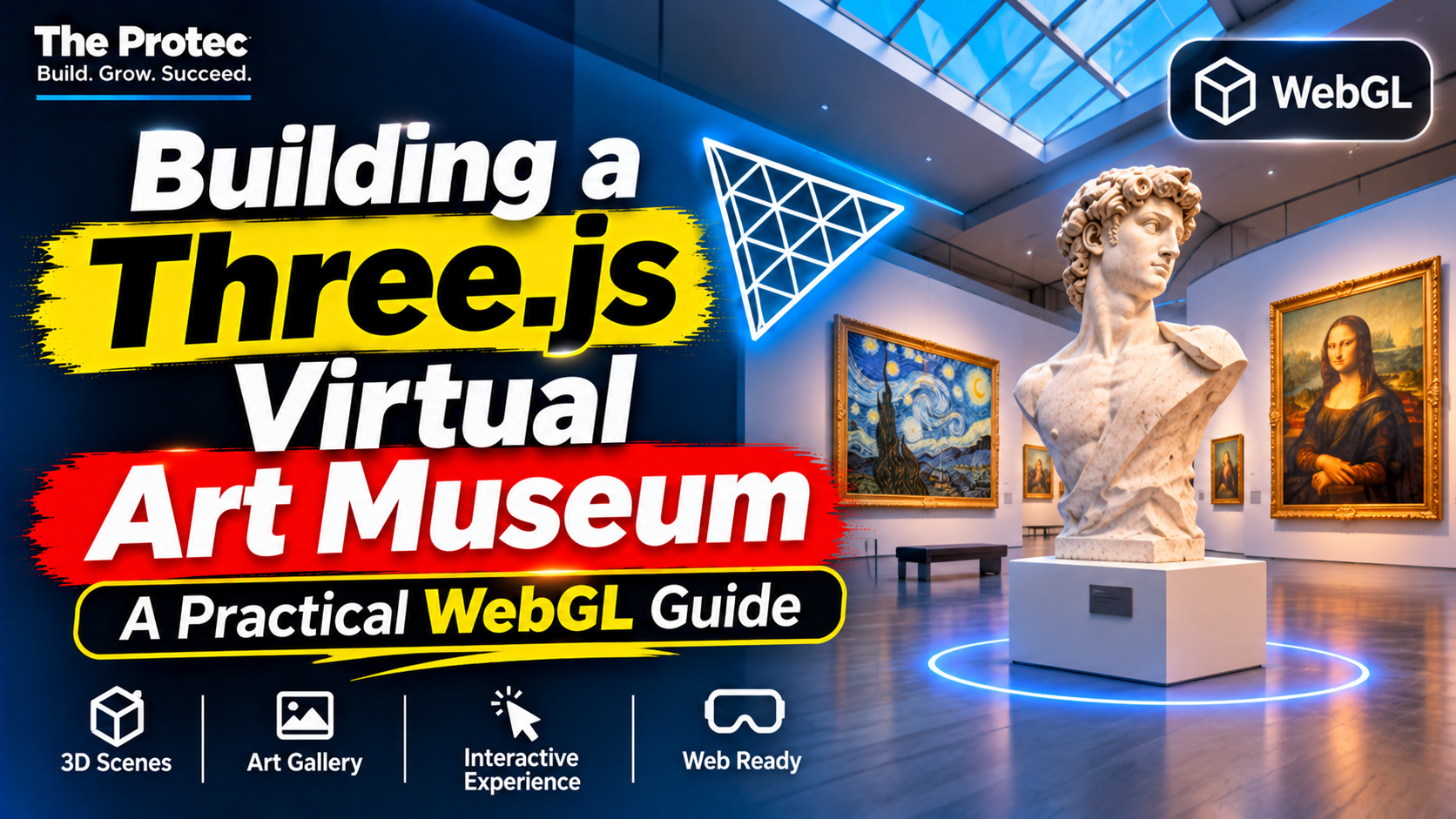
A digital exhibition does not have to feel like a catalog of thumbnails. A Three.js virtual art museum can place visitors inside a navigable space where scale, lighting, sound, and movement contribute to the interpretation of each work. Three.js makes that experience possible in a browser by providing a practical JavaScript layer over WebGL. The difficult part is not drawing the first room, however. It is creating a gallery that loads quickly, communicates clearly, works across input methods, and offers a useful alternative when full 3D is unavailable.
This guide explains the architecture behind an interactive 3D gallery, examines notable projects, and outlines a production workflow covering scene construction, controls, assets, artwork interactions, performance, accessibility, and deployment.
How Three.js and WebGL create a virtual museum
WebGL gives JavaScript access to hardware-accelerated graphics through the browser. It can render detailed scenes without requiring visitors to install a native application. Three.js sits above the lower-level WebGL API and supplies reusable abstractions for scenes, cameras, geometry, materials, textures, lights, animation, and asset loading.
A typical museum is organized as a scene graph. The root scene contains rooms, display structures, artwork, lights, and interactive objects. Groups establish useful hierarchies: moving a gallery wing can move its walls, labels, and exhibits together. A renderer then draws the scene from the position of a camera into an HTML canvas.
The essential components are:
- Scene: the container for every visible object and environmental setting.
- Camera: usually a perspective camera configured for human-scale navigation.
- Renderer: the bridge between the Three.js scene and the browser’s graphics capabilities.
- Geometry and materials: the shapes and surface properties used for architecture and exhibits.
- Lighting: ambient, directional, spot, or baked illumination that establishes depth and focus.
- Interaction system: pointer, keyboard, touch, or controller logic connected to artwork and navigation.
The official Three.js manual documents these foundations and the library’s supported loaders, controls, and rendering concepts.
What real-world projects demonstrate
The examples below are described according to their creator-published project material, live experience credits, and disclosed technology. Features not publicly documented should not be treated as confirmed implementation details.
Painted Paths: pairing immersive 3D with practical 2D
Painted Paths presents an immersive Three.js exhibition while retaining a separate, lightweight 2D gallery. That division is an important product decision rather than a compromise. Visitors who want spatial exploration can enter the 3D environment, while people looking for faster browsing can examine the work through a conventional interface.
The project demonstrates how a Three.js 3D website can offer multiple ways into the same collection. A museum can preserve atmosphere and discovery without making navigation, device capability, or graphics performance a barrier to viewing the artwork. It is also a useful model for accessibility and search visibility because essential information does not exist only inside a canvas.
Musée du Monde: entering generated artwork environments
Musée du Monde combines Three.js with Gaussian splatting to let visitors move beyond a flat image and explore generated environments associated with artwork. Gaussian splatting represents a scene through many oriented, translucent primitives rather than only conventional polygon meshes. When rendered effectively, these splats can reproduce complex visual detail and produce an impression of stepping into a captured or synthesized space.
This approach reflects a broader development in browser graphics: art can become the source material for an explorable environment instead of remaining a texture on a wall. It also introduces demanding engineering considerations. Splat counts, sorting, overdraw, memory consumption, streaming, and mobile GPU limits must all be considered. Three.js can manage the surrounding scene and interaction layer, while specialized rendering code or compatible splat tooling handles the representation itself.
Virtual Science and Technology Museum: exhibits driven by content
Virtual Science and Technology Museum demonstrates interactive exhibits, guided tours, and data-driven content implemented with Three.js. Its educational focus shows why a virtual museum should be more than a visually modeled building. Exhibit records can supply titles, descriptions, media, categories, positions, and tour sequences, allowing curators to update content without rebuilding every object by hand.
Guided movement can also reduce the uncertainty common in open 3D spaces. A tour can move between exhibits, frame important details, and coordinate narration or explanatory panels. The same pattern suits science education, historical interpretation, product demonstrations, and training environments.
A practical Three.js tutorial workflow
1. Define the visitor journey before modeling
Decide whether visitors should explore freely, follow a route, or switch between both modes. Create a floor plan that minimizes dead ends and makes major exhibits visible from recognizable landmarks. Determine what happens when someone selects an artwork and how they can always return to the entrance, collection index, or previous exhibit.
Design the 2D information architecture at the same time. Titles, descriptions, transcripts, credits, and navigation should remain available in semantic HTML rather than being rendered exclusively as textures.
2. Set up the scene, camera, and responsive renderer
Create a scene, perspective camera, WebGL renderer, and animation loop. Configure the renderer’s pixel ratio conservatively; blindly matching a high-density display can multiply fragment-processing costs. Update the camera’s aspect ratio and renderer dimensions when the viewport changes.
Use physically meaningful dimensions where possible. Consistent scale improves camera movement, lighting, shadows, collision boundaries, and model interchange. Set near and far camera clipping planes tightly enough to preserve depth precision without cutting off required geometry.
3. Build modular rooms and load optimized assets
Simple galleries can be assembled from reusable wall, floor, ceiling, frame, and plinth components. More elaborate architecture is normally modeled externally and exported as glTF or GLB. The format supports meshes, materials, cameras, animations, and efficient delivery through Three.js’s GLTFLoader.
Compress geometry with Draco or Meshopt where it produces a measurable benefit. Resize artwork images to realistic display dimensions, generate mipmaps, and prefer GPU-friendly compressed texture formats such as KTX2 when the target-device matrix supports them. Load the entrance first, then stream distant rooms and high-resolution artwork as visitors approach.
4. Choose lighting for quality and cost
Museum lighting directs attention, but every real-time light and shadow can increase rendering work. A practical scene might combine baked lightmaps for architecture, an environment map for general reflections, and a small number of carefully placed spotlights for featured pieces.
Avoid assigning shadow casting to every frame and wall. Limit shadow-map resolution, shadow distance, and the number of updating lights. If the architecture is static, baked illumination often produces better consistency and performance than a fully dynamic setup.
First-person controls can create presence but may be uncomfortable or unfamiliar. Orbit-style inspection, click-to-move navigation, fixed viewpoints, and guided tours are often easier. Support keyboard, pointer, and touch input, and avoid relying on hover because it has no reliable mobile equivalent.
Three.js raycasting can determine which object lies beneath a pointer or screen tap. Associate each interactive mesh with an exhibit identifier rather than embedding complete records in the object. Selecting it can open an HTML panel containing the title, artist, date, description, media controls, and a close button. Clear focus management allows keyboard and assistive-technology users to operate that panel predictably.
6. Separate museum content from scene code
Store exhibit metadata in JSON, a content management system, or an API. Scene configuration can map a content record to a room, position, frame size, texture, audio track, and tour order. This data-driven structure makes curatorial changes safer and supports localization, temporary exhibitions, and multiple presentation modes.
Performance optimization for a browser-based 3D experience
Optimization should begin before assets enter the repository. Test on representative mobile hardware and monitor frame time, GPU memory, network payloads, and long tasks. Browser developer tools and renderer statistics can reveal whether the bottleneck is JavaScript, geometry, textures, shader complexity, or fill rate.
- Reduce draw calls: merge static geometry that shares materials, use instancing for repeated frames or fixtures, and avoid unnecessary material variations.
- Control visibility: use frustum culling, room-based visibility, and level-of-detail models so unseen exhibits do not consume equal resources.
- Manage textures: cap dimensions, use appropriate color spaces, dispose of replaced GPU resources, and defer full-resolution images.
- Limit transparency: large transparent surfaces and splats can cause costly overdraw and sorting work.
- Pause intelligently: reduce or stop rendering when the tab is hidden, the experience is covered by a modal, or nothing is moving.
- Budget post-processing: bloom, antialiasing, ambient occlusion, and depth effects can require multiple full-screen passes.
MDN’s WebGL best practices provide additional guidance on resource limits, shader compilation, memory, and browser behavior.
Responsive design, accessibility, and graceful fallbacks
A mobile layout involves more than shrinking the canvas. Touch targets need adequate size, text panels must fit small viewports, and camera gestures should not block normal page scrolling without clear intent. Lower-end profiles may need reduced texture resolution, fewer splats, simpler materials, disabled post-processing, and a capped pixel ratio.
Canvas content is not inherently accessible. Provide semantic exhibit pages or panels, keyboard-operable controls, visible focus states, captions and transcripts, and a reduced-motion option. Avoid forced camera acceleration and offer teleportation or fixed viewpoints for visitors who experience motion discomfort.
Detect capabilities and failures rather than assuming WebGL will always initialize. If required features are unavailable, present the 2D gallery, artwork descriptions, and media directly. Painted Paths illustrates the value of treating this route as a complete experience rather than an error page.
When a 3D gallery adds genuine value
Three-dimensional presentation is valuable when spatial relationships, scale, atmosphere, guided discovery, or object inspection contribute to understanding. It can strengthen digital museums, educational platforms, online exhibitions, creative portfolios, architectural presentations, and interactive brand experiences.
It is less useful when visitors primarily need to compare many records, search a collection, read long text, complete a transaction, or retrieve information quickly. In those cases, a conventional 2D layout is usually clearer and more efficient. A strong product can combine both: 3D for exploration and context, 2D for scanning, reading, filtering, and accessibility.
Testing and deployment
Before release, test mouse, keyboard, touch, screen sizes, orientation changes, reduced-motion settings, slow networks, and WebGL failure states. Serve versioned assets through a CDN, use long-lived caching for immutable models and textures, and compress text-based files. Track loading failures and device-level performance without collecting unnecessary visitor data.
The most successful museum is not necessarily the scene with the most polygons. It is the one that respects the artwork, guides visitors confidently, and adapts when their device or preferred interaction method changes.
Frequently asked questions
Do I need to understand raw WebGL before using Three.js?
No. Three.js handles much of the setup and rendering infrastructure. However, understanding shaders, GPU memory, draw calls, texture sampling, transparency, and the rendering pipeline becomes increasingly useful when diagnosing performance or creating custom visual effects.
What format should I use for museum models?
GLB or glTF is generally the most practical delivery format for a Three.js project. It supports modern material workflows and can package meshes, textures, and animations efficiently. Assets should still be simplified, compressed, and tested on target devices.
Can a Three.js virtual art museum work on mobile?
Yes, provided it is designed around mobile constraints. Use adaptive quality settings, smaller textures, fewer dynamic lights, touch-friendly controls, progressive loading, and a reliable 2D fallback. Test on real mid-range and lower-powered devices rather than only desktop emulation.
Should artwork information appear inside the 3D canvas?
The artwork can be represented visually in the scene, but titles, descriptions, credits, controls, and transcripts should also use semantic HTML. This improves readability, accessibility, localization, and interface responsiveness.