







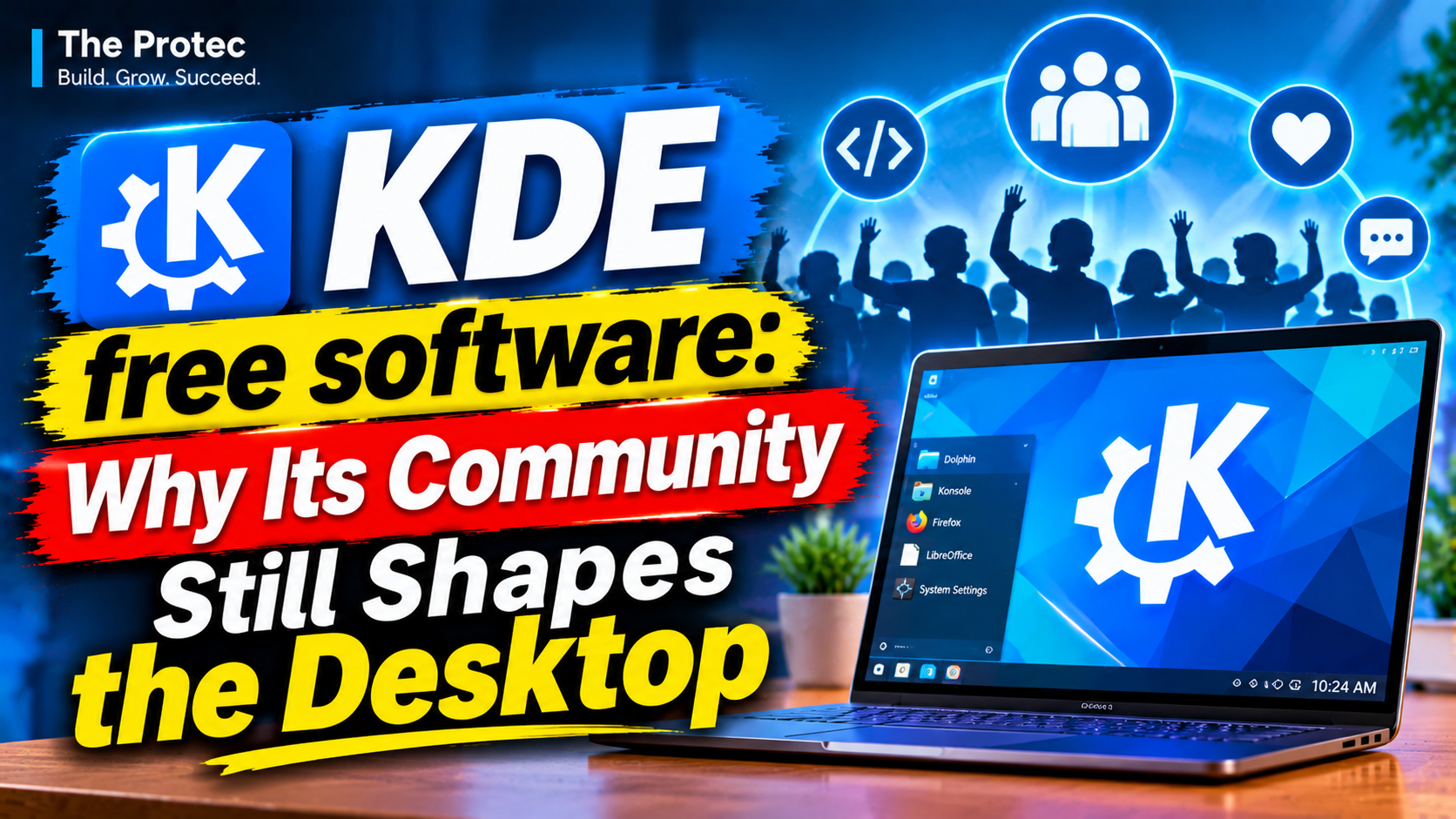
A newly circulating documentary has returned attention to a question bigger than any desktop release: who gets to shape the software through which we use our computers? The KDE free software story offers a compelling answer. What began as an effort to create a coherent graphical desktop for GNU/Linux has become an international community building KDE Plasma, creative tools, productivity applications and reusable developer frameworks—all under licenses that protect the user’s freedom.
That history matters because modern computing increasingly happens inside proprietary operating systems, online accounts and cloud platforms. KDE represents a different model: software developed in public, governed by contributors and designed to leave meaningful control with the person using it.
The KDE documentary as an entry point, not the final record
The circulating KDE documentary is valuable because it presents the project as a human story rather than a list of release numbers. Its interview-led recollections connect KDE’s early desktop ambitions with the relationships, shared principles and sustained work behind the software.
Oral history still needs context. Personal recollections can explain why decisions mattered, but dates, licensing changes and project structures are best checked against KDE’s own published history and governance information. No quotation or participant role from the film is assumed here from its title or surrounding description. Instead, the documentary supplies the editorial starting point while the historical timeline is grounded in the project’s documented record.
How KDE began
Matthias Ettrich announced the KDE project in 1996, when Unix-like systems had graphical interfaces but lacked the consistency many users expected from a complete consumer desktop. Applications could use different toolkits, conventions and visual styles. KDE set out to provide an integrated environment in which the panel, file manager, window management and applications felt like parts of one system.
The project selected Qt, a capable cross-platform application framework. That choice accelerated development but also generated concern within the free software movement because Qt’s original licensing did not satisfy every requirement for freely modifiable and redistributable software. The debate was consequential rather than incidental: a free desktop could not safely depend on a toolkit whose future freedoms were uncertain.
The situation changed through new licensing and institutional safeguards. The KDE Free Qt Foundation was established to help protect the continued availability of Qt under free terms, and Qt for Unix was later released under the GNU General Public License. Subsequent licensing expanded further. This history illustrates a defining KDE trait: practical engineering and free software principles have sometimes created tension, but the community has built mechanisms to address it.
KDE 1 arrived in 1998. Later generations brought a more capable desktop, stronger application integration and technologies such as KIO for accessing files and network resources through common interfaces. Over time, KDE stopped being understood as one monolithic desktop product.
From desktop environment to software ecosystem
Today, KDE describes a global community that creates free software. Its output is commonly organized into three broad areas:
- KDE Plasma: the desktop and workspace used on GNU/Linux and other Unix-like systems.
- KDE Gear and other applications: programs for productivity, communication, creativity, education and system administration.
- KDE Frameworks: reusable libraries that help developers add configuration, file access, interface components and other capabilities to Qt applications.
This distinction is important. Plasma is a Linux desktop environment, but KDE is not simply another name for Plasma. Someone can edit images in Krita on Windows, use KDE Connect with an Android phone, read documents in Okular or create video in Kdenlive without running the KDE Linux desktop.
Other notable KDE applications include the Dolphin file manager, Kate text editor, Konsole terminal, digiKam photo manager, KMail email client and educational programs such as KStars. Developer technologies include KIO, Kirigami for convergent interfaces, KConfig for application settings and KArchive for compressed-file handling. These components allow open source development to proceed without every team rebuilding common features.
What makes KDE Plasma distinctive?
KDE Plasma’s most recognizable quality is its range of user control. Panels can be moved or replaced, widgets arranged, shortcuts redefined, window behavior adjusted and workflows adapted without patching source code. The default layout remains familiar to many PC users, but it is only a starting point.
That configurability reflects more than a taste for options. It treats the owner of a computer as capable of deciding how the interface should behave. Good defaults are still essential, and KDE has spent years improving visual consistency and reducing unnecessary complexity. Yet the project generally avoids equating simplicity with removing choice.
The Plasma 6 generation moved the workspace to Qt 6 and KDE Frameworks 6 while strengthening its Wayland-based future. Work across the Plasma 6 series has focused on reliability, accessibility, display handling, color management and smoother integration between applications and the desktop. The result is used across conventional distributions, handheld devices and the desktop mode of Valve’s Steam Deck.
KDE has also been developing KDE Linux as a reference operating system for showcasing KDE technology. It should not be confused with Plasma itself: distributions remain free to package and configure Plasma, while KDE applications continue to run in many environments. As of November 2026, the broader direction remains clear—modern Wayland infrastructure, cross-device experiences and a desktop that does not require surrendering control to a platform vendor.
Free software does not merely mean free of charge
A no-cost proprietary application can still prohibit inspection, modification and redistribution. Free software concerns liberty rather than price. In practical terms, its licenses give users permission to run software for any purpose, study how it works, adapt it and share original or modified versions under the applicable license conditions.
Those freedoms create tangible benefits:
- Researchers can inspect code rather than relying entirely on vendor assurances.
- Distributions can package KDE software and provide security fixes.
- Developers can adapt applications for new hardware, languages or accessibility needs.
- Communities can continue a project if its original maintainers leave.
- Users are less dependent on subscriptions, remote accounts or one company’s product strategy.
Not every KDE component uses the same license, but copyleft licenses such as the GPL and LGPL are common. The central principle is that source availability must come with meaningful permissions. This is why “open source” and “free software” often describe much of the same code while emphasizing different ideas: collaborative development in the first case and user freedoms in the second.
Open standards and community governance still matter
Open standards make freedom usable. A program may publish its source yet still trap people if it relies on undocumented formats or services controlled by one provider. KDE software participates in shared Linux desktop infrastructure, including Wayland and standards developed around freedesktop.org. Applications such as Calligra and Okular also support widely documented formats alongside other compatibility options.
Governance provides another safeguard. KDE e.V., a nonprofit organization, supports the community through legal, financial and organizational work, but it does not function like a conventional company assigning every engineering task from the top. Technical decisions emerge through maintainers, working groups, review processes and discussion among contributors.
Contributors do far more than write C++. They translate interfaces, report and triage bugs, test releases, design icons, improve accessibility, maintain documentation, organize Akademy and local events, mentor newcomers and operate project infrastructure. Community-driven software survives because all of this less visible work continues.
How KDE compares with other Linux desktop ecosystems
The Linux desktop benefits from several legitimate design philosophies. GNOME emphasizes a strongly curated workflow with fewer visible settings and a distinctive activity-based interface. Xfce prioritizes traditional operation and modest resource requirements. Cinnamon offers a familiar desktop model, while projects such as COSMIC are exploring new interface and development approaches.
KDE Plasma occupies a different position: polished defaults combined with extensive configuration and a large integrated application ecosystem. The comparison is not a contest with one universal winner. Multiple desktops prevent a single interface philosophy from becoming mandatory and allow ideas, standards and accessibility improvements to spread across the open source community.
The difficult economics of community-driven software
Freedom does not eliminate costs. Mature projects must review patches, respond to security issues, update dependencies, support hardware changes, translate thousands of interface strings and preserve compatibility. Popular applications may have millions of users while depending on a small group of regular maintainers.
Volunteer maintenance can become emotionally exhausting, particularly when users treat maintainers like employees of a commercial support department. Burnout, hostile bug reports and an endless backlog can drive experienced contributors away. Corporate sponsorship, individual donations, paid development and nonprofit support help, but funding tends to favor visible new features over routine maintenance.
Attracting new developers presents another challenge. KDE’s large codebase and long history are strengths, yet they can make an initial contribution intimidating. Clear documentation, beginner-friendly issues, mentorship and respectful review are therefore infrastructure, not optional community niceties. The same applies to designers, writers, translators and quality-assurance volunteers who need defined paths into meaningful work.
There is also a strategic balance to maintain. KDE must modernize for Wayland, mobile hardware and evolving security expectations without discarding workflows valued by existing users. It must offer cross-platform KDE applications while keeping its GNU/Linux integration excellent. And it must collaborate with companies without allowing any one sponsor to determine the project’s future.
Why KDE’s free software story remains relevant
The documentary’s most useful effect is to make familiar software look contingent again. Plasma, Krita or Dolphin did not simply appear; people chose to build them, license them for public benefit and keep maintaining them across decades of technical change.
That model remains important as proprietary platforms tie operating systems to accounts, advertising, telemetry and cloud services. KDE cannot solve every problem facing personal computing, but it demonstrates that a sophisticated desktop can be built in public and shaped by its users. Its continuing relevance lies not only in customization or attractive software, but in preserving the possibility of technological self-determination.
Frequently asked questions
Is KDE free software?
Yes. KDE projects distribute their source code under recognized free software licenses that permit use, inspection, modification and redistribution according to each license’s terms. KDE software can also be sold or included in commercial products; free software does not prohibit commercial activity.
Are KDE and KDE Plasma the same thing?
No. KDE is the community and broad software ecosystem. KDE Plasma is the desktop workspace. KDE also produces applications, development frameworks and technologies that can be used independently of Plasma.
Can KDE applications run outside Linux?
Many can. Krita, Kdenlive, Kate and other applications are available on additional operating systems, although platform support varies by project. KDE Connect also links desktop systems with mobile devices. Plasma itself is primarily associated with Unix-like operating systems.
How can someone contribute without programming?
Useful contributions include translating interfaces, testing pre-release software, confirming bug reports, improving documentation, creating artwork, helping users and supporting events. Financial donations also fund infrastructure, gatherings and other work that volunteers cannot provide through code alone.