




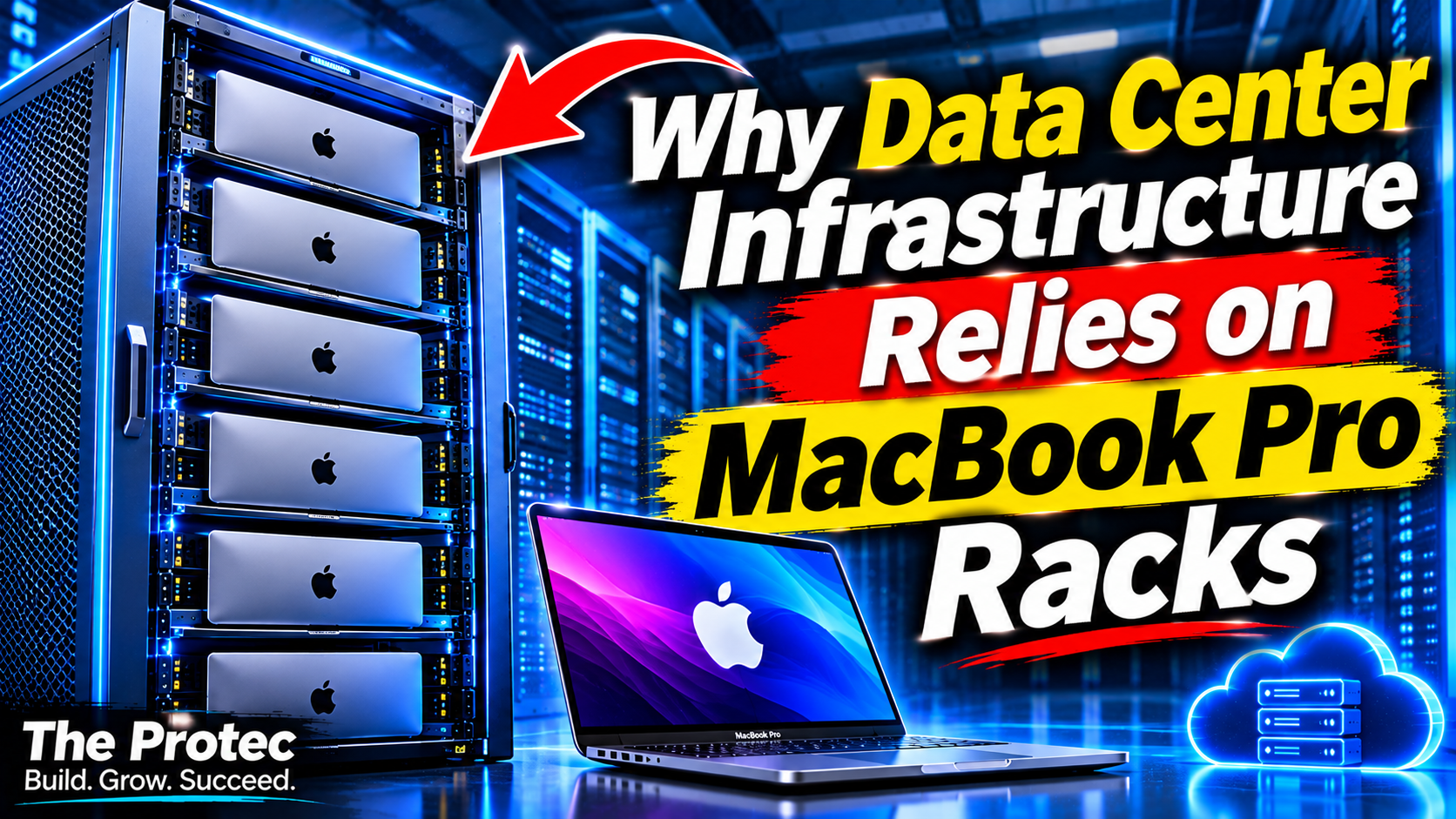
A laptop is not the first machine most infrastructure engineers would choose for a server rack. Yet Namespace says it has installed hundreds of MacBook Pros in custom data-center systems, creating Mac data center infrastructure for developers who need macOS on demand. The unusual design addresses a stubborn cloud-computing constraint: building, signing, simulating, and testing Apple-platform software still requires Apple hardware and tools that cannot simply be moved to an ordinary Linux fleet.
This does not mean MacBooks are becoming general-purpose replacements for conventional servers. Linux remains the practical default for web services, databases, containers, and most distributed computing. Namespace’s approach targets a narrower market in which the operating system, Xcode toolchain, and underlying Apple hardware are workload requirements rather than preferences.
Why put MacBook Pros in a data center?
Developers can run many programming languages and cross-platform tools on Linux, but Apple’s software-development pipeline is different. Xcode and the official iOS, iPadOS, watchOS, tvOS, and visionOS SDKs run on macOS. Production applications also need Apple’s code-signing, packaging, and validation tools.
An iOS CI/CD pipeline may perform dependency resolution, compilation, unit tests, simulator tests, archive creation, signing, and App Store submission. The surrounding orchestration can run elsewhere, but the Xcode-dependent stages need a Mac. Teams therefore maintain office-based build machines, purchase dedicated hosted Macs, or obtain temporary macOS capacity from a specialist cloud provider.
Namespace’s published account describes a fourth option: treat Apple laptops as nodes in a managed compute fleet. According to the company, it deploys MacBook Pros in custom racks and places an automated virtualization and scheduling layer above them. Its reported deployment scale, physical design, and performance characteristics come from Namespace’s own description and should not be interpreted as independently verified benchmarks or universal industry practice.
Why MacBooks instead of conventional rack servers?
Apple does not sell a mainstream, current rack server comparable to the systems available from traditional enterprise vendors. Providers that require recent Apple silicon must therefore adapt desktop or portable Macs to data-center conditions. Mac minis offer a compact alternative, while Mac Studios provide more memory and performance options. Namespace chose MacBook Pros for its system and says the decision reflects the combination of compute performance, availability, power characteristics, and physical packaging it could obtain.
A MacBook server cluster still requires far more than stacking laptops on shelves. A provider must create secure mechanical mounts, route power and networking, maintain airflow around hardware designed for a desk, and make every node remotely recoverable. Displays, keyboards, trackpads, speakers, and batteries add components that a headless server would not normally need.
The laptop form factor can nevertheless offer useful properties. Each machine is a complete Apple silicon system with integrated storage, networking interfaces, thermal controls, and a built-in battery. The battery can briefly smooth power interruptions, although it also introduces lifecycle, heat, monitoring, and replacement concerns. Whether the economics work depends on utilization, rack design, labor, hardware pricing, and the service’s ability to charge for scarce macOS capacity.
Apple Virtualization framework turns hardware into elastic capacity
The key software layer is the Apple Virtualization framework. On Apple silicon, it provides supported APIs for configuring and running macOS virtual machines, including virtual CPUs, memory, storage, networking, and boot components. It gives infrastructure developers a lower-level foundation for managing macOS guests without treating each physical Mac as one manually configured build machine.
Namespace says it uses this framework to start isolated macOS environments rapidly on its MacBook fleet. A scheduler can assign a request to a suitable host, attach or create the required disk state, configure networking, and launch the guest. Once the job finishes, the environment can be discarded rather than cleaned and reused indefinitely.
This disposable model reduces configuration drift. Instead of debugging a long-lived build host that has accumulated old simulators, certificates, caches, and package versions, a team can begin from a known image. It can also select an image aligned with a particular Xcode and macOS combination. Apple’s official Xcode resources remain the authoritative reference for supported tools and platform SDKs.
Virtualization does not remove every constraint. A physical host still has finite CPU, memory, storage bandwidth, and network capacity. Apple’s software license terms also govern where and how macOS instances may run. Providers need legal review and technical controls rather than assuming that virtualization permits unlimited guests or unrestricted multi-tenant hosting.
Distributing large macOS VM images across the fleet
Fast VM startup is only partly a virtualization problem. macOS images containing Xcode, multiple SDKs, simulator runtimes, package caches, and development utilities can be very large. Copying a complete image from central storage whenever a job begins would consume bandwidth, overload storage services, and make startup times unpredictable.
At fleet scale, image distribution usually requires several complementary techniques:
- Immutable base images: Providers can build validated macOS and Xcode combinations once, then keep user or job changes in a separate writable layer.
- Local caching: Frequently requested images can remain on host storage so that repeat jobs avoid full network transfers.
- Chunking and deduplication: Content-addressed blocks allow images with common operating-system and toolchain data to share most of their bytes.
- Copy-on-write storage: New environments can begin from a shared base while recording only the blocks changed by a workload.
- Background placement: The control plane can predict demand and pre-position popular Xcode versions before capacity is requested.
Namespace attributes its rapid environment creation in part to how it prepares and distributes VM state across the hardware fleet. Exact results should be evaluated in the context of image contents, cache warmth, host load, and network conditions. A minimal test VM and a fully equipped mobile-development image are not equivalent measurements.
The difficult infrastructure problems behind the racks
Density, power, and cooling
Laptops are not dimensioned around standard server-rack units, front-to-back airflow, or redundant power supplies. Custom mounts must pack machines densely without blocking intake and exhaust paths. Operators also need to calculate peak draw, circuit capacity, power conversion losses, and the heat produced by sustained compilation workloads.
Apple silicon can deliver strong performance per watt, but efficiency does not eliminate heat. Hundreds of systems running builds in parallel create a substantial thermal load. Poor airflow may cause throttling, reducing both performance and the consistency customers expect from cloud instances.
Remote management and recovery
A public cloud cannot ask an engineer to open a lid or press a button each time a node stops responding. Reliable Mac cloud infrastructure needs remote power control, automated provisioning, health checks, serial or equivalent diagnostic paths where available, and procedures for firmware, recovery, and operating-system failures.
Providers must also secure management interfaces and erase customer state between allocations. Tenant isolation involves network policy, credential handling, disk lifecycle management, audit logs, and controls around signing secrets. Virtual machines provide an important boundary, but they are only one part of the security design.
Reliability and maintenance
Consumer-oriented components can fail in ways that are awkward inside dense racks. Batteries age or swell, fans collect dust, cables loosen, and storage devices wear under heavy image and build activity. A provider needs spare capacity so that maintenance does not immediately reduce customer availability.
Fleet software should detect unhealthy nodes, stop scheduling work to them, and replace interrupted environments where possible. Hardware diversity adds another challenge: different processor generations and memory configurations can complicate placement, performance expectations, and image compatibility.
Scaling costs
A Mac cloud cannot scale as cheaply or as flexibly as a commodity Linux service. Each increment requires physical Apple hardware, rack space, power, network ports, and operational labor. Capacity must often be purchased before demand appears, while idle machines continue to incur depreciation and facility costs.
Development teams should compare hourly pricing with realistic alternatives: buying Macs, operating a shared internal build farm, reserving dedicated hosts, or combining local machines with burst capacity. On-demand environments tend to be most compelling when demand is variable, parallel jobs are valuable, or maintaining the underlying fleet would distract a small platform team.
AI coding agents could multiply demand for disposable Macs
Traditional CI demand follows human commits and scheduled releases. AI coding agents can change that pattern by creating several candidate implementations, running tests repeatedly, and working on multiple issues in parallel. If every agent needs to compile an iOS project or launch simulator tests, a single developer may generate the workload previously associated with a larger team.
Disposable macOS environments suit this model. An agent can receive a clean image, check out an isolated branch, build the application, run tests, report results, and release the capacity. Parallel environments prevent experimental dependency changes from contaminating a developer’s workstation or another agent’s task.
That demand is not guaranteed. Better incremental builds, remote caches, test selection, and limits on agent concurrency can reduce consumption. Some agent work also runs perfectly well on Linux until the final Apple-specific validation stage. Infrastructure teams should measure where macOS is truly required instead of routing an entire autonomous workflow to expensive Mac capacity.
Practical implications for providers and development teams
Cloud providers evaluating Mac data center infrastructure should begin with the workload rather than the novelty of the hardware. They need a capacity model covering Xcode versions, image sizes, VM density, cache behavior, failure rates, and regional demand. Licensing, tenant isolation, supply-chain lead times, and secure decommissioning belong in the initial architecture review.
Development teams should make macOS jobs reproducible before moving them to a cloud fleet. Pin Xcode and dependency versions, automate certificate delivery, keep secrets outside reusable images, and separate Linux-compatible tasks from Apple-only stages. Monitor queue time, VM startup, build duration, cache hits, and cost per successful pipeline—not merely the advertised hourly rate.
Namespace’s MacBook racks illustrate how specialized engineering can turn an unconventional device into useful cloud capacity. The broader lesson is not that laptops will displace servers. It is that when a software ecosystem requires specific hardware, virtualization, image engineering, and automation can make that hardware behave more like an elastic cloud.
Frequently asked questions
Why do iOS builds still require real Mac hardware?
Apple’s Xcode toolchain and platform SDKs run on macOS, while macOS is licensed and technically supported on Apple-branded hardware. Compilation, code signing, simulator testing, archiving, and submission workflows therefore require access to a physical Mac, even when virtualization provides the development environment.
Is a MacBook server cluster replacing Linux servers?
No. Mac clusters are specialized infrastructure for macOS-dependent workloads. Linux remains better suited to most web hosting, databases, container platforms, and general cloud computing because of its hardware flexibility, mature server ecosystem, and lower scaling costs.
How does the Apple Virtualization framework help?
It supplies supported APIs for creating and operating virtual machines on Apple platforms. Providers can use it to automate macOS guest configuration, storage, networking, startup, and shutdown, enabling cleaner and more disposable build environments than manually maintained physical hosts.
When does on-demand Mac infrastructure make financial sense?
It is most attractive when workloads are bursty, teams need many concurrent builds, several Xcode versions must be supported, or internal fleet management would be costly. Stable, continuously utilized workloads may be less expensive on owned or reserved hardware after staffing, facility, and reliability costs are included.