








Contents
- 1 Introduction
- 2 What is Browser Isolation Technology?
- 3 How Browser Isolation Prevents Malware Attacks
- 4 Thwarting Phishing Attacks Through Isolation
- 5 Remote Browser Security: Enabling Safe Web Access Beyond the Office
- 6 Emerging Trends and Innovations in Browser Isolation
- 7 Implementing Browser Isolation: Best Practices
- 8 FAQ
- 9 Conclusion
Introduction
In today’s digital landscape, cyber threats have become increasingly sophisticated, targeting users through web browsers the gateway to almost all online interaction. Malware infections, phishing attacks, and drive-by downloads pose constant risks to individuals and organizations alike. Traditional security tools like antivirus and firewalls, while necessary, often fall short in addressing the evolving tactics employed by cybercriminals. This reality has accelerated the adoption of browser isolation technology, a cutting-edge approach transforming how users interact with the web securely.
Browser isolation secures the online experience by creating a remote, isolated environment where web content is processed away from the user’s device. This innovative method effectively neutralizes malware and phishing threats before they can reach the endpoint. As organizations embrace more complex digital workflows and remote work continues to expand, understanding how browser isolation safeguards web access is essential for any security-conscious entity.
What is Browser Isolation Technology?
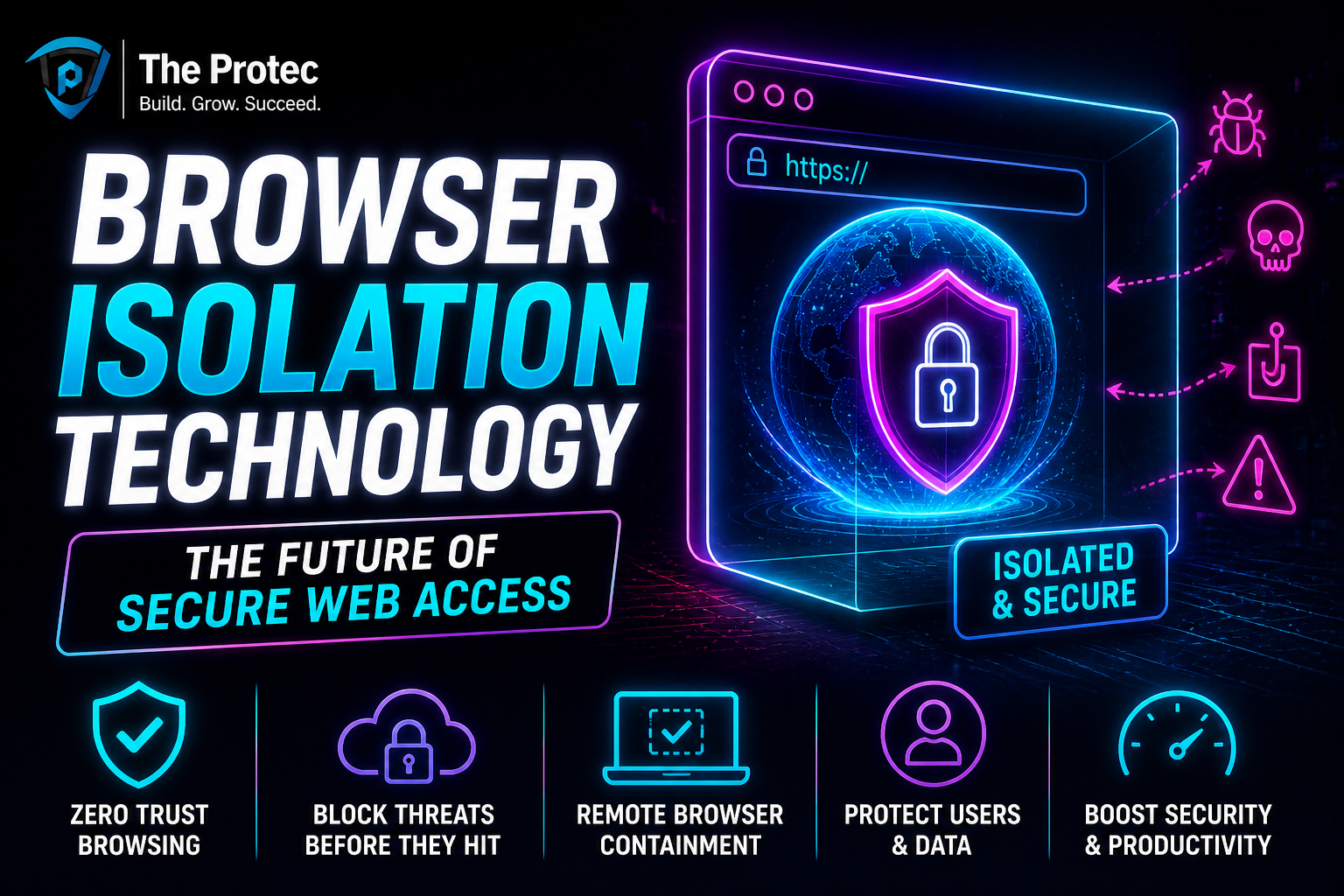
Browser isolation technology is a cybersecurity practice that separates users’ web browsing activity from their local machines by running web sessions in a remote, isolated environment often in the cloud or on a dedicated server. Instead of executing potentially harmful code locally, all active content from visited websites is contained and rendered in this quarantined environment. Only safe output, such as the visual rendering of a web page, is transmitted back to the user’s device.
This approach contrasts sharply with conventional browsers that download and execute web content directly on the endpoint, exposing the system to malicious scripts, ransomware, and zero-day vulnerabilities present through drive-by downloads or phishing sites. By isolating the browser, organizations can effectively prevent attackers from exploiting client-side flaws or social engineering tactics.
How Browser Isolation Prevents Malware Attacks
Malware attacks frequently exploit browser vulnerabilities or deceptive web elements to infiltrate endpoints. Common infection vectors include malicious JavaScript, exploit kits, and hidden downloads disguised as legitimate content. Browser isolation neutralizes these threats by intercepting and containing all web interactions remotely, thus preventing malicious code from executing on the user’s device.
- Remote Execution: All browser activity runs in an isolated container on a remote server, so any malicious payloads remain trapped outside the endpoint environment.
- Zero Trust by Design: Since no active web content executes locally, the endpoint only receives sanitized rendering data, making infection nearly impossible.
- Instant Mitigation: If a page contains malware, it affects only the isolated browser instance, which can be terminated immediately without impacting the user’s device.
- Protection Against Polymorphic Malware: Dynamic or obfuscated malware that frequently changes to avoid detection is stopped because it cannot reach the endpoint to execute.
Ultimately, browser isolation creates a robust security barrier that blocks drive-by downloads, malicious scripts, and other common web-based attack methods at their source.
Thwarting Phishing Attacks Through Isolation
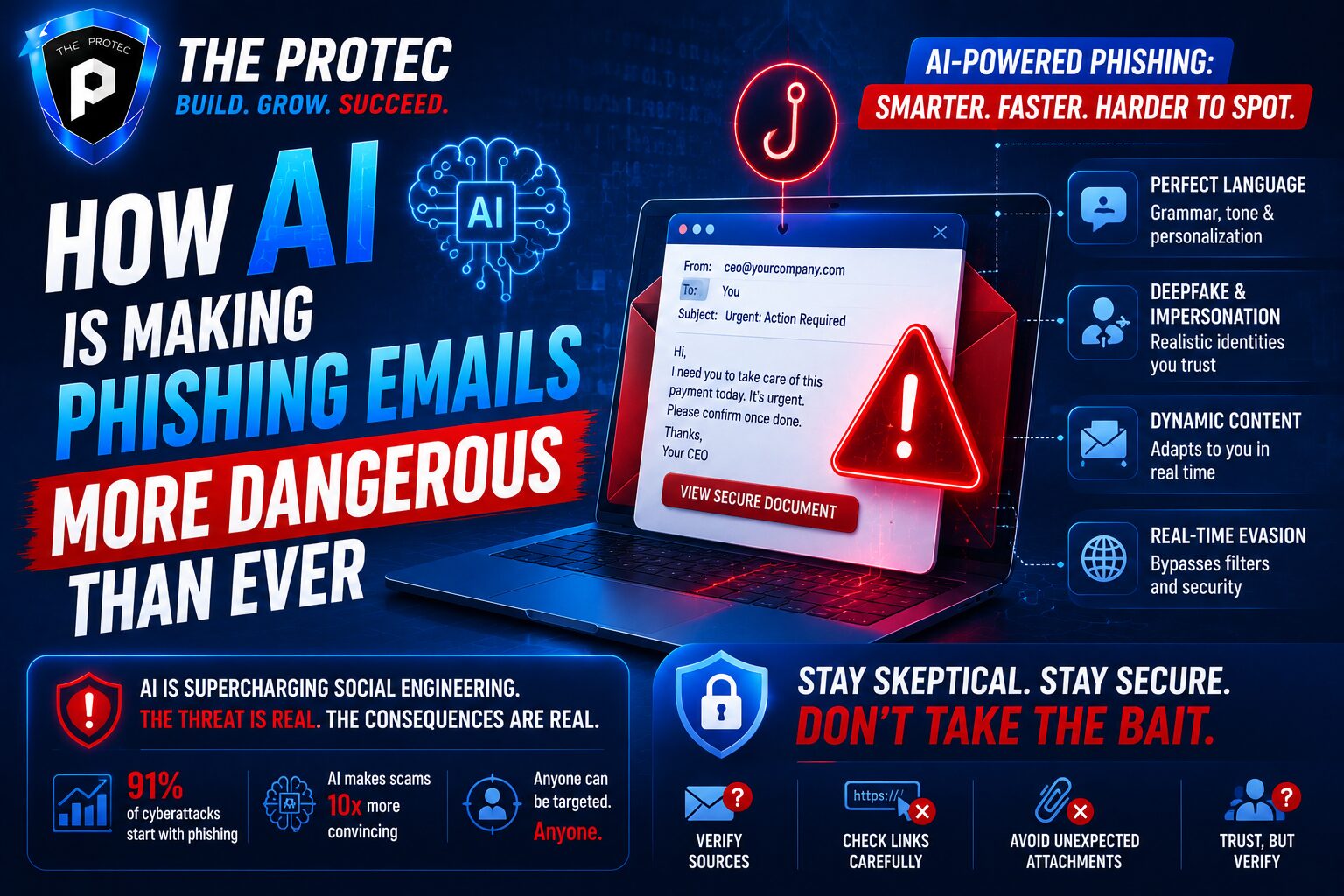
Phishing remains one of the most prevalent and damaging cyber threats. Attackers impersonate trusted entities to lure users into divulging credentials or other sensitive information. These scams often use deceptive web pages embedded with malicious links or scripts designed to steal data in real time.
Browser isolation provides a strong defense against phishing attacks in several critical ways:
- Containment of Malicious Content: Phishing pages run inside the isolated environment, preventing malicious scripts from capturing keystrokes or injecting malware.
- URL and Content Inspection: Advanced isolation platforms integrate real-time threat intelligence and URL filtering systems that detect and block suspicious phishing domains before they render.
- Safe User Interaction: Even if a user attempts to enter credentials, isolated environments can be configured to block data exfiltration mechanisms, reducing the risk of sensitive data theft.
- Eliminating Credential Harvesting: Since the browser environment is non-persistent and isolated, phishing sites cannot maintain session data or capture biometric inputs.
By isolating and strictly controlling web content, browser isolation effectively immunizes users against the manipulative and interactive nature of phishing fraud.
Remote Browser Security: Enabling Safe Web Access Beyond the Office
With the rise of hybrid work models and cloud-dependent applications, employees increasingly access web resources from a variety of devices and networks outside traditional corporate perimeters. This shift necessitates stronger remote browser security to prevent exposure to cyber threats across unsecured or personal networks.
Browser isolation rises to this challenge by delivering web content through a centralized, isolated service accessible from anywhere without depending on endpoint security posture. Key benefits for remote security include:
- Consistent Security Policies: Centralized isolation allows organizations to uniformly control and monitor web traffic irrespective of the user’s location or device.
- Reduced Endpoint Footprint: Minimal browser functionality resides on the local machine, reducing attack surfaces on unmanaged or less secure devices.
- Mitigated Network Risks: Unsafe content never touches the corporate network, thus limiting lateral threat propagation or credential leakage.
- Ease of Deployment and Scalability: Cloud-based isolation solutions can quickly scale as remote workforces grow, supporting rapid adoption without extensive infrastructure changes.
By leveraging browser isolation, organizations can maintain secure, controlled web access that adapts seamlessly to distributed work models, preserving productivity while minimizing risk.
Emerging Trends and Innovations in Browser Isolation
As cyber threats evolve, so too does browser isolation technology. Recent innovations enhancing its capabilities include:
- AI-powered Threat Detection: Integrating artificial intelligence and machine learning algorithms to better identify anomalous web behavior and suspicious content within isolated sessions.
- Seamless User Experience: Advances in pixel streaming and remote rendering technologies reduce latency and improve responsiveness, making isolated browsing indistinguishable from native sessions.
- Integration with Zero Trust Architectures: Browser isolation is increasingly positioned as a foundational layer in zero trust models, ensuring comprehensive verification and segmentation.
- Multi-Modal Isolation: Supporting isolation not only for browsers but also for other potentially vulnerable applications like email clients and document viewers to extend protection coverage.
These developments highlight that browser isolation is no longer a niche defense tool but a mainstream component of modern enterprise cybersecurity frameworks.
Implementing Browser Isolation: Best Practices
To fully leverage the benefits of browser isolation, organizations should consider the following best practices:
- Define Clear Use Cases: Identify critical workflows and risk scenarios (e.g., untrusted sites, high-risk web applications) where isolation offers maximum protection.
- Choose the Right Deployment Model: Decide between cloud-based, on-premises, or hybrid isolation approaches based on infrastructure capabilities and compliance requirements.
- Ensure Policy Granularity: Tailor isolation policies to different user groups, devices, and security levels to balance usability with protection.
- Integrate with Existing Security Tools: Complement isolation with endpoint detection, SIEM platforms, and threat intelligence for holistic defense.
- Regularly Update and Test: Continuously monitor isolated environments for performance and emerging threat vectors to maintain security efficacy.
Strategic implementation of browser isolation strengthens an organization’s security posture and provides a future-ready foundation for secure web access.
FAQ
How does browser isolation differ from traditional antivirus solutions?
Traditional antivirus software detects and removes malware after it reaches the endpoint, relying on signature or behavior-based analysis. Browser isolation, by contrast, prevents malicious content from ever executing on the local device by running it in a remote, isolated environment, thus stopping threats before they can infect the system.
Can browser isolation impact browsing speed or user experience?
Early browser isolation implementations sometimes caused latency or performance issues; however, advancements in cloud computing, optimized rendering, and network protocols have significantly improved speed and responsiveness. Modern isolation solutions strive to deliver seamless browsing experiences virtually indistinguishable from native browsers.
Is browser isolation effective against zero-day attacks?
Yes, one of the key strengths of browser isolation is its ability to mitigate zero-day vulnerabilities by containing all web code execution away from endpoints. Since the device never processes potentially malicious scripts or downloads directly, zero-day exploits targeting browsers have a reduced attack surface.
Conclusion
Browser isolation technology represents a pivotal advancement in the ongoing battle against malware and phishing attacks. By decoupling web content execution from the user’s device through remote, isolated environments, it delivers robust prevention that traditional security tools struggle to match. As the digital landscape grows more complex and distributed, leveraging browser isolation is a forward-thinking strategy to ensure secure browsing and protect critical assets.
Organizations adopting browser isolation benefit from enhanced remote browser security, greater resilience against sophisticated cyber threats, and the flexibility to support evolving work models without compromising safety. Embracing this technology places businesses in a strong position to confidently navigate the future of secure web access.
For more detailed technical insights into browser isolation and best practices, review resources from leading security research firms such as Gartner’s analysis on browser isolation.