








Contents
- 1 Introduction
- 2 The Emergence of AI Assistants in PC Operating Systems
- 3 Smart Operating Systems: Redefining the Laptop Experience
- 4 From Copilots to Autonomous Workflows
- 5 Hardware and Software Synergy in AI OS Laptops
- 6 Challenges and Considerations
- 7 The Future Outlook: AI as the Operating System Core
- 8 Frequently Asked Questions (FAQ)
- 9 Conclusion
Introduction
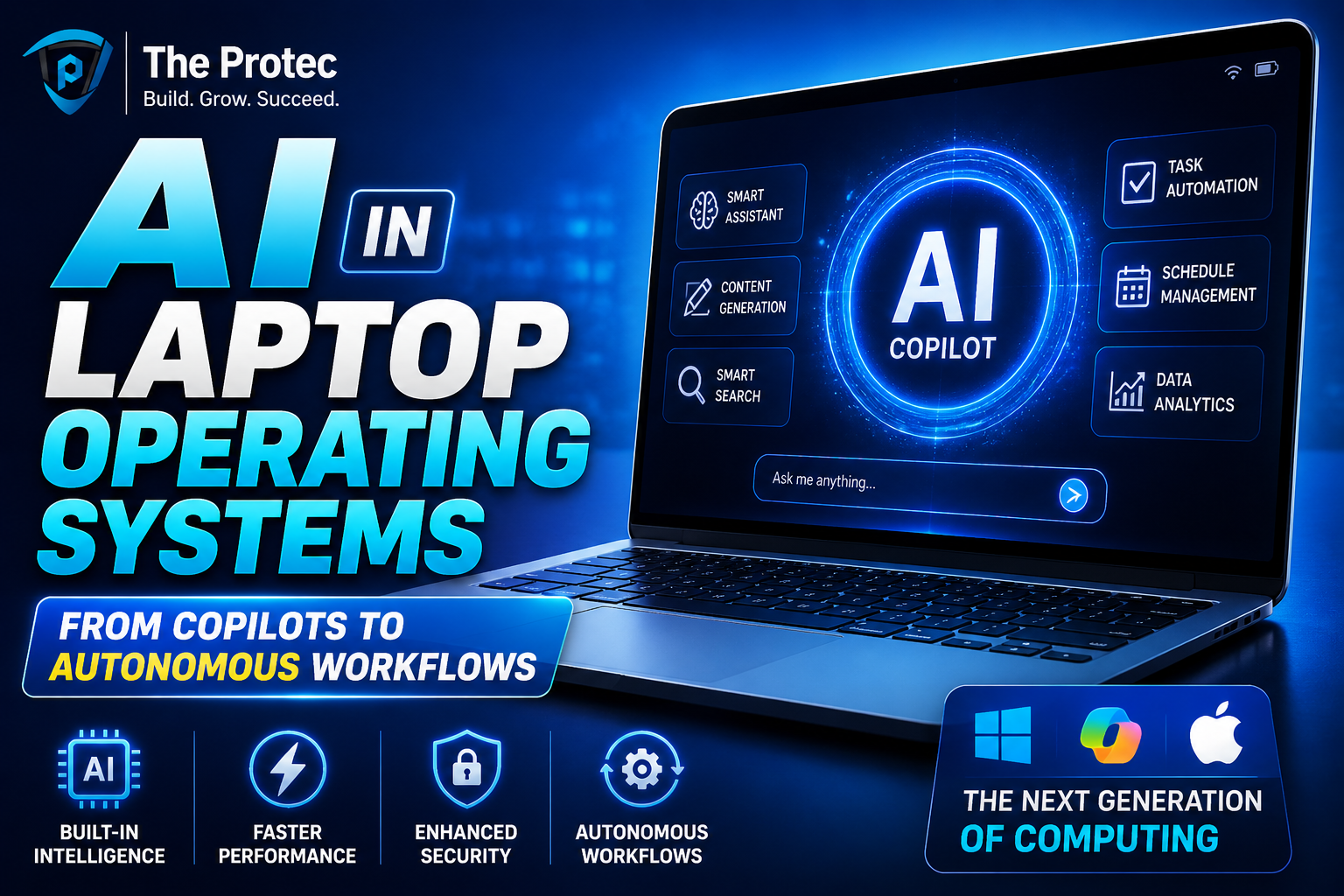
Artificial intelligence is no longer just a buzzword in computing; it has become the backbone of revolutionary changes in laptop operating systems. What started as a simple virtual assistant at the periphery of user experience is evolving into deeply integrated AI that functions as copilots and architects of autonomous workflows. Modern laptops are leveraging AI OS laptops technologies and smart operating systems to redefine productivity, creativity, and efficiency. This article explores how AI is becoming intrinsic to the OS, transforming laptops into anticipatory, adaptable, and deeply personalized machines.
The Emergence of AI Assistants in PC Operating Systems
Early efforts in AI on desktops and laptops largely focused on stand-alone assistants digital helpers that required explicit commands, such as scheduling reminders or executing search queries. However, today’s AI assistants PC are embedded at the OS-level, making interactions more natural and contextually intelligent.
Leading operating systems now incorporate AI-powered copilots that understand user context dynamically. For example:
- Context Awareness: AI assistants can analyze open applications, user habits, and calendar events to proactively suggest relevant actions such as summarizing recent emails or proposing document edits.
- Natural Language Integration: Voice and text commands no longer require strict syntax. The AI can comprehend conversational language, making human-computer interaction smoother.
- Task Automation: From automating file organization to intelligently managing system resources, AI assistants reduce cognitive overhead and free users from repetitive tasks.
This transition marks a shift from reactive assistance toward a partnership model, where AI and user collaborate seamlessly within the operating system.
Smart Operating Systems: Redefining the Laptop Experience
Smart operating systems bring AI to the core of the user experience, beyond just assistants. These systems leverage machine learning models, predictive analytics, and edge AI to optimize performance and interaction.
Personalization at Scale
Smart OS leverages AI to tailor the laptop environment uniquely for each user:
- Adaptive UI: Interfaces that adjust layouts, shortcuts, and notifications based on user preferences and current context help increase productivity.
- Intelligent Power Management: AI optimizes battery life by learning user routines and resource demands, balancing performance and energy efficiency.
- Security Enhancements: Behavioral AI continuously monitors for unusual activity, ensuring real-time threat detection and mitigation without user intervention.
Seamless Cross-Device Experiences
Modern smart OS platforms harness AI to enable smooth transitions between devices. Distributed intelligence ensures a coherent workflow whether the user switches from a laptop to a tablet or smartphone, preserving context and continuity.
From Copilots to Autonomous Workflows
One of the most exciting AI trends in laptop operating systems is the rise of autonomous workflows where routine processes are managed with minimal human input, driven by smart AI orchestration.
AI-Driven Workflow Automation
- Document Generation and Review: AI copilots can draft documents by extracting relevant information or suggest content improvements, freeing users from the bulk of manual editing.
- Multi-Application Integration: AI integrates seamlessly across apps, updating spreadsheets based on CRM inputs or syncing calendar events from email conversations automatically.
- Predictive Task Scheduling: AI anticipates task urgency and availability, dynamically reorganizing workflows to maximize efficiency.
Case Example: Autonomous Coding Environments
Developers benefit from AI that understands their coding patterns and debugging needs. Integrated directly into the OS, such copilots assist by generating code snippets, detecting potential errors proactively, and even suggesting optimized algorithms all within the IDE environment.
Hardware and Software Synergy in AI OS Laptops
The power of AI at the OS level heavily depends on the synergy between advanced hardware and intelligent software. Today’s laptops often integrate dedicated AI accelerators (neural processing units) to handle complex inference tasks locally, ensuring:
- Faster response times
- Lower latency interactions
- Heightened data privacy by minimizing cloud dependency
This hardware-software ecosystem allows AI OS laptops to execute intricate models efficiently, even in offline or low-bandwidth scenarios, enhancing both usability and security.
Challenges and Considerations
Despite these advances, integrating AI deeply into laptop operating systems poses several challenges:
- Privacy Concerns: Operating systems must ensure user data used for AI personalization is protected, requiring robust encryption and transparent policies.
- Resource Allocation: AI workloads can strain system resources, making efficient management that balances AI tasks with general computing crucial.
- Bias and Accuracy: AI models need constant refinement to avoid errors and biased outputs that could undermine user trust.
Addressing these challenges is critical to delivering truly dependable and powerful AI experiences at the OS level.
The Future Outlook: AI as the Operating System Core
Looking ahead, the lines between traditional operating system functions and AI capabilities will blur even further, leading to:
- Fully Adaptive Interfaces: Operating systems that evolve their UI and functionalities based on user needs without any manual configuration.
- Proactive Problem Resolution: AI systems diagnosing and fixing potential issues before users perceive them, raising uptime and reliability.
- Enhanced Collaboration Tools: AI copilots facilitating real-time translation, idea generation, and workflow orchestration in collaborative environments directly from the OS.
Industries from creative arts to business analytics will benefit profoundly, elevating what laptops can accomplish.
Frequently Asked Questions (FAQ)
What distinguishes AI OS laptops from traditional laptops?
AI OS laptops integrate artificial intelligence functions directly into the operating system, allowing for intelligent task automation, adaptive interfaces, and proactive assistance that traditional laptops without these AI layers can’t provide.
How do AI assistants on PCs enhance productivity?
AI assistants on PCs go beyond simple command execution; they understand the user’s context, anticipate needs, automate repetitive tasks, and provide intelligent suggestions, significantly streamlining workflows.
Are smart operating systems safe in terms of privacy?
While smart operating systems handle sensitive personal data to optimize experiences, modern implementations prioritize privacy through edge AI processing, strict data encryption, and transparent user controls to maintain security and trust.
Conclusion
AI has transitioned from being a supplementary feature in laptops to a foundational element driving the evolution of operating systems. From intelligent copilots that enhance everyday interactions to groundbreaking autonomous workflows that transform complex tasks, AI OS laptops and smart operating systems are redefining the future of personal computing. As these technologies mature, they promise not only to magnify productivity but also to enable richer, more intuitive, and secure human-machine collaboration.
For further reading on AI integration in operating systems and its impact on work efficiency, visit Microsoft AI and NVIDIA AI.