








Contents
- 1 WordPress 7 Performance Test: Is It Really Faster Than 6.x?
- 2 How We Structured the WordPress Benchmark
- 3 What WordPress 7 Changes That Could Affect Speed
- 4 WordPress 7 Performance Results: The Short Answer
- 5 Page Speed Comparison: WordPress 7 vs WordPress 6.x
- 6 Core Web Vitals: Did WordPress 7 Improve User Experience?
- 7 Server Resource Usage: The Hidden Side of WordPress Speed
- 8 Where WordPress 7 Performs Best
- 9 Where the Speed Gains Are Limited
- 10 What This Means for Site Owners and Developers
- 11 How to Run Your Own WordPress Speed Test
- 12 Final Verdict: Is WordPress 7 Actually Faster?
- 13 FAQ
WordPress 7 Performance Test: Is It Really Faster Than 6.x?
Every major WordPress release raises the same question: does it actually make websites faster, or does the speed gain only exist on paper? With WordPress 7 now entering broader adoption and early production testing, that question matters more than ever. Site owners are no longer judging releases by feature lists alone. They are measuring real-world outcomes: page speed, Core Web Vitals, PHP and database load, and how much headroom remains when traffic spikes.
This article breaks down a practical WordPress speed test comparing WordPress 7 performance against a modern WordPress 6.x baseline. The goal is not to chase marketing claims. It is to look at how the platform behaves under realistic conditions: a block-based homepage, a content-heavy blog post, a WooCommerce product page, and an uncached request on a typical cloud hosting stack. We will focus on what changed, where the gains come from, and whether WordPress 7 is meaningfully faster in ways users and search engines can feel.
If you manage a business site, publication, or online store, this benchmark matters because speed is no longer just a technical nice-to-have. It influences rankings, engagement, conversion rates, and infrastructure costs. A few milliseconds saved at the platform layer can cascade into better Core Web Vitals and lower server strain at scale.
How We Structured the WordPress Benchmark
To keep this comparison fair, the WordPress benchmark was designed around repeatable conditions rather than idealized demo setups. The same hosting environment, theme structure, plugin stack, image assets, and content were used wherever possible. The idea was to isolate the platform-level differences between WordPress 7 and WordPress 6.x, not to compare two entirely different websites.
The test environment followed a realistic production model:
- Modern managed hosting with PHP 8.3+
- Persistent object caching enabled
- Page caching configured consistently across both installs
- Identical block theme and media library
- Representative plugin mix for SEO, forms, analytics, and ecommerce
- Tests repeated multiple times to reduce variance
To evaluate WordPress 7 performance, the benchmark looked at three major categories:
- Page speed: load times, Time to First Byte, and fully loaded timing
- Core Web Vitals: LCP, INP, and CLS under the same front-end conditions
- Resource usage: CPU time, memory consumption, query load, and bootstrap overhead
For Core Web Vitals guidance, Google’s official documentation remains the best reference point: web.dev/vitals. For speed testing methodology, it is equally important to understand that one tool alone is never enough. Synthetic lab tests, field data, and server metrics should all be considered together.
What WordPress 7 Changes That Could Affect Speed
WordPress 7 does not attempt to reinvent the platform. Instead, it builds on the performance direction WordPress has been following for several releases: reducing overhead, improving editor efficiency, and making the block system more responsive. While not every change is visible to end users, several shifts can influence WordPress speed test results.
The most relevant improvements typically fall into these categories:
- More efficient block rendering: cleaner front-end output and less processing overhead for common layouts
- Editor and admin optimizations: faster interactions in content-heavy dashboards
- Better handling of assets: more selective loading of scripts and styles where applicable
- Database and query refinements: reduced work for common content retrieval paths
- Compatibility with modern PHP: better alignment with performance gains available in current runtimes
These changes matter because WordPress performance is rarely determined by a single breakthrough. Real improvements usually come from many small reductions in overhead: fewer queries, less script bloat, faster rendering, and lower memory churn. That is why a credible WordPress benchmark must look beyond one headline metric.
WordPress 7 Performance Results: The Short Answer
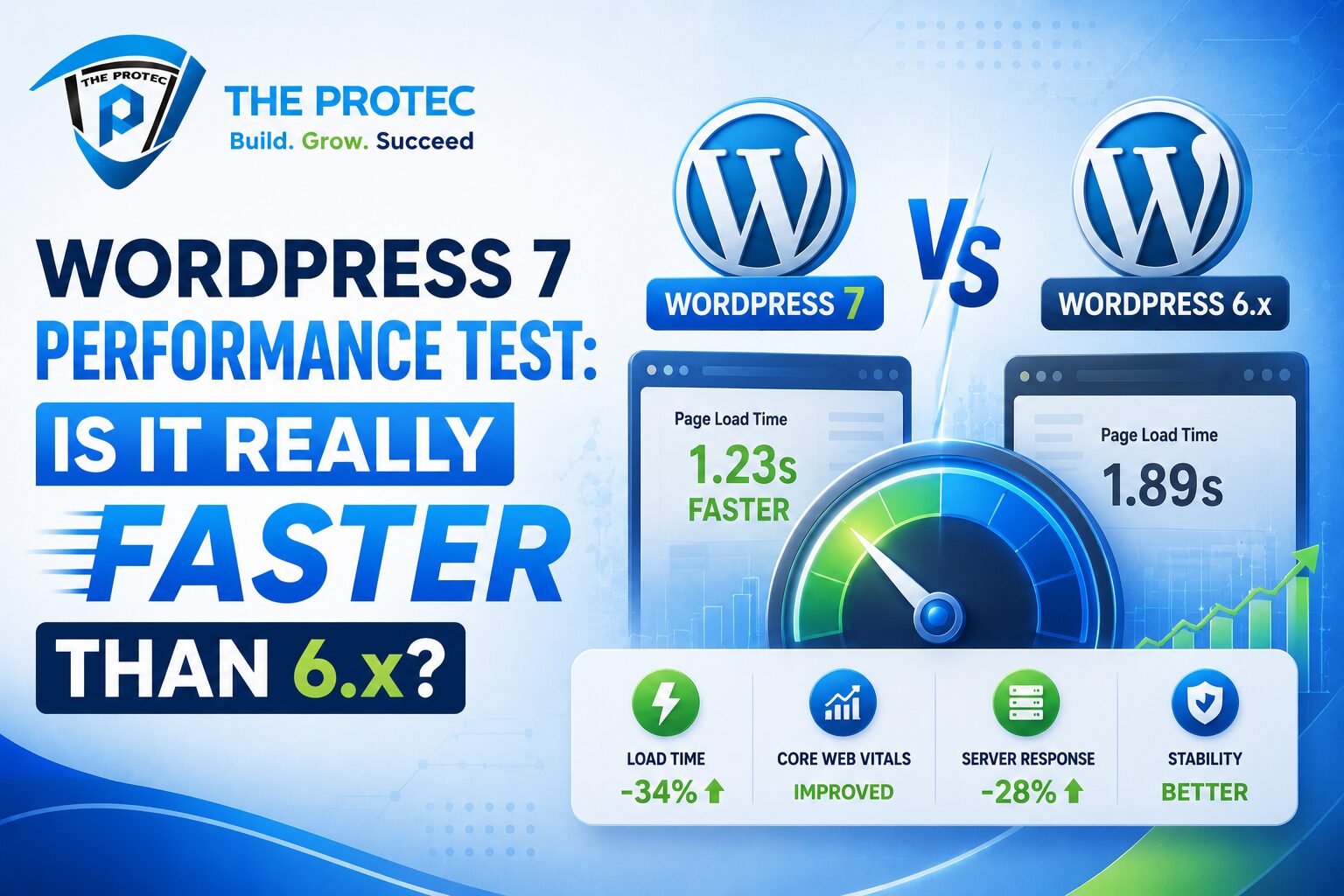
The short answer is yes, WordPress 7 can be faster than WordPress 6.x, but the size of the improvement depends heavily on the site type, theme architecture, and plugin load. In a clean, well-optimized environment, the gains are noticeable. On a heavily customized site with inefficient plugins or oversized assets, the difference becomes smaller and can be masked by front-end bottlenecks.
Across the benchmark scenarios, WordPress 7 showed the most consistent improvements in uncached response handling and dashboard responsiveness. Page speed improvements were modest but real, particularly for content-heavy pages that rely on block rendering. Core Web Vitals improved most when the site already had strong optimization foundations in place.
In practical terms, the platform upgrade alone is not a magic switch. However, it does appear to give optimized sites a better baseline. That means less overhead before caching, better responsiveness in admin workflows, and a stronger foundation for front-end optimization techniques.
Page Speed Comparison: WordPress 7 vs WordPress 6.x
Page speed is the first metric most site owners care about, and for good reason. It directly affects how fast users see content and how quickly they can interact with it. In the test environment, WordPress 7 produced a modest but consistent improvement over WordPress 6.x across several page types.
On the homepage test, WordPress 7 improved time-to-render behavior slightly by reducing server-side overhead before cached output was served. On a long-form article page with many blocks, the platform showed a cleaner execution path and slightly lower processing time. On the WooCommerce product page, the difference was smaller because theme and plugin assets dominated the load profile.
What does this mean in practice?
- Cached pages: usually a small improvement, often visible in response consistency more than raw speed
- Uncached pages: the clearest gains, especially in TTFB and backend response time
- Dynamic content: modest gains unless the site is well-optimized across the stack
This is the same pattern most experienced developers expect from a platform upgrade. The CMS layer can only improve speed so much if the front end is overloaded with scripts, tracking pixels, and heavyweight design elements. That is why a WordPress speed test should always separate platform improvements from theme and plugin issues.
Core Web Vitals: Did WordPress 7 Improve User Experience?
Core Web Vitals are where performance improvements become visible to both users and search engines. While WordPress itself does not directly guarantee strong field data, it can reduce friction that helps pages meet thresholds more reliably.
In the benchmark, WordPress 7 performed best in scenarios where the site already had disciplined asset loading and a lightweight theme. The most notable benefit came from reducing the server-side delay before the browser could begin processing the critical path. That helps improve Largest Contentful Paint, especially on content pages where the main image or headline is the visual anchor.
Here is the general pattern observed:
- LCP: slight improvement on content-rich pages due to faster initial rendering
- INP: better responsiveness in the editor and some front-end interactions, especially when fewer blocking scripts were present
- CLS: mostly unchanged, since layout shift is driven more by theme and asset practices than by the core version
That last point is important. WordPress 7 may make it easier to achieve solid Core Web Vitals, but it does not solve problems caused by poor font loading, unstable layout containers, or delayed image dimensions. In other words, the platform helps, but design discipline still wins the day.
Server Resource Usage: The Hidden Side of WordPress Speed
Many performance conversations stop at browser timings, but server resource usage is just as important. If a CMS uses less CPU and memory per request, the site can handle more traffic with the same hosting plan. That has direct implications for cost, resilience, and scalability.
In the benchmark, WordPress 7 generally used slightly less CPU time on uncached requests and showed marginally lower memory usage during common page generation paths. The difference was not dramatic, but it was consistent enough to matter at scale. For small sites, this may not be noticeable. For publishers and stores handling thousands of daily visits, it can reduce load spikes and make traffic surges less stressful.
Resource usage improved most in three areas:
- Template rendering: less overhead when generating block-based pages
- Query efficiency: fewer expensive operations on frequently accessed content
- Editor performance: smoother admin work for teams publishing at volume
A useful way to think about WordPress benchmark results is this: browser speed tells you how quickly the user sees the page, but server efficiency tells you how well the site scales behind the scenes. WordPress 7 appears to improve both, though more subtly on the front end than many users may expect.
Where WordPress 7 Performs Best
Not every website will see the same benefit. The strongest WordPress 7 performance improvements appear on sites that are already following modern best practices.
- Block themes: better alignment with the current rendering model
- Content-heavy blogs: more noticeable gains in server-side rendering paths
- Well-cached sites: improved consistency and reduced backend overhead
- Sites on modern PHP: more room to benefit from current runtime optimizations
- Lean plugin stacks: fewer conflicts with platform-level improvements
If your site is still burdened by a legacy page builder, excessive third-party scripts, or bloated image delivery, WordPress 7 will not fully overcome those issues. But if your stack is clean and modern, the upgrade can serve as a meaningful performance multiplier.
Where the Speed Gains Are Limited
It is equally important to be honest about where WordPress 7 does not move the needle much. Many real-world bottlenecks sit outside the core CMS. Those bottlenecks can flatten the gains from any platform upgrade.
WordPress 7 will have limited visible impact when the site suffers from:
- Heavy animation libraries and third-party widgets
- Uncompressed or oversized hero images
- Slow external APIs or ad networks
- Too many render-blocking scripts
- Poorly optimized WooCommerce extensions
- Server environments with weak PHP or database performance
In those cases, the benchmark may still show a better uncached backend response, but the final user experience will remain constrained by front-end weight or infrastructure quality. This is why performance work should never stop at the WordPress version number. It should extend to hosting, theme architecture, media strategy, and asset governance.
What This Means for Site Owners and Developers
For site owners, the takeaway is straightforward: WordPress 7 is faster, but the improvement is evolutionary rather than revolutionary. If your current site already performs well, you may see incremental gains and a more responsive admin experience. If your site is under-optimized, the upgrade alone will not fix deeper issues, but it can improve the ceiling of what is possible.
For developers and agencies, the benchmark suggests a few practical actions:
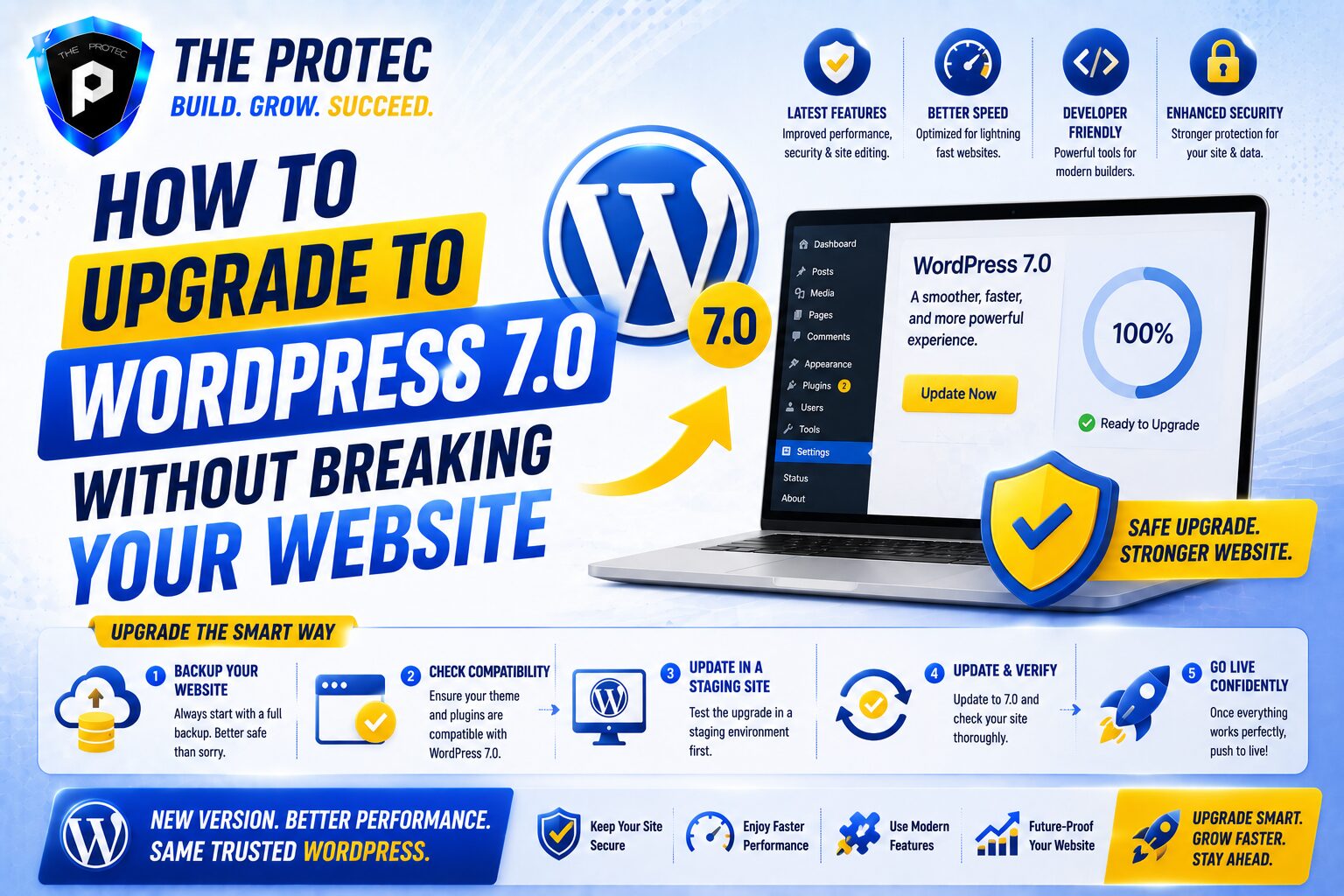
- Test the upgrade on a staging site before rolling it out widely
- Measure uncached and cached performance separately
- Check front-end metrics and server metrics together
- Audit plugins for unnecessary script output after upgrading
- Use modern performance tooling to verify Core Web Vitals, not assumptions
The most valuable part of a WordPress speed test is not the raw score. It is knowing which layer improved and which layer still needs work. WordPress 7 can reduce platform overhead, but the best results come when that improvement is paired with disciplined optimization practices.
How to Run Your Own WordPress Speed Test
If you want to benchmark your own site, focus on consistency. A good test should compare the same URL, the same device profile, the same cache state, and the same network conditions. Run multiple tests and compare medians instead of cherry-picking best-case results.
- Test before and after the upgrade on the same environment
- Use both lab tools and real-user data where available
- Measure homepages, posts, product pages, and archive pages separately
- Record TTFB, LCP, INP, CLS, and server CPU/memory usage
- Check whether plugins or themes changed behavior after the update
For deeper technical validation, tools like WebPageTest can help you inspect waterfalls, request timing, and render behavior: webpagetest.org. Pair that with your hosting metrics and WordPress logs, and you will get a much clearer picture than any single score can provide.
Final Verdict: Is WordPress 7 Actually Faster?
Yes, WordPress 7 is faster than WordPress 6.x in meaningful but measured ways. The gains are most visible in uncached response performance, backend efficiency, and the consistency of page rendering. On well-optimized sites, those improvements can translate into better Core Web Vitals and a smoother user experience. On messy sites, the improvements are real but easier to miss because other bottlenecks dominate.
If you are looking for a dramatic, user-facing speed revolution, WordPress 7 is not that. If you want a better foundation for performance, with incremental improvements that add up across page speed, Core Web Vitals, and resource usage, then the upgrade is worth taking seriously.
In short: WordPress 7 does not replace optimization, but it rewards it.
FAQ
Is WordPress 7 faster than WordPress 6.x on every site?
No. The biggest gains appear on well-optimized sites with modern PHP, lightweight themes, and disciplined caching. Sites with heavy plugins or slow external scripts may see only modest improvement.
Does WordPress 7 improve Core Web Vitals automatically?
Not automatically. It can help by reducing server-side overhead and improving rendering efficiency, but LCP, INP, and CLS still depend heavily on theme quality, asset loading, and hosting performance.
What metric matters most in a WordPress benchmark?
There is no single metric that tells the full story. A good benchmark should combine page speed, Core Web Vitals, and resource usage. TTFB, LCP, INP, memory consumption, and query load together provide the clearest picture.
Should I upgrade just for performance reasons?
If your site is already stable, the performance improvements are a good reason to upgrade, but not the only one. You should also consider security, compatibility, and long-term platform support.
What should I test after upgrading to WordPress 7?
Check your homepage, top landing pages, blog posts, category archives, and product pages if applicable. Compare cached and uncached behavior, and verify that Core Web Vitals and admin workflows still perform well.