







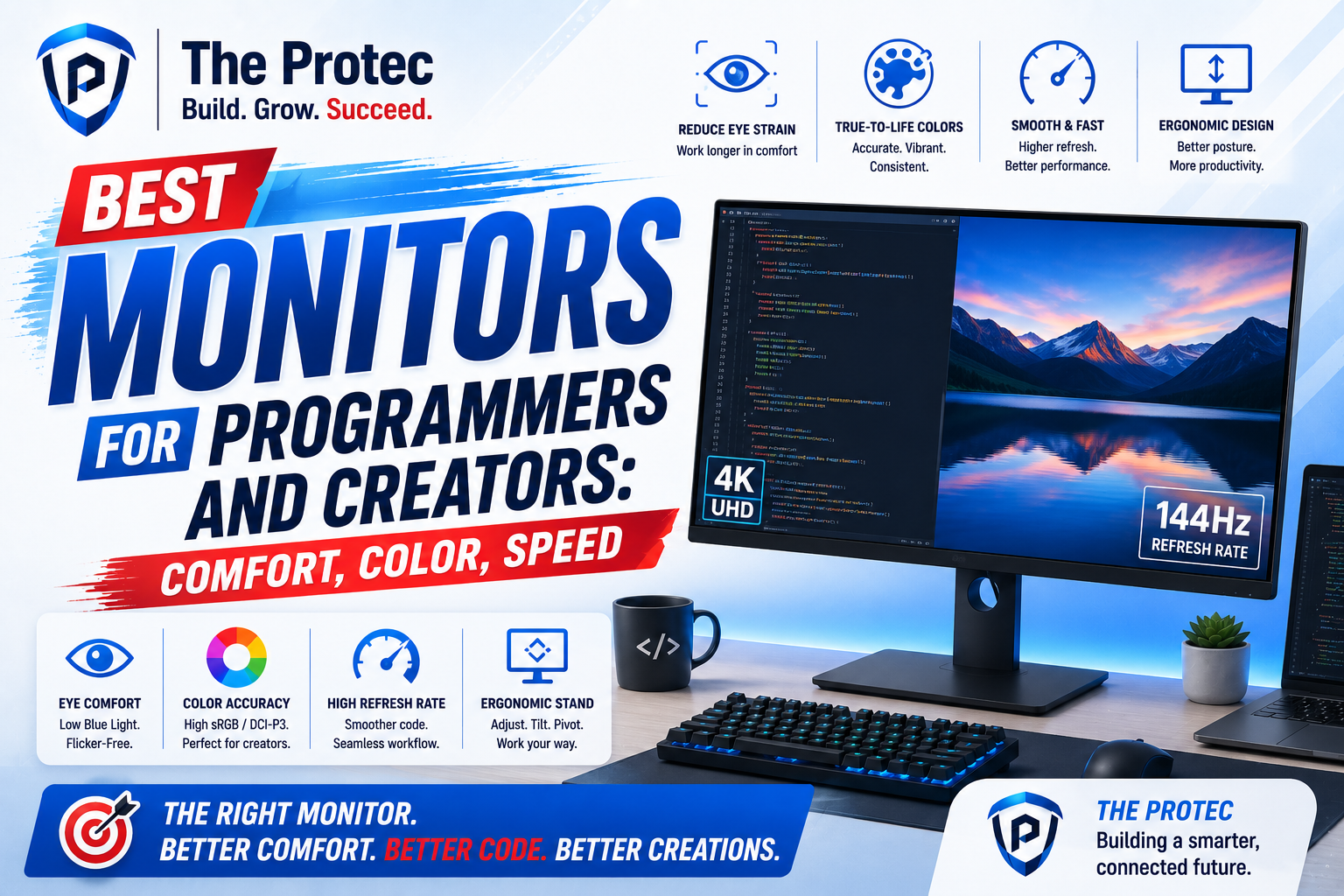
Best Monitors for Programmers and Content Creators: What Matters Most
Choosing the best monitor for programming is no longer just about screen size or resolution. In 2026, developers, designers, video editors, photographers, and hybrid creators expect a display that can do more: reduce eye strain during long coding sessions, deliver reliable color for creative work, and improve productivity across multiple apps and windows. The modern monitor has become a central tool for focused work, not just a passive output device.
That shift matters because the ideal display for a programmer is not always the same as the ideal display for a creator. Programmers usually prioritize text clarity, ergonomics, matte coatings, and eye comfort over hours of debugging and documentation. Content creators, on the other hand, care deeply about color accuracy, contrast, HDR performance, panel consistency, and workspace flexibility. The best monitors for both groups bring these needs together without forcing too many compromises.
This guide breaks down the best monitor types and the features that actually matter in real-world use. If you are looking for a 4K productivity monitor, a color-accurate panel for editing, or a comfortable screen for long coding sessions, the goal is the same: help you work faster, see more clearly, and reduce fatigue.
Why Monitor Choice Matters for Programming and Content Creation
A monitor affects how long you can work comfortably and how accurately you can trust what you see. For programmers, a sharp display makes small fonts easier to read, improves code contrast, and reduces the need to zoom in and out constantly. For creators, the screen influences how precisely you can grade footage, edit photos, or design assets that will be seen on other displays.
In a world where many professionals switch between IDEs, dashboards, browser tabs, timelines, reference images, and communication apps, display real estate also drives productivity. Higher resolution gives you more room to organize windows. Better ergonomics keep your neck and eyes in a healthier position. More accurate panels reduce the risk of mistakes that are expensive to fix later.
That is why the best monitor for programming is often a balanced productivity display: sharp, comfortable, and flexible enough to handle creative tasks when needed. Meanwhile, creator monitors increasingly borrow productivity features such as USB-C docking, KVM switching, and ultrawide formats to support hybrid workflows.
The Key Features to Look For
1. Resolution and pixel density
For coding and creative work, resolution is one of the biggest quality-of-life upgrades. A 4K productivity monitor on a 27-inch or 32-inch panel gives you crisp text, more workspace, and better detail for photo and video editing. At 27 inches, 4K usually feels very sharp. At 32 inches, it gives you more room to work without scaling feeling too aggressive.
For programmers, high pixel density makes fonts look clean and reduces visual fatigue. For creators, it helps when reviewing fine details in images, vector work, or 4K video timelines. If your workflow includes a lot of split-screen multitasking, 4K is often the sweet spot.
2. Panel technology
IPS remains the safest choice for most users because it offers good viewing angles, strong color consistency, and reliable all-around performance. OLED and QD-OLED have become more compelling for creators thanks to their deep blacks and impressive contrast, but they may not be ideal for everyone. Long static UI elements, burn-in concerns, and text fringing can still matter for developers who keep code editors open for hours each day.
Mini-LED is another important trend. It improves HDR brightness and contrast while avoiding some of the tradeoffs of OLED. For creators who work with HDR content, Mini-LED can be a strong middle ground. For developers, however, IPS often remains the most comfortable and predictable choice.
3. Eye comfort features
Eye comfort is essential for anyone spending six to ten hours in front of a screen. Look for flicker-free backlighting, low blue light modes that do not distort colors too heavily, matte coatings, and adjustable stands. Height, tilt, swivel, and pivot all matter more than many buyers realize. If your monitor sits too low or too high, neck strain can undermine even the best panel.
Text clarity also affects eye comfort. Clear rendering, strong contrast, and good factory calibration can make a huge difference during long sessions. A monitor that looks “fine” for movies may still feel tiring during a full day of coding or editing.
4. Color accuracy and gamut coverage
Creator monitors should offer excellent factory calibration and strong coverage of common color spaces such as sRGB, DCI-P3, and, for some workflows, Adobe RGB. Accurate color is critical for photographers, designers, and video editors who need their work to translate across devices and platforms.
For programmers who also create content, a display with accurate sRGB and good grayscale performance is usually enough. If your work is client-facing or publication-based, color accuracy becomes even more important. The best monitors today ship with factory calibration reports or strong out-of-box accuracy, which saves time and improves trust.
5. Connectivity and productivity extras
Modern monitors should be more than a panel and a stand. USB-C with power delivery can turn a laptop into a one-cable workstation. A built-in USB hub helps with accessories. KVM features let you switch a keyboard and mouse between a work laptop and a personal desktop. Some monitors also include picture-by-picture modes, which are useful for side-by-side reference work or testing.
These extras matter because productivity today is about reducing friction. The less time you spend managing cables and switching inputs, the more time you spend doing actual work.
Best Monitor Types for Programmers and Content Creators
1. The 27-inch 4K IPS productivity monitor
This is one of the most versatile choices for mixed work. A 27-inch 4K panel offers excellent sharpness, clean text rendering, and enough room for multiple windows. It is especially strong for programmers who want dense code display without sacrificing readability. It also works well for creators who need precise detail but do not require ultra-wide color or HDR-heavy performance.
Why it stands out:
- Excellent text clarity for code, documents, and spreadsheets
- Balanced size for desks with limited space
- Strong all-around choice for mixed work
- Usually easier to calibrate and manage than more exotic panels
If you want the safest answer to the question of what is the best monitor for programming, this category is often where the discussion starts.
2. The 32-inch 4K monitor for multitasking
A 32-inch 4K display gives you more physical space while keeping the same sharpness advantages. This can be ideal for developers who use large IDEs, terminals, preview panes, and reference material at the same time. It is also excellent for content creators who work with timelines, color tools, and large canvases.
The main advantage is comfort. Text can be easier to read at a more natural scaling level, and the larger screen reduces the feeling of crowding. For many professionals, this is the most comfortable 4K productivity monitor format for all-day use.
3. The ultrawide monitor for split-screen workflows
Ultrawide monitors remain popular among programmers and creators because they can replace dual-monitor setups for certain workflows. A 34-inch or 38-inch ultrawide gives you broad horizontal space for code, browsers, chat apps, and assets. Creators benefit from extra timeline room in video editors and more side-by-side workspace in design tools.
However, ultrawides are not automatically better. Some developers prefer the vertical flexibility of a traditional 16:9 4K display, especially for reading long files. Creators who demand color accuracy may also want to verify the panel’s uniformity and gamut performance carefully. Still, for people who love a single, expansive workspace, ultrawide remains a compelling option.
4. The OLED or QD-OLED creator monitor
If your work involves visual storytelling, motion graphics, or premium content review, OLED and QD-OLED monitors have become more attractive than ever. Their contrast levels are exceptional, and blacks appear truly deep, which is useful for cinematic editing and dark UI work. They can make creative content look stunning, especially in controlled lighting.
The tradeoff is that not every programmer will enjoy them equally. Text rendering can still be a concern depending on pixel layout and scaling, and static UI elements may raise burn-in considerations. For hybrid users, OLED is best when creative quality is the priority and coding is only part of the workload.
5. The Mini-LED monitor for HDR-heavy creators
Mini-LED has become a serious option for creators who need brighter HDR performance, stronger contrast than standard IPS, and better highlight control. It is especially appealing for video editors and digital artists who want more dynamic range without stepping into OLED’s tradeoffs.
For programmers, Mini-LED is less about the HDR effect and more about the overall quality of the display. These monitors can be excellent, but they are often more expensive and may show blooming in certain scenes. If you spend more time reading code than grading footage, a high-quality IPS screen may still be the more practical choice.
What the Best Monitor for Programming Should Prioritize
When selecting a monitor for development work, the most important factors are often not the same as what spec sheets emphasize. You do not need the flashiest display. You need the most comfortable one for long, focused sessions.
- Sharp text: High resolution and good scaling make code easier to read.
- Stable brightness: A flicker-free panel reduces fatigue.
- Neutral color tuning: You want clarity without oversaturation.
- Good ergonomics: Adjustable height and tilt are essential.
- Low latency is helpful, but not critical: Responsiveness matters, though not as much as clarity and comfort.
The best monitor for programming often ends up being a 27-inch or 32-inch IPS display with 4K resolution, USB-C connectivity, and factory calibration. That combination gives developers an efficient, comfortable workspace that also works well for browsing, writing, and occasional creative tasks.
What Creator Monitors Need to Get Right
Creator monitors are judged on a different standard. Color consistency, shadow detail, gamut coverage, and calibration quality matter more than raw sharpness alone. If a display is inaccurate, you may spend hours correcting work that looks different once published.
The strongest creator monitors usually include:
- Wide color gamut support: Useful for photo and video workflows
- Excellent factory calibration: Reduces setup time
- Uniform brightness and color: Important for editing and grading
- HDR support: Valuable for modern video workflows
- USB-C and docking: Useful for compact studio setups
If your work is mostly web content, UI design, or general marketing assets, a highly accurate sRGB-focused monitor can be enough. If you work in photography or cinema, broader gamut coverage and stronger HDR performance become more valuable.
Recommended Buying Strategy by User Type
For programmers
Choose a monitor that reduces eye strain first. A matte 27-inch 4K IPS screen is a strong default. If you want more room, go 32-inch. Prioritize ergonomics, sharp text, and a comfortable brightness range over flashy contrast modes.
For content creators
Choose based on your medium. Photographers should lean toward accurate IPS or wide-gamut creator monitors. Video editors may prefer Mini-LED or OLED depending on their tolerance for tradeoffs. If you work in both photo and video, calibration and uniformity should be high on your list.
For hybrid users
If you code during the day and edit at night, the best compromise is often a 4K productivity monitor with good color accuracy, USB-C, and a comfortable panel type. This gives you enough fidelity for creative work and enough readability for programming.
How to Set Up Your Monitor for Better Productivity
Even the best monitor will underperform if it is not set up properly. Start by placing the top of the screen near eye level and keeping the monitor about arm’s length away. Adjust brightness so the screen matches your room lighting rather than overpowering it. Use a scaling setting that makes text readable without wasting space.
For coding, many professionals prefer a slightly cooler white point during the day and a warmer setting at night. For creative work, keep the display close to its calibrated profile and avoid heavy eye-candy enhancements that alter color. If your monitor supports multiple presets, create separate modes for development and editing.
Also consider desk layout. A monitor arm can improve posture, free up desk space, and make it easier to center the display correctly. These small improvements often have a bigger impact than a minor spec upgrade.
External Resources Worth Checking
For deeper technical guidance on calibration and display standards, these references are useful:
FAQ: Best Monitors for Programmers and Content Creators
What size monitor is best for programming?
For most programmers, 27 inches is the most balanced size because it offers sharp text and plenty of workspace without overwhelming a desk. If you want a more spacious feel, 32 inches can be even more comfortable, especially with 4K resolution.
Is a 4K monitor worth it for coding?
Yes. A 4K productivity monitor is often worth it for coding because it improves text clarity and gives you more room for code, terminals, and documentation. It is especially valuable if you spend long hours in an IDE or work with multiple windows at once.
Are OLED monitors good for content creators and programmers?
OLED monitors can be excellent for creators because of their contrast and image quality. For programmers, they are more mixed due to possible text rendering quirks and burn-in concerns from static interfaces. They are best for users who prioritize creative quality over all-day code readability.
What matters more: color accuracy or resolution?
It depends on your work. For creators, color accuracy is usually more important than resolution once you reach a sharp enough display. For programmers, resolution and text clarity matter more than wide color gamut. The best hybrid monitor balances both.
Not always. If your work is mainly for the web, strong sRGB accuracy may be enough. Wide-gamut creator monitors are more valuable if you produce high-end photography, cinema content, or print-focused material.
Final Verdict: The Best Monitor Depends on Your Workflow
The best monitors for programmers and content creators in today’s market are the ones that reduce friction and support long, focused work. If your priority is coding, a sharp 27-inch or 32-inch 4K IPS display is often the smartest choice. If your priority is visual work, a creator monitor with excellent calibration, strong color coverage, and the right contrast technology will serve you better. If you need one screen for both worlds, a well-built 4K productivity monitor with USB-C, good ergonomics, and reliable color accuracy is the most practical answer.
What matters most is not chasing the most expensive panel or the highest spec on paper. The right monitor should help you read, create, edit, and multitask comfortably for hours. That is the real benchmark for modern productivity.