








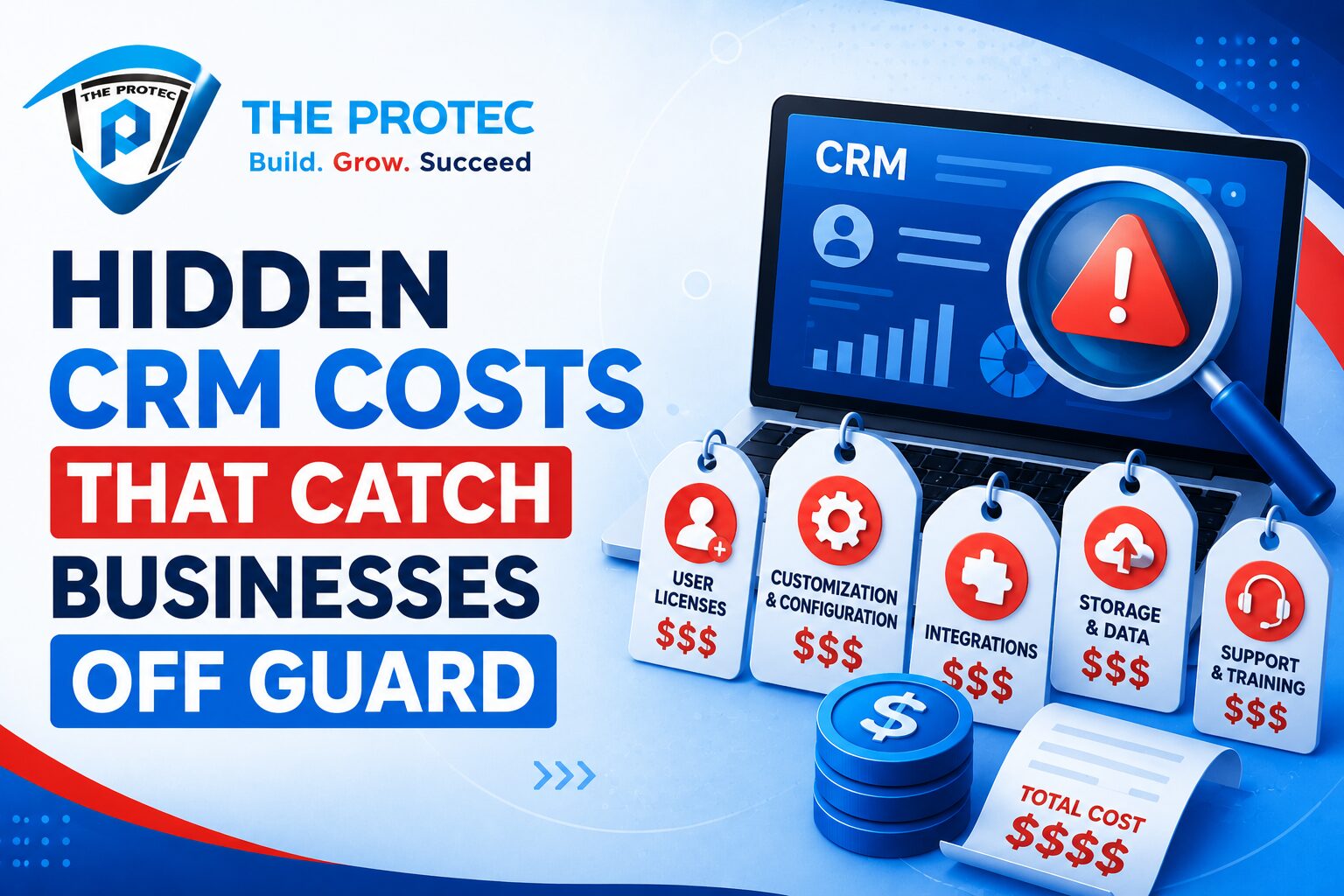
Hidden CRM Costs Most Businesses Discover Too Late
At first glance, CRM pricing looks simple. A vendor shows a per-user monthly fee, a few feature tiers, and maybe a discount for annual billing. It feels easy to compare options and estimate your CRM implementation cost. But once the contract is signed and the rollout begins, many businesses discover that the listed subscription price is only the smallest part of the bill.
The real expense often appears in the weeks and months after purchase: onboarding services, data migration, integration work, storage overages, admin time, premium support, custom reporting, and training. In other words, the sticker price is not the true price. This gap between advertised CRM pricing and total ownership cost is one of the most common reasons CRM projects run over budget.
This matters even more now, as CRMs are no longer just contact databases. Modern platforms are expected to power sales automation, service workflows, revenue operations, AI-assisted forecasting, customer data unification, and cross-channel engagement. That broader scope creates more hidden CRM costs, especially when businesses underestimate setup complexity or assume the base license includes everything they need.
If you are evaluating a CRM today, the smartest question is not “What does it cost per month?” It is “What will it actually cost to launch, run, scale, and maintain?”
Why CRM pricing rarely reflects the full cost
Most vendors lead with a simple subscription model because it is easy to sell and easy to compare. A team might see a plan at a low per-user rate and assume the budget is under control. But CRM systems are ecosystems, not isolated tools. They touch sales, marketing, support, finance, operations, and data governance. Every connection between those functions can create a new layer of cost.
The problem is especially visible in enterprise-grade or fast-growing mid-market deployments. The more complex the business, the more likely it is that the CRM must be configured around existing processes rather than used “out of the box.” That means extra services, specialist help, and recurring technical maintenance.
Many organizations also underestimate the difference between subscription cost and implementation cost. CRM implementation cost includes planning, configuration, data preparation, migration, testing, user adoption, and integration setup. Subscription pricing is only one line item in that larger picture.
Onboarding is often presented as a guided kickoff or a “customer success” benefit, but the real scope can be much larger. Some vendors include only basic orientation, while anything beyond that requires paid professional services. If your team needs workflow mapping, pipeline design, field customization, role permissions, or automation setup, the onboarding bill can grow quickly.
What onboarding may include
- Initial setup and workspace configuration
- Pipeline and stage design
- Field mapping and custom object creation
- User roles, permissions, and access controls
- Automation rules and alert setup
- Dashboard and reporting configuration
- Training sessions for admins and end users
Businesses often assume these tasks are included in the base CRM pricing. In reality, they may be billed separately, bundled into a higher-tier package, or capped at a limited number of hours. Once those hours run out, the cost shifts back to your team or to a paid consultant.
There is also an internal onboarding cost that vendors never include in their quote. Your managers, operations staff, and sales leaders must spend time defining requirements, approving workflows, and validating the setup. That time has real value, especially if leadership involvement is required to avoid a poor rollout.
Data migration costs: where complexity multiplies
Data migration is one of the most underestimated components of CRM implementation cost. Moving records from spreadsheets, legacy CRMs, ERPs, ticketing tools, or custom databases sounds straightforward until you examine the quality of the source data. Duplicate contacts, inconsistent formatting, missing values, outdated ownership assignments, and broken relationships between records all create extra work.
Migration is not just copying data from one place to another. It is a cleanup, transformation, validation, and testing process. The more systems you have used over time, the more likely your data lives in multiple formats and structures. Even a relatively small business can face a surprisingly complex migration if customer records are scattered across tools.
- Data cleansing and deduplication
- Field mapping between old and new systems
- Import testing and error correction
- Historical record retention
- API-based migration support
- Third-party migration services
- Post-migration verification and reconciliation
Vendors may advertise “free migration assistance,” but that usually means limited help with a basic import. If your data structure is messy or your use case requires historical activity, attachments, custom objects, or relationship mapping, the free offer may not cover the actual work.
This is where businesses get trapped. They budget for licenses, then discover that the data cannot simply be moved as-is. The cleanup takes longer than expected, and the team either absorbs the labor internally or pays for specialist support.
Storage costs: the bill grows as your business grows
Storage is one of the most overlooked hidden CRM costs because it often starts small. A team launches with a modest amount of data, and the included storage seems sufficient. But modern CRMs now store far more than names and email addresses. They can hold attachments, call recordings, chat transcripts, activity histories, documents, AI-generated summaries, product usage data, and customer service logs.
As data volume grows, so does the chance of overage fees, tier upgrades, or performance-related costs. Some vendors charge separately for file storage and data storage. Others limit the amount of history retained in lower-tier plans, pushing businesses to upgrade once they need deeper reporting or longer retention periods.
This issue is becoming more relevant as companies increasingly rely on CRM data for AI-assisted forecasting, personalization, and analytics. Those workflows typically require cleaner, richer, and more complete datasets, which means more storage and more retained history.
- File storage overages
- Data retention upgrades
- Higher-tier plans for larger databases
- Archiving and backup costs
- Performance optimization for large datasets
- Charges for long-term audit history
To avoid surprises, businesses should ask how storage is measured, what counts toward the limit, and how fast the fee increases as the database expands. A cheap license can become expensive when attachments, media files, and customer history pile up.
Integration costs: the most underestimated part of CRM pricing
Integration costs can quietly become the largest part of the overall budget. A CRM rarely works alone. It usually needs to connect with email, calendars, marketing automation, accounting software, customer support platforms, e-commerce systems, data warehouses, call tracking, and increasingly, AI tools. Each connection adds setup time, maintenance, and risk.
Some CRM vendors advertise “native integrations,” but that term does not always mean frictionless or free. A native integration may still require configuration, limit the amount of data synced, or charge extra for advanced sync rules and administration. In many cases, the integration is functional only for basic use cases.
If your business depends on two-way syncing, custom field matching, workflow triggers, or real-time updates, you may need a middleware layer or custom API development. That creates additional cost and additional dependency on technical expertise.
Integration costs often include
- Middleware or iPaaS subscriptions
- API usage fees or caps
- Custom development work
- Ongoing sync monitoring and maintenance
- Data mapping and transformation logic
- Testing across multiple systems
- Vendor support escalation fees
These costs are easy to miss during the buying stage because vendors focus on features, not architecture. But once your CRM becomes the hub of your business systems, integration quality has a direct impact on efficiency, reporting accuracy, and customer experience.
For a useful industry reference on integration and software selection, see G2’s CRM category overview.
Support, training, and admin costs that continue after launch
One of the biggest mistakes businesses make is assuming the cost ends once the CRM goes live. In reality, the system needs ongoing administration. Users change roles, workflows evolve, fields need adjustments, reports need updates, and integrations break. The system only stays useful if someone maintains it.
Support costs vary widely. Some vendors include only standard support with slow response times, while faster response, dedicated success managers, or advanced technical support may require a premium plan. If your team relies on mission-critical CRM data, that difference matters.
Training is another recurring cost. New hires need onboarding. Existing users need refreshers when workflows change. Admins need advanced training to manage automation, permissions, data quality, and reports. Without it, adoption drops and the CRM becomes a noisy database rather than a revenue engine.
There is also a hidden staffing cost. Many businesses underestimate the internal admin time required to keep the CRM clean and useful. Even a well-designed platform needs ongoing oversight for data hygiene, duplicate management, field governance, and automation logic.
Customization costs: when “flexible” becomes expensive
CRM vendors often emphasize flexibility, but flexibility can be costly. The more tailored the system becomes, the more time it takes to build, test, and maintain. Custom objects, bespoke workflows, advanced approval chains, and specialized dashboards may solve a business problem, but they also increase complexity and dependence on the vendor’s ecosystem or a third-party consultant.
Customization becomes especially expensive when a business tries to fit a CRM around legacy processes instead of standardizing operations first. In that case, the implementation team may need to recreate old workflows inside the new system, which often adds labor without improving efficiency.
Some tools also place advanced customization behind higher-priced tiers. That means the base CRM pricing may look affordable until the business realizes it needs the very features required to make the platform usable.
AI is now a major selling point in CRM software, but it can introduce fresh cost layers. Vendors may offer AI summaries, predictive scoring, call analysis, content suggestions, or automated next-best-action recommendations. These features can be useful, but they are not always included in the base plan.
In many platforms, AI functionality is limited by usage credits, premium add-ons, or higher-tier licensing. Even when the feature is included, it may require cleaner data, stronger governance, or more storage to perform well. If your records are incomplete or your workflows are poorly structured, the value drops while the cost remains.
AI also increases the importance of data security, auditability, and compliance controls. That can require more administrative oversight, additional permissions management, and legal review depending on your industry.
Businesses should treat AI as a cost multiplier, not just a productivity boost. The feature may improve output, but it should be evaluated as part of the full CRM implementation cost, including licensing, data readiness, and operational maintenance.
How to calculate the real total cost of ownership
The easiest way to avoid surprise spending is to calculate total cost of ownership instead of relying on CRM pricing alone. A useful framework is to break costs into launch, operation, and growth.
Launch costs
- Subscription or annual licensing
- Onboarding and setup
- Data migration and cleanup
- Integration implementation
- Training and change management
Operating costs
- Admin labor
- Support upgrades
- Storage overages
- Integration maintenance
- Workflow updates and reporting changes
Growth costs
- Additional users
- Higher-tier feature upgrades
- More storage and retention
- Expanded integrations
- AI add-ons or usage-based charges
Once these categories are mapped, the “cheap” CRM often looks much less cheap. That does not automatically make it the wrong choice, but it gives you a far more realistic picture of the budget and the effort required to succeed.
Questions to ask vendors before you buy
Before signing a contract, ask direct questions that force the vendor to reveal the hidden CRM costs that might not appear on the pricing page.
- What is included in onboarding, and what is billed separately?
- How do you handle data migration, and what types of migrations are excluded?
- Is storage capped, pooled, or priced by tier?
- Are integrations included, and are there API limits or middleware requirements?
- What support level comes with the base plan?
- Which AI features are included, and which are usage-based or add-ons?
- How much internal admin time do similar customers typically need?
The best vendors will answer clearly. If the response is vague, that is usually a sign that the true cost is being deferred rather than eliminated.
Conclusion: cheap CRM pricing can become expensive fast
Hidden CRM costs are not a minor accounting issue. They shape adoption, speed to value, and long-term return on investment. A platform with attractive CRM pricing can still become expensive if onboarding is limited, data migration is messy, storage is underestimated, and integrations require custom work.
That is why businesses should evaluate CRM software as a total system investment, not a monthly subscription. The smartest buyers look beyond the headline number and ask what it takes to actually make the platform work across the organization.
If you are comparing tools now, focus on the full CRM implementation cost, the true cost of integrations, and the long-term expense of support and data growth. That approach will save money, reduce rollout friction, and help your team choose a system that delivers value instead of surprises.
FAQ
The most common hidden CRM costs are onboarding, data migration, integrations, storage overages, premium support, training, and admin labor. These can quickly exceed the base subscription price.
Why is CRM implementation cost often higher than expected?
CRM implementation cost rises because businesses usually need setup help, data cleanup, workflow configuration, testing, and user training. Many vendors only advertise licensing fees, not the services required to launch successfully.
How can I compare CRM pricing more accurately?
Compare total cost of ownership rather than subscription price alone. Include onboarding, migration, integrations, storage, support, customization, and internal labor in your estimate.
Do all CRM vendors charge extra for integrations?
Not all, but many charge indirectly through higher tiers, API limits, middleware requirements, or paid professional services. Even “native” integrations may still require setup and maintenance.
What should I ask before signing a CRM contract?
Ask what is included in onboarding, how migration is handled, whether storage is capped, what support level is included, and which features require add-ons. These questions reveal the true cost before you commit.
For further reading on software selection and implementation planning, you can also review the NIST guidance on digital systems and risk-aware technology adoption.