







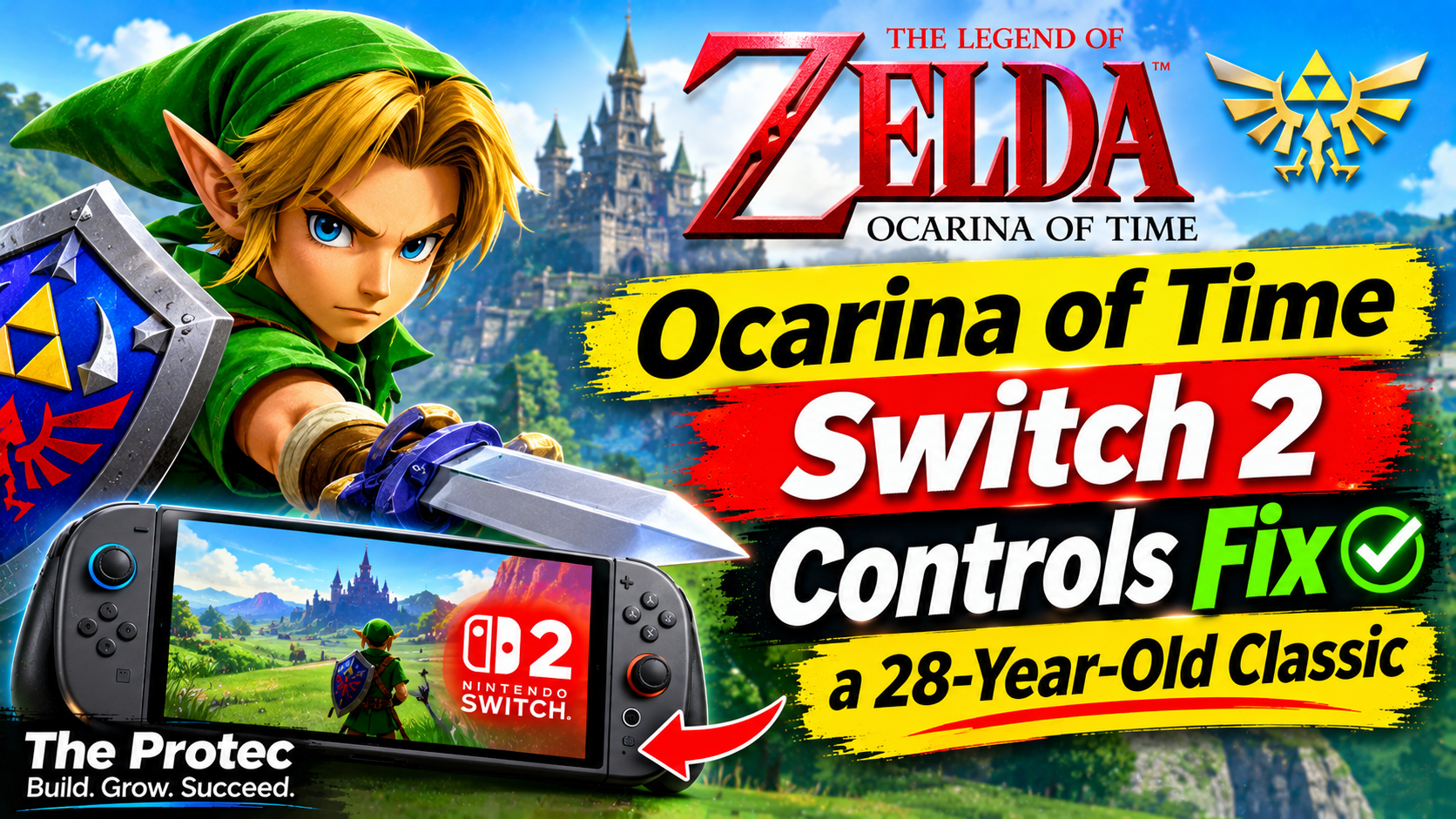
The Legend of Zelda: Ocarina of Time defined 3D adventure games, but it was also inseparable from the unusual hardware that shaped it. Designed around the Nintendo 64’s three-pronged controller, one analog stick, fixed viewpoints and context-sensitive actions, the 1998 original can feel restrictive to players accustomed to dual-stick movement. The Ocarina of Time Switch 2 controls address that friction with a free camera, dedicated jumping, faster equipment access and several optional input methods—without discarding the timing, puzzles or combat identity of the N64 adventure.
This is not simply the old game assigned to a newer controller, nor is it a completely unrelated control system. Nintendo’s modernization builds on familiar ideas such as Z-targeting, contextual interaction and manual Ocarina inputs. The largest changes remove limitations imposed by the original controller, giving players more control while leaving the structure of Hyrule recognizable.
Why the Original N64 Controls Now Feel Unusual
In 1998, Ocarina of Time had to solve problems that had few established answers. How should a player follow an enemy in three dimensions? How could one button handle talking, opening doors, climbing and examining objects? How should a camera work when the controller had only one analog stick?
Nintendo’s answers were ingenious. Z-targeting kept Link and an enemy aligned, the A button changed function according to context, and carefully placed camera angles guided players through spaces. Automatic jumping also prevented the controller from becoming overloaded. These decisions became part of the game’s identity, but they could also make Link feel less direct than a modern action-adventure protagonist.
The Nintendo 3DS release improved presentation and added touch-screen inventory management and gyroscopic aiming, yet it still retained automatic jumping and much of the original camera philosophy. The Switch 2 version goes further by treating modern camera control, movement shortcuts and configurable inputs as integral Zelda Switch 2 features.
A Free Camera Changes How Hyrule Feels
The independently controlled camera is the most consequential update. Instead of relying primarily on preset perspectives or recentering the view behind Link, players can look around with the second stick while moving. That sounds routine today, but it changes how nearly every part of Ocarina of Time is read.
In Hyrule Field, the free camera makes it easier to scan for landmarks, enemies and routes without changing Link’s direction. Castle Town and Kakariko Village feel more like spaces to inspect than a sequence of composed viewpoints. Players can look toward rooftops, alleyways and elevated paths while continuing to walk.
The new Ocarina of Time camera controls are especially helpful inside dungeons. Looking around a chamber before crossing it can reveal switches, climbable surfaces or threats that were previously exposed through deliberate camera cuts. Vertical spaces such as the Forest Temple become easier to parse, while narrow rooms demand less repeated camera recentering.
There is a delicate balance, however. The original camera often acted as an invisible guide, framing clues and creating suspense. Free control can reveal an area earlier than the old presentation intended. Nintendo’s approach preserves the established rooms and puzzle logic rather than rebuilding challenges around the camera, so the update improves spatial awareness without turning the game into a different adventure.
The New Jump Button and Two Jump-Attack Schemes
Automatic jumping was one of the N64 game’s defining conventions: Link jumped when he ran from a suitable ledge. Switch 2 adds direct jumping, giving players clearer control over when Link leaves the ground. This makes movement more responsive around platforms, gaps and combat arenas, although it does not rewrite familiar puzzle solutions around elaborate aerial movement.
Nintendo also provides two jump-attack control schemes, allowing the jump action to be associated with either A or X. Official explanations and gameplay demonstrations frame the alternatives as a response to different kinds of muscle memory. Some players expect A to serve as the prominent movement or action input, while others prefer an arrangement closer to contemporary action games, where face buttons separate jumping and attacking more explicitly.
The choice matters because a jump attack combines navigation and offense. A layout that feels intuitive during exploration may not feel natural in a fast encounter, so neither scheme is presented as universally correct. Rather than replacing the original’s context-sensitive philosophy outright, these Ocarina of Time remake controls let players select the arrangement that best matches their habits.
Continuous Dashing Without Removing the Classic Roll
Rolling remains part of Link’s movement, including its familiar use for quick bursts of speed and environmental interactions. The revision is that holding the Roll Attack button now enables continuous dashing. Players no longer need to trigger roll after roll simply to cross Hyrule Field or retrace a completed dungeon corridor.
This is a quality-of-life change rather than a new traversal system. Tapping still produces the recognizable roll, preserving its rhythm and utility. Holding the input reduces repetition during longer journeys. The distinction is important: Nintendo has streamlined a physical demand created by the original input design without removing a movement technique that fans associate with Link.
Quick Select Makes Equipment Less Disruptive
Ocarina of Time frequently asks players to switch between the bow, bombs, hookshot, bottles and other tools. On Nintendo 64, three C buttons served as item shortcuts, but changing those assignments required opening the pause menu. The 3DS version made inventory changes faster through its second screen.
Switch 2 uses a redesigned quick-select interface that brings frequently used equipment within easier reach. It reduces the number of pauses during dungeons where one room may require arrows, explosives and the hookshot in quick succession. This also helps combat encounters in which healing items or ranged weapons must be selected under pressure.
The benefit is not merely speed. Clearer equipment access reduces the cognitive load of remembering which tool occupies each temporary slot. The player spends less time managing menus and more time interpreting the environment. Crucially, the tools themselves retain their established functions, so classic puzzles are not invalidated by the interface.
Motion Aiming Is Optional and Customizable
Weapons such as the Fairy Bow, Hookshot and slingshot can use Ocarina of Time motion controls for fine aiming. Small controller movements can complement stick input, which is useful when lining up a distant switch or tracking a moving target. Players familiar with the 3DS release will recognize the general advantage, although the Switch 2 implementation is designed around detachable or conventional controllers rather than a handheld-only setup.
Motion aiming is not mandatory. Traditional button-and-stick aiming remains available, and the relevant settings allow players to tailor or disable motion behavior. That flexibility matters for accessibility, comfort and play environments. Gyro input may feel precise to one player but tiring or impractical to another, particularly when using a controller in a fixed position.
Preserving both methods is representative of the broader Nintendo Switch 2 Zelda gameplay philosophy: add modern options without declaring the original interaction obsolete.
Playing the Ocarina With Buttons, Humming or an Instrument
The familiar Ocarina button inputs remain available. Songs can still be performed as deliberate note sequences, maintaining the memory-based ritual at the center of the original game. Players are not required to sing, hum or use voice input to progress.
Switch 2 additionally allows melodies to be performed by humming or playing an instrument through the system’s microphone. This optional input gives the Ocarina a more literal musical quality, translating a performed melody into the game’s song interaction. It is an alternative to the face-button method, not its replacement.
That distinction protects reliability and accessibility. Microphone input may be undesirable in a shared room or affected by background noise, and some players cannot comfortably produce the required sounds. Button input remains the predictable choice, while microphone play offers a more playful way to engage with one of Zelda’s most recognizable mechanics.
Pro Controller Remapping and the GL and GR Buttons
Switch 2 Pro Controller owners receive another layer of customization through button remapping. Camera or movement-related functions can be assigned to the rear GL and GR buttons, allowing important actions to be triggered without taking a thumb away from either analog stick.
A player might use a rear input for camera recentering, dashing or another frequently used movement function. The value is personal rather than prescriptive: one setup may prioritize uninterrupted camera control, while another may reduce strain caused by repeated face-button presses.
This capability does not apply identically to every compatible controller. GL and GR are physical features of the Switch 2 Pro Controller, so players using Joy-Con 2 or other controllers should not assume they have the same rear-button arrangement. Nintendo’s official Switch 2 information should be consulted for current hardware and compatibility details.
How the Changes Affect Accessibility and Combat
Taken together, the revisions expand the number of comfortable ways to play. A free camera gives players direct visual control. Continuous dashing reduces repetitive inputs. Quick equipment selection shortens menu interruptions, while optional motion aiming serves players who prefer fine physical adjustments without penalizing those who use analog sticks.
Combat becomes more readable rather than fundamentally different. Z-targeting still anchors encounters, preserving the lock-on duels that made the original influential. Manual camera movement helps players monitor surrounding enemies, and the jump-button schemes provide greater control over aerial attacks. The result feels less constrained, but enemy behavior and established combat rhythms remain recognizable.
Accessibility is not only about making a game easier. It also involves reducing unnecessary barriers and supporting varied motor habits. Remapping, alternate aiming methods and multiple action layouts allow more players to find a workable configuration while leaving the underlying challenge intact.
How Switch 2 Differs From the N64 and 3DS Versions
- Nintendo 64: Built around one analog stick, C-button item assignments, automatic jumping, fixed or guided camera behavior and the original context-sensitive layout.
- Nintendo 3DS: Added touch-screen inventory access and gyro-assisted aiming while retaining automatic jumping and much of the classic camera structure.
- Switch 2: Adds independent camera control, a jump button with two layout options, hold-to-dash functionality, redesigned quick selection, optional motion aim, microphone-assisted music input and supported Pro Controller remapping.
Those differences make the Switch 2 edition more than a straightforward emulation of the Nintendo 64 release. At the same time, calling it a wholly new control system would overstate the redesign. Lock-on combat, contextual actions, recognizable item behavior and button-based Ocarina performance continue to connect it directly to the original.
The Difficult Balance Facing Every Nintendo Zelda Remake
A Nintendo Zelda remake has to address two audiences with conflicting expectations. New players want the responsiveness and camera freedom that modern games have taught them to expect. Longtime fans may regard the old movement, timing and framing as essential parts of the work.
Changing too little risks preserving hardware limitations that no longer serve a purpose. Changing too much can alter puzzle difficulty, combat spacing or the deliberate pace that made the adventure memorable. A free camera, for example, should help players understand a room without exposing every secret. A jump button should improve agency without enabling shortcuts that dismantle dungeon design.
The strongest aspect of the Switch 2 approach is its emphasis on options. Motion aiming supplements stick aiming. Microphone performance supplements traditional notes. Continuous dashing supplements rolling. Alternative jump layouts accommodate different preferences. The game becomes easier to operate, but it does not need to abandon the language established in 1998.
Frequently Asked Questions
Does Ocarina of Time on Switch 2 have a free camera?
Yes. The right stick provides independent camera control, making it easier to inspect Hyrule, towns and dungeon rooms while Link moves. Z-targeting and camera recentering remain useful during combat.
Is motion aiming required?
No. Motion aiming is optional and can be customized or disabled. Players can continue aiming weapons with conventional stick and button controls.
Can Link jump manually?
Yes. The Switch 2 version adds a dedicated jump action and offers two jump-attack schemes built around using either A or X, accommodating different control preferences.
Must players hum Ocarina songs into the microphone?
No. Traditional button-based Ocarina inputs remain available. Humming or playing an instrument through the microphone is an additional way to perform melodies.
Can every Switch 2 controller use GL and GR remapping?
No. The rear GL and GR buttons are associated with the Switch 2 Pro Controller. Other controller types do not automatically provide the same physical inputs or mapping possibilities.
A Classic Adventure With Fewer Hardware Barriers
The best Ocarina of Time Switch 2 controls are not the ones that call attention to themselves. They are the changes that let players examine a dungeon, select a tool, line up a shot or cross a field without fighting conventions imposed by a 1998 controller.
Nintendo’s solution preserves the original foundations while offering more direct and configurable input. Hyrule remains familiar, but navigating it no longer requires accepting every limitation of the Nintendo 64 era. That balance—removing friction without erasing identity—is the standard by which any thoughtful remake of a classic game should be judged.