







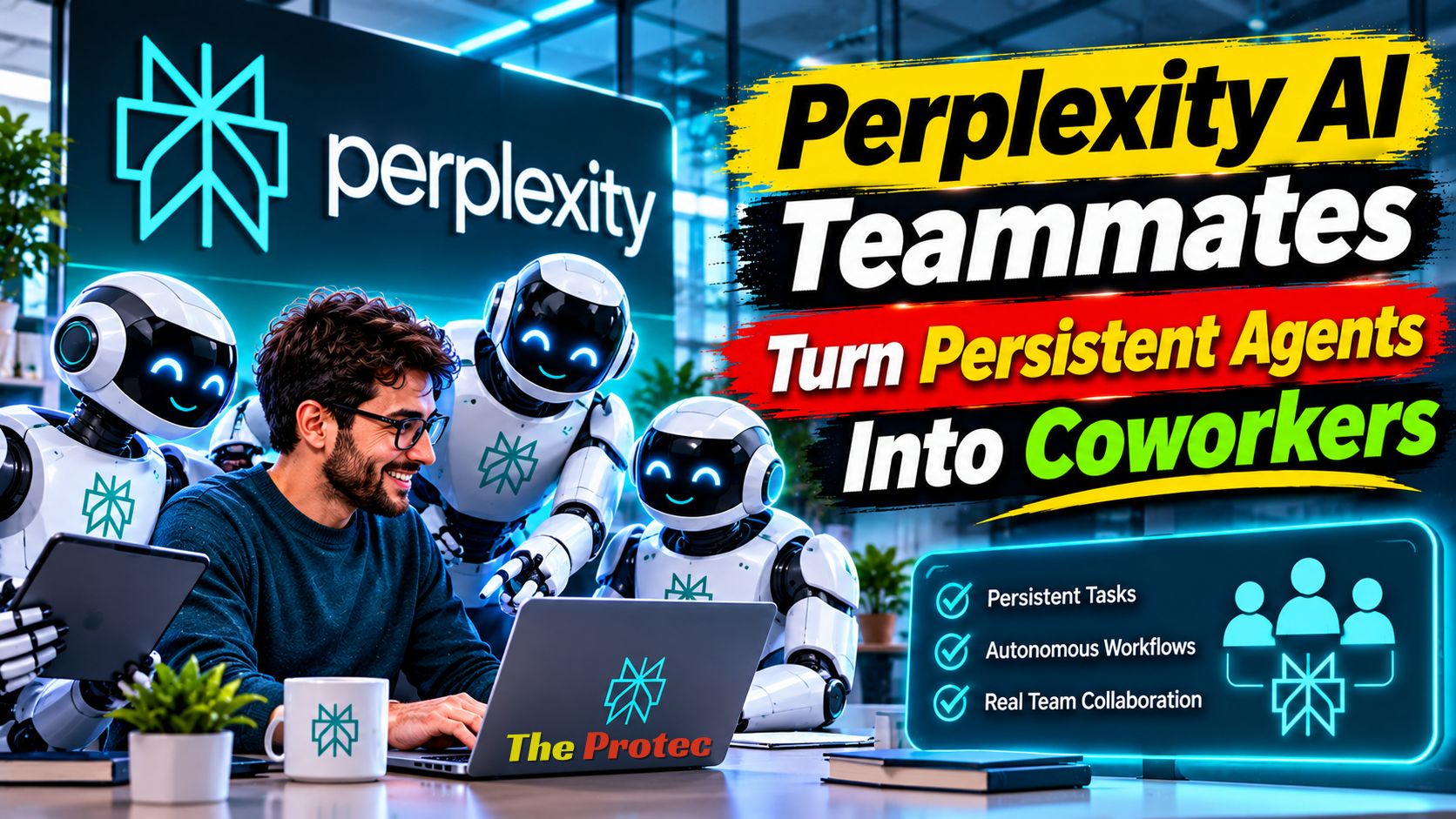
Most workplace assistants wait for a question, produce an answer, and then stop. Perplexity AI Teammates are designed around a different model: persistent agents that can remain attached to projects, retain relevant context, coordinate work, and continue pursuing assigned responsibilities over time. The launch represents Perplexity’s clearest move beyond conversational search and toward AI coworkers that participate in ongoing business processes.
The important distinction is continuity. Instead of repeatedly prompting an assistant to research a market, update a campaign, or monitor customer feedback, a user can define a teammate’s role and expected outcomes. The agent can then organize tasks, call on other specialized agents, work through connected resources, report progress, and request human approval when a consequential decision arises.
What are Perplexity AI Teammates?
AI Teammates are persistent, role-based agents intended to handle recurring or extended workplace assignments. A business might create one teammate to track competitors, another to prepare sales research, and a third to monitor support trends. Each receives a defined role, responsibilities, instructions, and access to the resources needed for its job.
This does not mean an agent operates without limits or supervision. Persistence refers to its ability to preserve project context and resume work rather than treating every interaction as an isolated chat. Users can monitor activity, review outputs, respond to approval requests, and change an agent’s instructions or permissions.
The approach places Perplexity among a growing group of companies developing AI agents for work. However, Teammates emphasize sustained project participation rather than only providing an agent framework, a one-time research report, or a browser automation session.
From individual prompts to persistent project ownership
A conventional chatbot interaction begins with a prompt and usually ends with an answer. That pattern is useful for drafting, summarization, and quick research, but it puts the burden of continuity on the employee. The person must remember what happened, gather the next inputs, and initiate every subsequent step.
Perplexity’s model shifts some of that coordination to the agent. A user can assign an outcome such as monitoring a product category, preparing a weekly competitive brief, or qualifying inbound prospects. The teammate maintains the working context associated with that responsibility and can continue from previous findings instead of starting over.
Persistent context can include goals, prior work, relevant files, decisions, and the current state of a project. It should not be confused with perfect memory: employees still need to verify that the agent is using current information and has interpreted previous decisions correctly.
How roles, delegation, and multi-agent coordination work
The Teammates concept is built around roles rather than generic assistants. A role tells an agent what it owns, what success looks like, and where its authority ends. Useful role definitions are specific. “Support operations analyst who categorizes recurring complaints and drafts a weekly summary” gives an agent clearer boundaries than “help with support.”
A lead teammate can break a larger assignment into smaller tasks and delegate portions to other agents. For example, an agent preparing a product launch assessment could ask one agent to examine competitors, another to review customer feedback, and another to summarize relevant industry reporting. It can then combine their work into a single deliverable.
This delegation makes Teammates a form of multi-agent AI system. The potential benefit is specialization: different agents can apply distinct instructions, tools, and context to parts of the same project. The risk is that errors can also travel between agents. A coordinating agent may confidently build on incorrect research unless sources and intermediate outputs are reviewed.
Perplexity Computer, connected tools, files, and Slack
Teammates become more useful when they can do more than generate text. Perplexity describes integrations with Perplexity Computer, connected workplace tools, uploaded or shared files, and Slack. Together, these resources can give an agent access to the information and execution environment required to complete a workflow.
Perplexity Computer acts as an execution layer for tasks that require interacting with software and digital resources. Connected files can ground work in company materials, while tool integrations can help an agent retrieve current information or take permitted actions. Slack provides a familiar place for employees to assign work, receive updates, and respond to questions or approval requests.
Integration availability may differ by account, workspace, region, and rollout stage. Administrators should consult Perplexity’s official Help Center and the settings shown inside their account before assuming that a particular connector or action is supported.
Where AI coworkers could be useful
Marketing
A marketing teammate could monitor competitor messaging, organize campaign research, identify changes in audience conversations, and prepare recurring briefs. It might delegate source gathering to research agents and use approved brand files when drafting campaign ideas. A person should still approve published claims, creative assets, and changes to advertising spend.
Sales
Sales teams could use persistent agents to research target accounts, summarize relevant company developments, prepare meeting briefs, or flag prospects that meet defined criteria. Because CRM records and outbound messages can affect customer relationships, access should be narrowly scoped and external communication should require review.
Customer support
A support teammate could group incoming issues, compare them with documentation, identify emerging product problems, and draft suggested responses. It may also produce a recurring report for product managers. Sensitive customer information and account-specific actions require particularly careful permissions, retention policies, and escalation rules.
Operations
Operations teams often manage repetitive processes distributed across files, messages, and software. An agent could check whether required information has arrived, summarize exceptions, and prepare status updates. High-impact actions—such as changing payments, deleting records, or modifying access—should remain behind explicit approval gates.
Research
Research is a natural extension of Perplexity’s search roots. A teammate could maintain a living topic brief, monitor new sources, compare findings, and highlight evidence that changes an earlier conclusion. Citations still need inspection: a source may be credible but not support the precise claim an agent makes.
Human oversight is part of the product, not an obstacle
“Around the clock” should not be interpreted as unlimited autonomy. The safer model is supervised continuity: an agent can keep a project moving, but people retain control over permissions and consequential decisions.
Teammates can provide progress visibility and request approval when a workflow reaches a restricted step. In practice, organizations should decide which activities an agent may complete automatically, which require notification, and which always require a human decision. That policy should be based on impact rather than convenience.
- Low-risk actions: collecting public research, organizing notes, or drafting an internal summary.
- Review-required actions: sending external messages, updating customer records, or publishing content.
- Restricted actions: transferring funds, changing security settings, executing legal commitments, or deleting important data.
Progress monitoring also helps employees catch stalled tasks, repeated failures, and unexpected delegation. An approval button is not sufficient if the reviewer lacks the underlying evidence, so requests should include the proposed action, relevant context, and likely consequences.
How the approach compares with OpenAI and Anthropic agents
OpenAI and Anthropic also offer products and developer capabilities for creating agents that reason across tasks, use tools, work with documents, and interact with software. The meaningful comparison is not which company has “the smartest agent,” but how each system handles persistence, coordination, access, and control.
Perplexity’s Teammates framing centers on named, continuing workplace roles and collaboration among agents. OpenAI’s agent ecosystem has emphasized configurable workflows, tool use, and a broad platform for building agentic applications. Anthropic has focused heavily on tool-using agents, coding and computer interaction, and developer-controlled orchestration. Product names, limits, and packaging continue to change across all three vendors.
Businesses should compare whether project context persists, how agents delegate, what connectors are available, how credentials are isolated, and where approval gates can be placed. Auditability and administrative control may matter more than performance on a polished demonstration.
Reliability, privacy, and permission risks
Autonomous AI agents can act on incomplete context, misread instructions, or produce plausible but unsupported conclusions. Persistence may amplify the problem because one flawed assumption can influence later tasks. Multi-agent coordination adds another layer: agents can inherit errors from one another without recognizing them.
Privacy is equally important. Connecting an agent to Slack, files, or business systems may expose confidential data that was previously separated. Organizations should use least-privilege access, restrict sensitive folders and channels, review data retention terms, and understand whether connected content may be used for model improvement.
Permissions should be assigned to the agent’s role, not copied wholesale from a powerful employee account. Teams also need logs showing what information an agent accessed, which tools it used, what it delegated, and what changes it made. Consequential actions should be reversible whenever possible.
Before deployment, businesses should test agents with realistic edge cases, including ambiguous requests, conflicting instructions, unavailable tools, malicious content in connected sources, and attempts to exceed authority. Human review remains essential for financial, legal, employment, security, and customer-facing decisions.
Price, eligibility, and rollout status
Initial launch reporting placed AI Teammates with Perplexity Max subscribers, a premium plan reported at $200 per month. That positioning makes the feature a workplace-oriented premium product, not a broadly available free assistant.
As of November 2026, pricing, account eligibility, geographic access, usage allowances, and integrations may change during rollout. Prospective users should verify the current Max price and Teammates availability in Perplexity’s official documentation and account billing interface before purchasing. A subscription may also be only one part of the cost if agent activity carries separate limits or usage terms.
How businesses should evaluate Perplexity AI Teammates
- Start with one measurable workflow. Choose a recurring task with clear inputs, outputs, and an accountable owner.
- Define boundaries. Document approved sources, prohibited data, allowed tools, and actions requiring authorization.
- Measure corrections as well as speed. Track factual errors, missed approvals, rework, and employee review time.
- Inspect delegation. Confirm that supporting agents receive only the context and permissions they need.
- Expand gradually. Increase autonomy only after the system performs reliably under realistic conditions.
The best early projects are valuable but reversible. Research monitoring or internal reporting is generally easier to supervise than financial transactions or unsupervised customer communication.
Frequently asked questions
Do Perplexity AI Teammates work without human supervision?
They are designed to continue ongoing assignments and coordinate tasks, but that does not eliminate human supervision. Users can monitor progress and respond to approval requests. Organizations should require review for consequential or external actions.
How are Teammates different from a normal Perplexity conversation?
A normal conversation primarily responds to the current request. A teammate has an assigned role, maintains project context over time, and can continue a workflow or delegate parts of it to other agents.
Can Teammates use Slack and company files?
Perplexity describes support for Slack, files, connected tools, and Perplexity Computer. Exact connector availability and permitted actions can vary, so users should verify current support within official documentation and their workspace settings.
Are Perplexity AI Teammates free?
No broad free release was part of the reported initial availability. Access was initially associated with Perplexity Max, reported at $200 per month. Current pricing and eligibility should be confirmed directly with Perplexity because subscription terms can change.
What is the biggest risk of persistent AI agents?
The central risk is not a single inaccurate answer but an error that influences later work or triggers an inappropriate action. Limited permissions, activity logs, source review, approval gates, and clear human accountability help contain that risk.
A significant step beyond conversational search
Perplexity AI Teammates turn the assistant from a destination for questions into a participant in ongoing work. Their value will depend less on nonstop activity than on reliable context, disciplined permissions, transparent coordination, and meaningful human control. For businesses, the opportunity is substantial—but so is the responsibility to supervise what these persistent agents can see and do.