








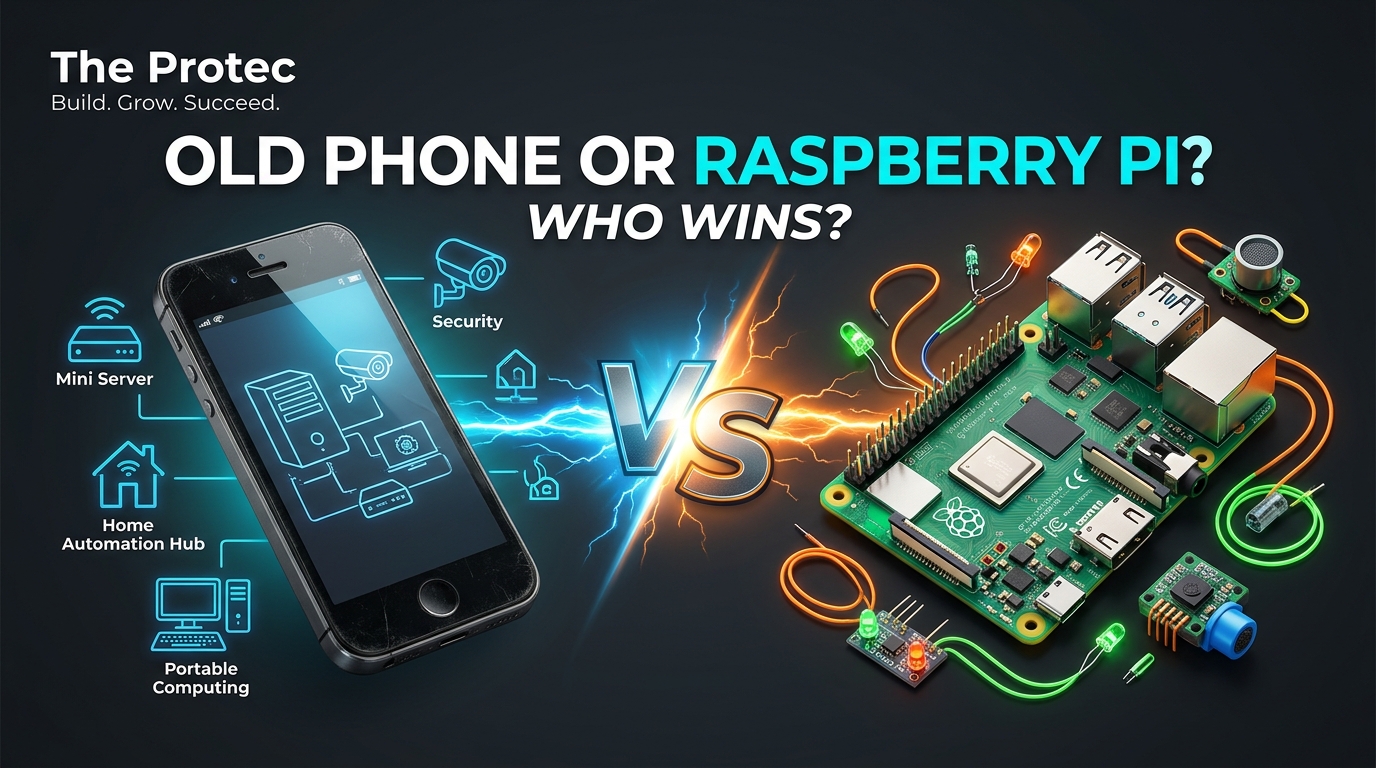
The old phone vs Raspberry Pi question has become more interesting as makers confront the real cost of a complete project computer. A discarded Android handset already contains a processor, battery, screen, camera, storage, GPS, Wi-Fi and often cellular connectivity. With tools such as Termux and USB OTG, it can run useful services or control external hardware without another single-board computer. That does not make a phone a universal Pi replacement, but it may make the device sitting in your drawer the cheapest starting point for your next build.
The practical answer is straightforward: reuse an old Android phone when a project benefits from its integrated sensors, display and wireless hardware. Choose a Raspberry Pi when you need accessible GPIO, predictable Linux behavior or Pi-specific expansion boards. Pick an ESP32 when low power, real-time pin control and a small embedded design matter more than a full operating system.
Why an old smartphone can be a capable mini computer
Even an unremarkable used phone combines components that must usually be purchased separately for a single-board computer. Its system-on-chip provides multiple CPU cores and graphics acceleration, while the enclosure includes flash storage, memory, power management and a touchscreen. Cameras, microphones, speakers, motion sensors and GPS are standard on many models.
Connectivity is another major advantage. Wi-Fi and Bluetooth are nearly universal, and a phone with a working modem can communicate over a mobile network when a project is beyond the reach of a router. That makes a smartphone as a mini computer particularly attractive for portable monitors, temporary installations and remote camera systems.
The built-in battery also acts like a small uninterruptible power supply. A phone may continue operating through a brief outage or while being moved between power sources. Battery condition matters, however: an old, swollen or unusually hot battery should never be used in a permanent project.
The Redmi and Huawei price comparison needs context
A maker’s original cost comparison highlighted used Android phones such as the Redmi 13C 5G and Huawei Mate 30, with illustrative secondhand prices of roughly ¥300–500. The estimated fully equipped Raspberry Pi setup reached ¥2,317 after adding the components needed to match more of a phone’s integrated functionality.
That comparison captures a genuine purchasing issue: the board price is rarely the final Pi price. A working installation may also require a power supply, microSD card or SSD, case, cooling, display, camera, cables and wireless accessories. If the project needs several of those parts, a complete used phone can be dramatically less expensive.
It is not a universal benchmark. Secondhand prices vary by condition and market, while many Raspberry Pi projects need neither a screen nor a camera. A headless Pi using hardware already on hand could cost much less than the illustrated configuration. Conversely, a phone already owned has an effective acquisition cost of zero and helps reduce electronic waste.
The maker also began comparing the phones’ cameras. That analysis should be treated as unfinished, not as proof that a higher megapixel figure guarantees better images. Sensor size, optics, focus, image processing, low-light performance, video modes, application access and sustained thermal behavior all affect camera quality. Test the actual device under the project’s lighting and software conditions.
How Android Termux turns a phone into a project computer
Termux provides an Android terminal environment and package manager without requiring a conventional desktop interface. Depending on the application, it can run SSH tools, scripts, lightweight web services, programming-language runtimes and automation jobs. A proot-based Linux userspace can add familiar command-line utilities, although it is not equivalent to booting a standard Raspberry Pi Linux image.
A basic workflow looks like this:
- Factory-reset the phone if it contains personal data, then install current security and system updates that remain available.
- Install Termux from a source recommended by the Termux project. Avoid mixing builds or plug-ins signed by different distribution sources.
- Set up SSH key authentication so the phone can be managed remotely without typing commands on its screen.
- Install only the packages required for the project and test whether Android keeps them running when the display is off.
- Disable battery optimization for essential software where Android permits it, while understanding that vendor-specific process controls may still intervene.
Android USB OTG can connect keyboards, storage devices, serial adapters, Ethernet interfaces and microcontroller boards. Compatibility depends on the phone, kernel support, connector and power requirements. A powered hub may be necessary, and not every handset can charge its battery while acting as a USB host. Confirm simultaneous charging and OTG operation before designing an unattended installation around it.
Old smartphone projects that play to a phone’s strengths
Camera and observation systems
A phone can become a local network camera, time-lapse recorder, wildlife viewer or construction monitor. Its camera, microphone, screen and wireless connection are already integrated. Before permanent deployment, test focus, night performance, storage limits, heat and whether the chosen app can recover after a reboot.
GPS trackers and mobile data loggers
GPS, cellular connectivity and battery power make a retired handset useful for tracking equipment, recording routes or collecting field data. Check local privacy rules and obtain consent before tracking people or property. A SIM plan, weak-signal power consumption and Android’s location permissions can affect long-term reliability.
Portable monitoring devices
Connect a supported USB sensor, serial instrument or external controller and use the phone to log and display readings. This approach suits environmental monitoring, equipment diagnostics and temporary network testing. The touchscreen can provide a dashboard without adding a separate display.
Kiosks and digital displays
A phone can show schedules, menus, smart-home controls or status dashboards in a compact enclosure. Kiosk software should launch automatically, hide unnecessary controls and recover cleanly after power loss. Avoid maximum brightness around the clock because persistent content can cause display burn-in on some panels and generate unnecessary heat.
Remote-controlled installations
For a remote camera mount, robot or interactive artwork, the phone can handle networking, video and the user interface while an external microcontroller operates motors and sensors. This division of labor is often more dependable than asking Android to perform timing-sensitive hardware control itself.
What a phone cannot replace on a Raspberry Pi
The decisive limitation is smartphone GPIO—or, more accurately, the lack of accessible general-purpose input/output pins. A Raspberry Pi exposes documented pins for digital input, output and hardware buses such as I2C, SPI and UART. Phones generally keep equivalent internal interfaces inaccessible behind the enclosure and operating system.
Android USB OTG offers a workaround, not direct GPIO. An Arduino, ESP32 or dedicated USB controller can receive commands over serial USB and switch relays, read sensors or generate precisely timed signals. That adds hardware and software layers, but it preserves the phone’s advantages while assigning real-time control to a suitable device.
A Pi also has broader compatibility with conventional Linux software, documented boot configuration and a dedicated ecosystem of HATs, cameras, cases and power accessories. Developers can use standard kernel interfaces and replace the operating system image. Android devices vary by manufacturer, system version, bootloader policy and available drivers. Rooting may unlock capabilities, but it can weaken security, break applications and complicate updates; many projects should avoid it.
Reliability and security issues to solve first
- Battery health: Inspect for swelling, rapid discharge or excessive heat. Do not compress a damaged phone into an enclosure.
- Thermal limits: Video encoding, continuous charging and heavy computation can trigger throttling. Provide airflow and measure performance over hours, not minutes.
- Background restrictions: Android and manufacturer power managers may stop services. Test sleep, reboot and low-memory behavior repeatedly.
- Charging: Verify that the device can power peripherals and charge at the same time. Cable and hub combinations are not universally compatible.
- Security updates: Unsupported phones should not be exposed directly to the public internet. Remove personal accounts, use SSH keys, restrict network access and isolate the device where practical.
- Unattended recovery: Confirm automatic boot behavior, application relaunch, storage cleanup and recovery after Wi-Fi or power failures.
Community feedback around these trade-offs can be useful, and the related Hacker News discussion illustrates why project requirements matter more than headline specifications. A successful prototype is not automatically a reliable appliance.
Decision guide: phone, Raspberry Pi or ESP32?
Choose an old Android phone when:
- You already own one and want the lowest possible project cost.
- The build needs a camera, touchscreen, GPS, battery or cellular connection.
- Software can run in Android, Termux or a web interface.
- USB-connected hardware is sufficient and strict real-time control is unnecessary.
Choose a Raspberry Pi when:
- You need direct GPIO, Pi HATs or documented hardware buses.
- The project depends on standard Linux drivers, containers or a particular ARM Linux image.
- Predictable boot behavior and maintainable remote administration are priorities.
- You need a replaceable, reproducible platform for multiple installations.
Choose an ESP32 when:
- The device must read sensors, control relays or respond with precise timing.
- Low power consumption, instant startup and a small physical footprint matter.
- A simple embedded program can perform the task without a full Linux or Android environment.
These options can also work together. A phone can provide the display, camera and internet connection; an ESP32 can handle GPIO and real-time control; and a Raspberry Pi can serve as a local coordinator when broader Linux support is required.
FAQ
Can an old Android phone run a home server?
Yes, a phone as home server can host lightweight web pages, automation scripts, SSH access or small local services through Termux. It is less suitable for storage-heavy, high-traffic or business-critical workloads because Android may restrict background processes and the internal storage is not designed like server storage.
Do I need to root the phone?
Usually not. Termux, SSH, web apps and many USB serial devices can work without root access. Rooting is relevant only when a project requires protected system functions or unusual hardware access, and its security and maintenance costs should be evaluated carefully.
Can a phone control electronics like a Raspberry Pi?
Not directly in most cases because phones do not expose GPIO headers. Connect an ESP32, Arduino or USB interface through Android USB OTG, then let that controller operate sensors, LEDs, relays or motors.
Is a used phone always cheaper than a Raspberry Pi?
No. It is often cheaper when already owned or when the project requires a screen, camera, battery and wireless connectivity. A simple headless Pi installation may cost less than buying a suitable phone, especially if the required Pi accessories are already available.
The bottom line
Reusing a handset is not about proving that Android hardware is categorically better than a Raspberry Pi. It is about matching the computer to the job. For connected cameras, GPS tools, portable dashboards and compact kiosks, a used phone can consolidate an impressive list of components into one inexpensive package. For direct electronics control and dependable Linux expansion, the Pi remains the stronger platform. Evaluate interfaces, power, security and unattended operation before building—and give capable hardware a second life when it genuinely fits.