






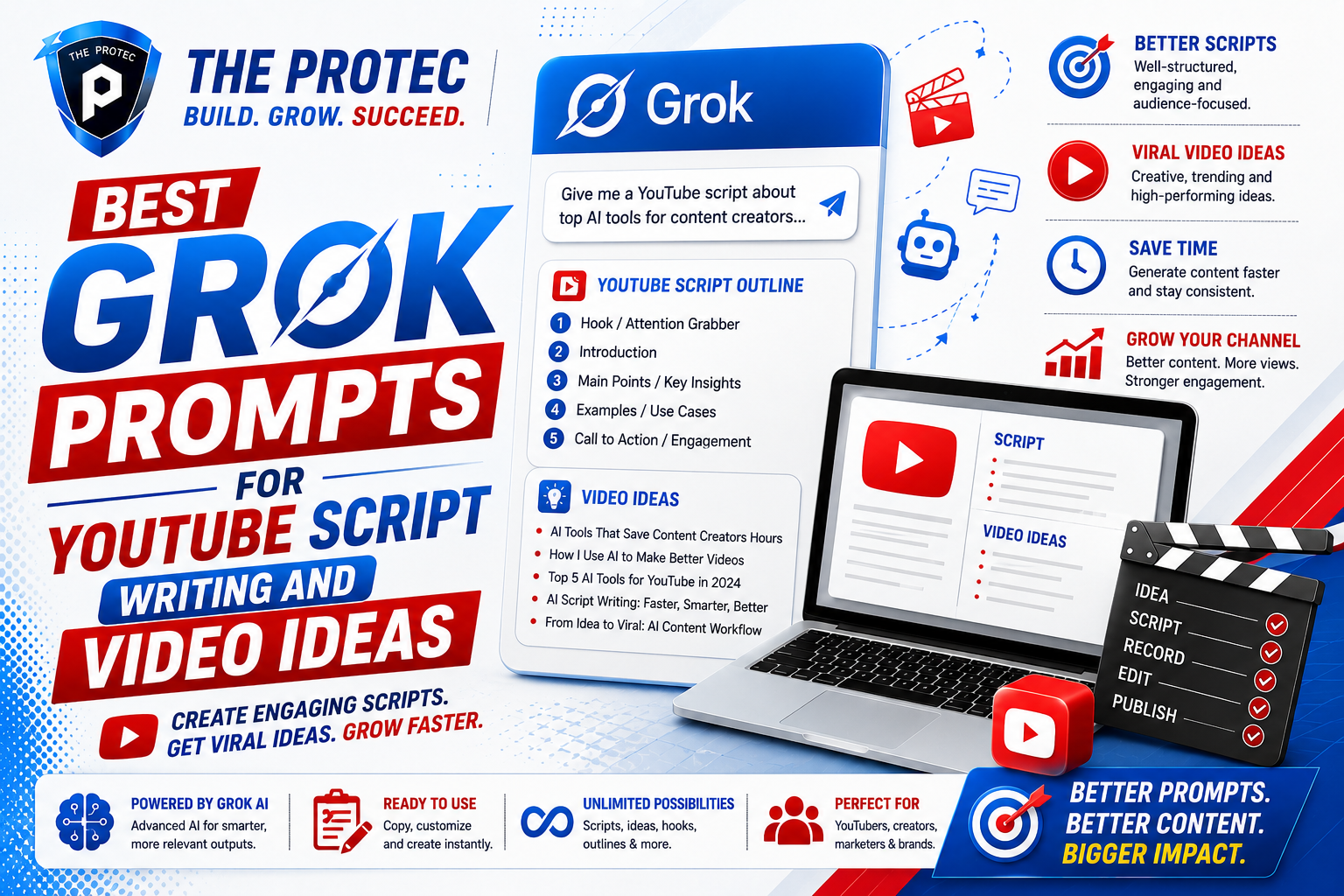
Best Grok Prompts for YouTube Script Writing and Video Ideas
If you create content for YouTube, you already know the hardest part is not always filming or editing. It is getting from a blank page to a video idea that can actually hold attention. That is where Grok YouTube prompts can become a serious advantage. With the right video script AI prompts, Grok can help creators brainstorm stronger concepts, build tighter storytelling structures, and shape videos that keep viewers watching longer.
In a crowded creator economy, generic ideas do not perform well. Audiences want sharper hooks, clearer value, and pacing that respects their time. The best YouTube content ideas today are built around relevance, personality, and retention. That means your prompts should do more than ask for a topic. They should guide Grok to think like a strategist, a scriptwriter, and an audience analyst at the same time.
This guide gives you a practical prompt collection for creators who want better ideas and better scripts. Whether you run a tutorial channel, commentary channel, faceless niche brand, or personal brand, these Grok prompts can help you move faster while raising the quality of your content.
Why Grok Is Useful for YouTube Content Planning
Grok has become especially useful for creators because it can generate ideas quickly while staying responsive to current conversations, trends, and audience sentiment. That matters for YouTube, where topical relevance often drives the first wave of clicks. If you are trying to build a video around a fast-moving topic, Grok can help you identify angles before they feel stale.
But speed is only part of the value. Good creators do not just need ideas; they need ideas that are packaged correctly. A strong title, a compelling first 30 seconds, and a script with momentum can make the difference between a video that gets skipped and one that gets watched to the end. Grok prompts are useful because they can be designed to produce all three.
The best workflow is to use Grok in stages:
- First, brainstorm audience-driven video topics.
- Then, narrow those ideas into clickable angles.
- After that, generate hooks, outlines, and full scripts.
- Finally, refine for retention, clarity, and voice.
That process keeps your content from sounding robotic while still giving you the speed benefits of AI-assisted writing.
How to Write Better Grok YouTube Prompts
The quality of the output depends on the quality of the instruction. If you ask Grok for “YouTube video ideas,” the result will usually be broad and generic. If you instead specify your audience, content style, goal, and format, the results become much more useful.
Use this simple formula when writing video script AI prompts:
- Audience: Who is the video for?
- Goal: Do you want clicks, watch time, leads, or authority?
- Format: Tutorial, list, opinion, review, breakdown, story, or challenge.
- Tone: Direct, conversational, witty, expert, dramatic, or practical.
- Constraint: Limit length, include a hook, add examples, or focus on retention.
When you include these details, Grok can generate much more strategic YouTube content ideas instead of surface-level suggestions.
Grok Prompts for YouTube Video Ideas
These prompts are designed to help you uncover ideas that are relevant, engaging, and built around audience interest. Use them at the beginning of your content process.
1. Audience Pain-Point Idea Generator
Prompt: “Act as a YouTube strategist. My audience is [describe audience]. List 20 YouTube content ideas based on their biggest pain points, frustrations, and goals. Prioritize ideas that are likely to generate strong clicks and discussion.”
This prompt works because it starts with audience needs instead of random topics. Pain-point content often performs well because it feels immediately useful.
2. Trend-to-Angle Prompt
Prompt: “I make videos about [niche]. Based on current creator and audience trends, suggest 15 YouTube content ideas that connect my niche to emerging discussions, tools, and behavior changes. Include a short reason why each idea would attract attention.”
This is especially helpful when you want content that feels current without chasing every trend blindly. Grok can help you find the overlap between your niche and what people are already talking about.
3. Evergreen Idea Expansion Prompt
Prompt: “Generate 25 evergreen YouTube content ideas for a channel about [topic]. Make sure each idea can stay relevant for at least 12 months and has a clear viewer benefit.”
Evergreen topics are ideal for sustainable growth. This prompt helps you build a content library that keeps working after the initial publish date.
4. Competitive Gap Prompt
Prompt: “Analyze the type of YouTube videos competitors in [niche] usually make. Suggest 10 video ideas that fill content gaps, use a more interesting angle, or solve a problem better than the typical video.”
This helps you avoid copying what already exists. Instead, you can identify content gaps and create videos with a clearer reason to be clicked.
5. Series Builder Prompt
Prompt: “Create 5 YouTube series concepts for a channel about [niche]. Each series should be easy to repeat, fit a loyal audience, and support binge-watching.”
Series-based content is one of the most overlooked growth tools on YouTube. It encourages repeat viewing and gives viewers a reason to return.
Grok Prompts for Writing Better YouTube Scripts
Once you have a solid idea, the next challenge is turning it into a script that keeps viewers engaged. These prompts are designed to improve structure, pacing, and storytelling.
6. High-Retention Script Outline Prompt
Prompt: “Write a YouTube script outline for a video about [topic]. Structure it for retention with a strong hook, fast context, clear progression, pattern interrupts, and a satisfying ending. Keep each section focused on holding attention.”
This prompt encourages pacing instead of just information dumping. Retention depends on flow, not just content volume.
7. Hook-First Script Prompt
Prompt: “Write 10 different opening hooks for a YouTube video about [topic]. Make them curious, specific, and designed to stop viewers from clicking away in the first 15 seconds.”
The opening matters more than almost anything else. Strong hooks create the reason to keep watching.
8. Storytelling Script Prompt
Prompt: “Turn this video idea into a story-driven YouTube script with conflict, stakes, and a clear payoff: [idea]. Make it sound natural and conversational, not scripted in a stiff way.”
Storytelling adds momentum to educational, commentary, and personal-brand content. Even simple topics become more watchable when they are framed around tension and resolution.
9. Educational Script Simplifier Prompt
Prompt: “Write a clear YouTube script about [topic] for beginners. Explain complex points in plain language, use relatable examples, and avoid jargon unless it is defined immediately.”
Clarity is a retention tool. When viewers get confused, they leave. This prompt helps keep explanations accessible.
10. Commentary Script Prompt
Prompt: “Draft a YouTube commentary script about [topic] with a strong opinion, balanced reasoning, and moments that invite audience reflection. Make it engaging without sounding aggressive or repetitive.”
Commentary content works best when it has a viewpoint. A prompt like this helps Grok produce a script with substance rather than filler.
11. Faceless Channel Script Prompt
Prompt: “Write a faceless YouTube script for [topic] with visual-friendly pacing, short sections, and clear transitions that work well with stock footage, screen recordings, or B-roll.”
Faceless channels benefit from scripts that are easy to match with visuals. The goal is to reduce dead air and keep the viewer moving through the story.
12. Shorts-to-Longform Expansion Prompt
Prompt: “Take this short-form video idea: [idea]. Expand it into a full YouTube script with an introduction, three supporting points, and a strong conclusion that encourages comments.”
This is useful if you are repurposing short-form momentum into longer videos. It helps you scale content without starting from scratch.
Prompts to Improve Engagement and Retention
Engagement and retention are connected. The more a video keeps viewers interested, the more likely it is to get stronger performance signals. These prompts help you make scripts more watchable.
13. Retention Audit Prompt
Prompt: “Review this YouTube script and identify sections where viewers may lose interest. Suggest ways to increase curiosity, shorten weak transitions, and improve pacing: [paste script].”
This is one of the most practical uses of Grok. It acts like a script editor focused on audience attention.
14. Pattern Interrupt Prompt
Prompt: “Add pattern interrupts to this script at natural points. Include changes in rhythm, questions, contrasts, examples, or mini-reveals that keep the viewer engaged: [paste script].”
Pattern interrupts are especially effective in longer videos. They help prevent the script from feeling flat.
15. Curiosity Gap Prompt
Prompt: “Rewrite this script so every section creates a small curiosity gap that encourages the viewer to keep watching. Avoid overexplaining too early.”
This prompt is helpful when your content is informative but not yet compelling enough. Curiosity can turn basic information into a more watchable experience.
16. Comment-Bait Without Being Spammy Prompt
Prompt: “Add 3 natural moments in this YouTube script where viewers may want to comment, disagree, or share an opinion. Keep it authentic and avoid forced engagement tactics.”
Good engagement prompts should invite conversation rather than beg for it. This helps make your channel feel more human and community-driven.
Prompts for Titles, Thumbnails, and Packaging
Even the best script can underperform if the packaging is weak. Grok can also help you shape the external elements that influence click-through rate.
17. Title Brainstorm Prompt
Prompt: “Generate 20 YouTube titles for this video idea: [idea]. Include a mix of curiosity-driven, benefit-driven, and contrarian options. Make them concise and clickable.”
Title testing should be part of your workflow, not an afterthought. Grok can help you quickly compare styles.
18. Thumbnail Concept Prompt
Prompt: “Suggest 10 thumbnail concepts for this YouTube video. Focus on contrast, emotion, simplicity, and visual clarity. Include the main visual idea and the best thumbnail text.”
Thumbnails should communicate the promise of the video instantly. A strong visual concept can make the whole script more effective.
19. Packaging Alignment Prompt
Prompt: “Given this script, recommend the best title, thumbnail concept, and opening hook so they all match the same emotional promise: [paste summary].”
This keeps your packaging aligned. If the title promises one thing and the intro delivers another, retention often drops.
A Practical Grok Workflow for YouTube Creators
The most effective creators do not use AI as a shortcut for laziness. They use it as a system for better decisions. Here is a simple workflow you can repeat every time you plan a video:
- Step 1: Ask Grok for audience pain points and content gaps.
- Step 2: Turn the best ideas into strong title options.
- Step 3: Generate a retention-focused outline.
- Step 4: Write the hook and first minute first.
- Step 5: Expand into a full script section by section.
- Step 6: Review for pacing, clarity, and repetition.
- Step 7: Refine the title, thumbnail, and CTA to match the video promise.
This workflow works well for solo creators and small teams because it reduces decision fatigue. Instead of jumping randomly between ideation and editing, you move through a clear process.
Best Practices for Using Video Script AI Prompts
To get the most from Grok YouTube prompts, keep these principles in mind:
- Give context about your niche and audience every time.
- Ask for multiple variations so you can choose the strongest angle.
- Request pacing, structure, and retention guidance, not just raw text.
- Use the output as a draft, then rewrite it in your own voice.
- Test titles and hooks before you commit to a full production workflow.
The goal is not to replace creativity. It is to remove friction so you can spend more time refining the ideas that are most likely to perform.
External Resources Worth Exploring
If you want to improve your YouTube strategy further, these resources are useful reference points:
FAQ: Grok Prompts for YouTube Script Writing
What are the best Grok prompts for YouTube video ideas?
The best prompts focus on audience pain points, trends, and content gaps. Instead of asking for random ideas, tell Grok who your audience is, what your niche covers, and what kind of outcome you want from the video.
Can Grok write full YouTube scripts?
Yes, Grok can draft full scripts, but the strongest results come when you guide it with structure, tone, and retention goals. It works best as a script assistant rather than a complete replacement for your judgment and voice.
How do I make AI-generated YouTube scripts feel more human?
Use your own examples, opinions, and phrasing. After Grok generates a draft, edit it for natural speech, remove repetition, and add real experiences or observations that only you can provide.
What makes a YouTube script better for retention?
A strong retention script has a clear hook, fast pacing, useful transitions, curiosity gaps, and pattern interrupts. It should move the viewer forward without making them wait too long for the payoff.
Are Grok prompts useful for faceless YouTube channels?
Yes. In fact, faceless channels often benefit a lot from structured prompts because the script must do more of the heavy lifting. Grok can help create visual-friendly pacing and clear scene-by-scene flow.
Final Thoughts
The best Grok prompts for YouTube script writing and video ideas are the ones that help you think like a strategist. They do not just generate topics; they help you create videos with stronger hooks, better structure, and higher retention potential. For creators who want to publish more consistently without sacrificing quality, this is a major advantage.
If you use Grok with clear context, a strong workflow, and a focus on audience behavior, your YouTube content ideas will become more useful and your scripts will become more watchable. That is the real win: not just faster production, but better content that earns attention and keeps it.