








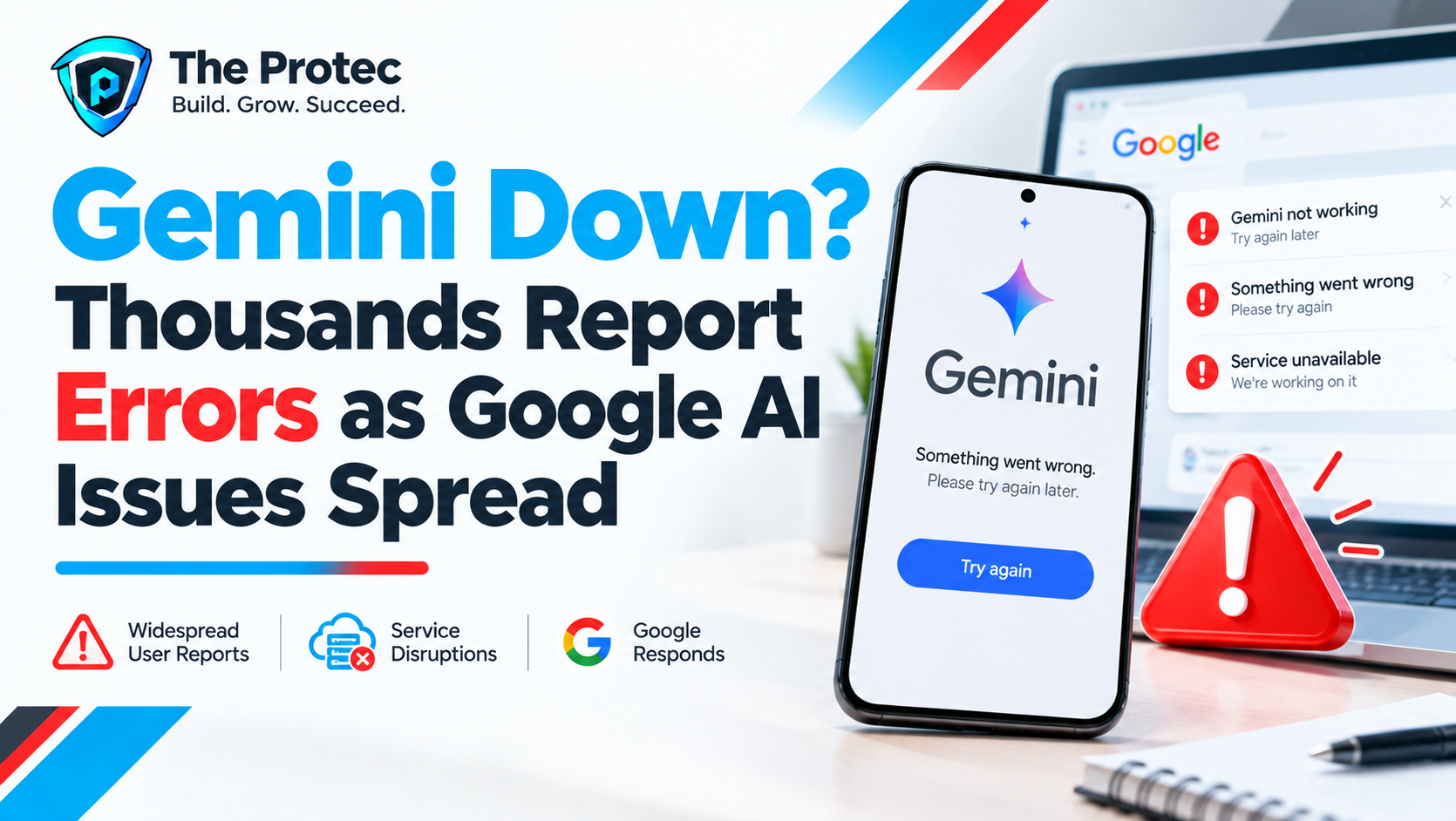
Google Gemini down? Users are reporting a significant wave of service problems, with complaints describing failed generations, persistent errors, unusually slow responses and difficulty accessing the AI platform. More than 6,000 user reports appeared on Downdetector during the latest spike, while independent outage monitoring also detected signs of disruption.
The volume and timing of those reports suggest that the latest Gemini problems are affecting more than isolated accounts or devices. However, outage trackers primarily collect user-submitted information. A surge in reports does not, by itself, confirm the scale, cause or technical nature of a Google Gemini outage.
At the time of publication, no definitive root cause had been publicly established by Google for the reported disruption. Users searching for Is Gemini down? should therefore distinguish between widespread user reports and an officially confirmed Google AI outage. This article will be updated as Google acknowledges the incident, identifies a cause or confirms that normal service has been restored.
Gemini outage status: What users are reporting now
The current spike includes more than 6,000 reports submitted to Downdetector at its peak. Reports can rise or fall quickly, and totals may differ by country, platform and time of day. Independent service monitors have also been detecting potential Google Gemini service problems, adding weight to complaints spreading across social platforms and user communities.
The most frequently described symptoms include:
- Prompts failing before Gemini produces a complete response
- Generic error messages asking users to try again later
- Responses loading much more slowly than usual
- Gemini displaying a failed-to-generate message
- The Gemini app not working or becoming stuck while loading
- The Gemini website not working despite a functioning internet connection
- Problems signing in, opening previous conversations or starting new chats
- Interrupted coding, writing, research and file-analysis tasks
Some people can still reach Gemini but cannot generate answers reliably. Others report access problems across both the mobile app and web interface. That mixed behavior is common during service disruptions because an incident may affect specific regions, account types, models, features or infrastructure components rather than taking the entire platform offline.
Is Google Gemini down for everyone?
Not necessarily. A service can experience a partial outage or degraded performance without becoming unavailable to every user. One person may encounter repeated Gemini AI errors while another continues using the same product normally. Differences can also occur between the Gemini app, the website, connected Google services and developer-facing AI tools.
If Gemini works on mobile data but not Wi-Fi, the problem could involve a local network, DNS provider or filtering service. If the app fails but the web version works, outdated app data or a platform-specific issue may be responsible. When Gemini is not working across multiple devices and networks while outage reports are rising sharply, a server-side incident becomes more likely.
Users should avoid treating unverified social media claims as confirmation of a cause. There is currently no basis to conclude that the disruption resulted from a cyberattack, a software deployment, overloaded infrastructure or a specific model update unless Google says so. The available evidence establishes that many users reported Gemini errors today, not why those errors occurred.
How to check Google Gemini status
Start with Google’s official service information. The Google Cloud Service Health dashboard publishes details about confirmed incidents affecting listed cloud products and infrastructure. Not every consumer Gemini issue will necessarily appear there immediately, but official Google resources are the strongest source for acknowledgements, incident updates and restoration notices.
You can then compare that information with the Gemini Downdetector page. Outage trackers show changes in user-submitted reports and can help identify whether complaints are increasing in a particular region. They are useful early-warning tools, but they do not replace an official Google Gemini status update.
For a clearer picture, check three signals together:
- Official status information: Look for an incident acknowledgement or service-health notice from Google.
- Outage-report volume: A sudden spike above the normal baseline can indicate a broader event.
- Your own testing: Try another device, network and Gemini interface to rule out local problems.
If all three point toward a widespread disruption, repeatedly reinstalling software or changing account settings is unlikely to provide a permanent fix. Server-side incidents generally require action from Google.
How to fix Gemini not working
There is no user-side fix for a confirmed Gemini service outage, but several troubleshooting steps can identify whether the problem is local. Complete them in order and test Gemini after each step.
1. Refresh Gemini and retry the prompt
Reload the browser tab or fully close and reopen the mobile app. If Gemini failed to generate a response, copy your prompt before refreshing so it is not lost. Wait briefly before submitting it again; rapid retries can create additional confusion when servers are already responding slowly.
2. Switch between the app and website
If the Gemini app is not working, test the browser-based service. If the Gemini website is not working, try the official mobile app. Success on one interface can indicate that the problem is limited to a particular client, browser session or app release.
3. Test another internet connection
Move from Wi-Fi to mobile data, or test a different trusted network. Temporarily disable a VPN, proxy or restrictive DNS service if it is safe to do so. If Gemini begins working on another connection, restart the original router and review any network filtering settings.
4. Update the app and browser
Install the latest Gemini app update through your device’s official app store. Browser users should update their browser and test a private window to determine whether an extension or cached session is interfering with the site. Avoid downloading unofficial Gemini applications or supposed outage fixes.
5. Sign out and sign back in
An expired or corrupted session can cause access problems. Sign out of the affected Google account, close Gemini and authenticate again. Before doing this, save any unsent prompts or work that exists only in the current session.
6. Clear app or browser data carefully
Clearing Gemini-related cache data may resolve persistent loading issues, but it should come after simpler steps. Removing browser cookies can sign you out of Google and other websites. On mobile devices, use the operating system’s app-storage controls rather than third-party cleaning tools.
7. Wait for Google to resolve a server-side issue
If thousands of reports are appearing and Gemini fails across devices and networks, waiting may be the only effective option. Keep a local copy of important prompts, code or draft material and avoid submitting sensitive work repeatedly. Check Gemini status resources periodically rather than continuously refreshing the service.
Why a Google AI outage has a wide impact
Gemini is no longer used only for casual chatbot questions. Individuals and organizations rely on it for search assistance, software development, document summaries, writing, brainstorming, data analysis and routine productivity. Even a short interruption can stop workflows that depend on generated responses or access to previous conversations.
Developers may experience failed coding sessions or lose time validating whether a problem is in their own application. Writers and researchers can be left waiting for drafts or summaries. People using Gemini as part of a broader Google workflow may also need to switch to manual processes while service reliability remains uncertain.
The disruption is also a reminder that cloud-based AI tools need fallback plans. Important source files should remain available outside a chat session, generated information should be reviewed independently, and time-sensitive work should not depend entirely on one AI platform. These precautions are useful even when Google Gemini is operating normally.
Previous Gemini outages and service disruptions
Gemini has experienced earlier periods of elevated error reports, slow output and temporary access failures. As with other large online platforms, symptoms can result from many possible layers, including authentication systems, regional infrastructure, model-serving capacity or connected services. Similar symptoms across separate incidents do not prove that they share the same cause.
Past recovery patterns also cannot predict how long the current Gemini outage will last. Some disruptions clear quickly, while more complex incidents require phased restoration. Users should rely on current status information rather than assuming the latest event will follow an earlier timeline.
Live updates: Gemini down October 2026
- October 8: More than 6,000 users reported Gemini problems during the latest Downdetector spike.
- Monitoring update: Independent outage monitoring also detected signs of service disruption as users reported failed generations, slow responses and access errors.
- Google update: No verified root cause has been established for the reported incident at publication time. Claims about the cause remain speculative until Google provides details.
- Next update: This report will be revised if Google acknowledges the disruption, explains its cause or confirms full service restoration.
Frequently asked questions
Is Gemini down right now?
Thousands of users reported Google Gemini problems during the latest spike, with the total exceeding 6,000 on Downdetector. Independent monitoring also detected potential disruption. Availability may vary by region, account and platform, so check official Google status information and test both the app and website.
Why does Gemini say it failed to generate?
A failed-generation message can appear when Gemini cannot complete a request because of a temporary server issue, connectivity problem, overloaded session or request-specific error. Refresh the service, retry after a short wait and test a simple prompt. If many users are reporting the same message, the cause may be server-side.
Why is Google Gemini not working on the app but working online?
The app may have outdated cached data, an expired login session or a platform-specific bug. Update and restart the app, then sign out and back in if necessary. Using the web version is a practical temporary workaround while app access is unreliable.
How long will the Gemini service outage last?
There is no reliable restoration estimate until Google publishes one. User-report totals cannot reveal how difficult an incident is to resolve. Continue checking official status resources and avoid relying on unverified recovery times posted on social media.
Can I fix a Google Gemini outage myself?
You can rule out local causes by refreshing Gemini, changing networks, updating the app, testing another browser and signing in again. A widespread Google Gemini outage cannot be repaired from your device. If the same errors occur across multiple connections and platforms, wait for Google to restore the affected service.