








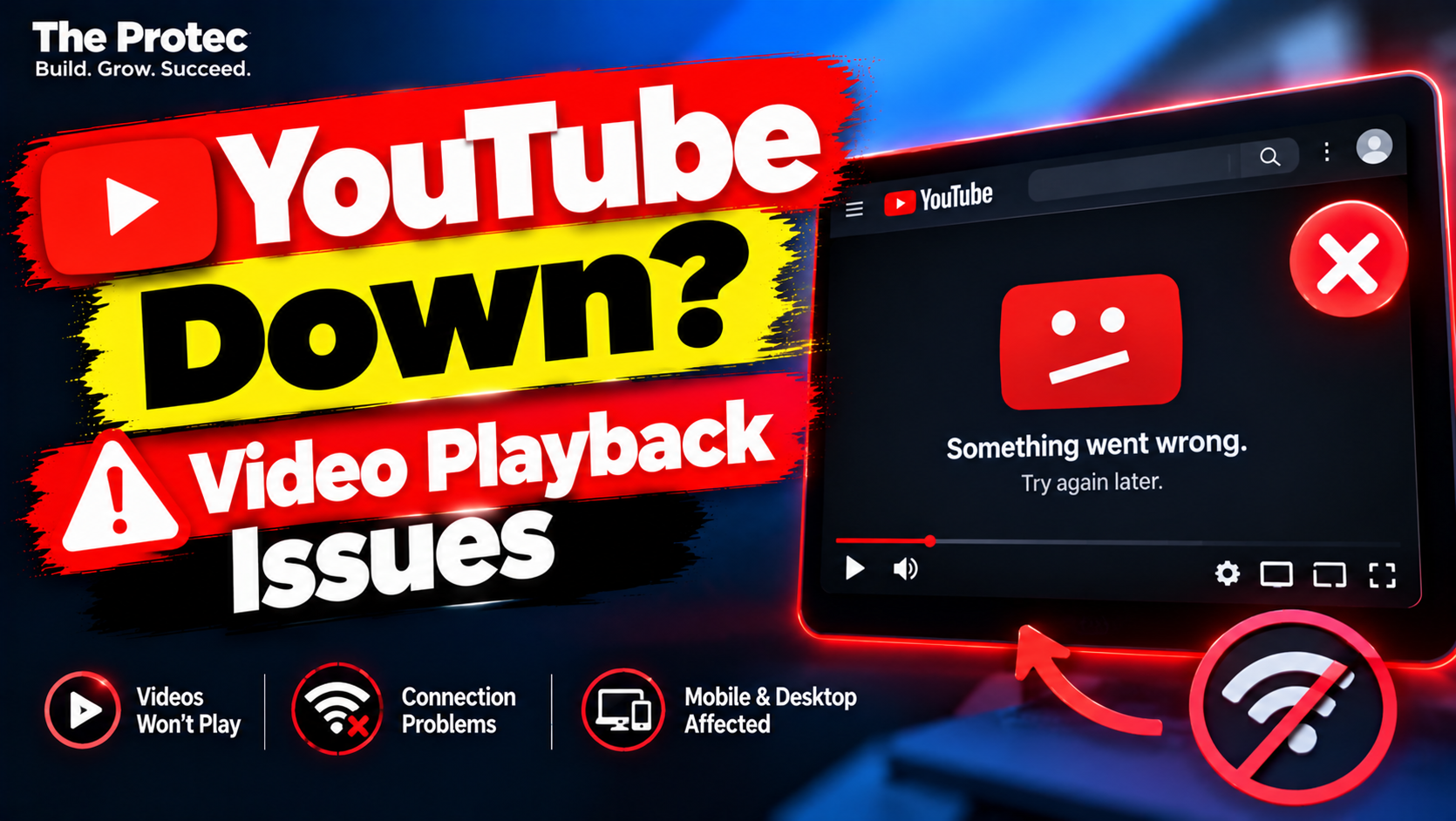
YouTube users reported trouble playing videos on October 28, 2026, prompting questions about a possible YouTube outage. Complaints associated with the incident described videos failing to load, playback errors, extended buffering, and difficulty using the app or website. Downdetector also showed a sharp rise in user-submitted reports, but that signal alone does not prove that every reported problem had the same cause—or that the disruption affected YouTube worldwide.
The key distinction is between the initial surge in complaints and the latest verified status. At publication time, an explicit YouTube statement confirming the October 28 incident, its technical cause, geographic reach, or full resolution could not be independently verified through the company’s public support channel. Readers should therefore treat the event as a reported service disruption unless YouTube posts a dated acknowledgment or recovery notice.
Incident summary: Was YouTube down?
- Date: October 28, 2026.
- Services reportedly affected: YouTube video playback through the website and mobile app.
- Reported symptoms: Videos not loading, playback errors, buffering, and problems opening or using YouTube.
- Monitoring signal: Downdetector displayed a notable increase in user reports associated with YouTube.
- Geographic scope: Not conclusively established. A report spike must not be interpreted automatically as proof of a worldwide outage.
- Cause: Unconfirmed.
- Latest verified status: No independently verified public explanation or universal recovery time was available at publication.
This summary may change if YouTube publishes an incident acknowledgment, confirms that service has recovered, or provides a post-incident explanation.
YouTube outage timeline for October 28
The available sequence is clearer than the precise clock time. Public user reports rose on October 28, with complaints centered on playback and access. Downdetector’s YouTube page reflected a spike above its usual reporting pattern. Users then checked social platforms and support channels to determine whether the problem was local or service-wide.
- Initial reports: Users began reporting that videos would not play normally or were slow to start. Some complaints also referenced errors, buffering, or difficulty accessing YouTube through the app or website.
- Downdetector spike: User-submitted reports increased sharply relative to the service’s normal baseline. The graph indicated a possible disruption, not a verified root cause or an exact count of affected people.
- Status checks: Users looked to YouTube’s public support channels for confirmation. An explicit, time-stamped company acknowledgment tied to this specific October 28 event could not be independently verified at publication.
- Current stage: The initial report surge and the current condition should be evaluated separately. A declining Downdetector graph can suggest that fewer people are reporting trouble, but it does not by itself confirm complete recovery.
Exact start and recovery times remain unconfirmed unless supplied in a primary-source update. Downdetector displays information according to the viewer’s interface and location, so anyone documenting the incident should record the time zone shown with the graph rather than assuming it is universal.
What did YouTube officially confirm?
At the time this report was prepared, The Protec could not independently verify an official YouTube message explicitly confirming the reported October 28 playback incident. That means it would be inaccurate to describe the outage as officially confirmed, assign it a technical cause, or claim that YouTube had restored service everywhere.
YouTube commonly communicates active service information and responds to individual reports through TeamYouTube. A valid confirmation would be a dated post or reply that clearly refers to the same incident, such as a statement that the company was investigating playback problems or had deployed a fix. A generic troubleshooting response is not necessarily an outage acknowledgment.
If YouTube later confirms the problem, the company’s wording should be quoted accurately and paired with its timestamp and time zone. Until then, the responsible description is that users reported YouTube playback issues and that a third-party monitoring service detected elevated complaint volume.
What users reported during the playback problems
Complaints linked to the apparent disruption focused on core viewing functions. Reported symptoms included YouTube videos not loading, playback errors appearing after a video was selected, prolonged buffering, and trouble accessing the app or website. These symptoms can look similar even when their causes differ.
For example, a platform-side problem can prevent the same video from playing across several devices. A damaged browser cache or extension can affect only one browser. A home internet or DNS problem may interfere with multiple devices on one network while mobile data continues to work. That is why an individual report cannot establish the source of the incident.
How YouTube Downdetector reports work
Downdetector’s YouTube status page collects user reports and compares current complaint volume with the usual baseline for that service. When submissions rise significantly, the site can display an incident graph and categories reflecting the types of problems users select.
Downdetector is useful for identifying a shared pattern quickly, especially when many people report similar symptoms around the same time. However, its reports are crowdsourced. The graph does not independently test YouTube’s infrastructure, establish the number of unique people affected, identify a technical cause, or prove that every complaint belongs to one outage.
A spike can occur during a widespread platform incident, but it can also be amplified by localized internet failures, regional routing problems, account-specific errors, software bugs, or users checking the service after seeing posts about an outage. Report categories describe what users selected; they are not a diagnosis from YouTube engineers.
Likewise, a falling graph is encouraging but not definitive proof that service is fully restored. Report volume may decline because the problem is resolved, because fewer users are testing the platform, or because the remaining issue is limited to a smaller region or device type.
How to tell whether YouTube is not working for everyone
Before changing device settings, use a few comparisons to determine whether the problem is widespread or limited to your setup:
- Check official channels. Look for a recent, time-stamped TeamYouTube message or a notice in the official YouTube Help Community. Make sure the post refers to the same symptom and date.
- Review Downdetector carefully. Compare the current report level with the normal baseline and read the listed problem categories. Remember that submissions indicate possible disruption rather than official confirmation.
- Test the app and website. If the YouTube app fails, open youtube.com in a browser. If only one method has a problem, the issue may involve that app, browser, or cached data.
- Compare Wi-Fi with mobile data. Temporarily switch networks if your data plan permits it. Playback that works on mobile data but not Wi-Fi points toward the local network, internet provider, router, or DNS path.
- Try another device or browser. A second phone, computer, smart TV, or browser can reveal whether the failure is device-specific.
- Check other Google services. If Gmail, Google Drive, Search, or other products also fail, there may be a broader connectivity problem or a possible Google services outage. One YouTube error alone does not establish that Google’s wider infrastructure is affected.
Safe fixes for persistent YouTube playback issues
If official channels do not show an active incident—or if other people appear to have recovered—try the least disruptive steps first:
- Refresh and retry once. Reload the page or close and reopen the video. Repeated rapid retries are unlikely to help during a service-side incident.
- Restart the app or browser. Fully close YouTube or the browser, then open it again. This can clear a temporary stalled session.
- Update YouTube and the browser. Install updates from the device’s official app store or the browser’s built-in updater. Avoid websites offering unofficial YouTube repair tools.
- Clear cached data where appropriate. Browser users can clear cached files for YouTube. On supported devices, Android users may clear the app cache without erasing all app data. Menu names vary, so review what will be removed before confirming.
- Temporarily disable extensions. Ad blockers, privacy tools, script controls, and media extensions can sometimes interfere with playback. Test in a private window or disable extensions individually, then restore them after troubleshooting.
- Pause a VPN or proxy briefly. A congested or blocked VPN route can cause loading failures. Disconnect only long enough to test, and do not weaken security when using an untrusted public network.
- Restart the router if multiple devices have problems. If other sites are also slow or unavailable across the household, restart the modem or router according to the provider’s instructions.
Do not repeatedly uninstall and reinstall the app, factory-reset a phone, or reset a computer before checking whether the incident is service-wide. Those actions can consume time, remove settings, and create new problems without fixing a platform outage. Never enter Google credentials into an unofficial status page, credential-sharing service, or suspicious download promoted as an outage fix.
Latest known YouTube status
The latest defensible conclusion is that users reported a burst of YouTube playback and access problems on October 28 and that Downdetector reflected elevated complaint activity. The available evidence supports describing a possible YouTube app outage or web playback disruption, but not an unqualified claim about its cause, total audience, worldwide scope, or resolution time.
Readers still experiencing errors should compare the app with the website, test another network, and check YouTube’s official communications before making major device changes. This article should be updated if YouTube publishes a clear acknowledgment, recovery notice, or post-incident explanation.
Frequently asked questions
Does a Downdetector spike prove that YouTube is down?
No. It shows that user reports are higher than the expected baseline and can be a strong early warning of a shared problem. Because reports are user-submitted, the graph does not independently confirm an outage, identify its cause, or show exactly how many people are affected.
Did YouTube acknowledge the October 28 incident?
An explicit official acknowledgment tied to this specific incident could not be independently verified at publication. Unless YouTube posts a dated statement confirming that it investigated playback trouble, the event should be described as reported rather than officially confirmed.
Why will YouTube work on mobile data but not Wi-Fi?
That pattern commonly points to the Wi-Fi network, router, internet provider, DNS service, or a regional routing path rather than the YouTube account or device. Test another device on the same Wi-Fi and restart the router if several services are also affected.
Should I reinstall YouTube when videos are not loading?
Not immediately. First check official status channels, compare the app with the website, switch networks, restart the app, and install available updates. Reinstallation is a later step for a persistent device-specific problem, not a reliable fix for a service-wide incident.