





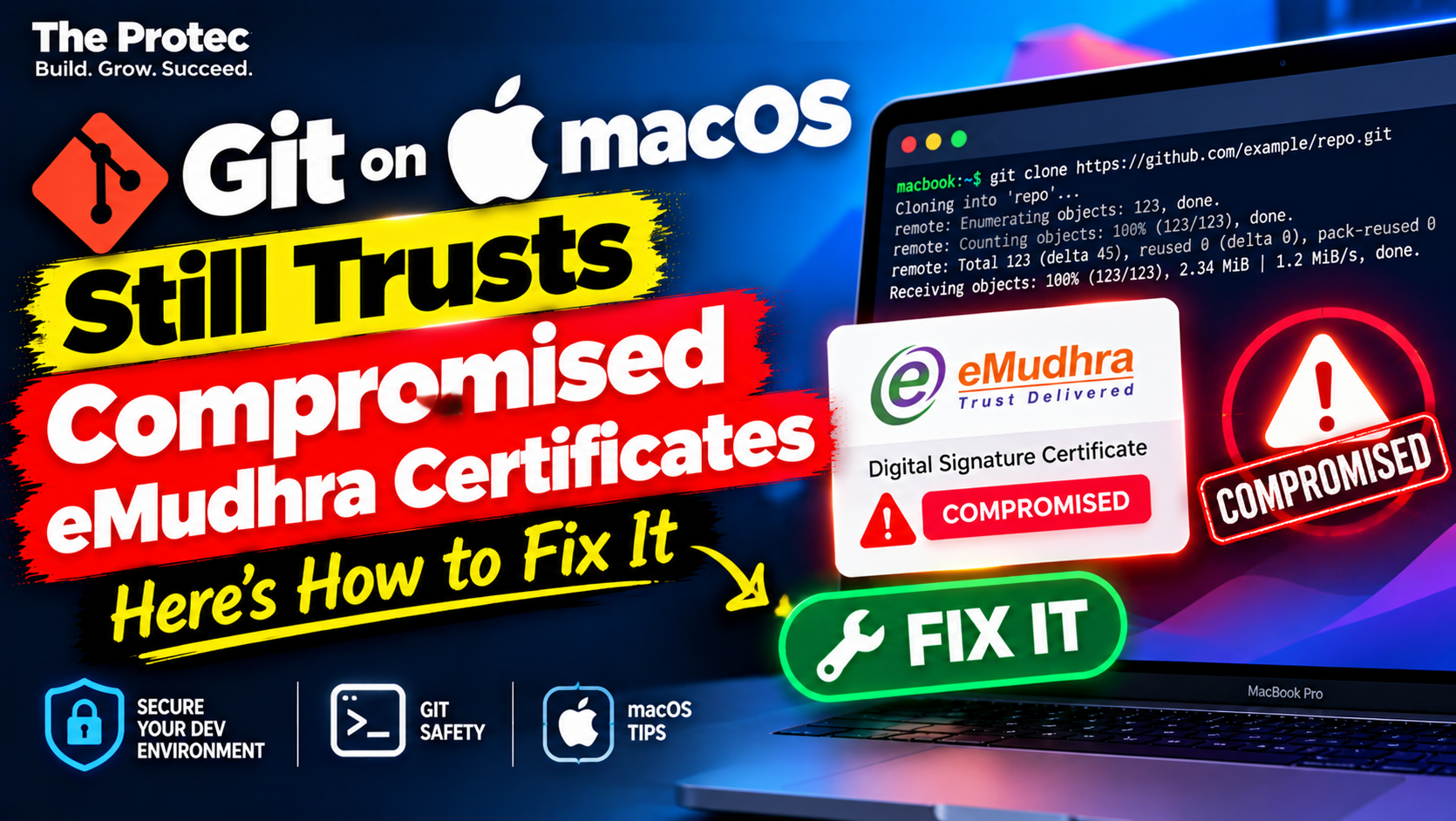
Apple can block a compromised certificate chain in Safari while Git on the same Mac continues to accept it. That apparent contradiction is the issue behind the macOS Git eMudhra certificates concern: Apple’s security frameworks distrust the affected certificates, but command-line software using a separate CA bundle may not receive the same protection.
The short answer is that macOS has more than one certificate-validation path. Safari, Mail, and applications built on Apple’s networking and security frameworks use centrally managed trust decisions. Some builds and configurations of Git, curl, and other Unix-oriented tools instead rely on the certificates in /etc/ssl/cert.pem or another explicitly configured bundle. If an affected eMudhra root remains in that bundle, those tools may still build a trusted TLS chain.
This does not mean attackers have been observed exploiting Git users. It means a protective distrust decision may not be applied consistently, leaving a theoretical interception or impersonation path open under the right conditions.
What happened in the eMudhra certificate compromise?
The incident involved eight eMudhra intermediate certificate authority private keys that were treated as compromised. A CA private key is exceptionally sensitive: it is used to sign certificates that clients may accept as authentic when the resulting chain leads to a trusted root.
An intermediate CA sits between a root certificate and an ordinary website certificate. Roots are generally kept offline and delegate issuance to intermediates. If an intermediate CA private key is exposed, an unauthorized party could theoretically use it to create certificates within that intermediate’s permitted scope. Revocation and explicit distrust are therefore necessary even when there is no confirmed evidence that forged certificates were deployed against users.
Apple responded by blocking the affected eMudhra TLS certificate chains through its certificate trust infrastructure. The protection applies to Safari, Mail, and software that delegates TLS evaluation to Apple frameworks. The independent investigation, including certificate-chain testing and analysis of the separate command-line trust path, is available from the SSLMate technical blog.
Why Safari blocks a chain that Git may accept
Apple applications use dynamic security policy
Applications using Apple’s Security framework and related networking APIs do more than read a static list of root certificates. Their trust evaluations can incorporate operating-system policy, revocation information, constrained trust settings, and certificate distrust data delivered or enforced by Apple.
That allows Apple to reject a particular intermediate or affected chain without necessarily removing an entire root authority from every local certificate file. It also lets Apple protect supported applications while limiting disruption to unrelated certificates issued under the same broader CA hierarchy.
Command-line tools can use a static CA bundle
Git’s HTTPS behavior depends on the libcurl and TLS backend with which it was built, plus its configuration and environment. A Git installation supplied by Apple, Xcode Command Line Tools, Homebrew, MacPorts, or another package can behave differently from another copy on the same computer.
Some command-line paths perform Git TLS certificate verification against /etc/ssl/cert.pem. curl can also use that file, an alternative CA bundle, or Apple’s trust system depending on its build and options. A PEM bundle generally contains trusted CA certificates; it does not automatically inherit every targeted distrust decision enforced by Apple’s frameworks.
If the bundle still contains a root capable of validating one of the compromised intermediates, ordinary path building may accept the chain. The tool must separately enforce revocation or distrust information to reach a different result. This is the core macOS certificate security gap—not a failure of encryption itself, but inconsistent certificate policy between validation engines.
Why the trust gap matters to developers
Developers routinely use Git and curl to retrieve high-value material: source code, release archives, package metadata, container bootstrap scripts, API responses, and credentials sent to HTTPS services. A valid-looking TLS session is often the only transport-level assurance that the remote endpoint is genuine.
In a successful theoretical attack, an adversary would need more than a compromised CA key. The attacker would also need to create an acceptable certificate and place themselves where they could redirect, intercept, or otherwise control the target’s network traffic. DNS manipulation, a hostile network, a compromised router, or access to upstream infrastructure are examples of possible enabling conditions.
No public finding cited here establishes that such exploitation occurred against macOS Git or curl users. The confirmed behavior is narrower: affected certificate chains are blocked by Apple’s trust frameworks, while certain command-line validation paths may continue to trust a chain rooted in their static CA bundle. Exposure is not proof of compromise.
Has Apple fixed the command-line behavior?
At the publication review on October 28, 2026, Apple’s public material still described a future macOS update as the planned operating-system remedy for the command-line trust discrepancy. The reviewed release information did not identify a completed macOS fix that administrators could safely assume was present on every supported system.
Because patch status can change after publication, administrators should check the affected Mac’s exact macOS build and compare it with the current Apple security releases and advisories. Do not assume that installing an unrelated Safari update, browser update, or rapid security component necessarily changes the CA bundle used by Git.
Apple’s interim mitigation and its trade-offs
Apple’s interim administrator guidance is to remove the eMudhra trust anchors identified in its advisory from the CA bundle used by the affected command-line tools, including /etc/ssl/cert.pem where applicable. Administrators should follow the current certificate list and fingerprints in Apple’s notice rather than deleting entries based only on a subject name.
This is intentionally broader than Apple’s targeted app-level block. Removing an eMudhra root from a static bundle can prevent Git and curl from trusting the compromised intermediate chains, but it can also reject legitimate sites whose otherwise valid certificates chain to the removed root. Internal services, regional providers, vendor APIs, or automated build dependencies may consequently fail with certificate verification errors.
For managed fleets, test the change against required services before wide deployment. Keep a documented backup, record the certificate fingerprints removed, and confirm whether a macOS or developer-tools update restores the original file. Direct edits to an operating-system-managed bundle can be replaced during updates.
A controlled alternative is to create a managed CA bundle derived from the system bundle, remove the specified trust anchors, and point only the relevant tools to it. This makes rollback and auditing easier, although administrators must maintain that bundle as trusted roots change. Never work around the issue by setting http.sslVerify=false, using curl’s -k option, or globally disabling TLS verification. Those measures remove protection against every untrusted certificate, not merely the affected eMudhra chains.
How to check whether a Mac may be exposed
No single command covers every Git and curl installation. Use the following checks to identify the actual software, TLS backend, and certificate source.
Identify each executable. Run
which -a gitandwhich -a curl. Multiple results mean shell order may determine which installation is used. Also recordgit --versionandcurl --version.Inspect curl’s TLS details. The output of
curl -Videntifies its TLS library and features. Then usecurl -vI https://your-approved-test-host.exampleagainst a real service your organization controls. Verbose output may show the CA file or path consulted. Replace the example domain; it is not a test endpoint.Review Git’s CA configuration. Run
git config --show-origin --get-regexp 'http..*ssl|http.ssl'. Look forhttp.sslCAInfo,http.sslCAPath, or disabled verification. Check system, global, and repository-specific settings because a local configuration can override broader policy.Check environment overrides. Inspect
SSL_CERT_FILE,SSL_CERT_DIR,CURL_CA_BUNDLE, andGIT_SSL_CAINFO. Shell profiles, continuous-integration agents, launch scripts, and developer tools may set these variables silently.Inventory certificates in the bundle. An administrator can enumerate a PEM file with OpenSSL and compare subjects, issuers, serial numbers, and SHA-256 fingerprints with Apple’s current advisory. Searching only for the text “eMudhra” is insufficient because display names can vary and PEM bodies are base64 encoded.
Test after mitigation. Confirm that approved Git remotes and HTTPS APIs still work, then verify that the relevant eMudhra trust anchors are absent from the effective bundle. Do not test by connecting to an untrusted third-party endpoint that claims to serve a compromised chain.
Enterprise teams should repeat these checks in build runners and deployment hosts. A developer laptop may use Apple’s Git while a CI agent uses Homebrew Git, a bundled runtime, or a container with an entirely different trust store.
Additional defenses while waiting for the macOS update
- Use SSH for Git where appropriate: Properly verified SSH host keys provide a trust path independent of HTTPS certificate authorities. Protect private keys and review host-key changes rather than accepting them automatically.
- Pin dependencies: Validate release signatures, commit signatures, checksums, or software attestations when projects provide them. These controls can detect tampering that TLS alone may not reveal.
- Restrict privileged networks: Build systems should have limited outbound access and should retrieve dependencies from controlled mirrors where feasible.
- Monitor configuration drift: Alert on disabled TLS verification, unexpected CA bundle paths, or replacement of a managed certificate file.
- Retest after updates: A future Apple macOS security update may change the behavior, but separately installed Git or curl packages may continue using their own trust stores.
Frequently asked questions
Are all copies of Git on macOS affected?
No. Behavior depends on the Git build, libcurl backend, TLS library, CA configuration, and environment. A version that uses Apple’s trust evaluation may receive Apple’s block, while another version reading /etc/ssl/cert.pem or a package-managed bundle may not. Inspect the exact executable used by each workflow.
Does this mean an attacker has compromised Git downloads?
No confirmed exploitation is established by the trust discrepancy alone. The eMudhra certificate compromise and differing validation behavior are confirmed technical issues. Using them to intercept a specific Git or curl connection remains a theoretical attack scenario unless incident evidence demonstrates otherwise.
Should I delete every eMudhra certificate from my Mac?
Not indiscriminately. Follow Apple’s current advisory and use certificate fingerprints to identify the specified trust anchors. Removing unrelated certificates can break legitimate services, while removing only a displayed name without confirming the effective trust source may provide no protection.
Is disabling Git SSL verification a temporary fix?
No. It makes the situation substantially worse by allowing Git to accept certificates that cannot be authenticated at all. Use a carefully managed CA bundle, a properly verified SSH remote, or another organization-approved mitigation instead.
Will updating Safari solve the problem for Git and curl?
Not necessarily. Safari’s trust decisions and a command-line tool’s static CA bundle are separate. Install all available Apple updates, but verify the tool’s actual certificate path and retest it rather than inferring protection from Safari’s behavior.
The practical takeaway
Apple’s block protects software that uses its security frameworks, but that protection does not automatically extend to every Unix-style tool on macOS. Until the promised system fix is confirmed on the macOS versions your organization runs, administrators should inventory Git and curl, determine which CA source each one uses, and apply Apple’s interim distrust guidance where necessary.
The safest response is precise rather than dramatic: distinguish exposure from exploitation, avoid disabling TLS verification, test the compatibility impact of removing trust anchors, and add signature or checksum verification for sensitive code downloads. That closes the macOS command-line security gap without creating a larger one.