








Top 10 Tech Gadgets Under $100 That Actually Improve Productivity
Productivity is rarely about working harder. It usually comes down to removing friction: fewer cable tangles, faster charging, better focus, cleaner desk setups, and tools that help you switch between tasks without wasting energy. That is why the best tech gadgets under 100 are often the ones that quietly improve your workflow every single day. They do not need to be flashy. They need to be useful.
In a world where remote work, hybrid schedules, AI-assisted apps, and mobile-first workflows are now normal, the most valuable productivity gadgets are the ones that make your setup faster, more organized, and less distracting. The latest wave of cheap tech accessories includes smarter desk organizers, compact docks, better wireless audio, and portable tools designed for modern work on the move. If you want practical upgrades without spending a fortune, this list is built for you.
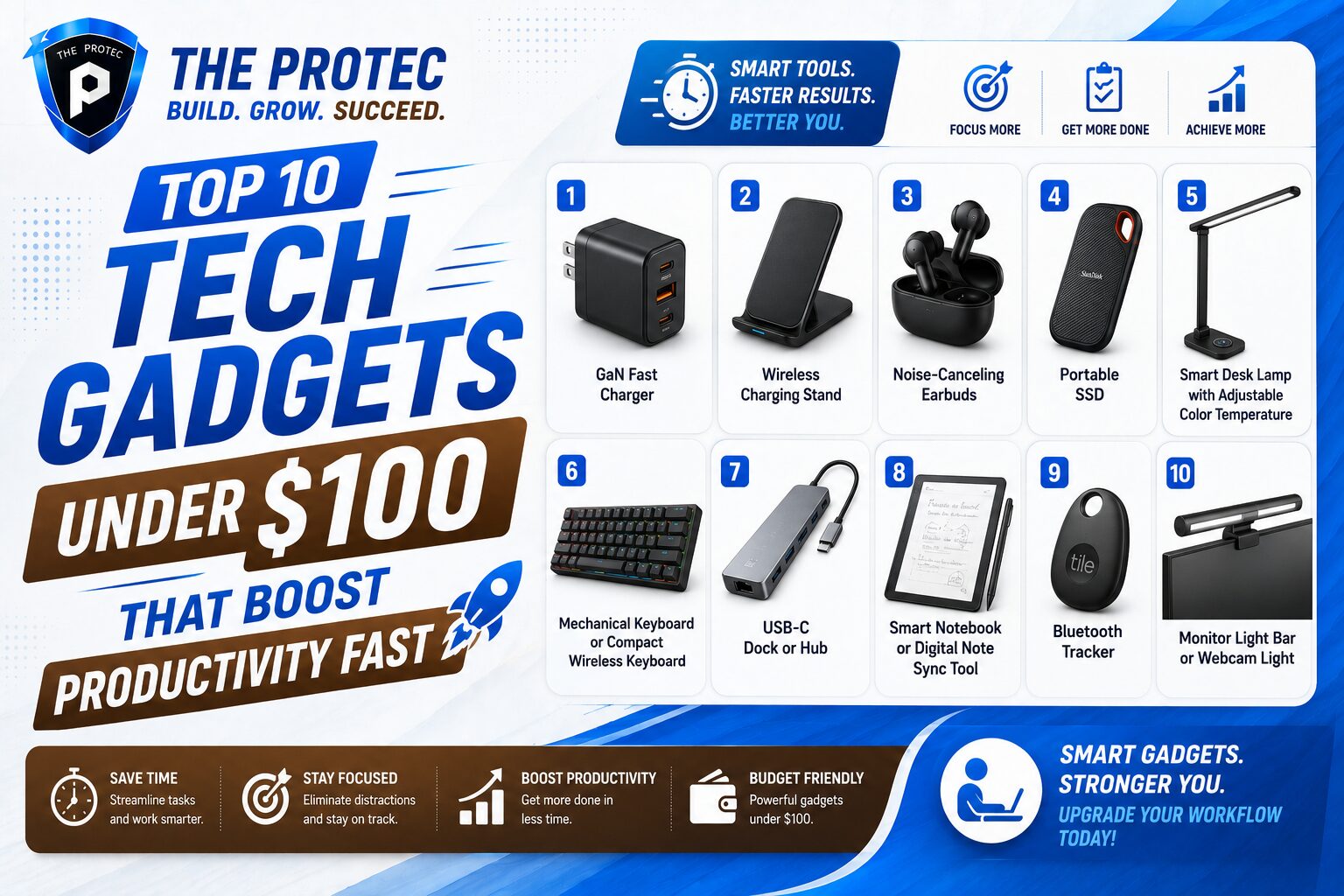
Below are 10 affordable gadgets that genuinely help people get more done. Each one earns its place by saving time, reducing interruptions, or making your workspace more efficient.
1. GaN Fast Charger
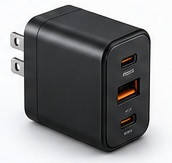
A compact GaN charger is one of the most useful productivity gadgets you can buy under $100. Gallium nitride technology allows chargers to stay small while delivering high power output, which means you can charge a laptop, phone, tablet, or earbuds from one portable adapter instead of carrying several bulky bricks. That matters when you move between home, office, meetings, and travel.
Look for a model with at least two USB-C ports and support for USB Power Delivery. A 65W or 100W option can often replace multiple chargers and reduce desk clutter. Newer GaN chargers also run cooler and are better at distributing power intelligently, so your devices top up faster without making your bag heavier.
- Best for: laptop and phone users who work from multiple locations
- Why it helps: faster charging, fewer cables, less desk clutter
- What to look for: USB-C PD, multiple ports, foldable prongs
2. Wireless Charging Stand
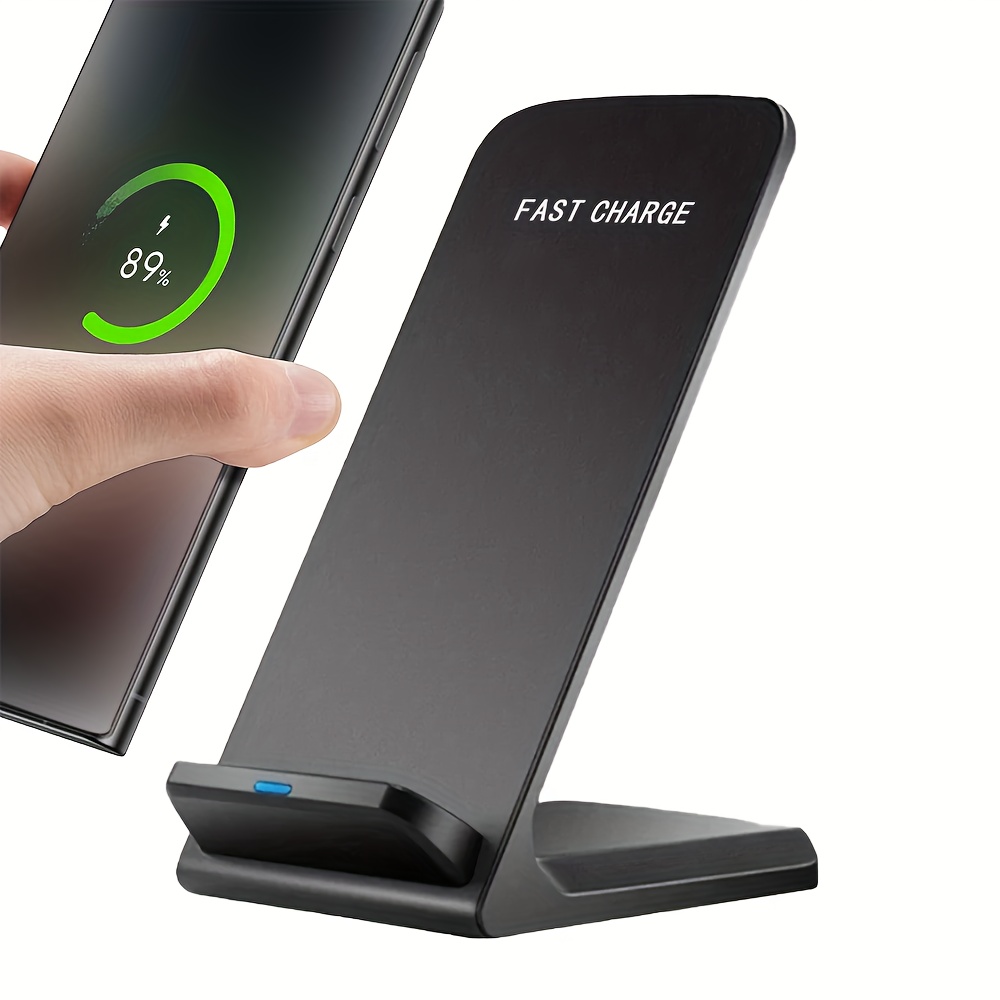
If your phone is always within reach, a wireless charging stand can streamline your day. It turns charging into a habit instead of a task, especially on a desk or nightstand. Instead of plugging in and unplugging your device repeatedly, you just drop it in place and keep working.
The best versions support Qi2 or the latest magnetic alignment standards, which improve positioning and charging consistency. That means less fiddling and fewer missed charges. A good stand also doubles as a viewing dock, so you can see notifications, calendar alerts, or incoming calls without picking up your phone every few minutes.
- Best for: people distracted by low battery anxiety
- Why it helps: makes charging effortless and keeps the phone visible
- What to look for: stable base, fast wireless output, magnetic alignment
3. Noise-Canceling Earbuds
Focus is one of the most valuable productivity assets, and modern noise-canceling earbuds are among the cheapest ways to protect it. Even budget-friendly models now offer effective active noise cancellation, transparency modes, and surprisingly strong microphones for calls. That makes them ideal for commuting, coworking spaces, open offices, or noisy homes.
For productivity, the goal is not audiophile perfection. It is reducing distractions and improving call quality. Good earbuds can create a personal work bubble, making it easier to read, write, code, or plan without constant interruptions. Many also include multipoint Bluetooth, which lets you switch between your laptop and phone more smoothly.
- Best for: remote workers, students, and frequent callers
- Why it helps: blocks distractions and improves communication
- What to look for: ANC, multipoint support, clear microphone performance
4. Portable SSD
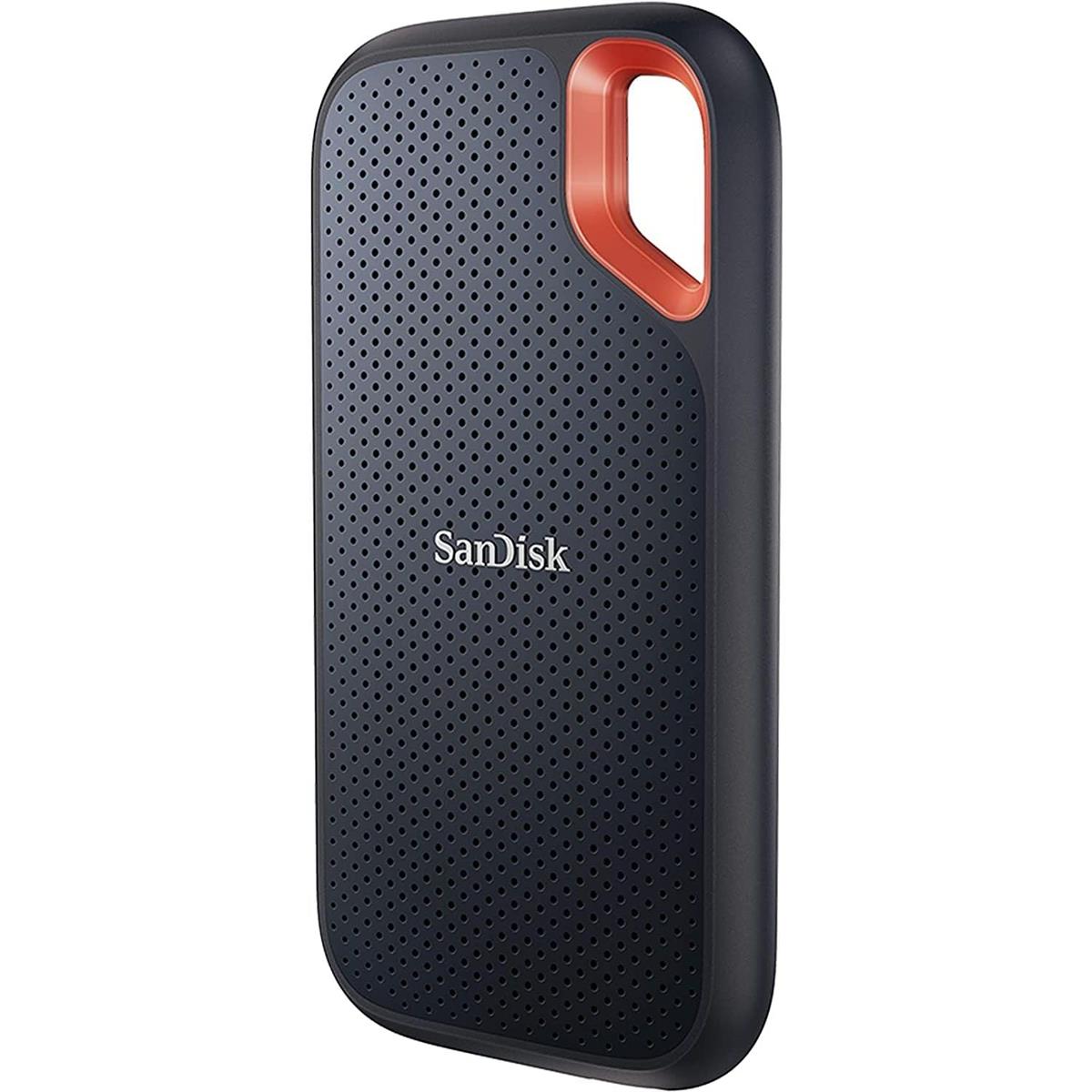
Cloud storage is convenient, but a portable SSD is still one of the smartest cheap tech accessories for anyone handling large files, project backups, or media on the go. Compared with older USB drives, modern portable SSDs are much faster and more reliable, especially when transferring documents, photos, videos, design assets, or code repositories.
Why does this improve productivity? Because waiting for file transfers wastes time, and slow storage creates bottlenecks. A compact SSD can help you move work between devices, create local backups, and keep critical files available even when Wi-Fi is unreliable. Many newer models are rugged, pocket-sized, and fast enough for everyday creative and office work.
- Best for: creative professionals, students, and mobile workers
- Why it helps: fast file transfer and dependable local storage
- What to look for: USB-C support, NVMe-based speeds, durable casing
5. Smart Desk Lamp with Adjustable Color Temperature
Lighting affects energy, concentration, and eye strain more than many people realize. A smart desk lamp with adjustable brightness and color temperature is a subtle but powerful productivity upgrade. Cool, brighter light can help with focused work during the day, while warmer light can reduce strain during evening sessions.
The best models let you fine-tune your environment with simple controls or app-based presets. Some even include motion sensors, timers, or auto-dimming features that adapt to changing conditions. If your workspace often feels tired or dim, this is one of the most underrated productivity gadgets under 100 dollars.
- Best for: desk workers, readers, and late-night planners
- Why it helps: reduces eye strain and improves work comfort
- What to look for: adjustable temperature, dimming, stable light output
6. Mechanical Keyboard or Compact Wireless Keyboard
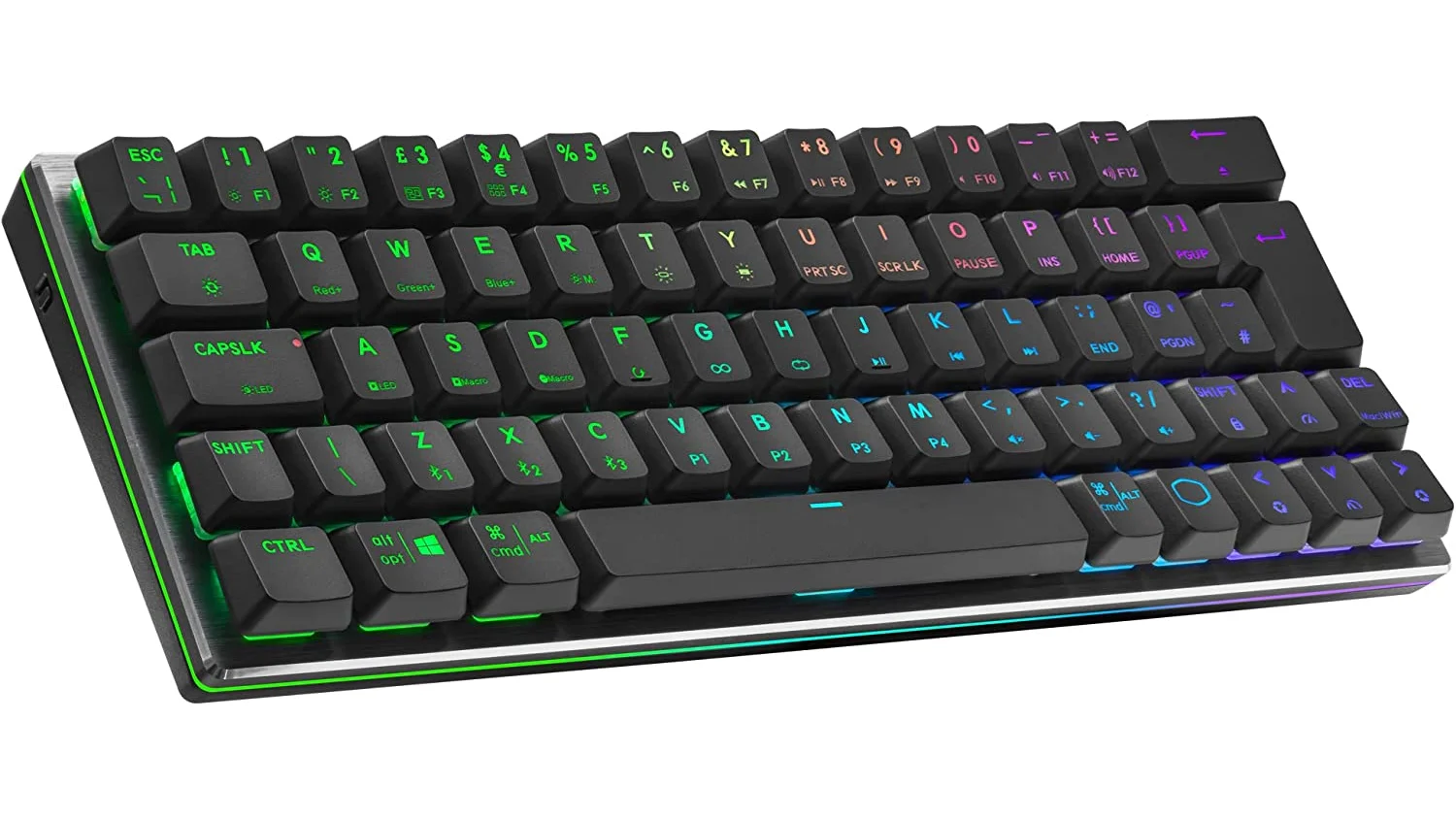
A better keyboard can change how fast and comfortably you work. A mechanical keyboard or a well-designed compact wireless model can improve typing accuracy, reduce fatigue, and make long sessions feel less taxing. For many people, that translates into better focus and fewer mistakes throughout the day.
Under $100, you can find excellent options with hot-swappable switches, low-profile keys, multi-device pairing, and layouts that fit small desks. If you switch between a laptop, tablet, and desktop, a keyboard with easy device toggling can save a surprising amount of time. It also helps create a more intentional workstation, which often leads to better work habits.
- Best for: writers, analysts, developers, and heavy typists
- Why it helps: improves typing comfort and device switching
- What to look for: wireless pairing, comfortable layout, sturdy build
7. USB-C Dock or Hub
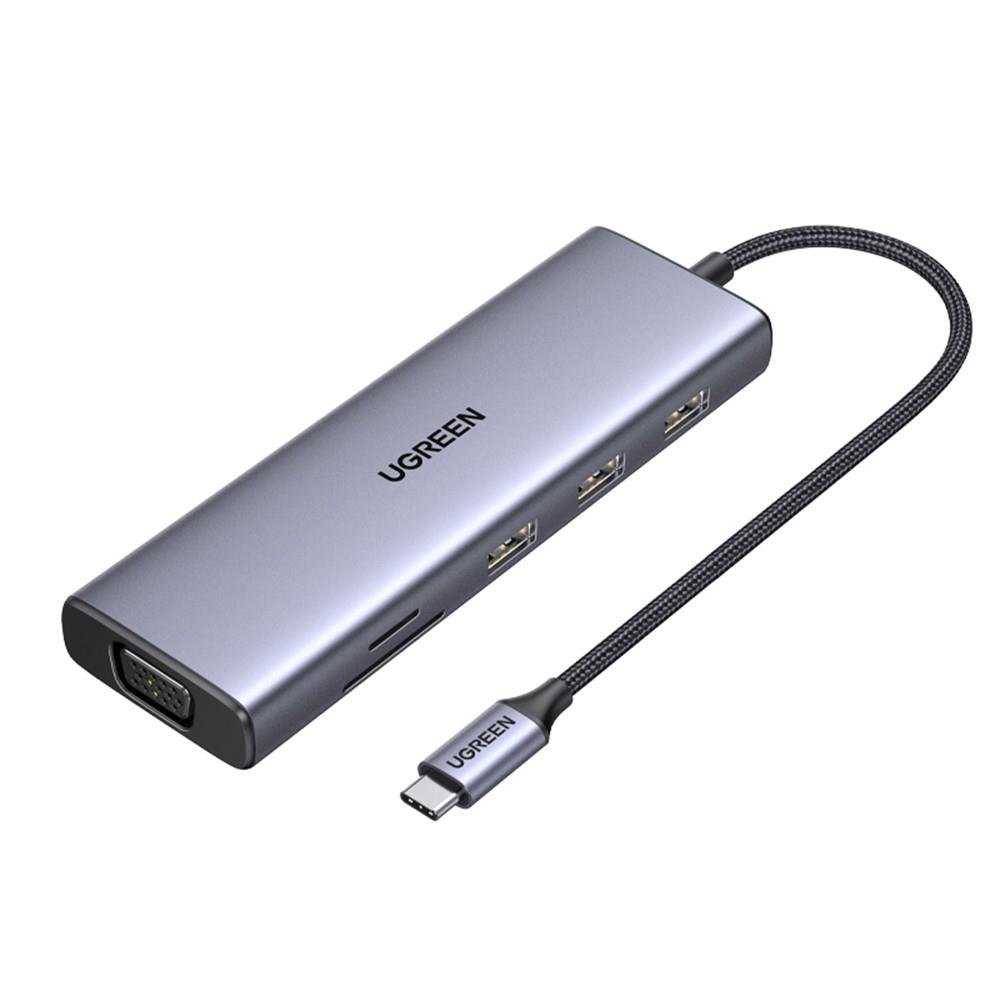
Few things slow people down more than constantly plugging and unplugging devices. A USB-C dock or hub helps solve that by giving you one central connection for displays, storage, charging, keyboards, mice, and more. For laptop users, this is one of the most practical productivity gadgets on the market.
Even budget hubs now support external monitors, Ethernet, SD card readers, and pass-through charging. That makes them especially useful for hybrid work setups where you want a clean desk at home and a fast transition when you return. If you regularly connect to multiple devices, a dock is not just convenient; it is a workflow upgrade.
- Best for: laptop users with multiple peripherals
- Why it helps: creates a one-cable workstation
- What to look for: USB-C PD, video output, Ethernet, enough ports
8. Smart Notebook or Digital Note Sync Tool
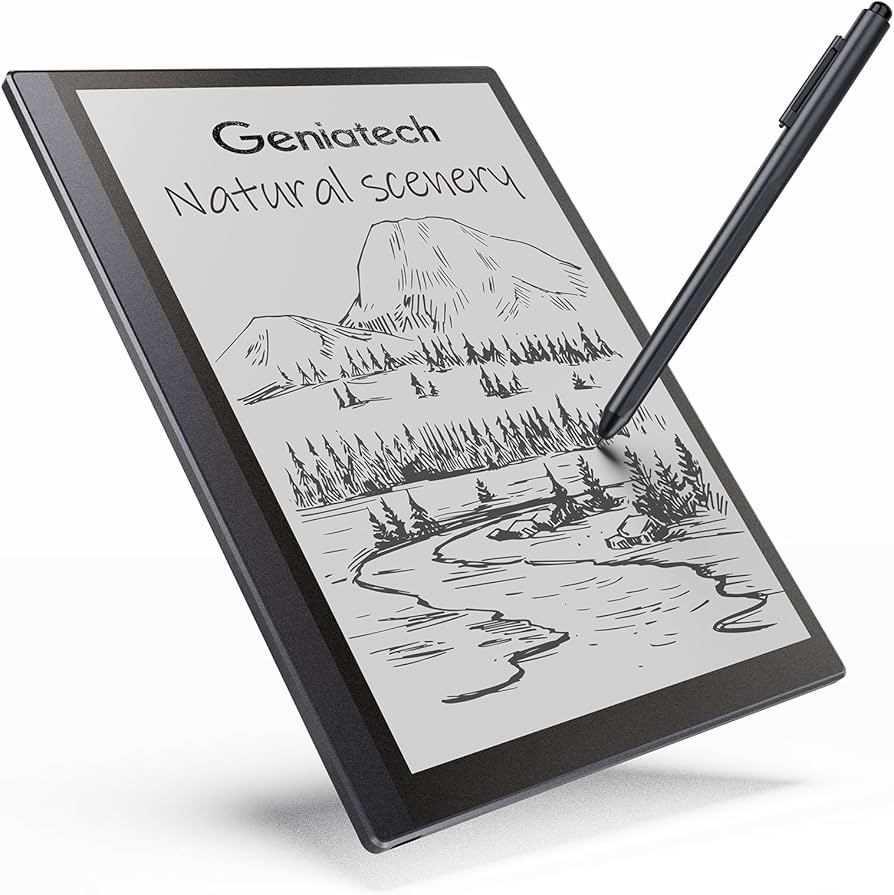
Paper still works, but hybrid note-taking has become much more useful thanks to smart notebooks and reusable writing systems that sync with digital tools. These devices bridge the gap between handwriting and cloud organization. You can sketch ideas, write meeting notes, or map out tasks on paper, then digitize them for easy search, storage, and sharing.
For people who think better by writing things down, this can dramatically improve productivity. You get the natural speed and flexibility of handwriting without losing the benefits of digital access. Many current options use scanning-friendly pages or reusable surfaces that reduce paper waste while keeping your notes organized.
- Best for: planners, managers, and creative thinkers
- Why it helps: combines handwriting speed with digital organization
- What to look for: app sync, reusable pages, clear scanning quality
9. Bluetooth Tracker
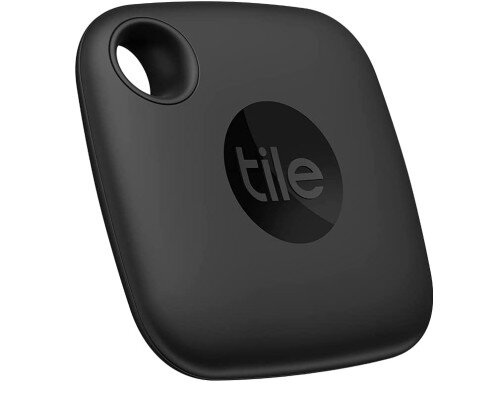
It is hard to be productive when you are searching for keys, bags, wallets, or work gear. A Bluetooth tracker may seem small, but it saves time every week by helping you find frequently misplaced items fast. For busy professionals, students, and commuters, that adds up.
Modern trackers are more accurate than older versions and often integrate with large device networks, making it easier to locate items even when they are out of immediate range. Some also support precision finding, sound alerts, and separation notifications, which reduce the everyday stress of losing track of essentials before a meeting or trip.
- Best for: commuters, travelers, and anyone who misplaces essentials
- Why it helps: saves time and reduces stress
- What to look for: long battery life, strong ecosystem support, alert features
10. Monitor Light Bar or Webcam Light
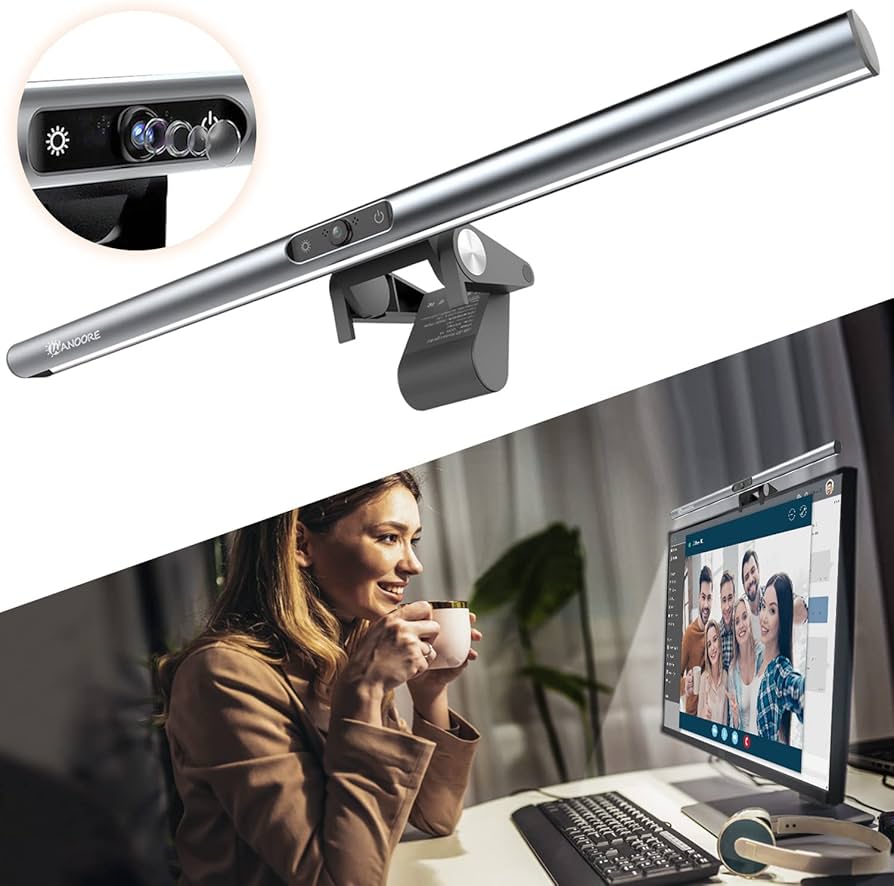
Video calls are now a standard part of work, and poor lighting still makes people look unprepared or hard to see. A monitor light bar or compact webcam light is an inexpensive way to improve your presence in meetings instantly. Better lighting makes you look clearer, more professional, and easier to follow on screen.
This is especially valuable for remote workers who spend a lot of time in presentations, interviews, sales calls, or team meetings. The right light reduces harsh shadows, improves facial visibility, and can even make long screen sessions feel less harsh on the eyes. It is one of the most overlooked productivity gadgets because it improves both communication and comfort.
- Best for: remote professionals and frequent video callers
- Why it helps: improves call quality and on-camera presence
- What to look for: adjustable brightness, neutral color tone, easy mounting
How to Choose the Best Tech Gadgets Under 100
The best tech gadgets under 100 are not the ones with the most features. They are the ones that solve a specific problem in your daily routine. Before buying, ask yourself where your workflow slows down most often. Is it charging? Typing? File transfers? Focus? Video calls? Once you identify the bottleneck, it becomes much easier to choose a gadget that delivers real value.
Look for products that are compact, durable, and compatible with the devices you already own. A good productivity gadget should reduce steps, not add more setup time. It should also fit naturally into your routine, whether you work from a dedicated desk, a kitchen table, or a mobile office. That is the real advantage of well-chosen cheap tech accessories: they give you more output without forcing a bigger investment.
Why Affordable Productivity Gadgets Matter
There is a common misconception that better productivity requires expensive gear. In reality, many of the most effective upgrades are modest purchases that remove daily friction. A charger that powers everything, a hub that simplifies connections, or earbuds that block noise can produce more practical value than a premium device you rarely use.
Affordable gadgets are also easier to experiment with. You can improve your setup piece by piece and learn what actually helps you work better. That matters because productivity is personal. Some people need better focus tools, while others need cleaner cable management, better lighting, or faster note capture. The smartest approach is to invest in the weak point that slows you down most.
FAQ
What are the best tech gadgets under 100 for productivity?
The best tech gadgets under 100 for productivity are usually those that remove daily friction. Great examples include GaN fast chargers, USB-C hubs, noise-canceling earbuds, portable SSDs, and smart desk lamps.
Are cheap tech accessories actually worth buying?
Yes, if they solve a real workflow problem. Cheap tech accessories are worth it when they save time, reduce clutter, improve comfort, or help you stay focused. The key is choosing practical tools instead of gimmicks.
Which productivity gadgets are best for remote work?
For remote work, the most useful productivity gadgets are a USB-C dock, a good wireless keyboard, a monitor light bar, and noise-canceling earbuds. Together, they make a home office faster to use and more comfortable for long work sessions.
What should I prioritize first if I have a limited budget?
Start with the biggest bottleneck in your routine. If you are always charging devices, buy a GaN charger. If you struggle with focus, get noise-canceling earbuds. If your desk feels cluttered, choose a USB-C dock or wireless charging stand.
Final Thoughts
Productivity is not about filling your desk with gadgets. It is about choosing a few tools that remove friction and make your day feel smoother. The best tech gadgets under 100 are often simple, practical, and easy to overlook, but the right ones can save time every day. Whether you want better focus, faster charging, cleaner cable management, or a more efficient workspace, there is likely an affordable upgrade that fits your needs.
If you are building a smarter setup on a budget, start with the gadget that solves your biggest daily annoyance. That is usually where the fastest productivity gain lives.