









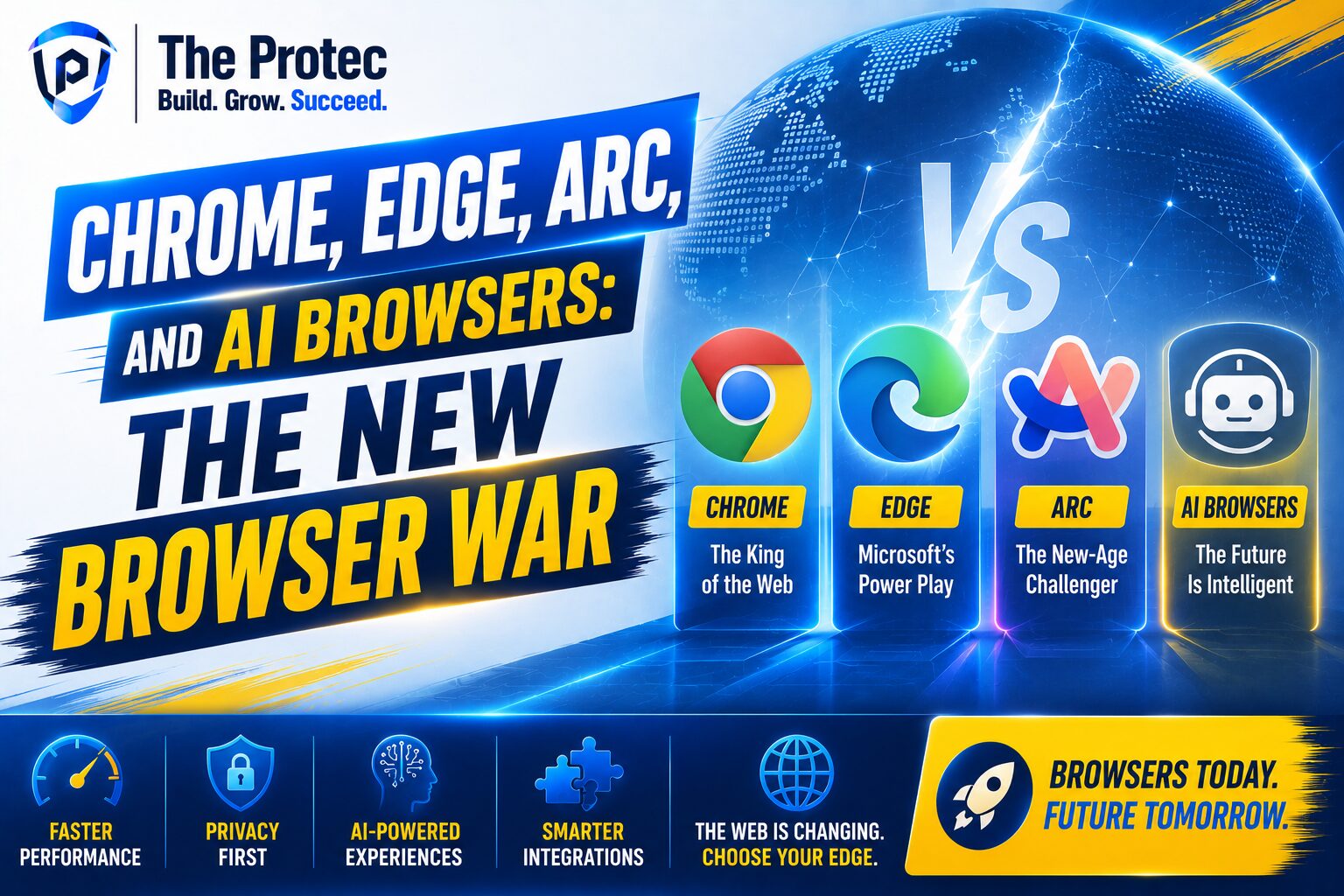
The New Browser War Is Bigger Than Tabs and Speed
For years, the browser market looked settled. Chrome dominated, Edge followed Microsoft’s ecosystem, and Safari quietly held Apple users. But the conversation has changed. Browsers are no longer just tools for opening websites. They are becoming workspaces, assistants, search engines, and privacy layers at the same time. That shift has sparked a new browser war, and this time the competition is not only about speed or extensions. It is about how well a browser helps you think, search, summarize, organize, and protect your data.
That is why the debate around the best web browser 2026 is more interesting than ever. Chrome still leads in market share and compatibility, Edge has become unexpectedly feature-rich, Arc has built a cult following for productivity, and a new generation of AI browser products is redefining what browsing even means. If you are comparing Chrome alternatives, the real question is not just which browser loads pages fastest. It is which browser fits the way people actually work now.
In this comparison, we will look at Chrome, Edge, Arc, and the emerging class of AI browsers through the lenses that matter most today: AI features, speed, privacy, usability, and long-term value.
What Makes a Browser an AI Browser?
The term AI browser gets used a lot, but not all browsers that mention AI truly deserve the label. Some browsers simply add a chatbot sidebar. Others use AI to summarize pages, rewrite text, manage tabs, help with research, or automate actions across the web. The most advanced options try to reduce friction between the user and the internet itself.
A real AI browser usually does at least a few of the following:
- Summarizes long articles, documents, or search results
- Answers questions about the current page
- Helps draft emails, posts, or notes in context
- Organizes tabs and workflows automatically
- Integrates with web apps and research tools
- Uses AI to improve search and discovery
This matters because traditional browsing is reactive. You search, click, read, compare, and repeat. AI browsers aim to reduce that loop. Instead of just displaying the web, they help interpret it.
Google Chrome: Still the Standard, Still the Safe Choice
Chrome remains the default browser for many people because it is fast, familiar, and widely supported. If a site works poorly elsewhere, Chrome is usually the benchmark developers test against. That compatibility advantage still matters, especially for work tools, web apps, and streaming services.
Strengths of Chrome
- Excellent website compatibility
- Huge extension library
- Fast and stable performance
- Seamless sync across devices
- Strong support from developers and enterprises
Chrome’s biggest advantage is its ecosystem. If you live inside Google services, Chrome feels natural. Bookmarks, passwords, history, and settings sync smoothly. For users who need the browser to “just work,” Chrome is still one of the most reliable choices.
Where Chrome Falls Behind
The downside is that Chrome has become a symbol of browser bloat for many users. It is powerful, but not especially innovative in how it helps people work. Its AI capabilities are improving, but compared with dedicated AI browsers, Chrome often feels like a platform that is catching up rather than leading.
Privacy is another concern. Chrome’s business model is tied closely to Google’s broader advertising and data ecosystem, which makes some users more cautious. Even when privacy controls are improved, Chrome is rarely the first browser privacy-focused users point to.
For most people, Chrome is still a dependable choice. But if you want smarter workflows or stronger privacy, Chrome is no longer the only serious option.
Microsoft Edge: The Most Underrated Chrome Alternative
Edge has transformed from a browser many people ignored into one of the strongest Chrome alternatives available. Because it is built on Chromium, it offers excellent site compatibility while adding Microsoft-specific features that appeal to productivity users. It is fast, deeply integrated with Windows, and increasingly AI-driven.
Why Edge Has Gained Ground
- Chromium compatibility with strong performance
- Built-in AI assistance through Microsoft’s ecosystem
- Useful productivity tools like vertical tabs and collections
- Better out-of-the-box memory behavior than many expect
- Strong Windows integration
Edge’s AI features are one of its biggest selling points. Microsoft has pushed AI into search, browsing, and workflow support more aggressively than most competitors. For users who want contextual help while reading or researching, Edge is often more practical than Chrome without requiring a major change in habits.
Where Edge Still Feels Limited
Despite its progress, Edge can feel like a browser that keeps trying to sell you something. Microsoft’s built-in prompts, recommendations, and default settings can be distracting. Some users also dislike the amount of ecosystem nudging, especially if they prefer a cleaner interface.
Privacy is better than Chrome in some respects, but Edge is still not the first choice for users who want minimal data collection and maximum control. It sits in an interesting middle ground: more advanced than Chrome in AI and productivity, but less minimalist than privacy-first browsers.
If you want the strongest all-around Chromium-based Chrome alternative, Edge is still one of the best answers.
Arc: The Browser That Redefined Browser Design
Arc entered the browser conversation by challenging the idea that tabs and bookmarks should remain the center of the experience. Instead of simply being another place to browse, Arc was designed as a personal workspace. That made it stand out immediately.
Arc’s approach is less about raw browser basics and more about making browsing feel organized, calm, and intentional. For knowledge workers, creators, and people juggling multiple projects, that can be a major advantage.
What Makes Arc Different
- Workspace-oriented browsing
- Beautiful and unconventional interface design
- Strong tab management and organization
- Built-in tools that reduce clutter
- Excellent for multi-project workflows
Arc’s biggest strength is its philosophy. It asks a better question than many browsers: how can browsing feel less chaotic? The answer, in Arc’s case, is to replace tab overload with a more structured environment. That can be a game changer for users who live in dozens of tabs each day.
AI in Arc
Arc has also leaned into AI features in ways that feel more integrated than bolted on. The browser has experimented with contextual help, page understanding, and workflow automation. Rather than treating AI like a sidebar gimmick, Arc tends to present it as part of a broader system for managing digital work.
That said, Arc is not perfect. Its unique interface can be polarizing, especially for people who want a traditional browser layout. Some users love the experience immediately; others find it too different. It also requires a bit more learning than Chrome or Edge, which may limit adoption for less technical users.
Still, if the question is which browser feels most forward-thinking, Arc deserves serious consideration.
The Rise of the AI Browser Category
Beyond the major browsers, a new category has emerged: the AI browser built from the ground up around assistants, summaries, and agent-like interactions. These browsers aim to change how users search and act online by reducing the need to manually jump between tabs, tools, and prompts.
Many of these products are still evolving quickly, but they reflect a major trend: users want browsers that do more than render webpages. They want browsers that can extract meaning, compare options, and assist with decision-making in real time.
What AI Browsers Do Better
- Summarize and explain content on demand
- Support research across multiple sources
- Reduce repetitive copy-paste workflows
- Help generate drafts and responses in context
- Speed up information gathering for work and study
For professionals who spend a lot of time reading reports, comparing products, or researching topics, an AI browser can be a real productivity upgrade. Instead of switching between browser, chatbot, notes app, and search engine, the workflow becomes more unified.
The caution is that not all AI browsers are equal. Some are impressive demos with limited real-world value. Others introduce privacy trade-offs by processing more of your browsing activity through cloud systems. Before using one as your primary browser, it is worth understanding exactly what data is being stored, analyzed, or shared.
For an overview of how browser security and privacy expectations are evolving, Google’s Chrome privacy and security resources are a useful starting point: Chrome Privacy Whitepaper. For broader browser innovation and standards, Mozilla’s documentation is also worth exploring: Mozilla Firefox Features.
Speed Comparison: Which Browser Feels Fastest?
Speed is still one of the most important factors in browser choice, but it should be understood in context. Raw benchmark performance matters less than how fast a browser feels during real work. A browser may load a page quickly, but if it becomes sluggish with many tabs open or drains memory under pressure, it loses its advantage.
Chrome Speed
Chrome remains very fast and consistent, especially on modern hardware. It handles complex web apps well and benefits from broad optimization by developers. The drawback is that memory use can become heavy, particularly with many open tabs and extensions.
Edge Speed
Edge often performs close to Chrome and can feel more efficient in everyday use. Microsoft has spent years improving performance and resource management, making it a solid choice for users who want Chromium speed with slightly better practical efficiency.
Arc Speed
Arc is responsive and polished, but its performance depends more heavily on your workflow. For users who embrace its system, it feels smooth. For heavy multitaskers, the browser’s experience can be excellent, though some users may notice a learning curve before it feels effortless.
AI Browsers Speed
AI browsers can feel fast when they reduce the number of manual steps, but they may also introduce latency when AI processing happens in the cloud. In other words, they can save time overall while still feeling slower in specific moments if the AI layer is too heavy.
The practical winner here is not always the same as the benchmark winner. Chrome and Edge remain the safest speed bets, while Arc and AI browsers may feel faster in terms of workflow efficiency rather than page loading alone.
Privacy: The Deciding Factor for Many Users
Privacy has become one of the biggest reasons users look beyond Chrome. The modern browser has access to a huge amount of personal behavior: searches, sites visited, work documents, shopping habits, and often login sessions. The more AI features a browser adds, the more important it becomes to ask where that data goes.
Chrome and Privacy
Chrome offers privacy controls, but it is still closely linked to Google’s data ecosystem. For users comfortable with that trade-off, it remains convenient. For those who want fewer data-sharing concerns, Chrome is harder to recommend as the most private option.
Edge and Privacy
Edge gives users more control than many expect, but it still operates within Microsoft’s ecosystem. It is not the most privacy-forward browser, though it can be configured responsibly. It is best viewed as a productivity browser first, privacy browser second.
Arc and Privacy
Arc’s privacy story is more nuanced. Its design philosophy is modern and user-friendly, but like many newer browsers, users should pay close attention to how features are implemented and what data is processed. Innovative UX does not automatically equal stronger privacy.
AI Browsers and Privacy
This is where the trade-offs become most visible. AI browsers often need more contextual data to be useful, which can mean more cloud processing and more exposure to privacy risks. Users should examine default settings, retention policies, and whether sensitive browsing can be excluded from AI features.
If privacy is your top priority, a browser with fewer built-in behavioral hooks will usually be the safer choice.
Which Browser Is Best for Different Types of Users?
There is no single winner for everyone. The best web browser depends on how you work, what devices you use, and how much value you place on AI versus privacy versus compatibility.
Choose Chrome if you want:
- Maximum compatibility
- Reliable performance
- A huge extension ecosystem
- Deep Google integration
Choose Edge if you want:
- A strong Chrome alternative
- Built-in AI productivity tools
- Good Windows integration
- Balanced performance and convenience
Choose Arc if you want:
- A modern workspace-style browser
- Better tab and project organization
- A fresh interface
- More intentional browsing habits
Choose an AI browser if you want:
- Summaries and contextual assistance
- Faster research workflows
- Integrated AI help across the web
- Less manual switching between tools
The Real Winner in the Browser War
The browser war is no longer about one browser dominating every category. Chrome still wins on compatibility and familiarity. Edge is one of the most practical Chrome alternatives for everyday users. Arc pushes design and workflow thinking forward. AI browsers represent the most dramatic shift, even if many are still maturing.
If your browser is just a window to websites, Chrome may be enough. But if your browser is part of how you work, research, and think, then the decision becomes more strategic. The best browser is now the one that matches your habits, your privacy expectations, and your appetite for AI assistance.
For many users, the smartest move is not to pick one browser forever. It is to choose a primary browser for daily work, then test one or two alternatives for specific workflows. That is where the new browser war becomes useful: it gives users better options than ever before.
FAQ
What is the best AI browser right now?
The best AI browser depends on your needs. If you want integrated AI features with strong productivity support, Edge is a practical choice. If you want a more workspace-driven experience, Arc is compelling. Dedicated AI browsers may offer more advanced assistants, but they vary widely in privacy and reliability.
Are Chrome alternatives actually better than Chrome?
In some areas, yes. Edge can outperform Chrome in built-in productivity features, Arc offers a better workflow design for many users, and AI browsers can make research faster. But Chrome still leads in compatibility and extension support, so “better” depends on what you value most.
Is an AI browser safe to use?
It can be, but safety depends on the browser’s privacy practices, data retention rules, and how much information it sends to cloud services. Before using any AI browser as your main browser, review its privacy controls and understand what data the AI system can access.
Which browser is best for privacy?
Among mainstream options, none is perfect. Chrome is the least privacy-focused of the major choices for many users, while Edge and Arc offer varying degrees of control. If privacy is your top priority, look for browsers with stronger data minimization and clear privacy policies.
Should I switch from Chrome now?
If Chrome already works well for you, there is no urgent reason to switch. But if you want stronger AI features, better workflow tools, or a more modern browser experience, exploring Edge, Arc, or an AI browser is absolutely worthwhile.