





Why Grok Background Prompts Matter for Modern Image Editing
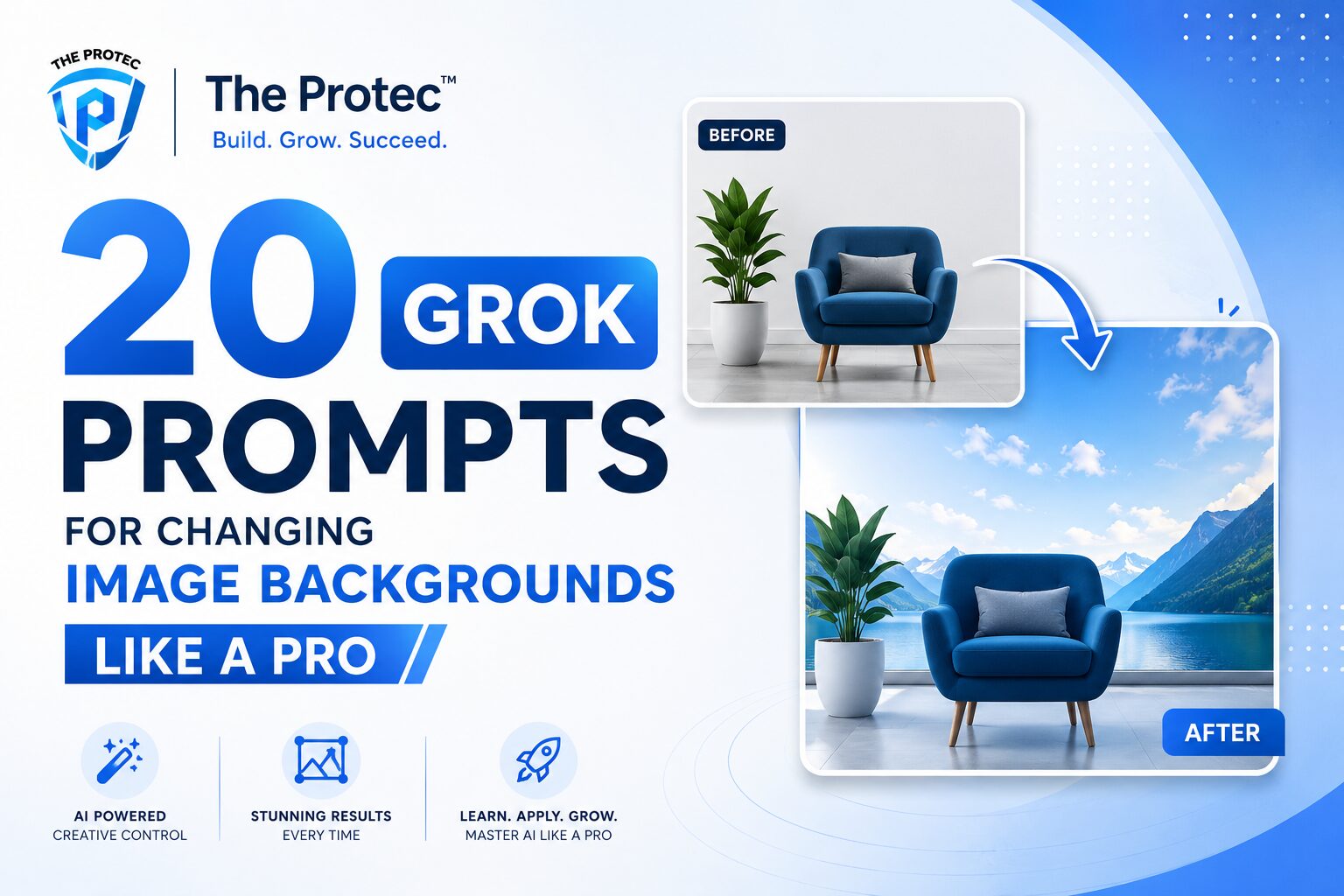
Changing an image background used to mean masking, feathering edges, color matching, and spending far too long on cleanup. Today, creators want faster workflows without sacrificing realism. That is exactly where Grok background prompts can help. Instead of treating background replacement as a technical chore, you can guide the model with clear, practical instructions that produce polished results in fewer steps.
This matters for marketers, designers, founders, e-commerce teams, and social media creators who need assets that look intentional rather than obviously edited. With the right Grok image prompts, you can turn a flat product photo into a premium studio shot, place a portrait into a believable environment, or swap a cluttered backdrop for something aligned with your brand.
The best part is that prompt-based editing is becoming more useful as AI image tools improve at preserving subject identity, matching lighting, and respecting composition. That makes AI image editing prompts especially valuable when you need speed, consistency, and creative control. In this guide, you will get 20 practical prompts designed to help you change backgrounds like a professional designer while keeping the output natural and usable.
For reference on visual editing principles and why realism matters, Adobe’s overview of compositing basics is helpful: Adobe photo compositing guide. For a deeper look at AI-generated visual workflows, OpenAI’s image generation documentation is another useful resource: OpenAI image guide.
How to Get Better Results with Grok Image Prompts
Before jumping into the prompt list, it helps to understand what makes a background-editing prompt effective. Strong Grok image prompts do more than say “change the background.” They describe the mood, lighting, depth, perspective, and realism you want. The more specific the prompt, the less cleanup you usually need afterward.
What to include in your prompt
- Subject preservation: Ask Grok to keep the person or product unchanged.
- Background style: Describe the exact scene, texture, or environment.
- Lighting match: Specify soft daylight, studio lighting, golden hour, or dramatic shadows.
- Camera perspective: Mention shallow depth of field, wide angle, or clean centered framing.
- Realism cues: Request natural shadows, edge consistency, and proper reflections.
When you combine these details, Grok background prompts become much more reliable. You will also notice fewer issues like cutout edges, mismatched color temperature, or backgrounds that look pasted in. That is the difference between a casual edit and an image that feels production-ready.
20 Grok Prompts for Changing Image Backgrounds Like a Professional Designer
Below are 20 AI image editing prompts you can adapt for portraits, products, lifestyle shots, and commercial visuals. Each prompt is designed to be practical, flexible, and easy to reuse.
1. Clean studio backdrop for portraits
Prompt: Replace the background with a clean professional studio backdrop in soft light gray, keep the subject unchanged, preserve natural skin tones, add subtle floor shadow, and make the edit look like a high-end portrait photo.
This is ideal for headshots, executive photos, and creator profiles. The neutral tone keeps attention on the subject while still looking polished.
2. Premium white seamless background
Prompt: Change the background to a seamless white studio setup with even lighting, realistic soft shadow under the subject, crisp edges, and a minimal commercial photography style.
Use this for product shots, catalog images, and marketplace listings. It is one of the most reliable Grok background prompts for clean ecommerce visuals.
3. Modern office background
Prompt: Replace the background with a modern glass-walled office interior, bright natural daylight, soft depth of field, professional atmosphere, and realistic subject integration.
This works well for business portraits, team pages, and LinkedIn-style visuals. The key is to keep the office subtle enough that it supports the subject rather than overpowering it.
4. Luxury showroom setting
Prompt: Put the subject in a luxury showroom environment with polished surfaces, soft directional lighting, elegant neutral tones, and realistic reflections for a premium editorial look.
Great for fashion, accessories, high-end retail, and premium branding campaigns. This kind of prompt helps create aspirational visuals without looking artificial.
5. Outdoor city street scene
Prompt: Replace the background with a clean urban street scene, modern buildings, soft daylight, natural depth, and realistic ambient shadows that match the subject lighting.
This is useful for lifestyle content and streetwear brands. Be specific about daylight and shadow direction to keep the result believable.
6. Sunset beach background
Prompt: Change the background to a calm beach at sunset with warm golden light, soft horizon glow, gentle shadows, and a natural editorial travel photography style.
This prompt is strong for travel, wellness, and lifestyle visuals. It works especially well when the subject already has warm lighting in the original image.
7. Minimal textured gradient background
Prompt: Replace the background with a subtle textured gradient in muted beige and warm cream tones, keep the subject sharp, and make the composition feel modern and design-led.
This is a smart option when you want a refined background that does not distract. It is especially useful for posters, ads, and social graphics.
8. Soft lifestyle kitchen setting
Prompt: Put the subject in a bright modern kitchen with soft morning light, realistic shadows, shallow depth of field, and a warm lifestyle photography feel.
Perfect for food creators, home brands, and product placement imagery. A kitchen scene can make a subject feel more relatable and story-driven.
9. Nature garden background
Prompt: Replace the background with a lush garden setting, natural greenery, soft sunlight through leaves, realistic bokeh, and harmonious color balance.
This creates a calm, organic look for wellness, skincare, and outdoor lifestyle content. Keep the light direction consistent with the subject for best results.
10. High-end black backdrop
Prompt: Change the background to a deep matte black studio backdrop with controlled rim lighting, elegant contrast, and a dramatic professional portrait finish.
This is one of the strongest prompts for dramatic editorial portraits and premium product photography. It can add sophistication instantly when used correctly.
11. Blurred coworking space
Prompt: Replace the background with a blurred contemporary coworking space, warm practical lights, natural depth of field, and a professional startup aesthetic.
Use this for founder portraits, remote work branding, and business content. The blur helps keep the focus on the subject while creating context.
12. Clean outdoor architecture background
Prompt: Put the subject in front of a clean modern architectural facade with strong lines, soft daylight, realistic perspective, and a refined commercial photography style.
This works especially well for fashion, architecture, and lifestyle brands. Architectural backgrounds can add structure and sophistication without clutter.
13. Soft pastel editorial backdrop
Prompt: Replace the background with a soft pastel editorial backdrop in dusty pink and pale lavender, add gentle studio lighting, and keep the image elegant and balanced.
This is great for beauty brands, feminine product campaigns, and social content that needs a lighter visual mood. It can also make images feel more social-first.
14. Rainy window atmosphere
Prompt: Change the background to a moody scene with a rain-streaked window, soft reflected city lights, cool tones, and cinematic realism.
This prompt is ideal for storytelling visuals and editorial portraits. It adds emotion and depth while still allowing the subject to remain the focal point.
15. High-contrast fashion runway backdrop
Prompt: Replace the background with a sleek fashion runway environment, dramatic spotlights, dark surroundings, glossy floor reflections, and a luxury editorial mood.
Use this for style-focused imagery, clothing brands, and bold social campaigns. The challenge is preserving the realism of the lighting, so ask for reflections and shadows.
16. Product-on-pedestal commercial scene
Prompt: Change the background to a minimalist commercial set with a pedestal, soft studio lighting, subtle shadowing, and a premium product advertising look.
This is excellent for cosmetics, gadgets, packaged goods, and any product shot that needs a stronger commercial feel. It is one of the most practical AI image editing prompts for marketing teams.
17. Desert landscape background
Prompt: Replace the background with a clean desert landscape, warm natural light, soft sand textures, distant horizon, and a cinematic travel aesthetic.
Desert scenes can create a striking visual identity for fashion, adventure, and brand storytelling. Keep the tones warm and grounded to avoid a synthetic look.
18. Elegant hotel lobby setting
Prompt: Put the subject in a sophisticated hotel lobby with marble finishes, warm ambient lighting, soft depth of field, and a refined editorial tone.
This background works well for luxury, hospitality, business travel, and premium personal branding. It gives the image a sense of status and polish.
19. Creative abstract background
Prompt: Replace the background with a modern abstract composition of soft geometric shapes, muted tones, subtle depth, and a clean design-forward aesthetic.
This is a strong choice when you want something artistic but not distracting. It works well for digital campaigns, event graphics, and thought-leadership visuals.
20. Seamless background swap with matching light
Prompt: Change the background to a realistic matching environment that fits the subject’s original lighting, preserve all subject details, match color temperature, add natural shadowing, and ensure the final image looks like one original photograph.
This is the most versatile of all the Grok background prompts. It is especially useful when you want Grok to make the edit feel invisible rather than stylized.
Best Practices for Using Grok Background Prompts
Prompt quality matters, but workflow matters too. If you want cleaner results, approach background changes like a designer would. Start by deciding the goal of the image: Is it meant to sell, tell a story, look premium, or feel social and casual? Then build your prompt around that intent.
Keep the subject stable. If the face, hands, hair, or product shape changes too much, reduce stylistic language and emphasize preservation. Use words like keep the subject unchanged, preserve details, and maintain original proportions. These small instructions often improve the output more than adding extra adjectives.
Lighting should match the new scene. A portrait placed into a bright beach scene should not still look lit by a dark indoor lamp. Ask for natural shadows, ambient bounce, and realistic edge blending. These details are essential in AI image editing prompts because they help the new background and the subject belong in the same frame.
Also, avoid overly complex scenes when you only need a simple swap. The more objects, reflections, and moving parts in the background, the more likely the edit will need refinement. For many workflows, a clean studio, soft office, or blurred environment will outperform a busy scene.
How Designers Use Background Prompts in Real Workflows
Professional designers rarely rely on one edit. They test variations. That same mindset applies to Grok image prompts. You might create one version with a white studio background for ecommerce, another with a lifestyle scene for social media, and a third with a darker editorial setting for campaign banners.
This approach is especially useful for brands that need content across multiple channels. A single source image can be adapted into several versions without reshooting. That saves time and makes creative production more flexible. It also helps teams maintain brand consistency while tailoring visuals to different placements and audiences.
When you work this way, Grok background prompts become part of a larger creative system. You are not just replacing a backdrop. You are building a library of reusable visual variations that can support ads, landing pages, product detail pages, and organic posts.
Common Mistakes to Avoid
- Being too vague: “Change the background” is usually not enough.
- Adding too many style cues: Overloading the prompt can create visual confusion.
- Ignoring lighting: Mismatched light is one of the fastest ways to ruin realism.
- Using overly busy scenes: Complex backgrounds can pull attention away from the subject.
- Forgetting subject consistency: The face, hands, product shape, and clothing should stay intact.
If a result looks off, simplify the prompt and focus on one goal: realism, mood, or commercial clarity. Strong editing usually comes from precision, not length.
FAQ: Grok Background Prompts and AI Image Editing
Can Grok change an image background realistically?
Yes, especially when you provide detailed instructions about lighting, perspective, shadows, and subject preservation. The more specific your prompt, the more realistic the edit is likely to look.
What makes a good Grok background prompt?
A good prompt clearly defines the new scene, the lighting style, the mood, and the requirement to keep the subject unchanged. The best Grok image prompts are simple, direct, and visually descriptive.
Are Grok background prompts useful for product photos?
Absolutely. Product photos benefit from clean, controlled backgrounds because the subject stays the focus. Studio white, minimal gradients, and premium commercial scenes are especially effective for ecommerce and ads.
How can I make AI image editing prompts more consistent?
Use the same structure each time: subject preservation, background description, lighting, realism cues, and final style. That repeatable framework helps you get more consistent results across multiple images.
What is the best background style for professional use?
It depends on the goal. For corporate and ecommerce work, neutral studio and white seamless backgrounds are usually safest. For branding and social content, modern offices, lifestyle scenes, and subtle editorial backdrops often perform better.
Final Thoughts on Grok Background Prompts
Background changes are one of the most useful ways to make an image more polished, more marketable, and more adaptable across channels. With the right Grok background prompts, you can move beyond basic edits and create visuals that feel intentional and professionally directed.
The key is not to ask for a background replacement in the abstract. Instead, think like a designer. Define the scene, the lighting, the mood, and the level of realism you need. Whether you are editing portraits, ecommerce images, or branded content, these 20 prompts give you a strong starting point for practical, repeatable AI image editing workflows.
As AI tools continue to improve at compositing and scene control, the creators who get the best results will be the ones who write better prompts. Use these examples as templates, customize them for your brand, and refine them based on the image you are editing. That is how Grok image prompts become a real production tool rather than just a novelty.