








Windows 12 AI Features Explained: Which New Tools Will Actually Matter?
Windows 12 has become one of the most searched topics in the PC world because people are no longer asking whether Microsoft will add AI to Windows. They are asking which AI tools will actually improve daily work, gaming, creativity, and device management. That shift matters. The next version of Windows is expected to lean even harder into on-device intelligence, cloud-assisted workflows, and contextual help that feels less like a chatbot and more like a built-in operating system layer.
That is why the conversation around Windows 12 AI features is so important. Not every AI feature will be useful. Some will be headline-grabbing but rarely used. Others may quietly become the reason people upgrade. In this article, we will break down the most likely Windows 12 AI features, explain how Windows 12 Copilot may evolve, and identify which Microsoft AI tools are most likely to matter in real-world use.
For context on Microsoft’s broader AI strategy, you can also review Microsoft’s official Copilot materials at Microsoft Copilot and its developer-focused AI platform at Microsoft AI.
Why Windows 12 AI features are getting so much attention
Windows has always evolved around a simple promise: make computers easier to use. AI is the next step in that promise, but with a much bigger ambition. Instead of requiring users to hunt through menus, settings, and apps, Microsoft wants the system itself to understand intent. That means the operating system could help write, summarize, search, organize, edit, automate, and troubleshoot with less friction.
The interest in Windows 12 is not just about new capabilities. It is also about timing. People are now using AI tools across browsers, productivity suites, and phones, but those tools often live in separate silos. If Microsoft can integrate AI directly into the OS in a practical way, Windows could become the most efficient place to get work done. That is the real opportunity behind the latest Windows 12 AI features.
Still, there is an important distinction between what sounds impressive and what will actually be used every day. A great operating system AI feature should save time without creating extra steps, respect privacy, and work reliably across different hardware. If a feature does not do those three things, it will likely become a novelty rather than a necessity.
The core direction of Windows 12 AI features
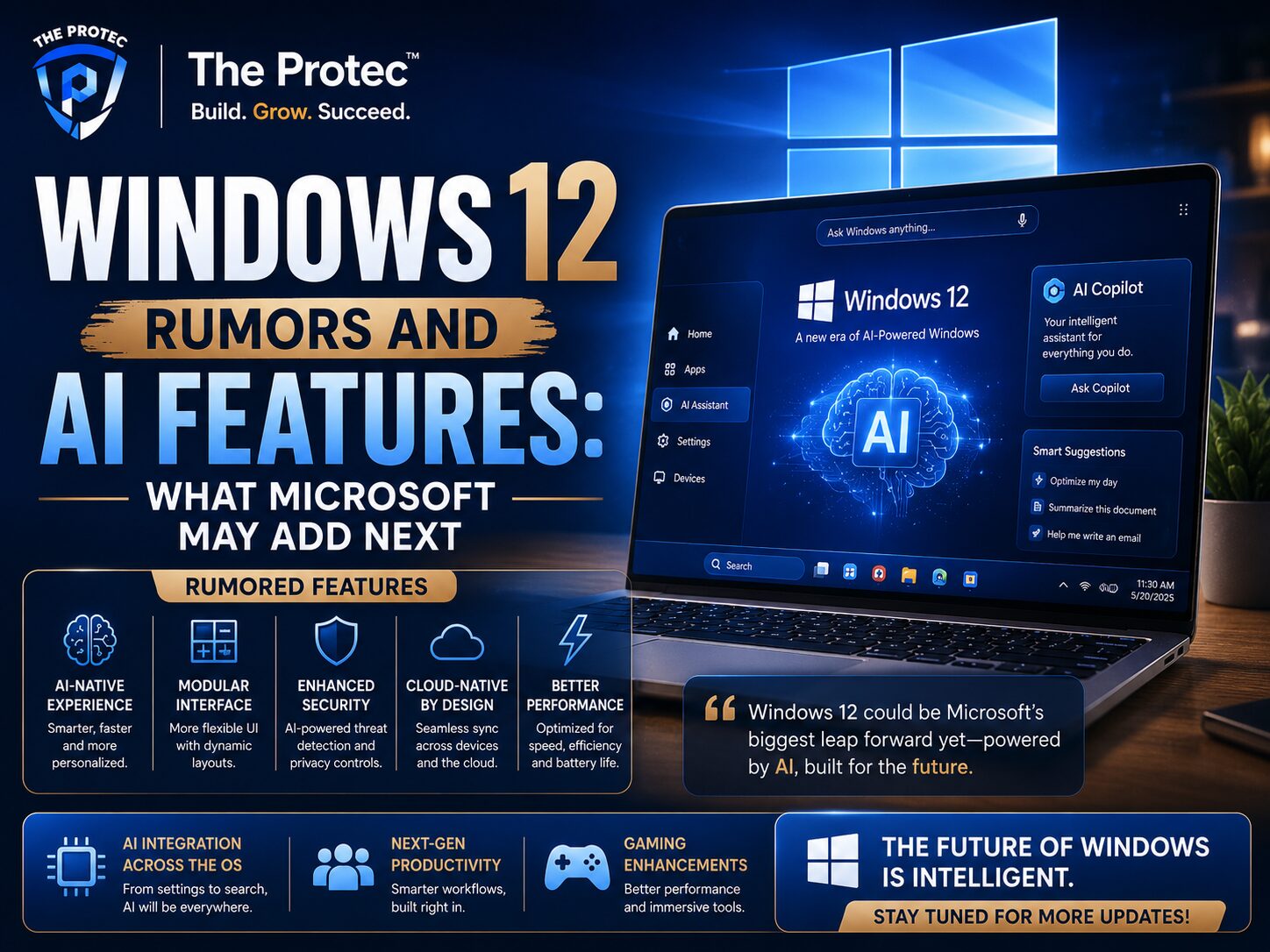
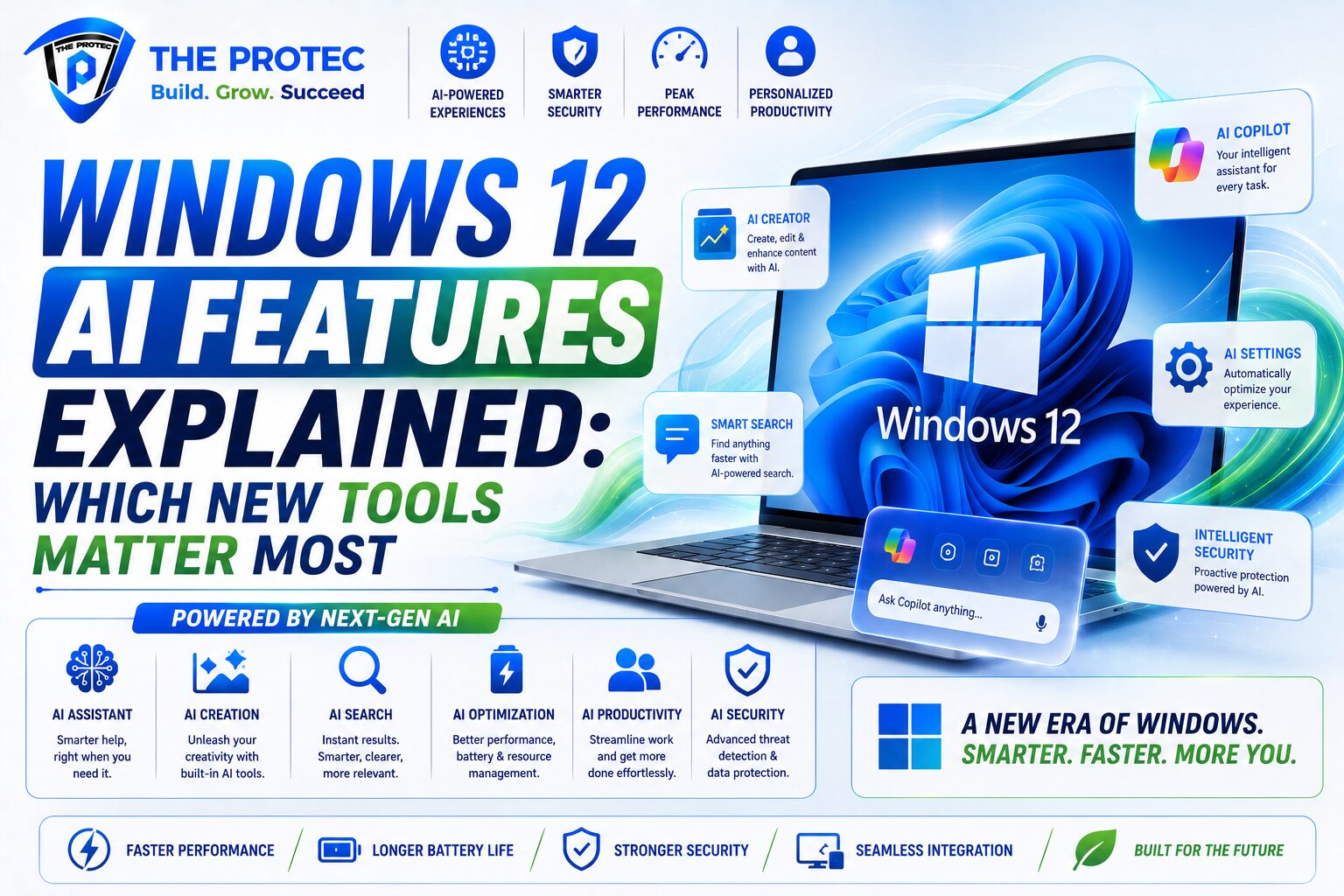
Based on Microsoft’s recent AI direction, the next version of Windows is likely to focus on a few major themes: contextual assistance, deeper local processing, richer search, better accessibility, and more automation across system tasks. These are not isolated add-ons. They form the foundation of what a more intelligent Windows experience could look like.
In practice, that likely means Windows 12 will try to understand what you are doing on screen, what files are relevant, which apps are connected to your task, and what action you may want next. Instead of opening a separate assistant window, AI may appear as a layer inside File Explorer, Settings, the Start menu, and common apps.
Here are the most likely categories of AI integration:
- System-wide assistance: Copilot-like help embedded into core Windows workflows.
- Context-aware search: Smarter file, app, and setting discovery using natural language.
- Local AI processing: More tasks handled on the device for speed and privacy.
- Creative support: Image, text, and media tools that help with everyday content creation.
- Automation: AI that can take action across settings, files, and apps with fewer clicks.
These categories sound broad, but the best Windows 12 AI features will be the ones that remove common pain points instead of adding more dashboards and prompts.
Windows 12 Copilot: the feature most people will notice first
If there is one feature set most likely to define the early conversation around Windows 12, it is Windows 12 Copilot. Microsoft has been steadily turning Copilot into a central part of its software ecosystem, and Windows is the natural place for it to become more deeply integrated.
The most useful version of Windows Copilot will not be a generic answer box. It will be an assistant that understands the current state of the desktop. If you are editing a document, organizing files, or changing settings, Copilot should be able to help in context. That could include summarizing text, generating a response, comparing documents, adjusting system preferences, or finding a file based on a plain-English request.
What makes this important is not novelty. It is workflow compression. A useful Copilot feature reduces the number of steps between intent and result. Instead of opening a settings page, searching a help article, and clicking through a menu, you could simply ask the system to do it.
That said, not every Copilot behavior will be equally valuable. Users will care most about these tasks:
- Natural-language system changes: “Make my laptop easier to read” or “Turn on focus mode.”
- File and app discovery: “Find the spreadsheet I worked on yesterday.”
- Quick summaries: Summarize a long document, email thread, or notes file.
- Multi-step actions: Combine tasks like sorting, renaming, and moving files.
- On-screen help: Explain what is visible without forcing users to leave the app.
In short, Windows 12 Copilot matters if it becomes a practical operating system layer. If it remains a separate assistant with limited context, it will feel less essential. The difference will come down to how tightly Microsoft connects it to the rest of Windows.
The Microsoft AI tools most likely to matter in daily use
Microsoft is building a wide AI ecosystem, but only a few tools are likely to stand out for mainstream Windows users. The most useful Microsoft AI tools will be the ones that improve common tasks without requiring technical knowledge. That means tools embedded into Windows, Microsoft 365, Edge, and the broader Copilot ecosystem.
Here are the tools and features most likely to matter:
1. AI-powered search across files and settings
Search has always been one of Windows’ most important features, and it is also one of the most frustrating when it fails. AI-enhanced search could be a major win if it can understand context, synonyms, and natural language queries. Searching for “that presentation with the blue chart” should eventually be possible without remembering the exact file name.
This is one of the most practical Windows 12 AI features because it solves a problem nearly everyone has. If Microsoft gets it right, it could become one of the most used parts of the OS.
2. AI in File Explorer
File Explorer is a perfect place for AI to add value. Imagine being able to ask Windows to group photos by event, summarize documents in a folder, suggest file names, or identify duplicate content. These are small tasks individually, but together they can save a surprising amount of time.
For professionals, AI inside File Explorer could also help with batch actions, smarter tagging, and content-based sorting. That makes it more useful than a standalone AI panel that does not connect to real files.
3. On-device AI features
One of the biggest trends in modern computing is the move toward local AI inference. That means the computer can handle some AI tasks without sending everything to the cloud. This matters for speed, privacy, and offline use. As more PCs ship with stronger NPUs, Windows 12 may rely more heavily on local processing for transcription, image enhancement, accessibility, and quick system suggestions.
For users, this is a major deal because local AI feels faster and more dependable. For businesses, it also helps with data governance and compliance concerns.
4. AI writing and rewriting tools
Writing help is already common across productivity apps, but Windows-level integration could make it much more seamless. Instead of switching between applications, users may be able to rewrite text, change tone, or summarize content directly from the OS layer. This would be especially useful in email, messaging, and note-taking workflows.
That said, this feature only matters if Microsoft keeps it lightweight. If it becomes too intrusive, users will ignore it. The winning version is fast, subtle, and available on demand.
5. AI for accessibility
Accessibility is one of the best reasons to add AI to an operating system. Real-time captioning, voice control, screen reading, object recognition, and content description can make Windows more usable for more people. This is one area where AI does not just improve convenience; it improves access.
These features often receive less public attention than flashy creative tools, but they may have a deeper and more lasting impact. For many users, accessibility enhancements will be among the most valuable Windows 12 AI features of all.
Which Windows 12 AI features will actually matter most?
Not every AI feature deserves equal attention. The ones that matter most will share three traits: they solve a common problem, they save time immediately, and they work inside existing workflows. Based on that standard, the most important Windows 12 AI features are likely to be the following.
Most important: context-aware system assistance
This is the feature with the highest practical value. If Windows can understand the current app, active window, or task, then help becomes relevant instead of generic. That means fewer interruptions and better results. Users do not want AI that talks at them. They want AI that notices what they are doing and quietly helps.
Most important: natural-language search
Search is one of the few OS features used by everyone. Improving it benefits casual users, professionals, and IT teams alike. If Windows 12 can find settings, documents, and apps based on intent rather than exact terms, that is a major usability win.
Most important: local AI for common tasks
Users are increasingly aware of latency and privacy. On-device AI can make transcription, summarization, and image work feel instant. It also reduces dependence on connectivity. This is a strong differentiator for modern PCs with dedicated AI hardware.
Most important: accessibility intelligence
AI-driven accessibility is not just a nice extra. It can be transformative. Features like live captions, voice navigation, and visual descriptions will matter for users who need them every day and for those who simply want a more flexible device.
Less important: flashy standalone AI demos
Some AI features will probably look impressive in demos but will not become part of everyday behavior. That includes overly broad assistant interactions, novelty image generation tied to the desktop, or task suggestions that are too vague to trust. These tools may get attention, but they are less likely to become habits.
How Microsoft AI tools could change productivity
Microsoft’s biggest advantage is not just that it can build AI features. It can connect them across the PC ecosystem. Windows, Edge, Microsoft 365, and cloud services can work together in ways that standalone tools cannot easily match. That is where Microsoft AI tools become especially powerful.
For example, a user could search for a document in Windows, summarize it with Copilot, turn the summary into a polished email, and then use the browser or office apps to continue the workflow. The value is not any one feature. It is the continuity between them.
This could be especially useful in business environments where workers spend their day moving between files, chats, browser tabs, and documents. A good AI layer can reduce context switching, speed up decisions, and lower repetitive work.
Still, Microsoft must balance power with trust. If AI becomes too eager, too opaque, or too hard to control, users will hesitate. The best productivity tools are predictable. People need to know when AI is helping, what it is doing, and how to stop it if needed.
What to watch for in Windows 12 AI features moving forward
As Microsoft continues refining Windows AI, there are a few signals to watch. These signals will reveal whether the company is building a meaningful platform shift or just adding another layer of assistant branding.
- Deeper OS integration: AI appearing inside core system areas, not just in a side panel.
- More local processing: Tasks running on-device for faster response and better privacy.
- Better multimodal input: Users interacting by text, voice, images, and on-screen context.
- Enterprise controls: Admin-friendly settings for privacy, compliance, and deployment.
- Clear user control: Simple ways to turn features on, off, or limit them to specific tasks.
If those elements come together, Windows 12 could deliver AI features that feel truly useful rather than experimental.
Will Windows 12 AI features be worth upgrading for?
That depends on the user. Power users, knowledge workers, creators, and accessibility-focused users are likely to benefit first. They already spend hours in apps, documents, and system tools, so even a small efficiency gain can be meaningful. Casual users may appreciate the convenience, but only if the features are simple and obvious.
The real upgrade question is not whether Windows 12 will have AI. It is whether the AI will save enough time to justify the transition. If Windows 12 Copilot can reduce repetitive work, improve search, and make the OS feel more responsive to human intent, then the answer could be yes for many people.
On the other hand, if the experience feels fragmented or overly dependent on cloud prompts, users may continue relying on third-party apps and browser-based tools instead.
Final take: which tools will actually matter?
The most important Windows 12 AI features are the ones that disappear into the background while making the PC more capable. That means context-aware help, smarter search, on-device AI, and accessibility improvements are likely to matter more than flashy demo features.
Windows 12 Copilot will matter if it becomes a real workflow partner instead of a separate assistant. The broader set of Microsoft AI tools will matter if they connect smoothly across Windows and the apps people already use. In other words, the future of Windows AI is not about having the most features. It is about having the right ones in the right places.
As the next version of Windows takes shape, users should look beyond the hype and ask one simple question: does this feature make the computer easier, faster, and more useful? If the answer is yes, it will probably matter. If not, it will be forgotten quickly.
FAQ
What are the most important Windows 12 AI features?
The most important Windows 12 AI features are likely to be context-aware system assistance, AI-powered search, on-device AI processing, and accessibility tools. These features solve everyday problems and save time.
Will Windows 12 Copilot replace traditional Windows tools?
No. Windows 12 Copilot is more likely to complement existing tools than replace them. The goal is to make settings, search, file management, and productivity tasks easier to access.
Are Microsoft AI tools useful for regular users or only businesses?
They are useful for both. Regular users can benefit from writing help, search, and accessibility features, while businesses may value automation, compliance controls, and workflow efficiency.
Will Windows 12 AI features work without the internet?
Some may. One major trend is local AI processing, which allows certain features to run on-device. That can improve speed and privacy, though more advanced tasks may still use the cloud.
Which Windows 12 AI feature is most likely to matter long-term?
Smarter search is one of the most likely long-term winners because it is universally useful. If Microsoft gets search right, it could become one of the most valuable parts of Windows 12.