







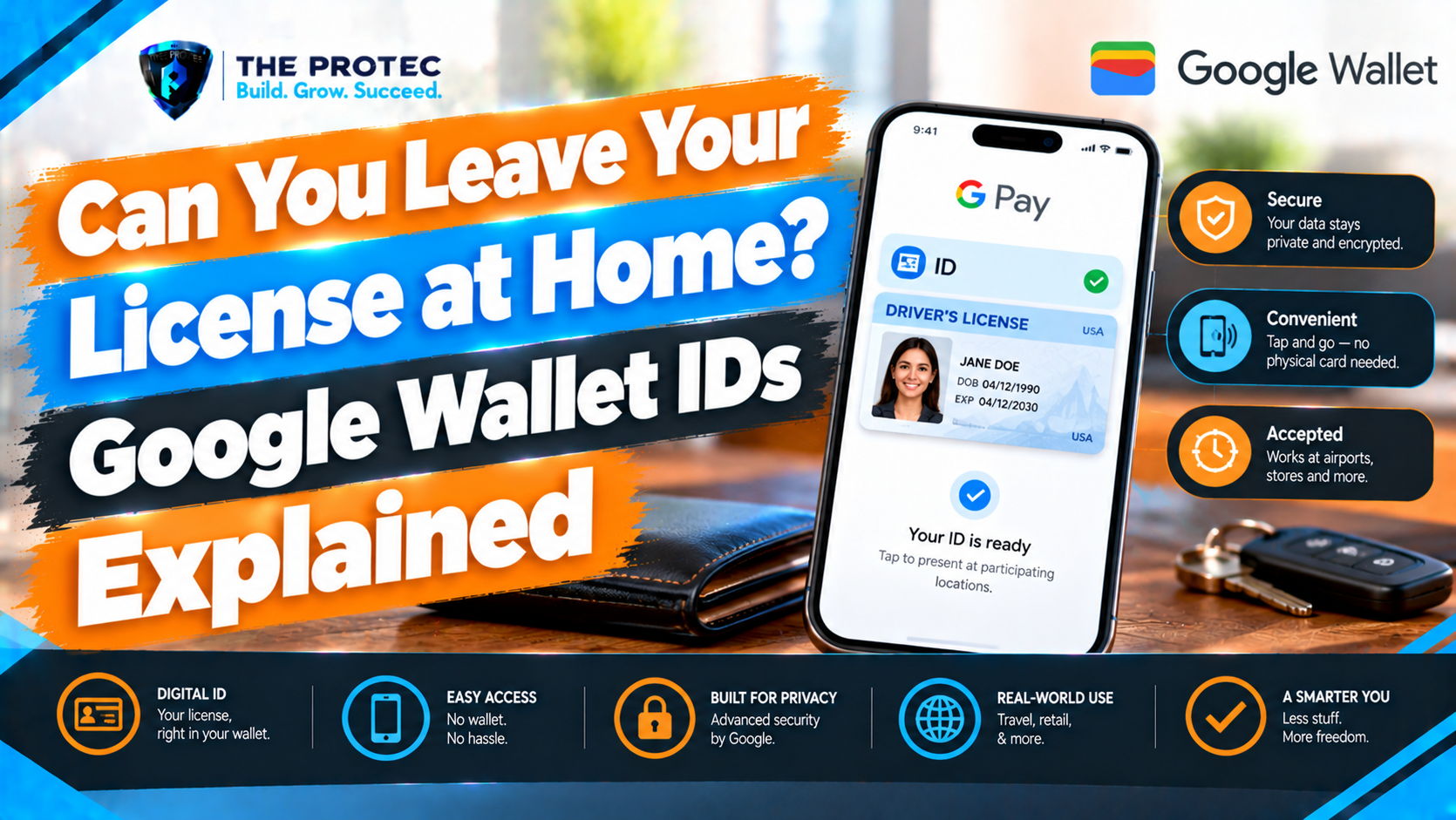
Oklahoma residents gained another way to carry identification on October 7, 2026, when the state launched support for driver’s licenses and state IDs in Google Wallet. The addition makes an Android digital driver’s license more useful for Oklahomans—but it does not make the physical card obsolete.
That distinction is important. A Google Wallet digital ID is a state-issued mobile credential, not simply a picture of the front and back of a license. It can confirm selected information through a secure verification process, provided the business, app, government agency, or airport checkpoint supports it. Acceptance remains uneven, and a dead battery can make even a valid mobile credential inaccessible.
Here is what Android users need to know about Google Wallet state IDs, including supported jurisdictions, enrollment, TSA use, REAL ID rules, security, privacy, and the situations in which carrying the physical card remains essential.
What Oklahoma’s Google Wallet ID Launch Changes
The Oklahoma digital ID launch is one of the latest technology news developments in the expanding mobile identity market. Eligible residents can now request an Oklahoma driver’s license or state identification card inside Google Wallet and, after issuer approval, present it at compatible verification points.
Oklahoma’s October 7 launch does not mean every police officer, retailer, bank, hotel, healthcare provider, or venue must accept a phone. Organizations need compatible readers, software, policies, and legal authorization. Even when an organization accepts mobile IDs, employees may not yet be trained to process them.
For Oklahoma driver’s license Google Wallet enrollment, residents generally need an active, eligible credential issued by the state. Temporary, expired, suspended, canceled, or otherwise ineligible credentials may be rejected. The issuing agency—not Google—makes the final approval decision and may impose additional verification or eligibility conditions based on its records.
Is a Google Wallet Digital ID Just a Photo of Your License?
No. A photo or scan is merely an image, and it can be copied or altered easily. It normally has no official verification mechanism and is rarely considered valid identification.
A Google Wallet digital ID is provisioned with authorization from the issuing jurisdiction. During Google Wallet driver’s license verification, the state checks the enrollment request before issuing a digital credential to the device. Cryptographic protections help a compatible reader determine whether the credential is authentic rather than relying on someone visually inspecting a screenshot.
This structure also supports selective data sharing. Depending on the request and verifier, you may be able to share only the information needed for a transaction. An age-restricted business, for example, could request confirmation that you are over a required age rather than collecting your full address and license number. Other transactions may request your name, photograph, birth date, expiration date, or additional fields.
Google Wallet displays the requested information and asks for user approval before transmission. However, the amount of data requested depends on the verifier and the purpose of the check. Users should read the approval screen instead of assuming every interaction is limited to a simple yes-or-no age response.
Google Wallet Supported States and Jurisdictions
As of October 10, 2026, Google’s published rollout information identifies support for eligible credentials from the following U.S. jurisdictions:
- Arizona
- Arkansas
- California
- Colorado
- Georgia
- Iowa
- Maryland
- Montana
- New Mexico
- North Dakota
- Ohio
- Oklahoma
- Puerto Rico
This means users may encounter an Arizona digital driver’s license, California digital ID in Google Wallet, Ohio digital driver’s license, or Google Wallet Oklahoma ID, among other supported credentials. Availability can still vary by credential type, account, device, and issuer eligibility.
Rollout lists do not always update simultaneously across Google, state motor vehicle agencies, and TSA resources. A state announcement may precede broad account availability, while an app option may appear before every resident is eligible. Before enrolling, check the current official Google Wallet Help documentation and the issuing agency’s website.
How to Add a State ID to Google Wallet
The standard Google Wallet ID setup process is straightforward, although state review can take time:
- Open the Google Wallet app on a compatible Android phone.
- Select Add to Wallet.
- Choose ID card.
- Select the state or jurisdiction that issued your license or ID.
- Scan the front and back of the physical credential as directed.
- Complete the requested identity check, which may include a short video, facial movements, or a selfie comparison.
- Review the issuer and Google disclosures, then submit the request.
- Wait for the state issuer to approve or reject enrollment.
The physical card should be clean, readable, unexpired, and consistent with the issuer’s current records. Glare, damaged barcodes, an outdated address, a recent name change, or mismatched account information can delay Google Wallet driver’s license verification.
State-specific rules also apply. A jurisdiction may limit enrollment to active, non-temporary credentials or require updated contact information, residency records, additional consent, or an issuer-specific identity check. Some credential classes, including certain learner permits or commercial licenses, may not be eligible. Oklahoma applicants should follow the requirements displayed during enrollment and any instructions provided by the Oklahoma issuing authority.
Google Wallet ID Android Requirements
Google’s baseline requirements for a digital state ID on Android include:
- A compatible phone running Android 9 or later
- The current Google Wallet app
- A secure screen lock, such as a PIN, password, pattern, fingerprint, or supported facial authentication
- Bluetooth enabled during required setup or presentation processes
- Nearby devices permission where requested
- An eligible Google account and supported country or region
- A valid license or state ID from a participating issuer
A rooted device, unlocked bootloader, unsupported software configuration, disabled security feature, or outdated operating system may prevent enrollment or use. Device-integrity rules can change as digital identity on Android evolves, so passing the requirements once does not guarantee that an insecure or heavily modified phone will remain eligible.
Where Can You Use a Google Wallet Digital Driver’s License?
Acceptance depends on both sides of the transaction. Your state must issue the credential, and the verifier must support that credential through appropriate hardware, software, and procedures. A license appearing in Wallet does not force a business or government office to accept it.
Potential uses include participating airport checkpoints, compatible age-verification systems, selected apps, and businesses equipped for mobile ID verification. Availability can differ even between locations owned by the same company.
For in-person use, you may be asked to tap your phone on a reader, scan a QR code, or present the credential through another supported flow. Wallet should show what information is being requested before you authorize sharing. Do not hand an unlocked phone to an employee unless an official procedure specifically requires it and you understand what access is being granted.
Google Wallet TSA Acceptance and REAL ID
Google Wallet ID acceptance at TSA is limited to participating checkpoints with compatible identity verification equipment. It is not available at every airport, every terminal, or every security lane. The list of Google Wallet digital ID supported airports can change as TSA deploys equipment and expands pilots.
Travelers should consult the TSA Digital ID guidance shortly before departure. Airport participation does not guarantee that a particular lane will be operating digital ID equipment when you arrive.
A mobile driver’s license or state ID must satisfy applicable federal requirements, including REAL ID rules, when it is used for domestic-flight identity verification. Adding a noncompliant credential to a phone does not automatically transform it into a Google Wallet REAL ID. Eligibility comes from the underlying state-issued credential and TSA’s acceptance policies.
TSA describes digital identification as optional. Passengers may be asked to present the physical credential or undergo additional identity screening, even at a participating checkpoint. For that reason, travelers should continue carrying a physical REAL ID-compliant license, acceptable state ID, passport, or another TSA-approved document.
Digital Driver’s License Privacy and Security
Google Wallet ID security is designed to reduce unnecessary exposure compared with displaying a physical card. A conventional license reveals everything printed on it to anyone who sees it. A mobile verification can request and share specific data fields, subject to your review and approval.
Google Wallet digital ID privacy features include encrypted storage and transmission, device authentication, consent screens, and credential protections tied to the phone. Verifiers generally receive the approved information through a structured exchange rather than by taking possession of the phone.
These safeguards do not eliminate privacy risk. A verifier may retain information when permitted by law or disclosed in its policy, and users can still approve a request without reading it. Protect the Google account, install security updates, use a strong screen lock, enable device-finding features, and avoid sharing verification data through unknown QR codes or unofficial apps.
What If Your Phone Is Lost, Offline, or Out of Power?
Lost or stolen phone
If a phone containing a digital ID is lost, use Google’s remote device tools as soon as possible to locate, lock, or erase it. Contact the state issuer if its instructions require revoking or reissuing the mobile credential. Change the Google account password if compromise is suspected. Screen-lock and device-authentication protections reduce risk, but they are not a reason to delay action.
Digital driver’s license without internet
Some supported presentations may work without an active internet connection because the credential is stored securely on the device. Offline use is not unlimited, however. Wallet or the issuer may periodically require internet access to refresh status, confirm validity, receive revocation information, or complete a particular verification. A phone kept offline for an extended period may eventually be unable to present the ID.
Dead battery or damaged device
A Google Wallet ID cannot help if the phone will not turn on, the display is broken, or authentication is unavailable. There is no dependable Google Wallet ID battery-dead fallback. Carrying the physical card remains the simplest protection against battery failure, software problems, lost connectivity, or incompatible readers.
State IDs Versus Passport-Based Google Wallet ID Passes
Google Wallet may also let eligible users create an ID pass using information from a U.S. passport. That pass is not the same as an issuer-provisioned Android digital driver’s license.
A passport-based ID pass has separate eligibility, setup, and acceptance rules. It does not replace the physical passport for international travel, border crossing, or services that require the original document. It also does not grant driving privileges or become a state driver’s license. Although TSA may accept qualifying passport-based digital identification at participating checkpoints, users must verify current airport and program rules before relying on it.
So, Can You Leave Your Driver’s License at Home?
Technically, a supported digital credential may complete certain transactions without the physical card. Practically, leaving the card behind is still risky. Acceptance is not universal, traffic-stop rules vary, readers can fail, phones run out of power, and a verifier can request a physical document or additional screening.
A Google Wallet digital driver’s license is best treated as a convenient companion to the physical credential—not a universal replacement. That is especially true when driving, flying, renting a vehicle, checking into a hotel, visiting a government office, or completing a high-value financial transaction.
Digital ID Readiness Checklist
- Confirm that your issuing jurisdiction appears in Google’s current support documentation.
- Verify that your license or state ID is active, unexpired, and eligible.
- Update your Android phone, Google Wallet, screen lock, Bluetooth, and Nearby devices settings.
- Complete enrollment and wait for issuer approval before planning to use the credential.
- Check whether the specific business, app, airport, terminal, and checkpoint accept your digital ID.
- Confirm that your underlying credential meets applicable REAL ID requirements for domestic air travel.
- Enable remote locate, lock, and erase tools.
- Charge your phone and keep the physical ID with you as a backup.
Frequently Asked Questions
Can police accept a Google Wallet driver’s license during a traffic stop?
That depends on state law, agency policy, and an officer’s available verification equipment. Do not assume that mobile ID support means roadside acceptance. Drivers should carry the physical license and follow the officer’s instructions without handing over an unlocked phone unnecessarily.
Does adding a license to Google Wallet make it REAL ID-compliant?
No. REAL ID status comes from the underlying state-issued credential. Google Wallet does not upgrade a noncompliant license or state ID. Check the physical credential and the issuing agency’s records if you are uncertain.
Can I use Google Wallet ID at every TSA checkpoint?
No. Google Wallet TSA acceptance is limited to participating checkpoints and compatible lanes. Equipment availability may change, and additional screening can still occur. Carry an acceptable physical document.
Can I add a screenshot or photo of my license to Google Wallet?
A photo is not an official digital credential and cannot substitute for the state-approved enrollment process. You must choose ID card in Wallet, scan the physical credential, complete identity verification, and receive issuer approval.
Will my digital ID work if my phone has no service?
Some presentations may work temporarily without cellular service or Wi-Fi, but certain transactions and periodic validity checks require connectivity. Extended offline periods can affect availability, so a physical backup remains important.