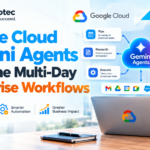






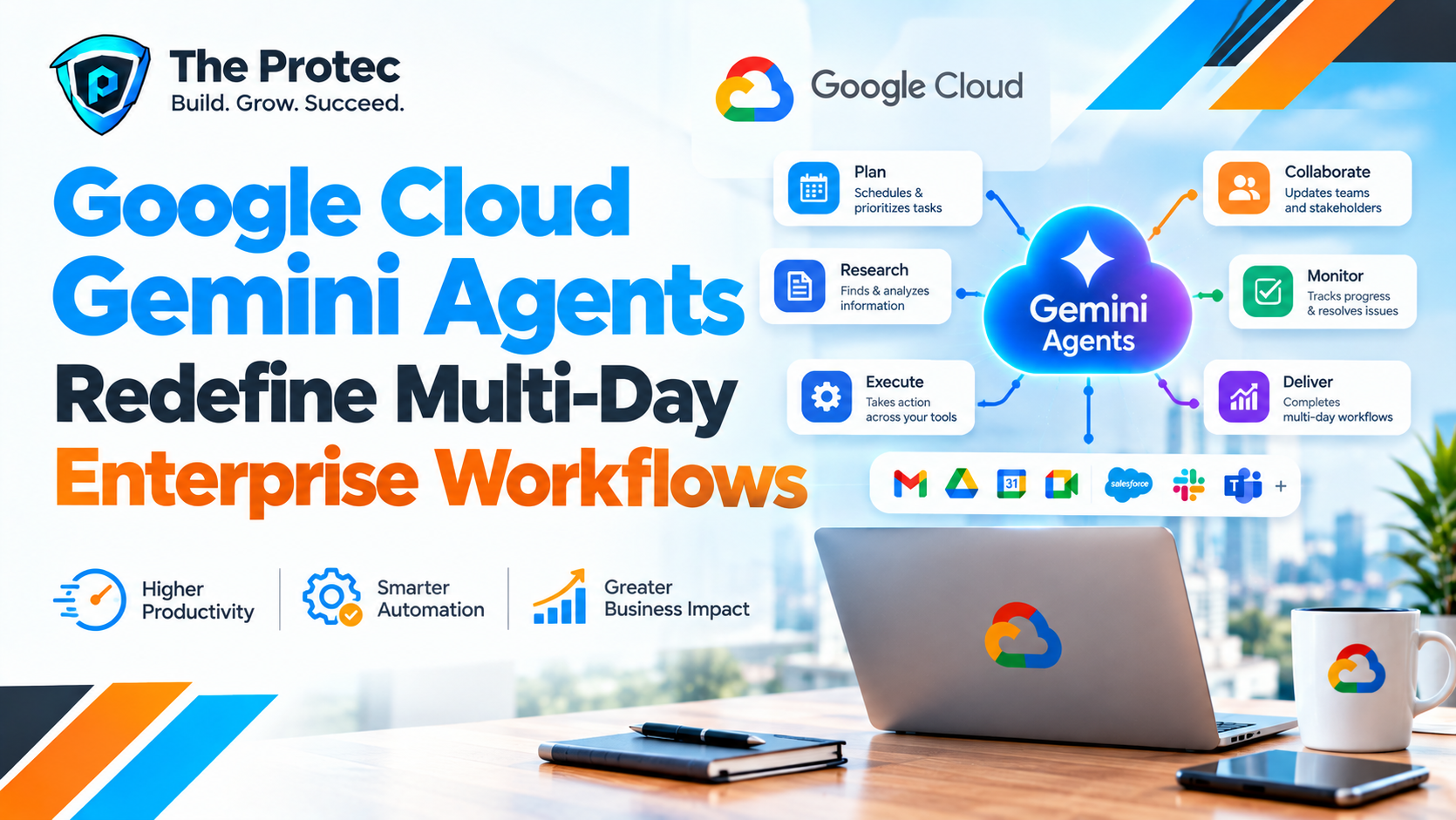
Enterprise AI is moving beyond the chat window. Google Cloud has unveiled Gemini-powered agents designed to work through complex business processes that may span multiple applications, teams and days. Rather than answering a prompt and waiting for the next instruction, these agents are intended to research information, coordinate work, create or update documents, communicate with colleagues and resume an unfinished process later.
The cross-platform scope is especially significant. Many organizations do not operate within a single productivity ecosystem: employees may use Google Workspace for collaboration, Microsoft 365 for documents or identity-linked processes, and Slack for daily communication. Google Cloud Gemini agents aim to function across those boundaries, subject to supported integrations, organizational permissions and product availability.
This development signals a broader transition from generative AI assistants that produce content to enterprise AI agents that can actively execute business workflows. It also raises an important question: how much autonomy should companies give software that can read, write and take action across connected systems?
What Google Cloud Gemini Agents Are Designed to Do
Google Cloud Gemini agents combine Gemini models with tools, data connections, workflow logic and enterprise controls. Their purpose is not simply to generate a response. They are designed to determine the steps required to achieve an assigned goal, use authorized applications to complete those steps, evaluate intermediate results and continue until the task is finished or human approval is required.
A conventional chatbot might summarize a meeting transcript. A Gemini enterprise agent could potentially identify decisions from that transcript, create a project brief, assign follow-up items, draft stakeholder messages, monitor responses and update the plan when new information arrives. If the process cannot be completed immediately, the agent may preserve relevant state and resume the workflow later.
Google positions these capabilities within its broader Vertex AI and enterprise AI ecosystem. However, businesses should distinguish the overall vision from the features available in a specific product, region or subscription. Some actions may require connectors, custom development, administrator approval or phased access.
How Gemini Enterprise Agents Differ From AI Chatbots
The defining difference is execution. Chatbots are typically reactive: a user asks a question, the model returns an answer and the interaction ends unless another prompt is submitted. Google Cloud AI agents are intended to operate through a sequence of decisions and actions.
That agentic model introduces several capabilities:
- Planning a task as a series of dependent steps rather than producing one response.
- Calling approved tools, applications, databases or APIs to collect information and perform actions.
- Maintaining context about completed work, pending items and changing conditions.
- Coordinating information across multiple workplace platforms.
- Pausing for approvals or missing inputs before continuing.
- Checking results and revising an approach when a step fails.
This does not mean the technology operates like an independent employee. Gemini AI enterprise automation remains constrained by the tools, permissions, instructions and guardrails provided by the organization. Its output can also be wrong. The practical objective is bounded autonomy: allowing an agent to execute defined work while preserving meaningful human control.
Why Multi-Day AI Workflows Matter
Many valuable enterprise processes cannot be completed during a single chat session. Procurement reviews, customer onboarding, market research, compliance preparation and cross-functional planning often involve waiting for documents, approvals or responses. Google Gemini multi-day workflows are designed to keep track of that extended process rather than forcing users to restart it manually.
For multi-day operation to be useful, an agent needs more than conversational memory. It requires durable workflow state, clear ownership, deadlines, retry rules and a record of actions already taken. It must also recognize when information has changed. An agent preparing a weekly business review, for example, should not rely on a three-day-old sales figure when a newer approved source is available.
The result could be a more persistent form of AI workflow automation. Employees would assign an outcome, review key checkpoints and handle exceptions instead of manually moving information between every stage.
Cross-Platform AI Agents Address a Real Enterprise Problem
Support for Google Workspace, Microsoft 365 and Slack reflects the reality of modern IT environments. Even businesses committed to one vendor frequently inherit other platforms through acquisitions, customer requirements or departmental preferences. A workflow may begin in Gmail, depend on an Excel file stored in Microsoft 365 and conclude with an approval in Slack.
Gemini Workspace agents can work naturally with Google productivity services where supported, but Microsoft 365 AI automation and Gemini Slack integration broaden the potential audience. Cross-platform AI agents could reduce the fragmented work of searching multiple systems, copying details into documents and repeatedly updating colleagues.
Integration should not be confused with unrestricted access. A Gemini Microsoft 365 integration may depend on tenant configuration, supported connectors, API limits and Microsoft permissions. Slack AI agents similarly need authorized access to specified channels and actions. An agent should inherit the least access necessary for its role, not receive blanket visibility into every connected platform.
Where Gemini Business Automation Could Deliver Value
The most promising use cases are structured enough to govern but complex enough that simple scripts cannot handle every variation.
Research and competitive intelligence
An agent could gather information from approved internal documents, licensed sources and public material, then organize findings into a report. Over several days, it might monitor for additional evidence, request clarification from a subject-matter expert and update the analysis. Human reviewers would still need to validate important claims and source quality.
Project coordination
Google Workspace AI agents could convert meeting notes into tasks, draft status reports and follow up on unresolved dependencies. If project conversations happen in Slack while plans live in Workspace or Microsoft 365, a cross-application agent could keep those systems aligned without requiring duplicate updates.
Document-intensive processes
Legal operations, procurement, finance and human resources frequently compare documents, collect missing fields and route materials for approval. Gemini business automation could prepare drafts, flag inconsistencies and manage handoffs. High-impact decisions, such as approving a contract or changing payroll data, should remain behind explicit authorization controls.
Customer and employee operations
An agent could assemble account context, draft follow-up communications and update an authorized record after a meeting. Internally, it might coordinate onboarding by tracking forms, scheduling training and reminding responsible teams about incomplete tasks.
These examples illustrate potential AI agents for business workflows, not a guarantee that every action is immediately supported. Actual functionality will vary by product edition, integration and organizational policy.
Benefits of Agentic AI for the Enterprise
The main benefit is not faster text generation. It is reduced process friction. Employees often spend substantial time finding information, transferring data between applications and checking whether other people completed routine steps.
Well-designed enterprise AI agents can offer:
- Faster completion of repetitive, multi-stage work.
- More consistent adherence to documented procedures.
- Better continuity when workflows cross teams or time zones.
- Fewer manual handoffs between productivity platforms.
- Clearer records of actions, approvals and exceptions.
- More employee time for judgment, negotiation and creative problem-solving.
Persistent workflows may also improve scalability. A team could run multiple approved processes simultaneously without asking employees to monitor every routine update. The value depends on reliability, however; automation that generates frequent exceptions can create more work than it removes.
Security, Privacy and Reliability Challenges
Greater autonomy increases the consequences of errors. A chatbot that drafts an inaccurate email creates a problem only if someone sends it. An agent with messaging privileges might send that email itself, update a shared file and trigger another workflow before the mistake is discovered.
Organizations evaluating Google Cloud enterprise AI should focus on several risk areas:
- Data access: Agents should retrieve only information required for an approved purpose. Existing permissions can be overly broad, so inherited access is not automatically safe access.
- Privacy: Cross-platform workflows may combine data in ways employees did not expect. Retention, residency, consent and model-training policies need review.
- Prompt injection: Malicious instructions embedded in documents, messages or external content could attempt to redirect an agent or expose protected information.
- Incorrect actions: Models can misunderstand instructions, select the wrong record or act on outdated information.
- Accountability: Every consequential action should be attributable to an agent, user, policy and authorization path.
- Operational resilience: Businesses need fallback procedures for connector failures, API changes, service outages and incomplete workflows.
Human oversight should be proportional to risk. Low-impact tasks may run automatically, while payments, account changes, external communications and regulated decisions should require approval. The NIST AI Risk Management Framework provides a useful foundation for assessing and governing these systems.
Announced Capability Does Not Mean Universal Availability
Enterprises should read agent announcements carefully. A demonstrated workflow may rely on preview features, custom connectors or configurations that are not enabled by default. Availability can differ by country, language, Workspace or Cloud edition, identity architecture and third-party service plan.
Before committing to a use case, teams should confirm which integrations can read data, which can write or send content, whether background execution is supported and how long workflow state is retained. They should also verify audit logging, encryption, regional processing, administrator controls and service-level commitments.
This distinction is essential when evaluating Gemini Microsoft 365 integration or Gemini Slack integration. Cross-platform support is strategically important, but each connector has its own authentication model, supported actions and limitations.
Google’s Position in the Enterprise AI-Agent Race
Google is competing in a crowded market that includes Microsoft, Salesforce, Amazon Web Services, OpenAI and specialized automation vendors. Microsoft has a strong advantage inside Microsoft 365, while Salesforce can embed agents deeply into customer and operational data. Google brings Gemini models, Workspace adoption, cloud infrastructure and enterprise search capabilities.
The cross-platform strategy matters because customers rarely want automation that works only inside one vendor’s applications. If Google Cloud Gemini agents can coordinate reliably across Workspace, Microsoft 365, Slack and business-specific systems, Google can compete as an orchestration layer rather than merely another productivity assistant.
Long-term differentiation will depend less on impressive demonstrations and more on governance, connector depth, observability, cost, reliability and the ease of deploying agents into production.
How Businesses Should Prepare for Multi-Day AI Workflows
Organizations should begin with a narrow, measurable process rather than granting an agent broad authority. A strong pilot has defined inputs, a clear completion condition and limited consequences if the system makes a mistake.
- Map the workflow, including every application, decision and data source.
- Classify the information the agent may access.
- Apply least-privilege identities and time-limited credentials where possible.
- Define actions that require human approval.
- Test adversarial instructions, stale data and connector failures.
- Log prompts, tool calls, outputs, approvals and changes.
- Measure accuracy, completion time, exception rates and employee effort.
- Create a reliable method to pause, reverse or terminate the agent.
Companies should also assign an accountable business owner. Agentic AI enterprise deployments cannot be governed solely as IT experiments because they affect operating procedures, employee responsibilities and risk ownership.
From AI Assistant to Business Process Executor
Multi-day, cross-application workflows represent a meaningful change in enterprise generative AI. The center of value is shifting from answering questions to completing outcomes. Instead of asking Gemini to explain what should happen next, businesses may increasingly authorize it to carry out the next approved steps.
That shift will be gradual. Trust must be earned through constrained deployments, transparent records and dependable performance. Yet the direction is clear: enterprise AI is becoming persistent, connected and action-oriented.
Frequently Asked Questions
What are Google Cloud Gemini agents?
Google Cloud Gemini agents are AI systems built with Gemini models, enterprise data connections and tools. They are designed to plan and execute multi-step tasks, not merely respond to isolated prompts. Their specific capabilities depend on the Google product, available integrations and administrator configuration.
Can Gemini agents really work for multiple days?
Google is introducing agents intended to support extended workflows that can pause, retain relevant state and continue when information or approval becomes available. The duration and persistence of a workflow may vary by service, deployment design and rollout status.
Do Gemini agents work across Workspace, Microsoft 365 and Slack?
Google’s cross-platform direction includes integrations with widely used workplace tools, but support is not necessarily identical across all services. Businesses must verify connector availability, permitted actions, licensing, identity requirements and regional access before deployment.
Are enterprise AI agents safe to run autonomously?
No agent should receive unlimited autonomy. Safe deployment requires least-privilege access, action limits, audit logs, testing and human approval for consequential decisions. Organizations should also monitor agents continuously and maintain a way to stop or reverse actions.
Will Gemini enterprise agents replace employees?
The more immediate impact is task redesign rather than wholesale replacement. Agents can handle repetitive coordination, research and document work, while employees remain responsible for judgment, relationships, exceptions and accountability.
The Bottom Line
Google Cloud Gemini agents point toward a workplace where AI does more than draft and summarize. By pursuing multi-day AI workflows across Google Workspace, Microsoft 365 and Slack, Google is targeting the fragmented processes that consume significant employee time.
The opportunity is substantial, but so is the governance burden. Businesses that combine carefully scoped automation with strong permissions, human checkpoints and comprehensive monitoring will be best positioned to benefit from this next stage of enterprise AI.