






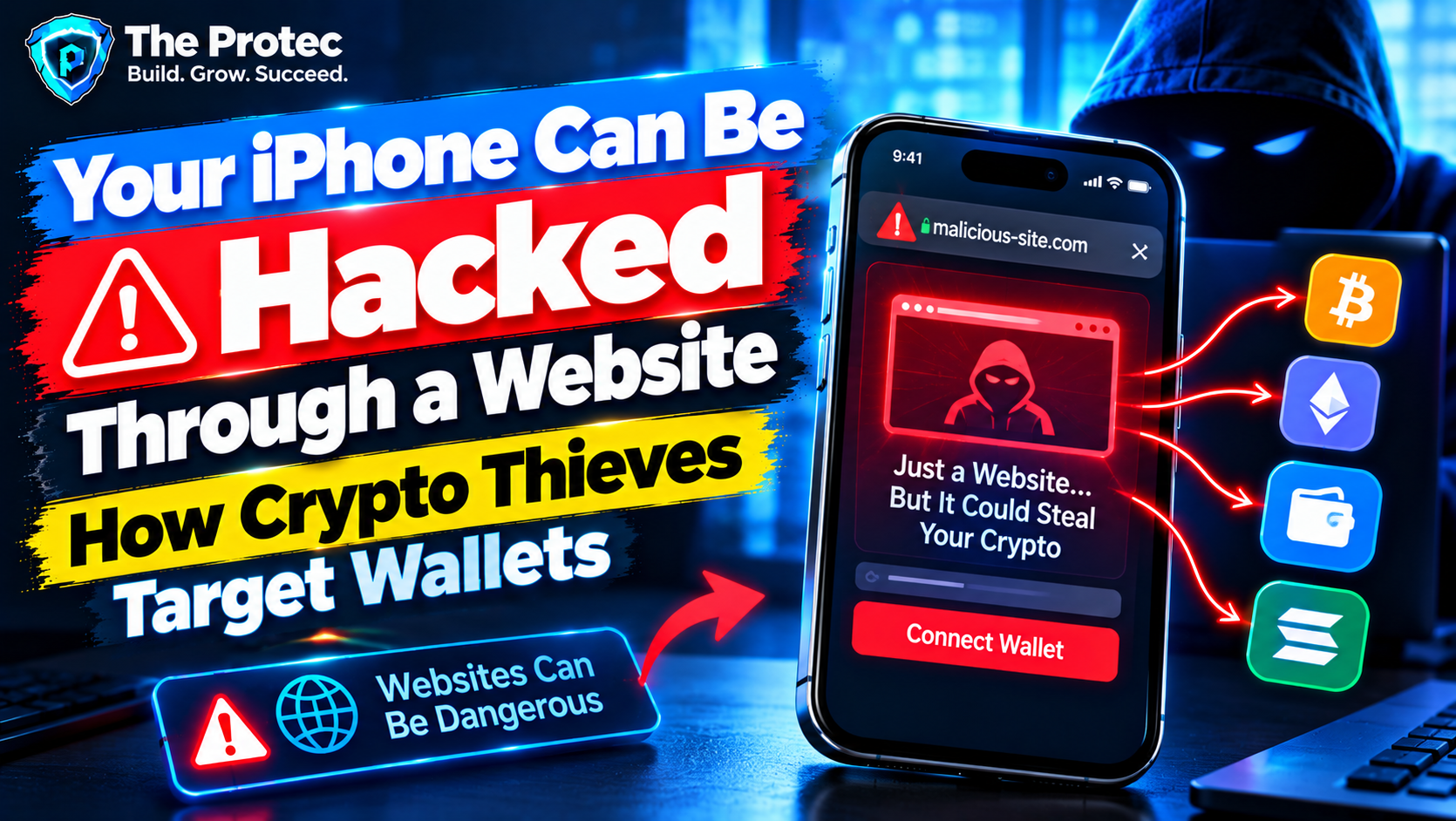
Simply opening an ordinary website does not automatically reveal an iPhone crypto wallet or give the site permission to transfer cryptocurrency. Wallet apps are normally isolated from browser content, and transactions require authorization. Successful iPhone crypto theft generally depends on something more specific: an unpatched browser vulnerability, a deceptive wallet prompt, a compromised app, stolen credentials, an exposed recovery phrase, or a transaction the victim is tricked into signing.
That distinction matters because headlines about a website “hacking an iPhone” often blur several very different threats. A sophisticated exploit chain may compromise the browser and operating system, while a convincing phishing page may need no software exploit at all. Both can begin with a link or malicious advertisement, but their capabilities, warning signs, and defenses are not the same.
For cryptocurrency holders, the consequences can be severe. Blockchain transactions are generally irreversible, and possession of a wallet’s recovery phrase can give an attacker lasting control. Understanding how these attacks work is therefore a central part of iPhone crypto wallet security.
How Malicious Websites Can Threaten an iPhone
A website normally runs inside a restricted browser environment known as a sandbox. It can display content, run JavaScript, store limited browser data, and request approved features, but it should not be able to browse through wallet apps or take over iOS.
An iPhone browser vulnerability can break that security boundary. A memory-corruption flaw in WebKit—the browser engine used by Safari and many in-app web views—might let crafted web content execute code inside a browser process. Attackers may then combine it with a second vulnerability that escapes the browser sandbox or obtains additional privileges. This sequence is called an exploit chain.
Even then, remote code execution does not automatically equal crypto theft. The attacker still needs a way to locate useful information, capture credentials, manipulate a wallet interaction, maintain access, or persuade the victim to approve a transfer. Modern iOS protections make each additional step difficult, which is why advanced campaigns often use multiple vulnerabilities.
Delivery can occur through a direct phishing link, a compromised legitimate site, a poisoned search result, an embedded web view, or malicious ads on an iPhone. A drive-by exploit may activate when a vulnerable device loads the page. That is different from a true iPhone zero-click attack, which requires no meaningful action by the target. Opening a link or loading attacker-controlled content is still an interaction, even if no additional tap is required.
Four Different Paths to iPhone Crypto Theft
1. Browser exploitation and device compromise
A Safari crypto wallet attack involving an exploit starts with code designed for a particular browser or iOS build. Successful exploitation could expose browser data or provide a foothold for further compromise. Whether an attacker can reach wallet-related information depends on the rest of the chain, the wallet’s design, device protections, and what information is present on the phone.
This is technically different from ordinary phishing. It is also less common because reliable iOS exploit chains are expensive, fragile, and often limited to specific versions and devices.
2. Fake wallet-connect prompts
Many attacks need no iOS vulnerability. A fraudulent decentralized application can imitate a legitimate exchange, mint, staking platform, or support portal. It may ask the user to connect a wallet and sign a message or transaction.
A connection alone does not necessarily move funds, but a malicious approval can authorize a smart contract to spend tokens. Attackers may disguise unlimited token allowances, permit signatures, asset transfers, or unfavorable swaps behind reassuring buttons such as “Verify,” “Claim,” or “Secure Wallet.” The phone is functioning as designed; the fraud lies in what the user is asked to authorize.
3. Crypto wallet seed phrase theft
A recovery phrase is effectively a master key. Legitimate wallet support teams do not need users to submit it through a website. Pages claiming that a wallet must be “synchronized,” “validated,” or “restored” are common seed phrase traps.
Once a phrase is entered, attackers can recreate the wallet elsewhere and transfer its assets without further access to the iPhone. Changing an app password, deleting browser history, or installing an iOS security update cannot revoke an exposed recovery phrase.
4. Compromised apps, accounts, or profiles
Attackers may also distribute counterfeit wallet apps, abuse stolen cloud or exchange credentials, or persuade users to install untrusted configuration profiles. A profile can alter device settings or route traffic in risky ways, although installing one does not inherently reveal a wallet. These methods should not be confused with crypto stealing malware on iOS delivered through a browser exploit.
DarkSword iOS Exploit: What the Evidence Shows
DarkSword is a name used by Kaspersky researchers for a reported iOS exploit chain delivered through malicious web content. Their technical reporting connected the activity to WebKit vulnerability CVE-2025-24201, which Apple described as an out-of-bounds write issue that could allow malicious web content to break out of the Web Content sandbox. Apple released fixes for supported devices, including an additional correction for an earlier attempted mitigation.
The important limitation is that DarkSword was not a universal “visit any website and lose your crypto” capability. Exploitation depended on a vulnerable iOS build, attacker-controlled content, a compatible device environment, and the successful operation of multiple stages. Updated devices containing Apple’s fixes were not affected by that specific WebKit flaw in the same way.
Public DarkSword analysis established a serious browser exploitation risk, but it did not demonstrate that every payload was designed specifically to steal cryptocurrency. Remote code execution and crypto theft are separate claims. A device compromise could support surveillance or credential collection, yet evidence is required before labeling a particular tool a dedicated wallet stealer.
Attribution should also be treated carefully. Infrastructure clues and code similarities can suggest relationships, but they do not automatically identify a government, criminal group, or individual operator. Readers can review Kaspersky’s DarkSword technical research and compare relevant fixes through Apple’s official security releases.
What About the Reported Coruna iPhone Exploit Kit?
“Coruna” has appeared in online claims describing an iOS exploit kit supposedly capable of compromising broad ranges of iPhones through websites. Those claims require more caution than a vendor-confirmed vulnerability or a published forensic report.
At the time of writing, publicly available material under the Coruna name does not provide the same level of independently verifiable detail as established research such as a complete exploit-chain analysis, confirmed indicators, clearly mapped CVEs, reproducible behavior, and precise affected build numbers. Apple advisories identify vulnerabilities by CVE and affected operating-system versions; they do not validate every name used for an alleged underground exploit kit.
That does not prove that every Coruna report is false. Exploit sellers may keep details private, exaggerate capabilities, reuse public vulnerabilities, or advertise products that do not work as claimed. It does mean statements that Coruna affects every iPhone, works as a universal zero-click tool, or specifically steals cryptocurrency should not be repeated as fact without stronger technical evidence.
A credible iOS exploit kit explained by researchers should identify its delivery conditions, supported hardware and software, vulnerability chain, post-exploitation capabilities, and observed targets. Marketing screenshots or anonymous forum claims are not equivalent to those findings.
Why Malicious Ads Are a Growing iPhone Security Problem
Malvertising gives attackers reach without requiring them to build a popular website. A deceptive advertisement can impersonate a wallet provider, exchange, token project, or customer-support service. It may lead to a cloned login page, a fake wallet-connect screen, or a page that fingerprints the device before serving different content.
Fingerprinting can examine browser characteristics, language, screen size, network details, and operating-system indicators. A campaign may show harmless content to researchers while redirecting a suitable target to phishing or exploit code. This filtering makes malicious websites on iPhone harder to investigate.
Sponsored search results are another danger. A fake result may appear above the real wallet or exchange website. HTTPS does not prove legitimacy; it only means the connection to that domain is encrypted. Users should verify the full domain rather than relying on a logo, page design, or padlock icon.
How to Protect a Crypto Wallet on iPhone
- Install the latest supported iOS security update. Updates close known WebKit, kernel, sandbox, and system vulnerabilities. Check Apple’s security release information if a device is too old to receive the newest major iOS version.
- Enable automatic updates and security responses. Automatic installation reduces the period during which a publicly known browser vulnerability remains usable against the device.
- Never enter a recovery phrase into a website. Keep seed phrases offline, private, and separate from screenshots, notes apps, email, and cloud storage.
- Avoid untrusted apps and configuration profiles. Do not install software or device-management profiles because a pop-up, social-media account, or supposed support representative demands it.
- Verify every transaction on the wallet confirmation screen. Check the destination, network, token, amount, contract permissions, and whether an approval is unlimited. Reject requests that are unclear.
- Review connected sites and token approvals. Disconnect abandoned decentralized applications and revoke risky smart-contract allowances where the relevant network supports it. Disconnecting a site does not automatically revoke an on-chain approval.
- Use hardware-wallet confirmation for significant holdings where appropriate. A hardware wallet can keep signing keys away from the phone and display transaction details on a separate device. It cannot protect users who knowingly confirm a malicious transaction.
- Consider Lockdown Mode if you face elevated targeting risk. Apple’s Lockdown Mode limits certain web technologies and communication features to reduce attack surface. It may disrupt sophisticated exploit chains, but it is not a guarantee against phishing, seed phrase theft, or every unknown vulnerability.
- Separate everyday activity from long-term storage. A limited-balance mobile wallet can be used for routine connections while larger holdings remain in a wallet that rarely interacts with websites.
What to Do If You Suspect an iPhone or Wallet Compromise
Stop interacting with the suspicious page and disconnect the wallet from the site. Do not follow recovery instructions provided by the same advertisement, account, or support chat. Record the domain, transaction hash, and relevant screenshots without exposing private keys or recovery words.
From a trusted, updated device, inspect wallet activity using a reputable blockchain explorer. Review recent transfers, signatures, connected applications, and token allowances. Revoke dangerous approvals when possible, although revocation itself requires a legitimate transaction and network fee.
If the recovery phrase may have been entered, photographed, copied to an untrusted page, or exposed by a compromised device, treat the wallet as permanently unsafe. Create a newly secured wallet with a new recovery phrase, preferably in a trusted environment, and move remaining assets promptly. Do not reuse the old phrase.
Change relevant exchange and email passwords, enable strong multifactor authentication, remove unknown profiles, and update iOS. People who suspect a sophisticated device exploit should seek qualified incident-response help before resetting the phone, because a reset may destroy useful forensic evidence. Report stolen assets to the exchange involved, appropriate law-enforcement channels, and the wallet provider, but be alert for “recovery” scammers who demand upfront payment or a seed phrase.
Frequently Asked Questions
Can an iPhone be hacked just by visiting a website?
It is possible when a site delivers exploit code for a browser or iOS vulnerability that exists on the specific device. It is not the normal outcome of visiting a website, and an updated iPhone is not automatically compromised by every malicious page. Many website-based thefts instead rely on phishing or deceptive transaction requests.
Can Safari directly read my crypto wallet’s recovery phrase?
A normal Safari page cannot simply extract a recovery phrase stored securely by a separate wallet app. Risk increases if the user types the phrase into a page, stores it in browser-accessible content, installs compromised software, or encounters an exploit chain capable of escaping browser protections.
Is a wallet-connect request safe if no seed phrase is requested?
Not necessarily. A malicious site may request a signature or token approval that grants spending authority. Read the complete wallet prompt and reject blind-signing requests, unlimited allowances, or transactions whose effect cannot be independently verified.
Will updating iOS prevent all cryptocurrency theft?
No. An iOS security update is essential for fixing known technical vulnerabilities, but it cannot stop a user from revealing a seed phrase or approving a malicious transaction. Effective iPhone cryptocurrency security combines updated software with careful key storage, domain verification, transaction review, and limited wallet permissions.