








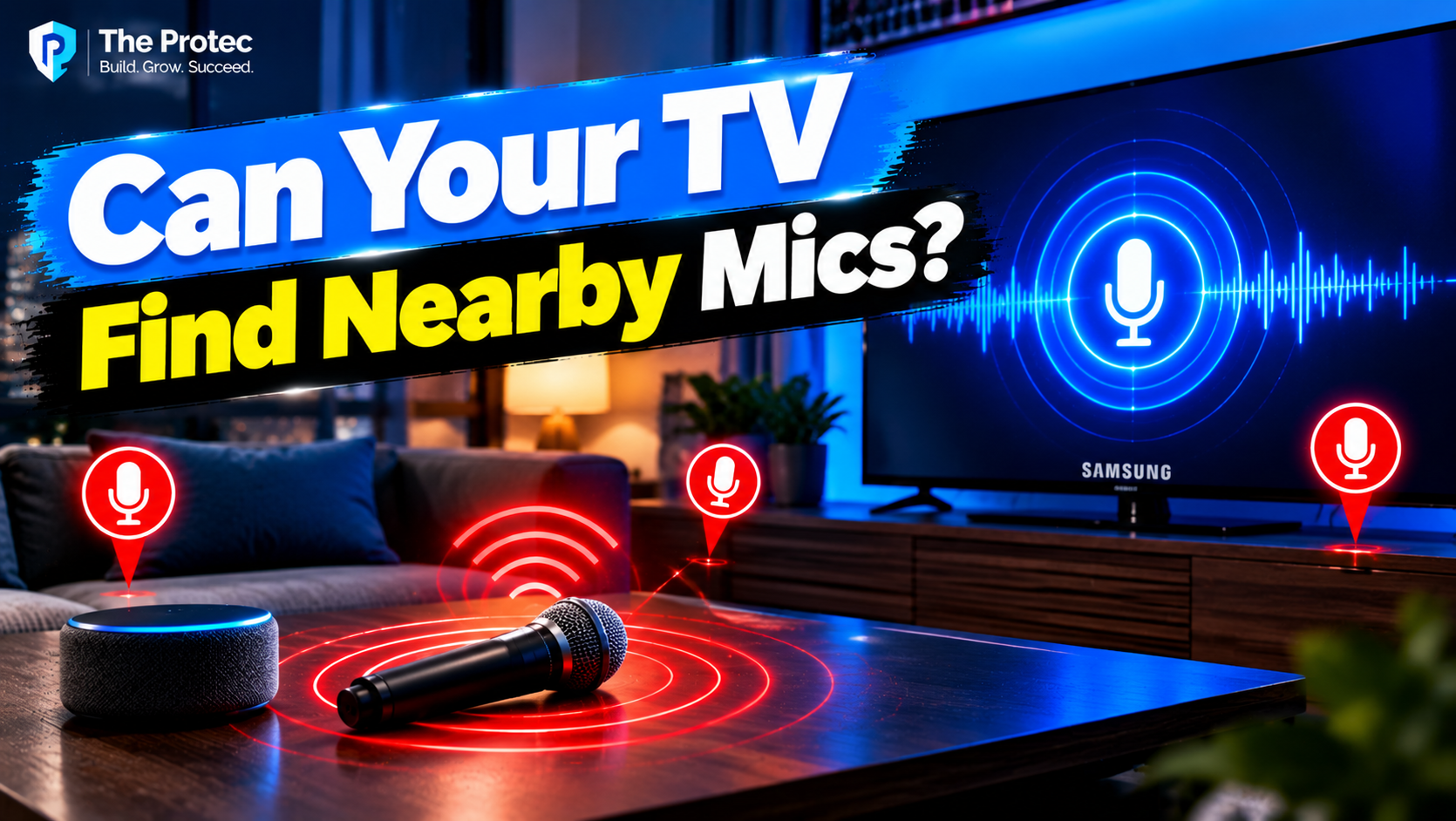
Concerns about Samsung TV microphone privacy have grown following claims that some Samsung televisions may scan for microphones on nearby Bluetooth devices or detect audio-related activity in the home. If confirmed, this could raise serious questions about smart TV permissions and connected-home surveillance. However, the evidence available so far does not establish that Samsung TVs secretly access nearby microphones or monitor household sounds. It’s also important to distinguish between detecting a Bluetooth device, identifying its capabilities, connecting to an audio service, receiving microphone data, and actually recording or analyzing sound.
Those distinctions matter. A television can support Bluetooth scanning without having permission or the technical ability to hear through every device it detects. Meanwhile, Samsung does document separate voice-recognition, viewing-data and advertising features on supported TVs. Consumers should examine those real data practices without treating an unverified microphone claim as proven Samsung smart TV spying.
What the evidence currently shows
As of October 2026, no publicly available, reproducible evidence reviewed for this article demonstrates that Samsung TVs generally scan for nearby microphones to determine whether they are active or to infer sounds in a home. There is also no verified list of affected models, Tizen versions, regions or settings supporting that allegation.
Samsung TVs can discover compatible Bluetooth accessories, and some models contain microphones or work with microphone-equipped remotes and other accessories. Samsung also describes the collection of voice information when consumers use supported voice features. None of those facts independently proves smart TV microphone tracking through unrelated nearby devices.
A defensible assessment therefore has four parts:
- Confirmed: Supported TVs can discover and connect to Bluetooth devices, provide voice features, and collect certain viewing, device and advertising data under disclosed conditions.
- Technically plausible: A TV may identify an advertised device name, service or general category and may receive audio after a compatible connection is established.
- Not established: That Samsung TVs silently determine when nearby microphones are in use, capture their audio or classify household sounds through them.
- Model-dependent: Microphone hardware, voice assistants, menu controls and processing methods differ by television, remote, region and software version.
Where did the Samsung TV Bluetooth microphone claim come from?
The allegation has circulated through social posts and secondary commentary, often detached from a model number, firmware version, packet capture, application name or repeatable demonstration. Some versions describe a TV as “detecting microphones,” while others make the much broader leap to detecting sounds or conversations.
We could not independently trace the broad allegation to a primary technical report that establishes the claimed behavior. Available versions do not provide enough evidence to determine whether the reported event involved ordinary Bluetooth discovery, a previously paired accessory, a voice application, a SmartThings-connected product, an on-screen device label or something else. A screenshot or device-list entry could show that a TV recognized an accessory; it would not show that the TV opened its microphone stream.
Until researchers can reproduce the behavior on identified hardware and software, the central viral claim remains unverified.
Samsung TV microphone privacy: What Bluetooth reveals
Discovery is not microphone access
Bluetooth devices can advertise their presence or respond to discovery requests. Depending on the Bluetooth mode and the accessory’s design, a scanner may learn a device name, address or randomized identifier, supported services, manufacturer-specific data, signal strength, or a broad device class. The Bluetooth Core Specification defines the underlying discovery, advertising and connection mechanisms.
A device name such as “Wireless Headset” or an advertised service can suggest that an accessory has audio capabilities. Classic Bluetooth class information may also identify a general category. That is not the same as locating a physical microphone, proving that it is switched on or determining that somebody is speaking.
Signal strength can offer a rough hint that a device is nearer or farther away, but it is affected by walls, interference, antennas and movement. It is not precise indoor location evidence.
Capturing audio requires additional access
For a Samsung TV Bluetooth microphone connection to deliver sound, several additional steps would generally be necessary. The devices would need compatible audio profiles or services, a connection—often including pairing or user approval—and software capable of requesting and processing the input stream. Operating-system permissions or application controls may also apply.
A vulnerability, insecure accessory or flawed implementation could theoretically bypass expected protections. Demonstrating that would require a specific exploit and affected-version analysis, not merely proof that Bluetooth scanning occurred. Likewise, a previously paired microphone designed for karaoke, calls, gaming or accessibility could legitimately send audio to an authorized application. That would be different from accessing an unknown neighbor’s phone or headset.
Built-in TV and remote microphones are a separate issue
Some Samsung televisions support hands-free voice interaction, while others receive voice commands through a microphone button on a compatible remote. Hardware and behavior vary. A microphone may be inside the television, remote control or connected accessory; owners should consult the manual for their exact model rather than assume every Samsung TV works identically.
Voice systems may use local wake-word detection to decide when to activate, then process commands locally, in the cloud or through a combination of both. Cloud processing can require audio, command transcripts and associated device information to be transmitted to Samsung or the selected assistant provider. The route depends on the assistant, region, account, settings and model.
Samsung’s Smart TV privacy documentation describes categories that can include voice information, TV usage information and viewing information for applicable services. Readers should review the notice presented on their own TV because terms and available features can change by jurisdiction and product.
The presence of a microphone or wake-word feature does not prove continuous conversation recording. At the same time, owners should understand when audio leaves the device, whether hands-free activation is enabled and whether a physical microphone switch is available. A switch should only be treated as a hardware cutoff if the model’s official manual explicitly describes it that way.
Do viewing data and ACR involve microphone monitoring?
No—not by definition. Automatic content recognition, or ACR, can identify programming displayed on a television using samples or signatures derived from on-screen content. It may support recommendations, audience measurement or personalized advertising. Viewing information can also include apps, channels, websites, content identifiers and usage duration, depending on the service.
ACR and voice recognition are distinct data flows. Advertising personalization is another. Bluetooth discovery is another. Combining all four under the label smart TV surveillance makes it harder to identify which setting, permission and privacy notice actually applies.
Could a TV infer household activity from other signals?
A connected television could potentially infer limited activity without hearing conversations. Power state, app use, remote-control events, network traffic, connected-device status and smart-home automations can reveal patterns such as when a TV is used. A paired headset connection may suggest private listening, while the appearance of an advertised device could suggest that the device is nearby.
These are technically plausible inferences, not proof of Samsung TV audio detection. Determining that a microphone exists is different from knowing it is capturing sound. Knowing that it is active is different from receiving its stream. Receiving audio is different from recording, transcribing or classifying it. Each step requires separate evidence.
How to Check Your Samsung TV’s Privacy Settings
Samsung menu names vary by model year, Tizen version, country and enabled services. The following checklist identifies areas to inspect rather than promising a universal path or a single switch that stops every type of collection.
- Identify the exact model and software version. Check the support or About This TV screen, then compare the settings with Samsung’s current manual for that model and region.
- Review voice features. Look under menus labeled General & Privacy, Voice, Voice Assistant, Bixby, Alexa or Voice Interaction. Disable hands-free wake-up or voice services you do not use.
- Check microphone hardware. Determine whether the television or remote has a microphone and whether the model manual documents a physical switch. A remote’s push-to-talk button may behave differently from hands-free listening.
- Inspect Bluetooth connections. Open Connected Devices, Connection Guide, Sound Output or Bluetooth Device List, depending on the model. Remove headphones, speakers, remotes and other accessories you no longer use.
- Read the on-device privacy notice. Review Terms & Privacy, Privacy Choices or similar menus. Pay particular attention to voice services, viewing-information services, personalized recommendations and interest-based advertising.
- Review connected accounts and apps. Voice assistants and third-party applications may have separate permissions and privacy controls outside Samsung’s menus.
- Limit optional personalization. Where offered, turn off viewing-data collection, ACR-style services or personalized advertising that you do not want. Disabling ad personalization may not stop all operational data or advertisements.
- Install firmware updates. Security updates can address vulnerabilities, although updates may also introduce revised terms or features. Recheck privacy settings after major upgrades or a factory reset.
For stronger separation, disconnect unused accessories, remove unnecessary apps and place smart-home products on an isolated guest or IoT network if your router supports it. Disconnecting a TV from the internet reduces cloud communication but also disables streaming, updates and online features; it does not disable every local radio or sensor automatically.
What would prove microphone or sound monitoring?
A credible smart TV surveillance finding would need more than a device-list screenshot. Useful evidence would include identified TV and accessory models, firmware versions, region and settings; repeatable test steps; Bluetooth packet captures showing service queries or audio connections; network analysis linking captured audio to an endpoint; relevant application permissions; extracted software code; and confirmation by independent researchers.
Sound-classification claims would additionally require evidence that the TV received an audio signal and ran identifiable analysis on it. An independent security audit or vendor documentation could also substantiate a capability. Without those elements, claims that a TV can hear through any nearby Bluetooth device remain speculation.
Frequently Asked Questions
Can a Samsung smart TV listen to conversations?
Some models or remotes have microphones for voice features, and activated commands may be processed locally or transmitted to a service. That capability does not by itself prove continuous recording. Check the exact model’s manual, voice settings and privacy notice.
Can a TV detect a nearby Bluetooth microphone?
A TV may discover a device advertising a name, class or service associated with audio input. It might therefore infer that the device can function as a microphone. Discovery alone generally cannot establish that the microphone is active or provide access to its audio.
Does Bluetooth device discovery mean audio recording?
No. Discovery, pairing, connecting, opening an audio service, receiving a stream and recording it are separate stages. Evidence of the first stage does not prove the others.
How can owners reduce smart TV data collection?
Disable unused voice and viewing-information features, limit ad personalization, remove unnecessary accounts and Bluetooth devices, review third-party assistant settings, update firmware and revisit privacy choices after updates.
What evidence would prove that a TV monitors household sounds?
Strong proof would include reproducible testing, packet captures or network traffic showing audio transfer, confirmed permissions, code demonstrating audio analysis, and independent verification on named models and firmware versions.
The bottom line
Samsung documents voice, viewing and personalization features that deserve careful consumer review. Bluetooth technology also allows compatible TVs to discover nearby accessories and learn limited information about them. Those are confirmed capabilities.
It is technically possible for an authorized, connected microphone to deliver audio to compatible TV software. What remains unverified is the broader allegation that Samsung TVs covertly search for microphones, determine when they are being used or analyze household sounds through unrelated Bluetooth devices. Owners should focus on evidence: inspect model-specific settings, disable services they do not need, remove unused connections and demand reproducible technical proof before accepting viral claims as fact.