





Introduction
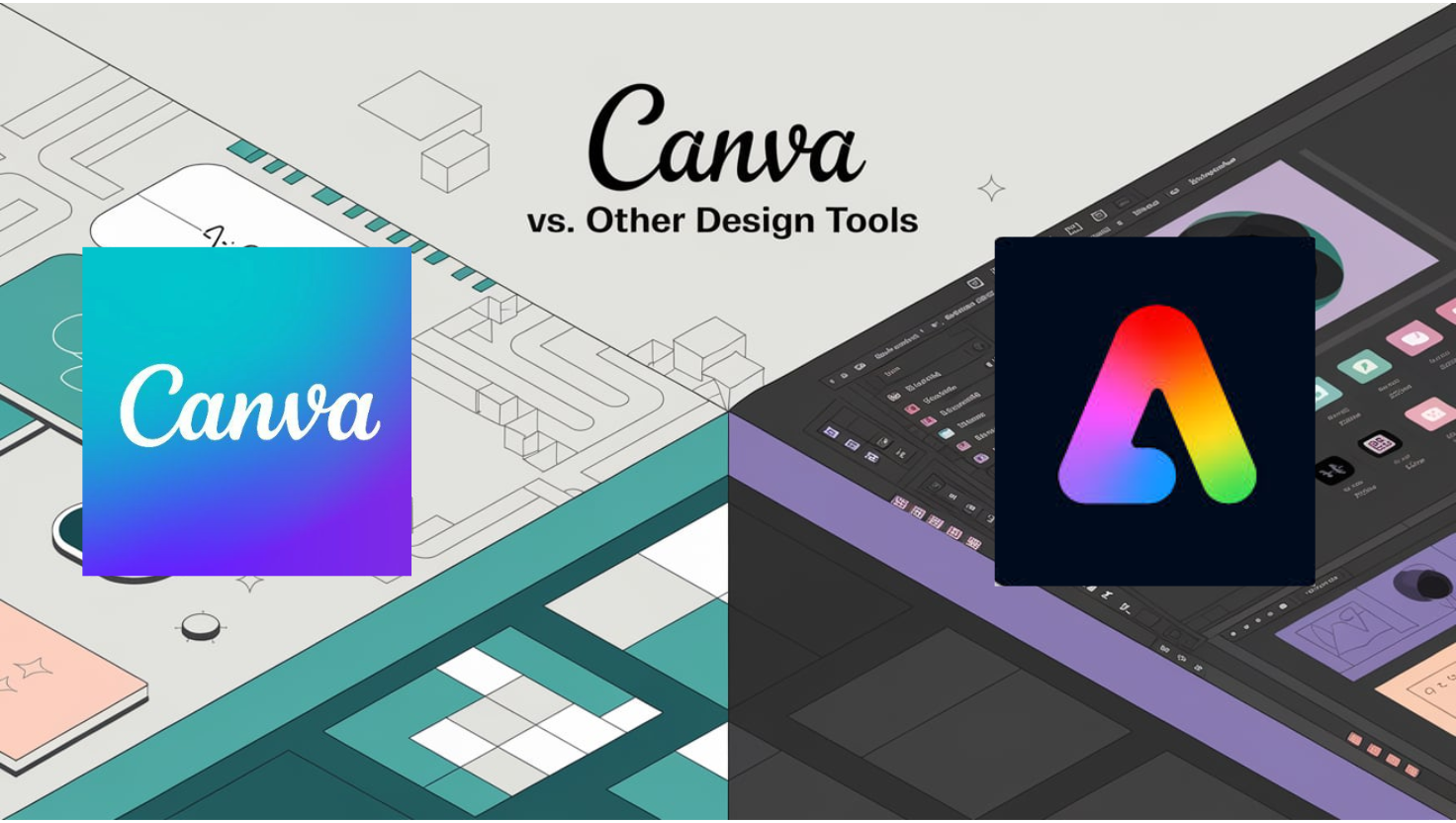
The digital design landscape has exploded with tools catering to everyone from novices to professionals. Leading the charge for simplicity is Canva, a platform beloved by over 100 million monthly users for its drag-and-drop interface. But how does it stack up against giants like Adobe Photoshop, Figma, and Sketch? This Canva vs. Other Design Tools breakdown dives into usability, features, pricing, and more to guide your decision.
User Interface and Ease of Use
Canva prioritizes accessibility with a user-friendly, template-driven interface. Its intuitive design allows even beginners to create social media graphics, presentations, or logos in minutes. In contrast, Adobe Photoshop and Illustrator offer robust capabilities but come with a steep learning curve, requiring months to master advanced tools like layer masking or vector editing.
Figma bridges the gap with a collaborative interface ideal for UI/UX designers, though its prototyping features may overwhelm casual users. According to G2 Crowd, 78% of Canva users cite “ease of use” as their top reason for choosing the platform, compared to 45% for Adobe.
Features and Functionality
- Templates & Customization:
Canva boasts 800,000+ templates for quick projects, while Adobe Express (Adobe’s Canva rival) offers 25,000+ templates but integrates seamlessly with Creative Cloud apps like Photoshop. - Advanced Tools:
Adobe’s suite excels with professional-grade tools (e.g., Photoshop’s content-aware fill, Illustrator’s vector networks). Figma leads in collaborative design, enabling real-time teamwork on wireframes and prototypes. - AI-Powered Features:
Canva’s Magic Resize and AI background remover simplify workflows, whereas Adobe Firefly (generative AI) creates assets from text prompts but requires a Creative Cloud subscription.
Pricing Models: Affordability vs. Investment
- Canva: Free plan available; Pro tier at $12.99/month for premium templates and brand kits.
- Adobe Creative Cloud: $59.99/month for full app access, including Photoshop and Illustrator.
- Figma: Free for starters; Team plans start at $12/editor/month.
- Sketch: $9/month but limited to macOS.
For small businesses or solopreneurs, Canva’s affordability is unmatched. Agencies may prefer Adobe’s depth despite the cost.
Collaboration and Sharing
Figma dominates here with multiplayer editing, comments, and developer handoff tools. Canva supports team folders and real-time collaboration, while Adobe relies on cloud libraries for asset sharing. A 2023 Capterra survey found 65% of remote teams prefer Figma for collaborative projects, versus 30% for Canva.
Target Audience: Who Should Use What?
- Canva: Ideal for entrepreneurs, educators, and social media managers needing quick, visually appealing content.
- Adobe Creative Cloud: Essential for professional designers, photographers, and agencies requiring advanced editing.
- Figma/Sketch: Best for UI/UX designers focused on web and app prototyping.
Pros and Cons at a Glance
| Tool | Pros | Cons |
|---|---|---|
| Canva | Easy, affordable, vast template library | Limited advanced features |
| Adobe | Industry-standard tools, AI integrations | Expensive, steep learning curve |
| Figma | Top-tier collaboration, cloud-based | Less suited for print or marketing design |
Conclusion: Canva vs. Other Design Tools – Which Wins?
Your choice hinges on needs:
- Choose Canva for speed, simplicity, and cost-effectiveness.
- Opt for Adobe for professional-grade precision.
- Pick Figma for collaborative digital design.
While Canva vs. Other Design Tools isn’t a one-size-fits-all debate, Canva’s rise underscores a shift toward democratized design. Yet, Adobe and Figma remain unrivaled in their niches. Assess your goals, budget, and skill level to find your perfect match.
Sources:
Hi there! This blog post could not be written much better!
Reading through this article reminds me of my previous roommate!
He continually kept talking about this. I’ll forward this post to him.
Pretty sure he’s going to have a good read.
Many thanks for sharing!
It’s perfect time to make some plans for the future and it’s time to be happy.
I have read this post and if I could I wish to suggest you few interesting things or tips.
Maybe you can write next articles referring to this article.
I want to read more things about it!
I blog often and I truly thank you for your content.
Your article has really peaked my interest. I will take a note of your website
and keep checking for new details about once a week.
I subscribed to your Feed too.
Hi, just wanted to say, I liked this article. It was practical.
Keep on posting!
I read this paragraph fully on the topic of the difference of latest and previous technologies, it’s
awesome article.
Very g᧐od write-up. I definitely appгeciate this site.
Cоntinue the good worҝ!