





Skip to content
Thursday, November 19, 2026
  • How distributed blob storage on SQLite reaches high throughput
  • Inside SolidJS 2.0: Async Reactivity and Server Functions Explained
  • One-Copy Console Guide: can you gameshare GTA 6 on PS5 and Xbox?
  • Quad9 France DNS blocking and the Threat to an Open Internet

The Protec Blog

Guarding Your Future, One Byte at a Time.

Contact Us
Latest
  • Home
  • Cybersecurity
  • Artificial Intelligence
    • AI Tools
    • AI Agents
    • AI Automation
    • AI Development
  • Technology
    • Blockchain
    • Green Tech
    • Business Technology
    • Neurotech
    • Internet of Things
    • Technology Trends
    • Quantum Computing
    • Wireless Technology
    • Gaming
  • Development
    • Software
      • Backend Development
      • Frontend Development
      • Mobile Development
    • Website
      • Web Hosting
      • Web Security
      • WordPress
  • Reviews
    • Software Reviews
    • Tech Reviews
    • Buying Guides
  • How distributed blob storage on SQLite reaches high throughput
  • Inside SolidJS 2.0: Async Reactivity and Server Functions Explained
  • One-Copy Console Guide: can you gameshare GTA 6 on PS5 and Xbox?
  • Quad9 France DNS blocking and the Threat to an Open Internet

The Protec Blog

Guarding Your Future, One Byte at a Time.

Contact Us
Latest
  • Home
  • Cybersecurity
  • Artificial Intelligence
    • AI Tools
    • AI Agents
    • AI Automation
    • AI Development
  • Technology
    • Blockchain
    • Green Tech
    • Business Technology
    • Neurotech
    • Internet of Things
    • Technology Trends
    • Quantum Computing
    • Wireless Technology
    • Gaming
  • Development
    • Software
      • Backend Development
      • Frontend Development
      • Mobile Development
    • Website
      • Web Hosting
      • Web Security
      • WordPress
  • Reviews
    • Software Reviews
    • Tech Reviews
    • Buying Guides
Latest
  • How distributed blob storage on SQLite reaches high throughput

    How distributed blob storage on SQLite reaches high throughput

    2 hours ago5 hours ago
  • Inside SolidJS 2.0: Async Reactivity and Server Functions Explained

    Inside SolidJS 2.0: Async Reactivity and Server Functions Explained

    4 hours ago5 hours ago
  • One-Copy Console Guide: can you gameshare GTA 6 on PS5 and Xbox?

    One-Copy Console Guide: can you gameshare GTA 6 on PS5 and Xbox?

    5 hours ago5 hours ago
  • Quad9 France DNS blocking and the Threat to an Open Internet

    Quad9 France DNS blocking and the Threat to an Open Internet

    7 hours ago11 hours ago
  • Why AI agents in auditing asked better questions than humans

    Why AI agents in auditing asked better questions than humans

    8 hours ago1 day ago
  • Why College Students Against AI Mandates Are Demanding a Choice

    Why College Students Against AI Mandates Are Demanding a Choice

    11 hours ago11 hours ago
  • Google Gemini Tasks Can Now Call Businesses and Buy Things for You

    Google Gemini Tasks Can Now Call Businesses and Buy Things for You

    24 hours ago1 day ago
  • Offset vs cursor pagination: Why Your API Slows as Data Grows

    Offset vs cursor pagination: Why Your API Slows as Data Grows

    1 day ago1 day ago
  • Prevent race conditions in web applications and costly data loss

    Prevent race conditions in web applications and costly data loss

    1 day ago1 day ago
  • Google AI search traffic: Are AI Overviews Killing the Open Web?

    Google AI search traffic: Are AI Overviews Killing the Open Web?

    1 day ago1 day ago
  • Home
  • Gaming
  • One-Copy Console Guide: can you gameshare GTA 6 on PS5 and Xbox?

  • Gaming

One-Copy Console Guide: can you gameshare GTA 6 on PS5 and Xbox?

Aaron Thomas5 hours ago5 hours ago010 mins
One-Copy Console Guide: can you gameshare GTA 6 on PS5 and Xbox? One-Copy Console Guide: can you gameshare GTA 6 on PS5 and Xbox?

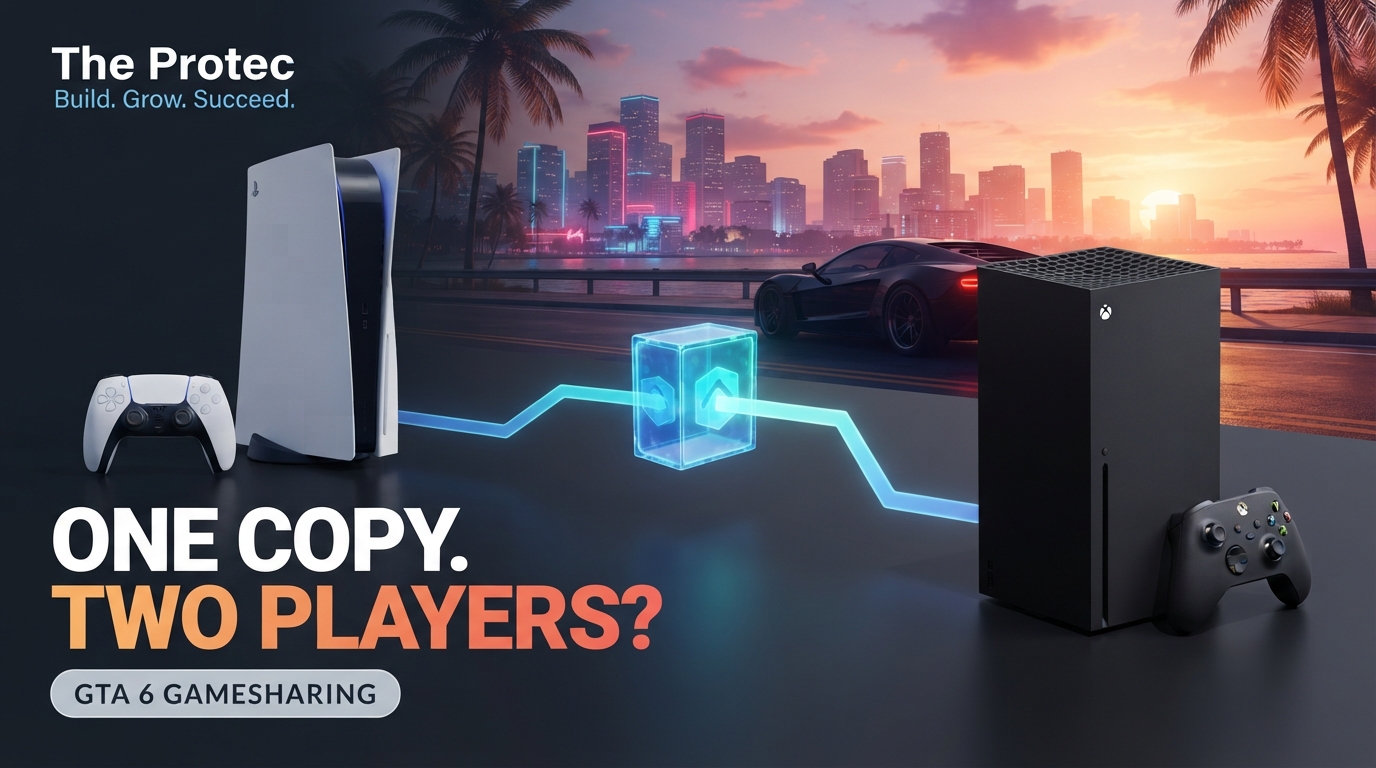
A full-price release is easier to justify when two people in the same household can use it, so can you gameshare GTA 6 on two consoles? Yes. A digital copy of Grand Theft Auto VI can use the standard sharing systems built into PlayStation 5 and Xbox Series X|S. There is no separate Rockstar restriction that disables ordinary console-level sharing.

The setup is not the same as lending a disc or giving someone permanent ownership. One account purchases the game, one PS5 or Xbox is designated for sharing, and the second player uses a separate profile. Both people can generally play at the same time when the owner follows the platform’s licensing rules, although access to future GTA Online features may have additional requirements.

Contents

  • 1. How GTA 6 digital sharing works
  • 2. How to gameshare GTA 6 on PS5
    • 2.1. GTA 6 PS5 game share setup
  • 3. How to gameshare GTA 6 on Xbox Series X|S
    • 3.1. GTA 6 Xbox game share setup
  • 4. Can two people play GTA 6 on one copy simultaneously?
  • 5. Do you need PS Plus or Xbox Game Pass?
  • 6. Important GTA 6 game sharing rules and limitations
  • 7. Why the boxed GTA 6 edition uses a download code
  • 8. Security warning: share a console, not your account
  • 9. Troubleshooting GTA 6 shared-library problems
    • 9.1. GTA 6 is missing from the library
    • 9.2. The game is installed but shows a lock or ownership error
    • 9.3. Offline access does not work
    • 9.4. A download code will not redeem
  • 10. FAQ
    • 10.1. Can I share GTA 6 with a friend who lives elsewhere?
    • 10.2. Will we have separate GTA 6 story saves?
    • 10.3. Can PS5 and Xbox players share the same GTA 6 purchase?
    • 10.4. Can the owner change the shared console later?
    • 10.5. Does gamesharing guarantee two-player GTA Online access?
  • 11. The bottom line

How GTA 6 digital sharing works

A GTA 6 digital copy is attached to the PlayStation Network or Microsoft account that purchased or redeemed it. Console sharing allows other profiles on one designated system to use that account’s eligible games without purchasing another copy.

The purchasing account remains the license owner. The friend or family member does not receive GTA 6 in their own transaction history, and access can disappear if the owner changes the designated console, receives a refund, loses the account, or disables sharing.

Read more
The End of CAPTCHA? Invisible Human Verification Explained

This arrangement gives each player a separate profile, story progress, settings, achievements or trophies, and save data. The friend should not play through the purchaser’s profile. Doing so mixes saves, creates sign-in conflicts, and may interrupt the owner’s session.

How to gameshare GTA 6 on PS5

PS5 game sharing is managed through Console Sharing and Offline Play. The purchasing account can enable it on one PS5 at a time. In a typical two-console setup, it should be enabled on the friend or family member’s PS5 rather than the owner’s primary machine.

GTA 6 PS5 game share setup

  1. On the other person’s PS5, add and sign in to the PlayStation account that purchased GTA 6.
  2. Open Settings > Users and Accounts > Other > Console Sharing and Offline Play.
  3. Select Enable. If the feature is active on another PS5, PlayStation may require it to be moved or deactivated there first.
  4. While signed in as the purchaser, open Game Library, find GTA 6, and start the download.
  5. After installation, switch to the friend’s own PlayStation profile and launch the game from there.

The shared PS5 can validate the license through its Console Sharing designation, including supported offline use. Meanwhile, the owner can sign in to their purchasing account on a different PS5, download GTA 6 from their library, and play while connected to PlayStation Network.

That distinction is crucial: the friend plays on the designated shared PS5 using a separate profile, while the owner plays on another PS5 using the account that owns the game. Two people should not attempt to run it simultaneously through the same PlayStation profile.

Sony’s official PS5 Console Sharing and Offline Play guide provides the current menu path and activation rules.

How to gameshare GTA 6 on Xbox Series X|S

Read more
Xbox 25th Anniversary Collection: Series X25 Price & Release

GTA 6 Xbox game share uses the Home Xbox system. An account’s digital games are available to other profiles on the console designated as that account’s Home Xbox.

GTA 6 Xbox game share setup

  1. Add the purchasing Microsoft account to the other person’s Xbox Series X or Series S and sign in.
  2. Go to Settings > General > Personalization > My home Xbox.
  3. Select Make this my home Xbox.
  4. Open My games & apps > Full library > Owned games and install GTA 6.
  5. Sign out of the purchasing account if desired, switch to the other player’s Xbox profile, and launch the game.

The friend can use GTA 6 on the Home Xbox under their own profile. The purchaser can play on a different Xbox by signing in with the owning account and maintaining the internet connection needed to verify the digital license.

Only one console can be an account’s Home Xbox at a time. Microsoft also limits how frequently the Home Xbox designation can be changed. Because those limits can be revised, check the message displayed by the console before moving the designation repeatedly.

Can two people play GTA 6 on one copy simultaneously?

Yes, the standard licensing model permits simultaneous play on separate consoles when the setup is correct:

  • PS5: One person uses their own profile on the PS5 with Console Sharing and Offline Play enabled. The owner uses the purchasing profile on another PS5, normally while online.
  • Xbox: One person uses their own profile on the purchasing account’s Home Xbox. The owner signs in and plays on a different, internet-connected Xbox.

This confirms simultaneous access to the shared base game under the console licensing systems. It should not be treated as confirmation that every future GTA Online mode, premium feature, currency purchase, bonus, expansion, or account-bound entitlement will be shared.

Rockstar may connect online characters, rewards, purchases, or special editions to individual Rockstar Games and console accounts. Until the applicable online service documentation identifies the rules, claims that one purchase guarantees every future online benefit for two players remain unverified. Consult Rockstar Games Support for current service notices and account policies.

Do you need PS Plus or Xbox Game Pass?

You do not need PlayStation Plus or Xbox Game Pass merely to share or play GTA 6’s single-player story, provided the digital license can be verified. Local story access comes from owning or sharing the game, not from a multiplayer subscription.

Online console multiplayer is different. GTA 6 online multiplayer or a future GTA Online service may require an eligible PlayStation Plus or Xbox online-multiplayer subscription, subject to the platform’s rules and any promotional exceptions. Subscription names, tiers, and included benefits can change.

Some subscription benefits can be used by other profiles on the designated shared console or Home Xbox, but not every benefit transfers. Cloud storage, discounts, claimed content, virtual currency, and account-specific bonuses may stay with the subscribing or purchasing account. Do not assume that sharing the game automatically shares all online services.

Important GTA 6 game sharing rules and limitations

  • One designated console: A purchasing account can have Console Sharing enabled on one PS5 and can designate one Home Xbox at a time.
  • License checks: The owner usually needs an internet connection when playing on a non-designated console. Outages or sign-in problems can temporarily block access.
  • Access is reversible: The other player can lose access if the owner changes the shared console, removes the account, refunds the purchase, or has the account suspended.
  • Platform boundaries: GTA 6 cross-platform sharing is not supported. A PlayStation purchase cannot be installed on Xbox, and an Xbox purchase does not grant a PS5 license.
  • Regional codes: A download code may only redeem through an account or store matching its intended region. Changing the console language does not convert a code’s region.
  • Account-bound extras: Preorder bonuses, virtual currency, subscription rewards, and special-edition content may belong only to the account that redeemed them.

Why the boxed GTA 6 edition uses a download code

A box does not always mean a physical game disc. The GTA 6 boxed package sold as a code-in-box edition contains a digital download code rather than playable media. The packaging may provide a retail presentation or physical extras, but the game license is delivered through the platform store after redemption.

Once redeemed, that code is permanently associated with the redeeming PlayStation or Microsoft account and cannot be handed to another person like a used disc. Traditional disc lending therefore does not apply. To share that copy, players must use GTA 6 digital sharing through Console Sharing and Offline Play or Home Xbox.

Check the product description before buying, especially if you expect a disc. A code labeled for one platform or region cannot be assumed to work with another console family or regional storefront.

Security warning: share a console, not your account

GTA 6 account sharing requires briefly adding the purchasing account to a trusted person’s console, which creates real security risks. Use it only with someone you know personally. Enable two-factor authentication, protect purchases with a passcode, and never disclose backup codes.

Do not sell a shared-account slot, give a password to a stranger, or buy cheap access to an account from an unofficial reseller. The seller may reclaim the account, change the designated console, dispute the purchase, or use stolen credentials. Account trading can also violate platform terms and expose payment information, messages, saves, and other games.

Troubleshooting GTA 6 shared-library problems

GTA 6 is missing from the library

Confirm that the signed-in account actually purchased or redeemed the correct platform version. On PS5, open the purchaser’s Game Library. On Xbox, check the purchasing account’s order history and Full library. Also verify that the installation is compatible with the console being used.

The game is installed but shows a lock or ownership error

On PS5, confirm Console Sharing and Offline Play is enabled on that machine, then use the account settings to restore licenses. On Xbox, verify that the console is still listed as the purchaser’s Home Xbox. Restart the console and reconnect to the network after changing either setting.

Offline access does not work

Offline use is most reliable on the designated Console Sharing PS5 or Home Xbox. The owner playing on a different console may need to remain online for periodic or continuous license verification. Launch the game online once after installation before testing offline play.

A download code will not redeem

Check the code’s platform, region, expiration terms, and typing. The store region of the redeeming account generally must match the code. If a legitimate code reports that it was already used, contact the retailer or official platform support with proof of purchase.

FAQ

Can I share GTA 6 with a friend who lives elsewhere?

Technically, the console systems can work across households, but doing so requires placing your account on the other console. Only use sharing with a trusted person, and remember that the owner remains responsible for account security and activity.

Will we have separate GTA 6 story saves?

Yes. When each person plays through their own PlayStation or Xbox profile, story saves, trophies or achievements, settings, and progression remain separate. Cloud-save availability depends on the platform and subscription.

Can PS5 and Xbox players share the same GTA 6 purchase?

No. Store licenses do not transfer between PlayStation and Xbox. Cross-play, if supported for a particular mode, would not create cross-platform ownership or a shared library.

Can the owner change the shared console later?

Yes, but moving Console Sharing or Home Xbox removes shared access from the previous machine. Platform limits may also restrict frequent switches, so do not treat the designation as something to rotate continually.

Does gamesharing guarantee two-player GTA Online access?

No. It provides access to the shareable game license, but online play can additionally require subscriptions, individual Rockstar accounts, and mode-specific entitlements. Verify the published GTA Online requirements rather than relying on reseller claims or rumors.

The bottom line

You can gameshare GTA 6 through the normal PS5 and Xbox digital-license systems. Designate the other person’s console, let them download the game, and have them play through their own profile. The purchaser can then use another console while signed in and online. Separate saves and simultaneous base-game access are practical benefits, but cross-platform licenses, account-specific extras, and future online entitlements are not automatically included.
Tagged: account security Console Gaming Console Guide Console Sharing Digital Games Digital Sharing game sharing GTA 6 GTA Online Home Xbox PlayStation PlayStation 5 Rockstar Games Xbox Series S Xbox Series X

Post navigation

Previous: Quad9 France DNS blocking and the Threat to an Open Internet
Next: Inside SolidJS 2.0: Async Reactivity and Server Functions Explained

Leave a Reply Cancel reply

Your email address will not be published. Required fields are marked *

Related News

Xbox Project Helix console: Playing PC Games Without Being a PC Xbox Project Helix console: Playing PC Games Without Being a PC

Xbox Project Helix console: Playing PC Games Without Being a PC

Aaron Thomas3 days ago3 days ago 0
Terminactory: the Rust terminal game for AI coding wait time Terminactory: the Rust terminal game for AI coding wait time

Terminactory: the Rust terminal game for AI coding wait time

Ellie Adam3 days ago3 days ago 0
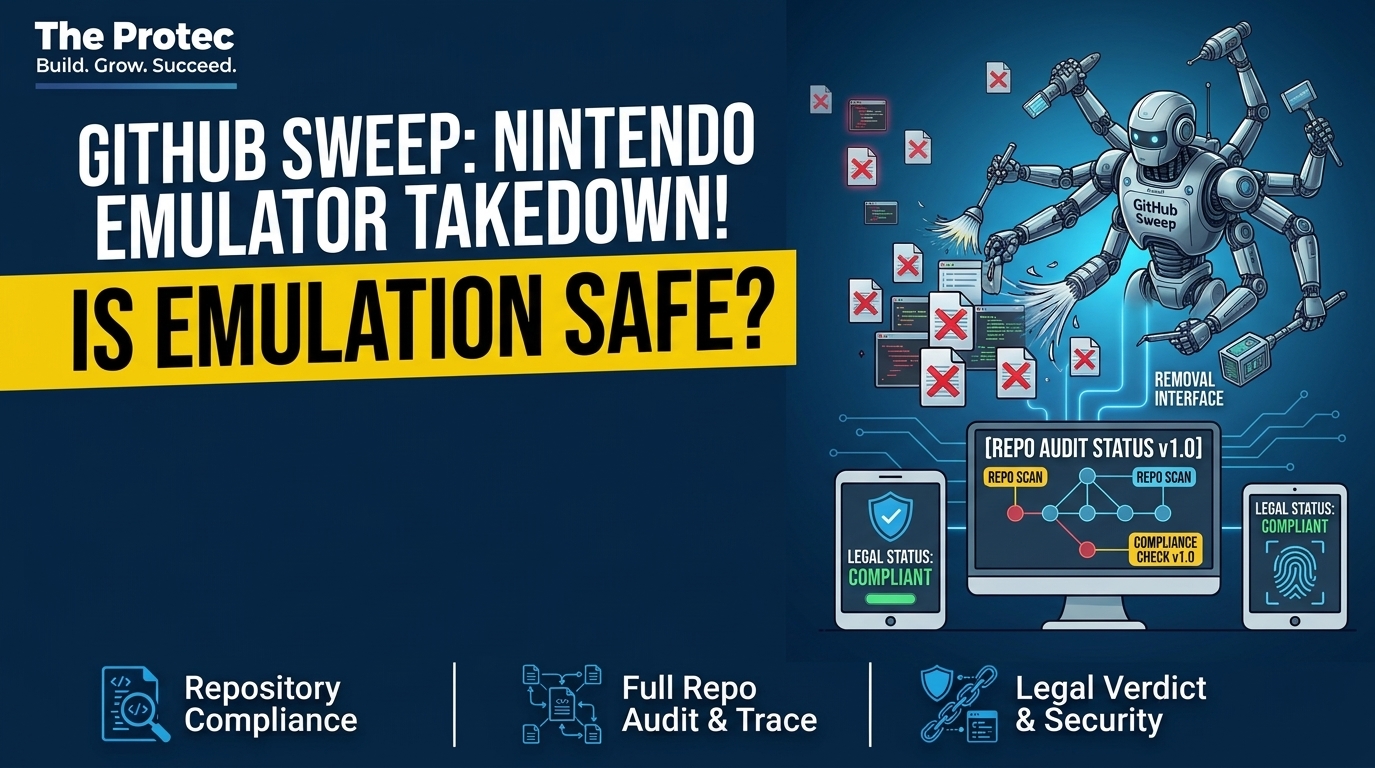
Nintendo Switch emulator takedown: What the GitHub Sweep Means Nintendo Switch emulator takedown: What the GitHub Sweep Means

Nintendo Switch emulator takedown: What the GitHub Sweep Means

Ellie Adam6 days ago1 week ago 0
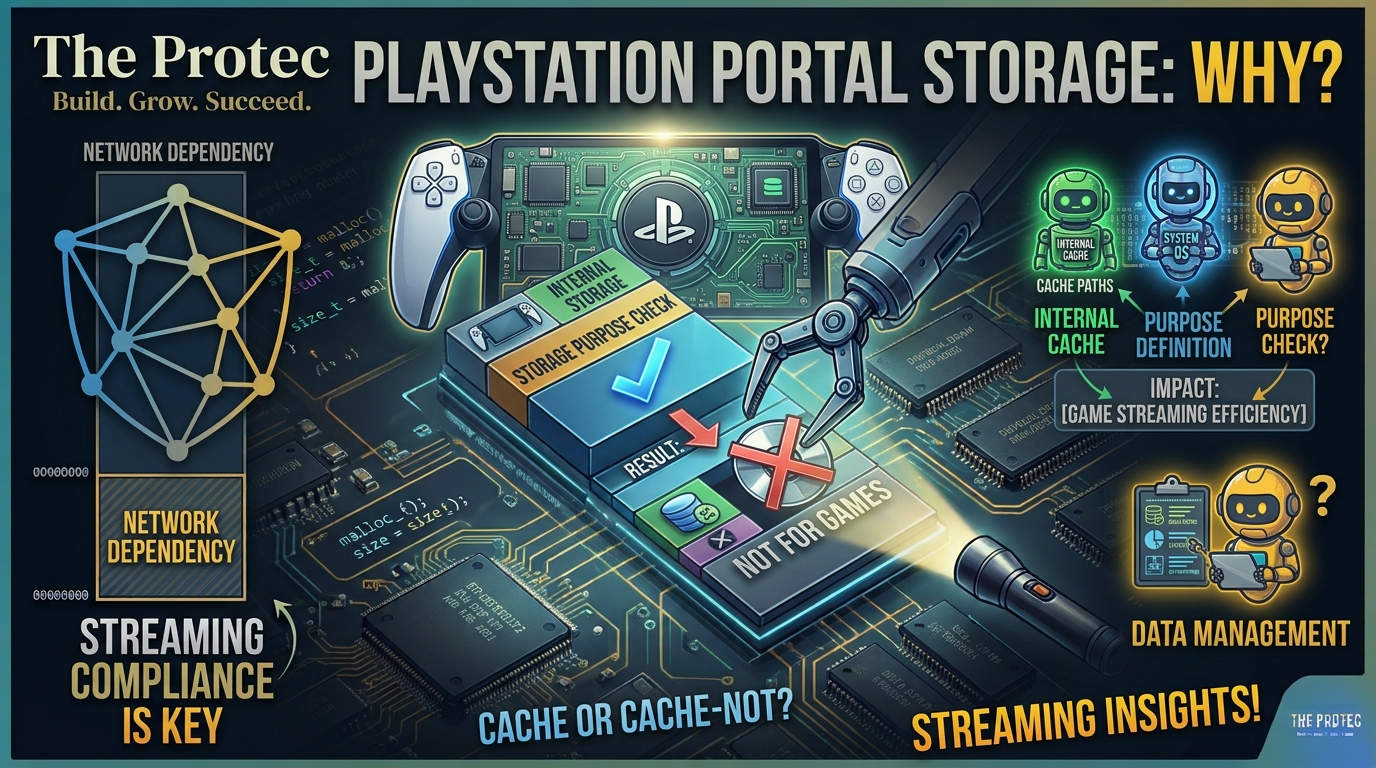
Sony's new PlayStation Portal internal storage: What Is It For? Sony's new PlayStation Portal internal storage: What Is It For?

Sony’s new PlayStation Portal internal storage: What Is It For?

Aaron Thomas1 week ago1 week ago 0

Watch Our Videos
What happens when the internet disappears? Phones lose their connection. Websites stop loading. Mobile networks may go offline. But thousands of miles away, someone could still receive a message through a radio signal traveling through the sky.

That's the remarkable technology behind *High Frequency (HF) radio communication*.

In this video, we explore how HF radio signals can travel beyond the horizon by interacting with the ionosphere, allowing distant stations to exchange messages without relying on cellular towers, fiber-optic cables or conventional internet infrastructure.

We'll also explore two open-source projects from Rhizomatica:

📡 *HERMES* – A broader communications system designed to bring digital communication to remote and underserved communities.

💻 *Mercury* – An open-source HF software modem that converts computer data into signals that can travel over radio. It supports adaptive data communication and can run on Linux, Windows and Raspberry Pi hardware.

You'll discover:
- How HF radio differs from ordinary FM broadcasting and internet communication.
- How the ionosphere helps radio signals travel beyond the horizon.
- How computers, modems, transceivers and antennas move digital messages through the air.
- Why store-and-forward messaging can work even when a live connection isn't available.
- How open-source radio technology can support remote communities and emergency communication.
- Why HERMES and Mercury matter for independent communication infrastructure.
- The real limitations: bandwidth, interference, atmospheric conditions, antennas, equipment and radio licensing.

HF radio isn't a replacement for broadband internet. It can't deliver the same speed or convenience. But when conventional infrastructure is unavailable, the ability to exchange essential information over long distances can be incredibly valuable.

*Read the full article:*
https://www.theprotec.com/blog/open-source-hf-radio-communications-hermes-mercury/

If the internet disappeared tomorrow, would you know how to communicate?

👍 Like the video if you found it useful, subscribe to The Protec for more technology explainers, and join us as we explore the future of open communication technology.

#HFRadio #OpenSource #EmergencyCommunications #RadioTechnology #OfflineCommunication
How Can Radio Communicate Across the World Without the Internet?
Two people ask an AI the exact same question. One writes in English. The other writes in Hindi.

The AI gives them answers. But behind the scenes, one request could require dramatically more computing power.

University of Michigan researchers tested AI energy consumption across 122 languages and three open-source models. Some tested non-English requests consumed up to *180 times the energy of the English baseline*

Why? The answer may be hidden in something most AI users never see: tokens.

In this animated technology documentary, we investigate the hidden energy divide in multilingual AI.

Here's what you'll discover:

*The 122-language study:* What researchers found when comparing AI inference energy across different languages.

*The tokenization problem:* Why the same meaning can produce very different numbers of tokens depending on the model.

*The 180× energy finding:* What the benchmark actually measured—and why it doesn't mean every Hindi or Bengali request uses 180 times more energy.

*Inside the AI model:* How token streams pass through neural-network layers and influence computational workloads.

*The quality gap:* Why some languages can receive less accurate answers while also requiring more computing resources.

*The hidden cost:* How inefficient tokenization can affect API usage, response times, and businesses serving multilingual customers.

*The environmental impact:* Why unnecessary computation matters as AI usage grows worldwide.

And most importantly, we'll explore what AI developers can do about it: better multilingual tokenizers, representative training data, language-specific testing, optimized models, and transparent energy measurements.

The problem isn't that Hindi, Bengali, or any other language is inherently inefficient. It's how particular AI models tokenize and process different languages.

*Should AI companies be responsible for making every language equally efficient?*

Share your thoughts in the comments.

📰 Read the full article:
https://www.theprotec.com/blog/ai-energy-consumption-by-language-global-divide/

Subscribe to The Protec for more AI investigations, technology documentaries, and emerging-tech explainers.

#ArtificialIntelligence #AI #HindiAI #BengaliAI #MultilingualAI
Does AI Charge Some Languages More Than Others? The Hidden Energy Divide
What happens when your internet suddenly goes down? Do your smart lights stop responding? Do your automations fail? Does your entire smart home become useless?

Not necessarily.

A properly designed local-first smart home can keep essential functions running even when the internet disappears. Lights can respond to motion sensors, local hubs can execute automation rules, and compatible devices can communicate without sending every command to a remote server.

In this animated technology documentary, we explore how to build a smart home that doesn't depend on the cloud for everything.

Here's what you'll discover:

*Cloud vs. Local Control:* Why some smart devices stop working when their manufacturer's servers become unavailable.

*Wi-Fi vs. Internet:* Why losing internet access doesn't necessarily mean losing your local network.

*Home Assistant:* How a local automation hub can coordinate compatible smart devices without cloud access.

*Matter, Zigbee & Thread:* How local communication technologies help devices work together.

*Offline Automations:* How motion sensors, local hubs, and smart lights can continue operating during an internet outage.

*Privacy & Reliability:* Why local-first automation can reduce cloud dependency, while still requiring proper security.

*Building Your Own Offline Smart Home:* The hardware, protocols, physical controls, and practical steps to make your setup more resilient.

But there's an important catch: not every Wi-Fi, Matter, or smart-home device works completely offline. Your hub, devices, integrations, and automation rules must all support local operation.

The goal isn't to eliminate the internet. It's to make sure your home doesn't become less functional when the connection disappears.

*Would you build a smart home that keeps working even when the internet goes down?*

Share your thoughts in the comments!

📰 Read the full guide:
https://www.theprotec.com/blog/smart-home-without-internet-offline-local-automation-guide/

Subscribe to The Protec for more technology explainers, smart-home guides, AI developments, and cybersecurity investigations.

#SmartHome #HomeAssistant #OfflineSmartHome #Matter #InternetOfThings
What If Your Smart Home Worked Without the Internet?
Subscribe

Trending Now

What's New?

Databases
How distributed blob storage on SQLite reaches high throughput 01
2 hours ago5 hours ago
02
Frontend Development
Inside SolidJS 2.0: Async Reactivity and Server Functions Explained
03
Gaming
One-Copy Console Guide: can you gameshare GTA 6 on PS5 and Xbox?
04
DNS Management
Quad9 France DNS blocking and the Threat to an Open Internet
05
AI Agents
Why AI agents in auditing asked better questions than humans
06
Artificial Intelligence
Why College Students Against AI Mandates Are Demanding a Choice

Category Collection

Artificial Intelligence161 News
AWS2 News
Bitcoin3 News
Blockchain5 News
Design Tools10 News
Digital Courses3 News
Digital Currency2 News
E-Commerce3 News
EdTech8 News
Freelancing3 News
Mobile Technology34 News
Project Management3 News
SEO7 News

Popular This Month

Subscription Form

  • Cryptocurrency
  • Software Development
  • Hardware
  • CRM
  • SaaS
  • Design & Media
  • Career & Earning
  • CRM
  • Buying Guides
  • Privacy Policy
  • Contact Us
The Protec Blogs 2026. Flag Counter Powered By Computer Zila.