






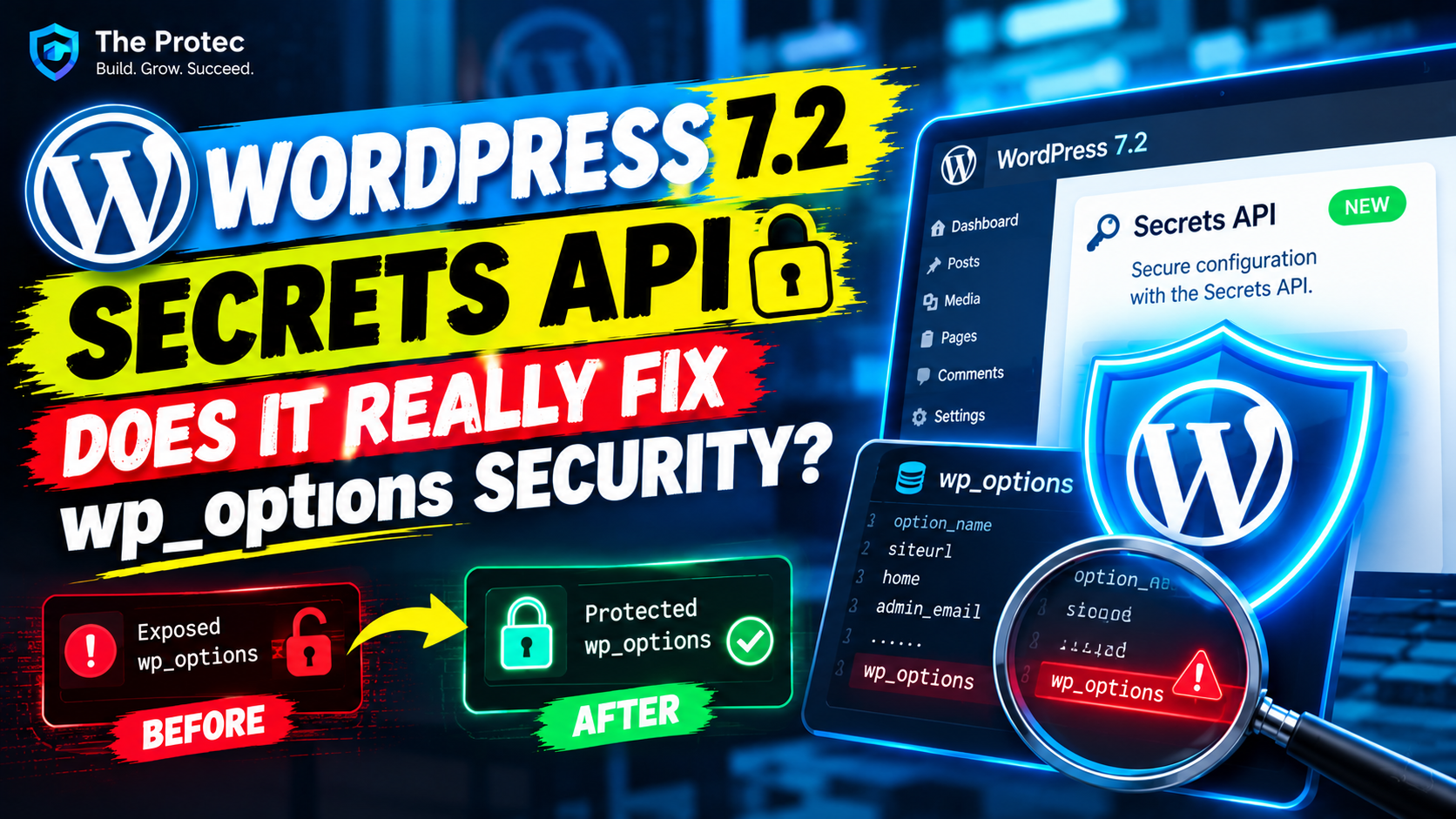
A developer clones a production WordPress database into staging. A backup archive becomes publicly downloadable for several hours. An attacker compromises a database account but cannot execute PHP on the server. In each case, ordinary values stored in wp_options may be exposed—including API keys, SMTP passwords, access tokens, webhook secrets, and credentials used by AI plugins.
That does not mean every plugin stores credentials insecurely, nor does database access automatically compromise every connected service. Some plugins already encrypt sensitive settings, use environment variables, or delegate storage to an external secrets manager. Nevertheless, wp_options is a general-purpose configuration store, not a dedicated vault. A credential saved as a normal option can appear as readable text in exports, backups, database consoles, staging copies, and forensic snapshots.
The WordPress 7.2 Secrets API is intended to establish a standard way for core and plugins to handle such values. The important question is not simply whether it encrypts data. Developers must examine availability, key management, migration behavior, failure handling, and what happens after malicious code is already running inside WordPress.
Release-status warning: At the time of publication, WordPress 7.2 is a pre-release branch rather than a universally deployed stable release. The Secrets API discussed here reflects the API present in the 7.2 development cycle. Beta functionality can change or be removed before the final release. Before shipping production code, compare the installed release with the official WordPress Developer Resources and current WordPress core source. A proposal, beta implementation, or function present only in trunk must not be treated as universally available.
The Options API is attractive to plugin developers because it is familiar, persistent, and easy to use. A plugin can call update_option() when an administrator saves a settings form and retrieve the value later with get_option(). That approach is appropriate for ordinary configuration such as display preferences, feature flags, and layout choices.
A secret has different security requirements. If an API key is stored as an ordinary option value, WordPress may correctly prevent an unauthenticated visitor from reading it through the website while the underlying database still contains readable text. Anyone who acquires a sufficiently complete database export could search for recognizable token prefixes, plugin option names, email-service passwords, or JSON configuration objects.
Potential consequences include unauthorized requests, unexpected AI-provider bills, spam sent through an SMTP account, abuse of cloud resources, altered automation workflows, and access to data held by third-party services. The impact depends on the credential’s permissions, provider controls, network restrictions, expiration policy, and whether the attacker also obtains related account information.
Normal WordPress database security remains essential. Strong database credentials, restricted network access, safe backups, patched software, and least-privilege application accounts all reduce exposure. Encryption adds a separate layer: a database copy should not necessarily reveal a usable credential when it is accessed outside the intended application workflow.
Meet the WordPress Secrets API
The WordPress Secrets API is designed to give core and plugins a shared interface for creating, retrieving, deleting, and migrating sensitive values. In the WordPress 7.2 development implementation, the principal functions are:
wp_set_secret( string $name, string $value ): true|WP_Errorcreates or replaces a named secret. Successful storage returnstrue; validation, encryption, or persistence failures returnWP_Error.wp_get_secret( string $name ): WP_Secret_Value|null|WP_Errorretrieves a protected value. A missing secret is represented bynull, while an operational or decryption failure returnsWP_Error. A successful call returns a secret-value object rather than immediately exposing the underlying string.wp_delete_secret( string $name ): true|WP_Errorremoves a named secret and reports deletion failures throughWP_Error.wp_import_option_as_secret( string $option_name, ?string $secret_name = null ): true|WP_Errormigrates a known option into secret storage, optionally under a different name. Import success and source-option cleanup behavior must be checked against the exact WordPress build being targeted.
These signatures and return contracts apply to the reviewed 7.2 development implementation, not every existing WordPress installation. Plugin authors should use the final release’s source and reference pages as authoritative because pre-release parameter or return-type changes can break assumptions.
Adding these functions does not scan the database, identify credentials automatically, or migrate existing plugin settings. A plugin that continues calling update_option() for an API key continues to create an ordinary option. Adoption requires deliberate code changes and a carefully tested WordPress credential migration.
How the core functions work
Illustrative PHP example
The following pattern checks compatibility, handles storage and retrieval errors separately, and reveals the value only for the operation that needs it. It is illustrative code for the reviewed development API and is not guaranteed to run on older WordPress versions or a build in which the API has changed.
<?php
if ( ! function_exists( 'wp_set_secret' ) || ! function_exists( 'wp_get_secret' ) ) {
    return new WP_Error(
        'secrets_api_unavailable',
        'Secure credential storage is unavailable on this WordPress version.'
    );
}

$result = wp_set_secret( 'acme_ai_api_key', $submitted_api_key );

if ( is_wp_error( $result ) ) {
    return new WP_Error(
        'secret_storage_failed',
        'The credential could not be stored securely.'
    );
}

$secret = wp_get_secret( 'acme_ai_api_key' );

if ( is_wp_error( $secret ) ) {
    return new WP_Error(
        'secret_retrieval_failed',
        'The saved credential could not be retrieved.'
    );
}

if ( null === $secret ) {
    return new WP_Error(
        'secret_not_configured',
        'An API credential has not been configured.'
    );
}

$api_key = $secret->reveal();

try {
    $response = acme_send_provider_request( $api_key );
} finally {
    unset( $api_key );
}
A real plugin should validate authorization and nonces before accepting the submitted key. It should also minimize how long the revealed string remains in scope. Calling unset() is good hygiene, although PHP does not guarantee immediate memory erasure.
Never print the value, place it in a REST response, add it to an exception message, or write it to application logs. Error reporting should identify the failed operation without containing the credential. A missing secret is a configuration condition; a WP_Error indicates that storage, retrieval, or decryption did not work. Treating both cases as an empty string can conceal operational failures.
Most importantly, do not silently fall back to update_option() after secure storage fails. That converts a visible security failure into an invisible plaintext credential. A safer compatibility strategy is to disable the integration, retain an already working legacy configuration temporarily under an explicit support policy, or require an administrator to upgrade WordPress.
What happens behind the scenes
The default implementation protects secret values before persistence. Encrypted records may still use the WordPress options infrastructure as their underlying storage location. Consequently, the Secrets API can improve WordPress wp_options security without removing all secret-related rows from that table. A database reader sees protected data and associated metadata rather than the original credential.
This distinction matters: encryption protects a stored value only when the attacker lacks the material required to decrypt it. The encryption key must therefore be separated from database-only backups whenever practical. If a database dump and the relevant configuration files are exposed together, the protection may be substantially reduced.
WP_SECRETS_KEY provides dedicated key material when it is explicitly configured. In the reviewed development implementation, it is not mandatory: when absent, WordPress derives fallback material from the site’s configured security keys and salts, including AUTH_KEY, SECURE_AUTH_KEY, LOGGED_IN_KEY, NONCE_KEY, AUTH_SALT, SECURE_AUTH_SALT, LOGGED_IN_SALT, and NONCE_SALT. Administrators should verify this behavior against the final source before changing production key material.
A dedicated WP_SECRETS_KEY can simplify isolation and recovery planning, but moving it into wp-config.php does not create a hardware-backed vault. An attacker who can read that file may obtain the key. Environment injection, restricted configuration files, managed key services, or host-specific secret delivery can provide stronger separation when implemented correctly.
The development API includes metadata needed to support protected-value versions and future rotation workflows. That should not be confused with automatic credential rotation. Re-encrypting a record under new local key material is different from asking an AI provider, payment gateway, or email service to revoke an old token and issue a new one. Provider-side rotation remains an integration responsibility.
The storage abstraction also creates room for alternative key management or external storage implementations. It does not, by itself, guarantee integrations with AWS Secrets Manager, Azure Key Vault, Google Secret Manager, HashiCorp Vault, or another provider. Developers should use only documented extension points available in the final target release rather than replacing internal classes or relying on beta-only hooks.
Backups and migrations require special care. Restoring the database without compatible key material may make saved secrets unreadable. Changing salts or WP_SECRETS_KEY without a supported re-encryption plan can have the same result. Conversely, copying both the encrypted database and all key material to staging may allow staging code to reveal production credentials. Migration procedures should either move keys securely or require credentials to be re-entered and rotated.
Security reality check: What the API cannot fix
WordPress encrypted secrets meaningfully reduce risk in a database-only exposure. They are not a sandbox between plugins. Code executing with adequate privileges inside WordPress can potentially request a secret through the same interface used by an authorized integration. A malicious plugin, compromised administrator account, vulnerable code path, or attacker with filesystem and runtime access presents a broader threat than a leaked SQL dump.
The API also cannot retroactively sanitize old exports, staging databases, logs, support tickets, browser autofill records, or backup archives. Importing a plaintext option into protected storage does not revoke a token already copied elsewhere. When exposure is suspected, rotate the credential at its provider and investigate how it leaked.
Key loss presents the opposite problem. Strong encryption is designed to resist recovery without the key. If essential key material is lost and no supported recovery copy exists, protected credentials may become unrecoverable. Backup plans must therefore protect both confidentiality and availability without routinely packaging keys beside database exports.
A WordPress external secrets manager can be appropriate for regulated or high-security environments. It may improve centralized access control, auditing, and rotation, but it introduces network dependencies, service permissions, authentication bootstrap problems, latency, and outage planning. External storage is not automatically secure when every site receives broad permission to read every secret.
Developer and administrator action plan
- Inventory sensitive values. Audit AI-provider keys, payment credentials, SMTP passwords, cloud tokens, analytics secrets, webhook signing keys, and automation-platform credentials.
- Confirm availability. Check the installed WordPress version and use
function_exists()where compatibility is required. Do not assume that a 7.2 beta feature exists on stable or older sites. - Map the complete lifecycle. Review collection, transport, storage, retrieval, logging, display, deletion, backup, staging, and incident-response behavior.
- Test explicit failures. Simulate a missing secret, unavailable key material, failed write, malformed encrypted record, and decryption error. The integration should fail safely without plaintext fallback.
- Migrate deliberately. Use
wp_import_option_as_secret()only where its final documented behavior fits the plugin. Verify that migration is idempotent and that a failed import leaves a recoverable source value. - Avoid premature deletion. Confirm that the new secret can be retrieved before removing a legacy option. Protect migration routines from concurrent execution.
- Rotate after exposure. Encrypting the current database value does not erase copies in old backups, exports, logs, or staging environments.
- Plan key recovery. Document where
WP_SECRETS_KEYor fallback material comes from, who can access it, how it is backed up, and how rotation will be tested. - Restrict surrounding systems. Limit database, filesystem, backup, deployment, and hosting-panel access. Encryption is one control, not a replacement for least privilege.
- Support older versions safely. Consider requiring a newer WordPress release, accepting credentials through environment configuration, or providing a documented adapter. Do not advertise secure storage while quietly saving plaintext.
Why WordPress secrets management matters in the AI era
The wp_options problem predates generative AI, but its potential cost is increasing. WordPress sites now connect to paid language models, vector databases, image generators, email platforms, analytics services, payment APIs, and automation tools. One leaked credential may authorize expensive requests, expose indexed content, permit data extraction, or let an attacker abuse a trusted integration.
WordPress AI plugin API key security therefore needs a consistent baseline. A core API can reduce the number of plugins inventing incompatible encryption schemes, mishandling keys, or treating secrets as ordinary preferences. Standardization also gives hosts and enterprise teams a clearer point at which to introduce stronger storage and key-management policies.
The WordPress 7.2 Secrets API is a valuable foundation if the final implementation is adopted carefully. It addresses an important weakness of WordPress plaintext API keys by adding protected storage, structured errors, controlled value revelation, and a migration path. It does not make WordPress immune to credential theft. Secure coding, least-privilege permissions, backup protection, credential rotation, monitoring, and incident response remain indispensable.
Frequently asked questions
Does the Secrets API remove credentials from wp_options?
Not necessarily. The default implementation can store encrypted secret records through the options infrastructure. Its primary benefit is protecting the value at rest, not guaranteeing that no related row exists in wp_options.
Will WordPress automatically migrate existing plugin API keys?
No. Plugin authors must identify sensitive options and implement a controlled migration. Administrators should not assume that upgrading WordPress transforms every legacy plaintext setting.
Can another plugin read a stored secret?
The API is not a plugin sandbox. Code running with sufficient access inside WordPress may be able to request secrets. Developers still need capability checks, minimal privileges, trusted code, and a hardened runtime.
Should every site define WP_SECRETS_KEY?
A dedicated key can improve separation and operational clarity, but it must be generated, delivered, backed up, and rotated securely. Sites relying on fallback key material should understand how salt changes and migrations affect decryption.
Does importing a secret eliminate the need to rotate it?
No. Migration protects the current stored copy. If the credential previously appeared in a database export, log, ticket, backup, or staging environment, revoke it at the provider and issue a replacement.