




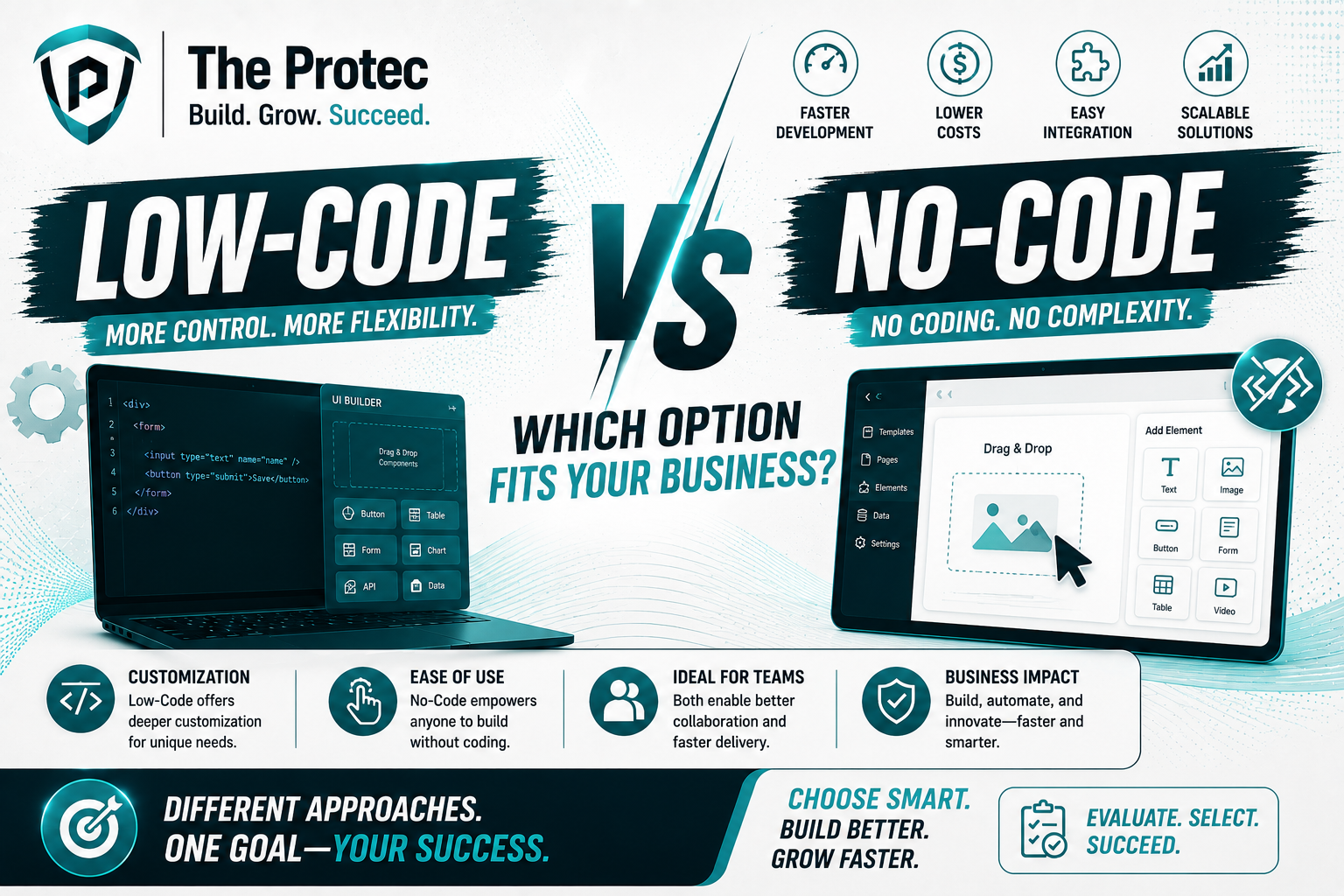
Low-Code vs No-Code Platforms: Which One Should Businesses Choose?
Businesses are under constant pressure to launch faster, automate more, and do it all without multiplying technical debt. That is why the debate around low code vs no code has become so important. Both approaches promise quicker delivery, lighter development effort, and more agility than traditional software projects. But they are not the same, and the right choice depends on how much flexibility, control, and scalability your organization needs.
At a glance, no code platforms are built for speed and simplicity. They let non-technical teams create workflows, forms, dashboards, and even full applications using visual builders. Low-code platforms, by contrast, still simplify development, but they leave room for custom logic, integrations, and more advanced engineering. For many companies, the decision is less about which is better in general and more about which one is better for a specific business outcome.
As organizations continue adopting AI-assisted workflows, composable systems, and connected business automation tools, this choice has become even more strategic. The best platform is the one that can support today’s priorities while still leaving room for tomorrow’s complexity.
What Are Low-Code and No-Code Platforms?
No-Code Platforms
No-code platforms allow users to build applications and automate processes without writing code. They typically rely on drag-and-drop interfaces, prebuilt templates, and visual workflow builders. This makes them especially attractive to operations teams, marketers, finance teams, and founders who need to move quickly without depending heavily on developers.
Common use cases include internal request forms, approval workflows, customer onboarding flows, simple CRMs, inventory trackers, landing page apps, and basic analytics dashboards. Because the learning curve is low, teams can deploy solutions quickly and iterate as business needs change.
Low-Code Platforms
Low-code platforms reduce the amount of manual coding required, but they do not eliminate it entirely. They are designed for professional developers, citizen developers, and IT teams that want to accelerate delivery without giving up customization. Users can assemble interfaces and workflows visually, then extend them with scripts, APIs, custom components, and integration logic.
Low-code tools are often used for more complex internal applications, customer portals, workflow orchestration, enterprise automation, and systems that need to connect to legacy software or external services. They are especially useful when a business wants speed, but also expects future complexity.
Why the Low-Code vs No-Code Debate Matters Now
The conversation has shifted because businesses are no longer using these platforms only for simple prototypes. Modern teams are using them to power real operational systems. That means the platform must handle more users, more integrations, more compliance requirements, and more data.
Several trends are shaping the current landscape:
- AI-assisted development is becoming standard, with platforms adding natural-language app creation, workflow suggestions, and smart automation recommendations.
- Composability is now a priority, as organizations want modular systems that can connect to ERP, CRM, data warehouses, and cloud services.
- Governance and security matter more than ever, especially for regulated industries and distributed teams.
- Citizen development is expanding, but IT oversight is still necessary to prevent fragmented tools and shadow automation.
- Scalability expectations have risen, because a quick prototype often becomes a mission-critical process within months.
In other words, the best business automation tools are no longer judged only by how quickly they let you build something. They are judged by whether they can support a reliable, secure, and scalable business environment.
Flexibility: Where Low-Code Usually Wins
When businesses compare low code vs no code, flexibility is often the first major difference. No-code platforms are excellent for standard workflows and repetitive tasks, but they tend to be limited when business logic becomes more advanced. If a process requires unusual data structures, custom validation rules, multi-step decision trees, or external system orchestration, no-code platforms can start to feel restrictive.
Low-code platforms offer a stronger balance between speed and flexibility. They let teams build visually while still customizing the parts that matter. This makes them a better fit for businesses that need one platform to serve multiple departments or use cases. For example, a company might use low-code to build an internal approval system that connects procurement, finance, and compliance, all while maintaining custom business rules.
The flexibility advantage becomes even more important when organizations need to adapt quickly. If a regulatory change, market shift, or customer requirement forces an application update, low-code platforms usually provide more room to modify processes without rebuilding from scratch.
Best choice for flexibility: low-code, especially when your workflows are complex, evolving, or tightly integrated with other systems.
Cost: No-Code Is Cheaper to Start, But Not Always Cheaper to Scale
Cost is another critical factor in the low code vs no code decision. At first glance, no-code platforms are usually more affordable. They reduce the need for developers, shorten implementation time, and allow business teams to launch tools without a large upfront investment. For startups, small teams, or departments with limited budgets, this can be a major advantage.
But the real cost of a platform is not just the subscription fee. It also includes maintenance, integration work, governance, training, and the cost of rebuilding when the platform reaches its limits. A low-cost no-code tool can become expensive if it forces teams to create workarounds, duplicate data, or migrate later to a more capable system.
Low-code platforms may require more technical oversight and a higher initial investment, but they often deliver better long-term value for businesses with serious automation goals. They can reduce the need for separate point tools, support broader use cases, and lower the chance of platform replacement in the future. For organizations that expect to grow, that matters.
Here is the practical way to think about cost:
- No-code lowers the barrier to entry and speeds up time-to-value.
- Low-code can lower long-term total cost of ownership when applications become more complex.
- Hidden costs often appear when a platform cannot scale with the business.
Best choice for cost: no-code for small, fast wins; low-code for durable, enterprise-grade solutions.
Scalability: The Deciding Factor for Growing Businesses
Scalability is where many businesses make their final choice. A platform that works well for one team may not be suitable across the entire organization. If your business automation tools are only used for a few simple workflows, no-code may be enough. But if you expect high user volume, complex permissions, multi-system integrations, audit requirements, or multiple departments sharing one platform, low-code usually performs better.
No-code platforms are increasingly powerful, and some now support advanced automation, AI features, and better integrations than before. However, the underlying simplicity that makes them easy to use can also make them harder to expand safely. Once applications require custom APIs, granular access control, reusable components, or sophisticated error handling, no-code environments may become limiting.
Low-code platforms are designed with scaling in mind. They often include role-based access controls, deployment pipelines, versioning, reusable modules, and support for custom code. That gives businesses a more stable foundation when moving from pilot projects to production systems.
This is particularly important for companies that want to standardize workflows across regions, business units, or subsidiaries. A scalable platform should not only handle growth in users and data, but also growth in complexity and governance.
Best choice for scalability: low-code, especially for enterprise deployment and long-term platform strategy.
When No-Code Platforms Make the Most Sense
No-code platforms are a strong fit when the business need is clear, the workflow is straightforward, and speed matters more than deep customization. They work well for teams that want to reduce reliance on engineering resources and empower business users to create their own solutions.
Common scenarios where no-code is a smart choice include:
- Internal task tracking and request management
- Simple approval workflows
- Department-specific dashboards
- Lead capture and basic CRM tools
- Event registration and intake forms
- Rapid prototyping and validation
No-code is especially useful when the business is testing an idea before investing in a larger build. It allows teams to validate the process, gather feedback, and refine requirements quickly. For many organizations, that alone can save weeks of planning and development effort.
Still, businesses should be cautious about using no-code for mission-critical systems without evaluating limits around data control, extensibility, and governance. The faster a tool is adopted, the more important it becomes to understand what happens when the process grows beyond its original design.
When Low-Code Platforms Are the Better Fit
Low-code platforms are ideal when a business needs speed but cannot compromise on customization, integration, or control. They are often the preferred option for IT-led automation initiatives, cross-functional applications, and systems that will evolve over time.
Low-code is usually the better choice when you need:
- Custom business logic
- Integration with ERP, CRM, data warehouses, or legacy systems
- Advanced user permissions and governance
- Reusable components and enterprise standards
- APIs and third-party connectivity
- Support for future expansion
Many businesses also use low-code as a bridge between business and IT. Business users can handle the visual design and process modeling, while developers focus on higher-value tasks like integrations, security, and performance. This shared ownership model can speed up delivery without sacrificing quality.
For companies building digital products, internal platforms, or customer-facing portals, low-code often offers the best balance between speed and durability.
Low-Code vs No-Code: A Side-by-Side Comparison
To make the choice easier, it helps to compare the two approaches across the factors that matter most.
- Flexibility: Low-code offers more control and customization; no-code is more constrained but easier to use.
- Cost: No-code is usually cheaper to adopt initially; low-code may be more cost-effective over time for complex use cases.
- Speed: No-code is faster for simple workflows; low-code is still fast, especially for teams with technical support.
- Scalability: Low-code is better suited for long-term growth, governance, and enterprise use.
- User type: No-code is best for non-technical users; low-code works well for both business teams and developers.
- Integration: Low-code generally handles integrations and APIs more effectively.
If your use case is simple and standalone, no-code may be the most efficient path. If your use case touches multiple systems or is expected to grow, low-code is often the safer investment.
How to Choose the Right Platform for Your Business
The right decision starts with your business goals, not the platform category. Ask the following questions before choosing:
- How complex is the workflow?
- Who will build and maintain it?
- Will it need to integrate with existing systems?
- How many users will rely on it?
- Will the process change frequently?
- Do we need governance, security, or compliance controls?
If your answer to most of these questions points to simplicity, no-code is likely enough. If the answers point to growth, complexity, and cross-functional use, low-code is usually the better fit.
It is also worth considering a hybrid strategy. Some organizations use no-code for quick departmental automations and low-code for enterprise applications. This approach can work well when governance is clear and each platform is used for the right purpose. The key is to avoid uncontrolled sprawl by defining when each type of tool should be used.
Business Automation Tools Are Evolving Fast
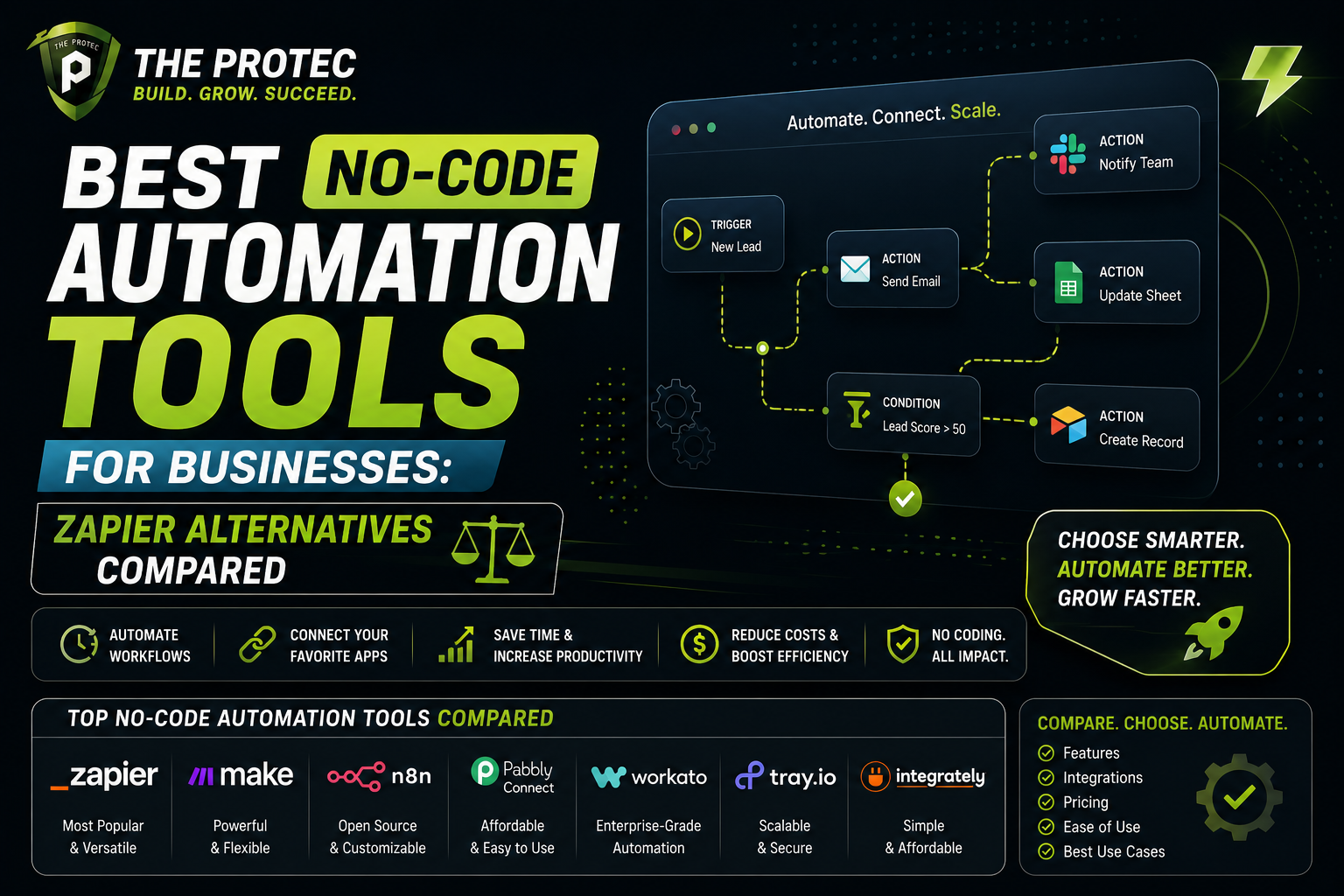
Modern business automation tools are becoming more intelligent and connected. Many now include AI copilots, natural language workflow design, automated process discovery, and stronger integration ecosystems. This means the line between low-code and no-code is blurring in some products, but the core difference still matters.
No-code platforms are getting smarter, making them more capable for business users who want to automate routine work. Low-code platforms are also becoming more accessible, lowering the barrier for teams that need more power without writing everything from scratch. The result is a marketplace where businesses have more options than ever, but also more responsibility to choose carefully.
Rather than asking which category is universally better, organizations should ask which platform supports their operational reality. The answer depends on whether the priority is speed, control, or long-term scale.
Conclusion: Which One Should Businesses Choose?
The low code vs no code decision comes down to trade-offs. No-code platforms are excellent for fast deployment, lower upfront cost, and empowering non-technical teams. Low-code platforms offer greater flexibility, better integration options, and stronger scalability for growing businesses.
If your organization needs a quick solution for a simple workflow, no-code is often the smartest starting point. If you are building business-critical systems, expect future complexity, or need tighter governance, low-code is usually the better investment. In many cases, the right answer is not choosing one forever, but choosing the right platform for the right job.
For businesses that want automation without sacrificing agility, the best strategy is to match platform capability to business ambition. That is how modern teams get the speed they want today and the scalability they will need tomorrow.
FAQ
What is the main difference between low-code and no-code platforms?
No-code platforms let users build apps and automate workflows without writing code, while low-code platforms still allow visual development but also support custom code, APIs, and deeper customization.
Are no-code platforms good for business automation?
Yes, no-code platforms are excellent for simple and repetitive automation tasks such as approvals, forms, dashboards, and internal workflows. They are especially useful for teams that need speed and ease of use.
Which is better for scalability: low-code or no-code?
Low-code is generally better for scalability because it supports more advanced logic, integrations, governance, and customization. No-code can work well for smaller use cases, but it may become limiting as complexity grows.
Can businesses use both low-code and no-code platforms?
Yes, many businesses use both. No-code can handle quick departmental automations, while low-code can support more complex enterprise applications. A hybrid strategy often works best when governance is clear.
Are low-code platforms more expensive than no-code platforms?
Usually, low-code platforms have a higher upfront cost or require more technical involvement. However, they can be more cost-effective over time if the business needs greater flexibility, integration, and long-term scalability.