








Why Grok Prompts Matter for Small Businesses
Small business owners wear too many hats. One hour you are answering customers, the next you are writing emails, planning promotions, or trying to make sense of sales data. That constant context-switching slows growth and drains energy. This is where Grok business prompts can make a real difference. Used well, Grok can help you turn repetitive work into streamlined workflows, giving you more time to focus on strategy, service, and revenue.
What makes Grok especially useful for small businesses is its ability to work quickly across planning, writing, analysis, and support tasks. With the right AI prompts for business, you can draft marketing copy, summarize customer feedback, generate FAQs, organize operations, and create productivity systems that fit your workflow. In other words, you are not just asking an AI to write text. You are building a smarter way to run your business.
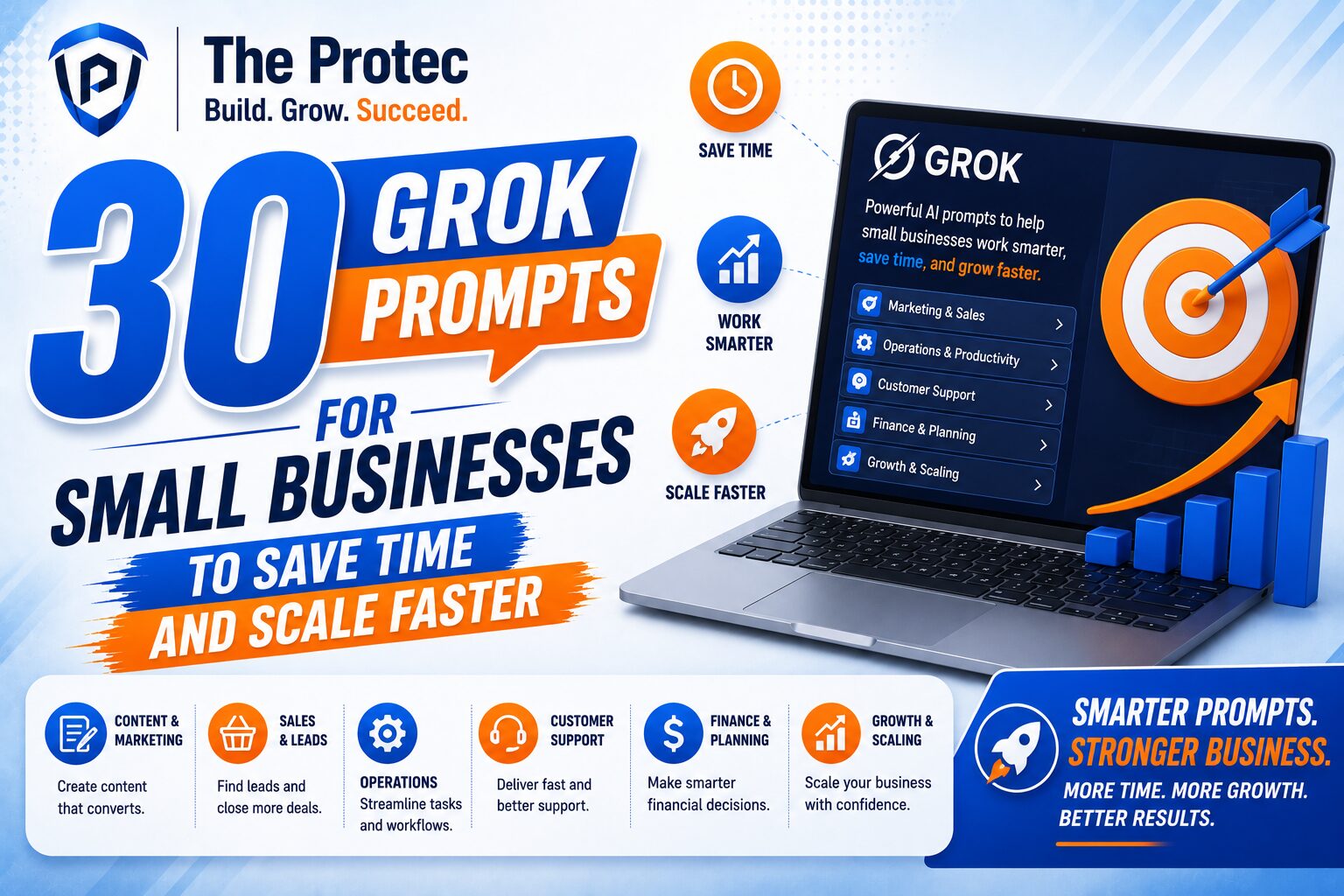
This article shares 30 practical productivity AI prompts designed specifically for small business owners, managers, and solo operators. They are grouped by use case so you can find the right prompt fast and adapt it to your own business model. Whether you run an online store, a service business, a local shop, or a lean agency, these prompts can help you save time and increase productivity without adding complexity.
How to Use Grok Business Prompts Effectively
The best prompts are specific, contextual, and outcome-focused. If you ask Grok to “write a post,” you will get something generic. If you ask it to “write a Facebook post for a local bakery promoting same-day custom cake orders with a warm, friendly tone and a call to action,” the output will be far more useful.
When creating AI prompts for business, include these elements whenever possible:
- Role: Tell Grok what perspective to use, such as marketing assistant, operations manager, or customer support lead.
- Goal: Explain exactly what you want to accomplish.
- Context: Share business type, audience, tone, offer, and constraints.
- Format: Request bullets, tables, email drafts, checklists, or scripts.
- Action: Ask for next steps, variations, or a final version ready to use.
For a deeper understanding of how large language models are changing work, OpenAI’s overview of AI capabilities is a useful reference, and xAI’s official Grok site helps contextualize the platform’s evolving features.
30 Grok Prompts for Small Businesses
Marketing Prompts
Marketing is one of the best places to start with Grok because it involves consistent, repeatable work. These prompts help you generate ideas, sharpen messaging, and move faster without sacrificing quality.
1. Create a weekly content plan
“Act as a small business marketing strategist. Create a 7-day content plan for a [business type] targeting [audience]. Include one post idea for each day, the purpose of each post, and a suggested call to action.”
2. Write a social media caption
“Write three short social media captions for [product/service]. Keep the tone [friendly/professional/playful], mention [key benefit], and include a strong call to action.”
3. Turn a blog topic into multiple angles
“Take the topic [topic] and generate 10 content angles for blog posts, social media, and email marketing. Prioritize angles that would appeal to small business customers.”
4. Improve a weak value proposition
“Here is our current value proposition: [paste text]. Rewrite it in five stronger versions that are clearer, more specific, and more persuasive for a [target audience].”
5. Create a promotional email
“Draft a promotional email for [offer]. Use a concise subject line, a clear benefit-driven opening, and a compelling CTA. Keep the tone natural and not overly salesy.”
6. Build ad copy variations
“Write 8 ad copy variations for [product/service]. Make them suitable for paid social or search ads, and vary the hooks, benefits, and CTAs.”
7. Summarize customer pain points
“Based on this customer feedback: [paste reviews/messages], identify the top 5 pain points and suggest marketing messages that address each one.”
8. Generate a local SEO idea list
“Act as an SEO consultant for a local business. Suggest 20 keyword and content ideas based on our services, location, and customer intent. Organize them by priority.”
Sales and Lead Generation Prompts
Small businesses often lose time writing one-off outreach messages or qualifying leads manually. These prompts help you keep sales communication focused and efficient.
9. Write a lead follow-up email
“Write a polite follow-up email to a lead who requested information about [service]. Keep it short, helpful, and focused on moving the conversation forward.”
10. Create a discovery call script
“Create a discovery call script for a [business type]. Include opening questions, qualification questions, objection handling, and a closing section.”
11. Draft a DM outreach message
“Write a short, personalized outreach message for Instagram or LinkedIn targeting [ideal customer]. Make it conversational, relevant, and non-pushy.”
12. Handle common objections
“List the top 10 objections a customer might have before buying [product/service], and write a brief, reassuring response for each one.”
13. Create a lead qualification checklist
“Build a lead qualification checklist for a small business selling [product/service]. Include budget, timeline, need, and decision-making criteria.”
Customer Support Prompts
Support is one of the most time-consuming parts of running a business, especially when the same questions come up repeatedly. Grok can help you respond faster and create clearer support systems.
14. Draft a response to a common customer question
“Write a friendly, concise response to a customer asking about [question]. Include a helpful answer, next steps, and a warm closing.”
15. Turn support conversations into FAQ items
“Analyze these customer support messages: [paste messages]. Identify recurring questions and rewrite them as clean FAQ entries with short answers.”
16. Create a refund policy explanation
“Explain our refund policy in simple language for customers. Make it clear, professional, and easy to understand without legal jargon.”
17. Write a complaint response
“Draft a calm, empathetic response to a customer complaint about [issue]. Acknowledge the concern, apologize appropriately, and offer a next step.”
18. Build a support macro
“Create a reusable customer support macro for [issue]. Keep it brief, helpful, and adaptable for email or chat.”
19. Create onboarding instructions
“Write step-by-step onboarding instructions for a new customer starting with [product/service]. Use plain language and a reassuring tone.”
Operations and Productivity Prompts
Operations is where small businesses can unlock major time savings. These prompts help you organize tasks, improve planning, and make day-to-day work more manageable.
20. Turn a messy to-do list into priorities
“Here is my task list: [paste list]. Organize it into urgent, important, and low-priority tasks. Suggest what to do first today.”
21. Create a weekly workflow plan
“Build a weekly workflow for a small business owner who handles marketing, sales, and support. Include focus blocks, admin time, and review time.”
22. Draft SOP steps
“Write a simple SOP for [task], broken into clear steps that a new team member could follow without additional explanation.”
23. Summarize meeting notes
“Summarize these meeting notes into action items, owners, deadlines, and key decisions: [paste notes].”
24. Spot process bottlenecks
“Review this workflow: [paste workflow]. Identify bottlenecks, duplicated steps, and opportunities to save time or reduce mistakes.”
25. Create a delegation plan
“Help me decide which tasks I should delegate in my small business. Separate tasks into keep, delegate, automate, and eliminate.”
Planning and Decision-Making Prompts
Small business owners often need quick, practical thinking rather than long reports. These prompts help Grok act like a business advisor that supports better decisions.
26. Compare two business options
“Compare these two options for my business: [option A] and [option B]. Evaluate cost, time, risk, and expected return. Recommend the better choice and explain why.”
27. Create a simple business dashboard summary
“Based on these metrics: [paste data], summarize the business performance in plain English and highlight what needs attention.”
28. Build a launch checklist
“Create a launch checklist for a new [product/service]. Include pre-launch, launch-day, and post-launch tasks.”
29. Generate risk scenarios
“List the top risks for a small business launching [initiative]. For each risk, suggest one prevention step and one backup plan.”
30. Create a 30-day productivity plan
“Design a 30-day productivity plan for a small business owner who wants to save time on marketing, support, and admin work. Include weekly goals, tools, and habits.”
How to Customize Grok Prompts for Better Results
These prompts work best when you tailor them to your business. Add your niche, audience, tone, price point, and brand personality. For example, a prompt for a local landscaping company should look different from one used by an online coaching business or boutique agency.
To get better output, include real examples whenever possible. Paste customer messages, product descriptions, or rough drafts directly into the prompt. Grok can then work from your actual business context instead of guessing. This is especially useful for productivity AI prompts because the goal is not just more content, but better decisions and less manual work.
It also helps to ask for multiple versions. For instance, request three subject lines, five caption hooks, or two workflow options. That gives you flexibility without starting from scratch every time.
Best Practices for Small Business AI Prompting
Using Grok effectively is less about clever wording and more about consistency. The businesses that benefit most from AI are the ones that build repeatable prompt habits.
- Keep a prompt library: Save prompts that work well for marketing, support, and operations.
- Review outputs carefully: Edit for brand voice, accuracy, and relevance before publishing or sending.
- Use AI for first drafts: Let Grok handle structure and speed, then add human judgment.
- Standardize repetitive tasks: Turn recurring requests into reusable prompt templates.
- Measure time saved: Track how much faster tasks get so you can refine your workflow.
The most effective Grok business prompts are the ones you actually use every week. Start with support replies, marketing copy, and task planning, then expand into deeper workflows as you build confidence.
Final Thoughts
Small businesses do not need more complexity. They need better systems. With the right AI prompts for business, Grok can help reduce busywork, speed up content creation, improve customer communication, and support smarter decisions. That is why prompt quality matters so much: a well-written prompt can save minutes on one task and hours across an entire week.
Use the 30 prompts in this guide as a starting point, then adapt them to your industry, tone, and goals. Over time, you will build a practical AI workflow that supports growth without overwhelming your team. If you are looking for a simpler way to manage daily work, these productivity AI prompts are a strong place to begin.
FAQ
What are Grok business prompts?
Grok business prompts are structured instructions you give Grok to help with business tasks such as marketing, customer support, sales outreach, planning, and operations. Strong prompts produce more useful, relevant, and actionable outputs.
How can small businesses use AI prompts for business?
Small businesses can use AI prompts for business to draft emails, create social content, respond to common support questions, summarize meeting notes, organize tasks, and build repeatable workflows that save time.
Are productivity AI prompts useful for non-technical owners?
Yes. Productivity AI prompts are especially useful for non-technical owners because they reduce manual work without requiring coding or advanced setup. You only need to describe the task clearly and refine the output as needed.
Can Grok help with customer support automation?
Absolutely. Grok can draft reply templates, turn common issues into FAQ entries, summarize customer feedback, and help build support macros for faster and more consistent responses.