








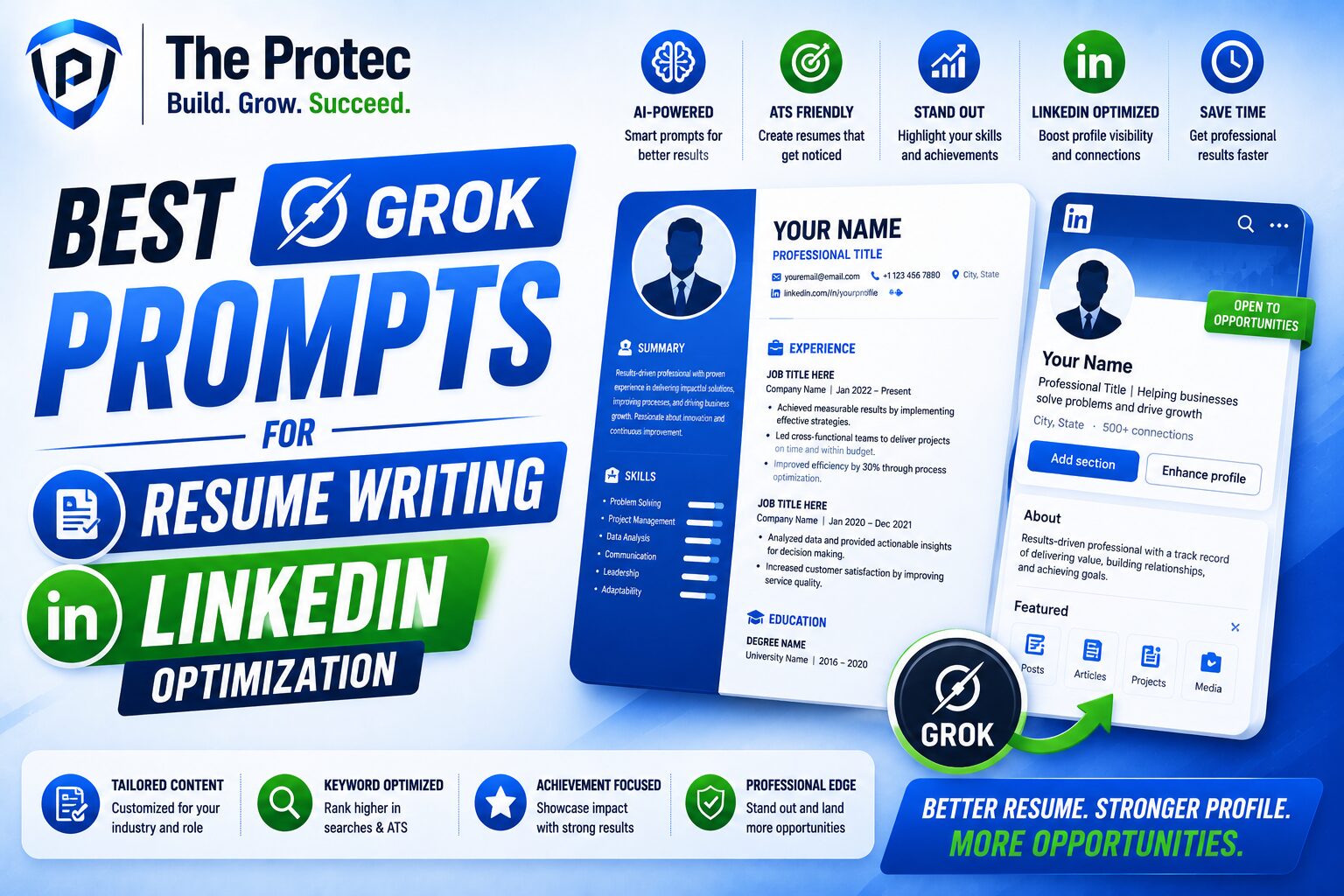
Best Grok Prompts for Resume Writing and LinkedIn Optimization
If you are job hunting, changing careers, or trying to stand out in a crowded market, the way you present your experience matters more than ever. Recruiters, hiring managers, and even automated systems are scanning for clarity, relevance, and evidence of impact. That is exactly where Grok prompts for resume writing and LinkedIn optimization can help.
Grok has become a practical tool for career development because it can turn raw experience into polished language quickly. Used well, it can help you sharpen your value proposition, tailor your resume to a role, improve your LinkedIn headline, and build a more consistent professional brand. The key is not asking Grok to “write my resume” and hoping for the best. The real value comes from using precise AI career prompts that guide the model toward the outcome you want.
In this guide, you will find the best Grok prompts for resumes, cover letters, and LinkedIn profiles, plus strategies for using them without sounding generic or over-optimized. You will also learn how to make your content more ATS-friendly, more recruiter-friendly, and more aligned with modern hiring expectations.
Why Grok Works Well for Career Branding
Compared with basic writing tools, Grok is especially useful for career content because it handles context and tone well. It can take a job description, a list of accomplishments, or a rough LinkedIn draft and transform it into polished copy that sounds more intentional. That said, the best results come from combining your own facts with carefully designed prompts.
Job seekers in today’s market face a few major challenges:
- Applicant tracking systems filtering resumes before a human sees them
- Recruiters scanning profiles in seconds
- A highly competitive market where vague language gets ignored
- The need for consistency across resume, LinkedIn, and cover letter
This is why AI career prompts are so valuable. They help you standardize your messaging while still customizing it for each role. Instead of rewriting every application from scratch, you can use Grok to produce targeted, high-quality drafts that you refine with your real achievements and voice.
How to Use Grok Prompts the Right Way
Before jumping into examples, it helps to understand what makes a strong prompt. The best Grok resume prompts usually include:
- Your target role or industry
- Your years of experience or seniority level
- Key achievements with measurable results
- The tone you want, such as concise, confident, or executive
- Specific output instructions, such as ATS-friendly bullets or LinkedIn headline options
Try to avoid vague requests like “make this better.” Instead, give Grok enough context to produce useful, accurate, and tailored text. If you want it to sound like you, provide sample bullets, a personal summary, or a list of keywords you want included.
One of the biggest trends in modern hiring is the move toward skill-based and evidence-based evaluation. That means your prompts should emphasize outcomes, tools, and scope of work rather than duties alone. A strong prompt can help you convert responsibilities into impact statements, which is what employers actually want to see.
Best Grok Prompts for Resume Writing
1. Turn job duties into achievement-focused bullets
Use this prompt when your resume feels too task-heavy and not results-driven enough.
Prompt: Rewrite these resume bullets to focus on measurable achievements, business impact, and strong action verbs. Keep each bullet under 25 words, make them ATS-friendly, and ensure they sound natural, not inflated. Here are the bullets: [paste bullets].
This is one of the most effective Grok resume prompts because it forces the model to shift from responsibilities to outcomes. If you can add metrics like revenue, efficiency gains, conversion rates, time saved, or team size, the output becomes much stronger.
2. Tailor a resume for a specific job description
Tailoring is still one of the highest-return activities in job searching. Grok can help you align your resume with the language of the posting without copying it blindly.
Prompt: Compare my resume with this job description and identify the top keywords, skills, and experience gaps. Then rewrite my summary and top five bullet points to match the role while staying truthful and ATS-friendly. Job description: [paste JD]. Resume: [paste resume].
This prompt is useful because it helps you mirror employer priorities. It can also show you where your resume may be too broad, too technical, or not specific enough. Use the output as a draft, then make sure every claim is accurate and defensible.
3. Write a powerful professional summary
Your summary should quickly explain who you are, what you do, and why you matter.
Prompt: Write three resume summary options for a [job title] with [X] years of experience in [industry]. Highlight strengths in [skills], [tools], and [results]. Make one version concise, one version executive, and one version more personable.
Professional summaries can become repetitive if you reuse the same phrases everywhere. Asking for multiple versions gives you options and helps you choose the best tone for the role.
4. Improve weak or generic bullets
Many resumes contain lines like “responsible for managing projects” or “helped improve processes.” Those phrases do not tell a recruiter much.
Prompt: Rewrite these resume bullets to be more specific, credible, and compelling. Add context, scope, and outcome where possible. If a metric is missing, suggest a placeholder I should fill in. Bullets: [paste bullets].
This prompt is especially useful when you know your work was important but you are struggling to phrase it well. Grok can help you surface the business value behind ordinary tasks.
5. Create targeted resume bullets for different industries
If you are pivoting into a new industry, you need to translate your experience into a language that hiring managers understand.
Prompt: Reframe my experience for a transition into [target industry]. Keep the achievements accurate, but emphasize transferable skills such as stakeholder management, analytics, communication, and process improvement. Rewrite these bullets accordingly: [paste bullets].
This prompt is one of the best AI career prompts for career changers because it helps you bridge the gap between your past work and your target role.
Best Grok Prompts for LinkedIn Optimization
Your LinkedIn profile is often the first place recruiters check after seeing your resume. It should reinforce the same story, not tell a different one. Strong LinkedIn AI prompts can help you create a profile that feels authentic, searchable, and credible.
1. Write a search-friendly LinkedIn headline
Your headline affects discoverability and first impressions. It should include your role, specialty, and value.
Prompt: Generate 10 LinkedIn headline options for a [job title] specializing in [area]. Make them keyword-rich, natural, and optimized for recruiter searches. Include a mix of concise, bold, and conversational styles.
Good headlines often combine title, expertise, and outcome. For example, instead of only “Marketing Manager,” you want something more informative, such as “Marketing Manager | Demand Generation, Content Strategy, and B2B Growth.”
2. Rewrite the LinkedIn About section
The About section should read like a career story, not a resume paragraph.
Prompt: Write a compelling LinkedIn About section based on my experience. Make it 3 to 5 short paragraphs with a confident but human tone. Emphasize my strengths, key wins, and what roles I am targeting. End with a professional call to action. Background: [paste background].
This is one of the most valuable LinkedIn AI prompts because it helps you sound approachable while still sounding experienced. The best About sections highlight what you do, what you are known for, and what kind of opportunities you want next.
3. Optimize LinkedIn experience entries
LinkedIn experience entries should be detailed enough to support credibility but concise enough to be readable.
Prompt: Rewrite my LinkedIn experience entry for [job title] to include a strong opening line, 3 achievement bullets, and relevant keywords for [industry/role]. Keep the tone professional and direct. Here is the current text: [paste text].
Use this prompt to make your profile more polished and more searchable. Many recruiters search LinkedIn by tools, certifications, specialties, and achievements, so keyword inclusion matters.
4. Improve LinkedIn featured content and branding
LinkedIn is no longer just a digital resume. It is also a content and credibility platform. You can use Grok to help you decide what to feature.
Prompt: Suggest 8 LinkedIn featured content ideas for a [job title] that strengthen professional branding. Include portfolio pieces, case studies, posts, certifications, and proof of expertise. Rank them by impact for recruiters.
This prompt helps job seekers think more strategically about what signals expertise. In a market where personal branding matters, featured content can support the story your profile tells.
5. Generate LinkedIn post ideas that support your job search
Posting on LinkedIn can increase visibility, but only if your content is relevant and professional.
Prompt: Give me 12 LinkedIn post ideas that position me as an expert in [field] while supporting my job search. Focus on lessons learned, project outcomes, industry insights, and professional growth. Keep the ideas authentic and not overly promotional.
These AI career prompts are useful because they help you show presence without sounding desperate. Recruiters notice consistency, clarity, and thoughtful engagement.
Best Grok Prompts for Cover Letters and Applications
While resumes and LinkedIn profiles are the most visible assets, cover letters still matter for many roles. Grok can help you create drafts that are tailored and specific instead of vague and repetitive.
1. Draft a tailored cover letter
Prompt: Write a cover letter for a [job title] role at [company]. Use my experience in [background] and highlight how I can help with [company goals or job priorities]. Keep it under 400 words, professional, and specific to the role.
A strong cover letter should never simply restate the resume. It should connect your experience to the company’s needs and explain why you are a fit.
2. Personalize a cover letter to company values
Prompt: Analyze this company description and write three ways I can align my cover letter with the company’s mission, values, and current priorities. Then draft a personalized opening paragraph. Company info: [paste company info].
This prompt is especially useful for mission-driven organizations, startups, and competitive roles where fit matters alongside skills.
3. Create application answers for screening questions
Many applications now include short-answer questions about leadership, problem solving, or teamwork.
Prompt: Help me answer this application question in a concise, compelling way using the STAR method. Keep the answer under [word count] words and make it sound confident but natural. Question: [paste question]. Experience notes: [paste notes].
This is a practical use of Grok because it helps you stay consistent across all parts of the application.
How to Make Grok Outputs Sound Human
Even the best Grok prompts can produce text that feels polished but slightly generic. To fix that, review every draft with a critical eye. Ask yourself:
- Does this sound like something a real person in my field would say?
- Are the achievements specific enough?
- Have I removed unnecessary buzzwords?
- Does the language match my seniority level?
- Would a recruiter believe these claims quickly?
One of the best ways to improve output is to provide your own raw material. Instead of asking Grok to invent accomplishments, feed it your notes, metrics, project details, and writing samples. The more concrete your input, the more natural the output.
You should also avoid overloading your resume or LinkedIn profile with keywords. ATS-friendly does not mean robotic. The best documents balance searchability with readability. If a phrase sounds like it was written only to please software, simplify it.
Common Mistakes to Avoid with AI Career Prompts
- Using the same prompt for every role without tailoring
- Letting AI write claims you cannot verify
- Overstuffing resumes with keywords
- Ignoring tone consistency between resume and LinkedIn
- Forgetting to include outcomes and metrics
A strong career profile is not just about getting through filters. It is about telling a coherent story. AI can help you structure that story, but you still need to own it.
Practical Prompt Framework You Can Reuse
If you want a simple structure for future Grok resume prompts, use this framework:
- Role: What job are you targeting?
- Context: What is your background and seniority?
- Goal: What do you want the output to do?
- Constraints: Word count, tone, ATS, format
- Inputs: Resume bullets, job description, metrics, or profile text
Example: “Write ATS-friendly resume bullets for a senior product manager with 8 years of experience. Focus on product strategy, cross-functional leadership, and measurable outcomes. Use concise language and include keywords from this job description.”
That kind of prompt is far more effective than a broad request. It gives Grok enough direction to produce useful results while still leaving room for refinement.
FAQ
Can Grok really help with resume writing?
Yes. Grok can help you rewrite bullets, tailor resumes to job descriptions, improve summaries, and strengthen achievement language. The best results come when you provide real details and review the output carefully.
Are LinkedIn AI prompts safe to use for professional branding?
Yes, as long as you use them to improve clarity, structure, and keyword relevance rather than to invent experience. LinkedIn AI prompts work best as drafting tools, not replacements for your judgment.
What makes a good Grok prompt for career content?
A good prompt is specific. It includes the target role, audience, tone, format, and any facts or metrics you want included. The more context you give, the more useful the response will be.
Should my resume and LinkedIn profile match exactly?
They should align, but they do not need to be identical. Your resume should be tighter and more targeted, while LinkedIn can be slightly broader, more conversational, and more brand-focused.
Final Thoughts
Grok can be a powerful career tool when used with intention. The best Grok prompts for resume writing and LinkedIn optimization do more than save time. They help you clarify your value, tailor your applications, and present a more confident professional brand. Whether you are refining bullets, building a stronger LinkedIn About section, or writing a cover letter that feels more personal, smart AI career prompts can give you a real edge.
The advantage belongs to people who combine AI speed with human judgment. Use Grok to draft, refine, and compare options, then edit for accuracy, tone, and authenticity. That is how you turn a good profile into a compelling one.
For additional guidance on resume structure and professional presentation, you may also find helpful resources from Harvard Career Services and LinkedIn Help.
Really useful guide for improving resumes and LinkedIn profiles with AI prompts. The right prompts can help job seekers present their experience more clearly and professionally.