





The Rise of Mini PCs: Why People Are Replacing Traditional Desktops
Mini PCs have moved far beyond the “tiny computer for basic tasks” label. Today’s best mini PCs can handle everyday productivity, 4K media playback, software development, light content creation, and even some gaming workloads in a footprint small enough to disappear behind a monitor. That shift has made the compact desktop computer one of the most practical computing choices for homes, offices, classrooms, and edge deployments.
The reason is simple: people want less bulk without giving up too much capability. Traditional tower desktops still matter for extreme performance and upgrade flexibility, but mini PC trends show a clear change in buying priorities. Users are comparing performance, cost, and power efficiency more carefully than ever, and the latest generation of small-form-factor systems is answering the call with stronger processors, faster storage, better integrated graphics, and surprisingly quiet thermal designs.
In this article, we’ll explore why mini PCs are gaining ground, what modern models do well, where they still fall short, and how to decide whether a compact desktop computer makes sense for your needs.
What Is Driving the Mini PC Boom?
The rise of mini PCs is being fueled by a combination of hardware progress and changing user habits. Devices that once struggled with basic multitasking now ship with efficient multi-core processors, high-speed NVMe storage, DDR5 memory, and improved connectivity like Wi-Fi 6E, Wi-Fi 7 on some models, and USB4 or Thunderbolt-class ports.
At the same time, more people are working in smaller spaces, using dual-purpose setups, or building clean home office environments where a large tower simply doesn’t make sense. Schools, retailers, healthcare offices, and digital signage deployments also benefit from machines that are easy to mount, quieter to run, and cheaper to power over time.
Another major factor is the growing comfort with integrated graphics. For a large share of users, a dedicated GPU is unnecessary. Modern integrated graphics from leading chipmakers are far more capable than they were a few years ago, which means a compact desktop computer can now satisfy a much wider audience.
Performance: How Far Mini PCs Have Come
Performance is the biggest reason mini PCs have earned serious attention. A few years ago, the phrase “small computer” usually implied compromise. That is no longer true for many workloads. Today’s best mini PCs often use laptop-derived processors, but those chips are increasingly powerful and efficient enough to rival midrange desktop CPUs in everyday use.
For office work, browsing, video calls, spreadsheets, and light multitasking, a good mini PC feels every bit as responsive as a traditional desktop. Fast SSDs reduce boot times and app launches, while modern CPUs handle multiple browser tabs, document editing, and communication tools with ease.
For more demanding users, the picture is nuanced. Mini PCs can be excellent for:
- Software development and coding environments
- Virtual machines and container-based workflows
- Photo editing and light video editing
- Home lab servers and network appliances
- Media centers and streaming setups
Where they may lag is sustained heavy rendering, high-end gaming, or workstation-class compute tasks. Thermal limits and power envelopes matter. A desktop tower with a large cooler and discrete GPU can still deliver higher peak and sustained performance. But the gap has narrowed enough that many users no longer need that extra muscle.
That is why mini PC trends are so strong: the average buyer often doesn’t need absolute top-end performance. They need enough performance, delivered efficiently and quietly in a small chassis.
Integrated Graphics Have Changed the Equation
One of the most important shifts behind the mini PC boom is the improvement in integrated graphics. Modern iGPUs are dramatically better at decoding video, driving multiple high-resolution displays, and handling casual gaming or creative workloads. This matters because it removes the need for a dedicated graphics card for many users.
As a result, a compact desktop computer can now power dual 4K monitors, accelerate everyday UI tasks, and support modern multimedia features without consuming the power, space, or budget required by a discrete GPU setup.
Cost: Why Mini PCs Often Win on Value
Cost is another major reason people are replacing traditional desktops. On the surface, a mini PC may not always look cheaper than a budget tower, especially if you compare only raw specs. But the total cost story is more interesting.
Mini PCs often deliver strong value because they combine the computer case, motherboard, processor, wireless card, and power-efficient design into one compact package. That reduces assembly complexity and can lower the cost of ownership for users who don’t need custom builds or upgrade-heavy systems.
There are several ways mini PCs can save money:
- Lower upfront price for capable everyday systems
- Reduced electricity usage over time
- Less desk space and fewer accessory needs
- Lower cooling noise, which can reduce the need for extras like desk fans or isolation accessories
- Longer practical usefulness for office and media tasks
For businesses, the savings can be especially compelling. A fleet of compact desktop computers can be deployed quickly, mounted behind displays, and maintained with less physical space and less power draw. In environments with many workstations, those small savings add up fast.
That said, if your priority is future upgradeability, a traditional desktop still offers more flexibility. You can swap GPUs, add more drives, upgrade cooling, and sometimes replace the CPU. Mini PCs are more constrained. Buyers should think in terms of lifecycle value, not just sticker price.
Hidden Value: Fewer Parts, Less Hassle
Mini PCs also reduce the hidden costs of desktop ownership. There is less cable clutter, fewer compatibility decisions, and less time spent planning a custom build. For users who simply want a reliable machine that works out of the box, that simplicity has real value.
This is especially attractive to remote workers, students, and small businesses that want a plug-and-play setup without the maintenance overhead of a full tower.
Power Efficiency: The Silent Advantage
Power efficiency is one of the strongest arguments in favor of mini PCs. In an era of rising energy awareness and smaller working spaces, lower wattage is not just a technical detail; it affects operating cost, heat, noise, and user comfort.
Mini PCs typically run on processors tuned for efficiency rather than maximum throughput. That means they can deliver solid performance while consuming far less power than many traditional desktops. For routine workloads, this difference can be meaningful over time, especially in offices where machines stay on for long hours every day.
Lower power consumption also means less heat. Less heat leads to quieter fans, and quieter fans make for a better workstation environment. This is one reason mini PCs are increasingly popular in open offices, studios, and home setups where noise matters.
Efficiency matters outside the home too. In digital signage, kiosk systems, and always-on edge deployments, the long-term electricity savings of a mini PC can make a measurable difference. In these cases, a compact desktop computer is not just convenient; it is operationally smarter.
For a deeper look at the broader shift toward energy-efficient computing, the U.S. Department of Energy offers useful background on how electronics efficiency affects total energy use: energy.gov/energysaver.
Mini PC Trends Shaping the Market
Mini PC trends are evolving quickly, and the category is becoming more diverse. The market is no longer split between “ultra-basic” and “tiny but expensive.” Instead, buyers can choose from several classes of compact systems tailored to different needs.
Some of the most notable trends include:
- Stronger processors: More cores, better efficiency, and improved sustained performance are now common.
- Better graphics support: Integrated GPUs are increasingly capable for everyday media and light creative work.
- Faster connectivity: USB4, Wi-Fi 6E, Wi-Fi 7, and 2.5GbE are becoming mainstream in many models.
- Multi-display support: Many mini PCs can drive two or more monitors with ease.
- AI-capable platforms: Newer CPUs and NPUs are improving local AI-assisted workflows and on-device features.
- More premium designs: Better materials, quieter cooling, and tool-less access are making small systems easier to live with.
Another major trend is specialization. Some mini PCs are optimized for office work, while others target homelab users, digital signage, or creators. This makes it easier to find the best mini PCs for a specific task instead of settling for a one-size-fits-all model.
When a Traditional Desktop Still Makes More Sense
Mini PCs are impressive, but they are not universal replacements. Traditional desktops still have clear advantages in several scenarios.
If you need a high-end GPU for 3D rendering, advanced gaming, large-scale AI workloads, or professional video production, a tower desktop is usually the better choice. Full-size systems also offer better thermal headroom, more expansion slots, more drive bays, and more room for custom cooling.
Traditional desktops are also the safer route for users who like to upgrade frequently. If you want to replace the graphics card in two years, add storage, or change your cooling configuration, the tower form factor is still king.
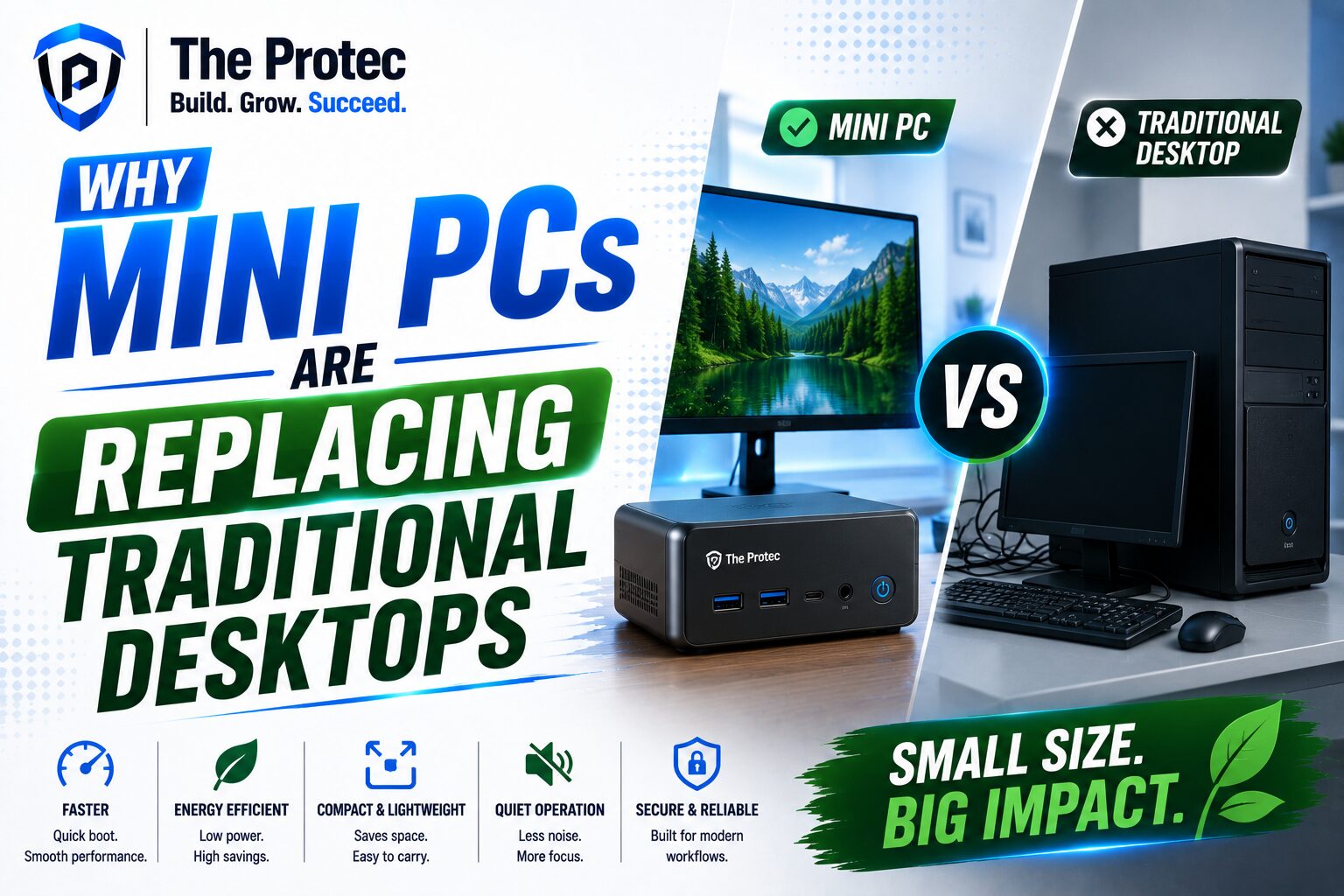
In short, the mini PC is not “better” than the desktop in every way. It is better for a growing number of users whose needs have shifted toward compactness, quiet operation, and lower power use.
Who Should Buy a Mini PC?
A compact desktop computer makes the most sense for users who value efficiency and simplicity over maximum expansion.
You should strongly consider a mini PC if you are:
- Building a home office and want a clean, minimal setup
- Replacing an aging desktop used mainly for browsing, office apps, and video calls
- Setting up a media center or living room PC
- Managing kiosks, signage, or fleet deployments
- Running a homelab or lightweight server environment
- Looking for a quiet, low-power everyday computer
If your work depends on heavy GPU acceleration or frequent hardware upgrades, a tower still offers more headroom. But for the majority of mainstream users, mini PCs now provide a compelling blend of speed, convenience, and efficiency.
Buying Tips for the Best Mini PCs
When shopping for the best mini PCs, focus on practical specifications rather than marketing claims. The right configuration depends on how you actually use your computer.
Look for the following:
- Processor: Choose a modern multi-core CPU with strong single-thread performance and good efficiency.
- Memory: 16GB is a comfortable baseline for most users; 32GB is better for development, heavier multitasking, or local AI tools.
- Storage: Prefer NVMe SSDs for fast boot and app performance, with room for expansion if possible.
- Ports: Ensure enough USB, video outputs, Ethernet, and fast external connectivity for your workflow.
- Cooling: A well-designed thermal system is essential for sustained performance and low noise.
- Upgrade access: Some systems allow memory or storage upgrades, which can extend useful life.
It is also smart to think about display support. Many users buy a mini PC because they want a dual-monitor or triple-monitor workstation with a small footprint. Check output options carefully before buying.
The Future of Compact Desktop Computers
The future looks bright for compact desktop computers. As chip efficiency improves and more workloads move to cloud, browser-based, or hybrid software models, fewer users need bulky towers. That does not mean desktops are disappearing. It means the market is segmenting more clearly.
Mini PCs are likely to keep gaining traction in homes, offices, and specialized deployment scenarios because they fit the way people actually work. They are small, quiet, efficient, and increasingly powerful enough for most everyday tasks. For many buyers, that is the ideal balance.
We are also likely to see continued improvements in AI-ready hardware, better integrated graphics, and more polished thermal engineering. As these trends mature, the line between “small PC” and “serious PC” will keep blurring.
Conclusion
The rise of mini PCs is not a fad. It reflects a real shift in what users value: less noise, less clutter, lower power use, and enough performance to handle modern workloads comfortably. Traditional desktops still have a place, especially for enthusiasts and power users, but mini PCs are proving that a compact desktop computer can be practical, capable, and cost-effective.
For buyers comparing the best mini PCs against full-size towers, the decision increasingly comes down to use case. If you want maximum expandability, a desktop may still win. If you want a small, efficient machine that handles the demands of today’s software without taking over your desk, a mini PC is often the smarter choice.
As mini PC trends continue to evolve, one thing is clear: small systems are no longer the backup plan. For many users, they are the main event.
FAQ
Are mini PCs powerful enough to replace a traditional desktop?
For many users, yes. Mini PCs are now strong enough for office work, browsing, media playback, coding, and light creative tasks. If you need heavy gaming, advanced 3D work, or professional rendering, a traditional desktop is still the better option.
Do mini PCs use less electricity than tower desktops?
Yes. Mini PCs typically use much less power because they rely on efficient processors and compact thermal designs. That can lower energy costs and reduce heat output, especially in always-on or long-hour environments.
What should I look for when choosing the best mini PCs?
Focus on CPU performance, at least 16GB of RAM, fast NVMe storage, the right ports, and solid cooling. Also check whether the system supports multiple displays and whether memory or storage can be upgraded later.
Can a compact desktop computer be used for gaming?
Some can. Mini PCs with strong integrated graphics or low-profile discrete GPUs can handle esports titles and lighter games well. However, high-end AAA gaming usually favors a larger desktop with a dedicated graphics card.
Why are mini PC trends growing so quickly?
Mini PC trends are growing because users want smaller, quieter, and more efficient systems that still deliver good performance. Better processors, improved graphics, and modern connectivity have made compact desktops far more practical than they used to be.