









A chatbot pauses for eight seconds before answering. A coding assistant starts quickly but takes nearly a minute to finish. An AI agent feels responsive in testing, then becomes frustratingly slow under production traffic. These symptoms may look similar to users, but they usually come from different parts of the application stack.
LLM latency is not simply the time a model needs to “think.” A production request may pass through authentication, safety checks, retrieval systems, databases, tool calls, model gateways, inference servers, and response filters. A delay at any stage can damage AI app performance, while an average response-time metric can hide the real bottleneck.
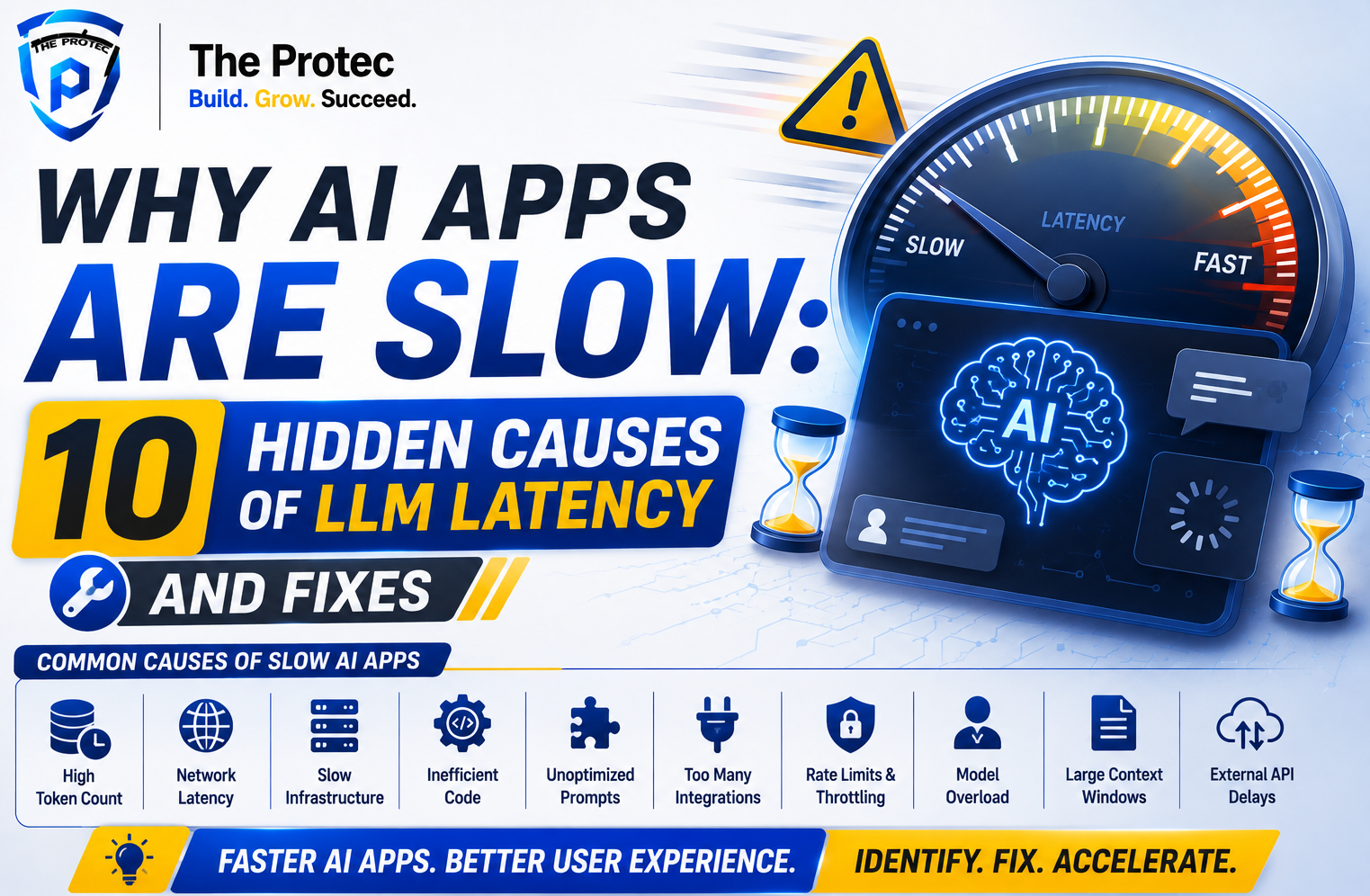
As of August 2026, AI systems increasingly combine reasoning models, long or multimodal contexts, agentic workflows, structured outputs, and multiple model calls. Serving platforms have also improved through prefix caching, speculative decoding, continuous batching, quantization, and disaggregated prefill and decoding. These technologies can reduce AI latency, but only when the application is measured and configured correctly. The following troubleshooting guide covers ten hidden causes that matter most.
Measure LLM Latency Before Trying to Fix It
Start by separating end-to-end latency into meaningful stages. A single timer around the API request does not reveal whether the delay occurred before generation, during decoding, inside a database, or in the browser.
- Time to first token (TTFT): Time from the user action until the first model token reaches the interface.
- Inter-token latency: Delay between generated tokens, which determines how smooth streaming feels.
- Tokens per second: The model’s sustained decoding speed after generation begins.
- Time to last token: Total time required to complete the response.
- Queue time: Time spent waiting for inference capacity or an application worker.
- Non-model latency: Time consumed by retrieval, databases, tools, moderation, and network hops.
Instrument each stage with distributed traces and record percentiles such as p50, p95, and p99. Averages conceal queue spikes and long-tail failures. OpenTelemetry provides a vendor-neutral framework for connecting traces, metrics, and logs across model gateways and application services.
1. The Model Is Larger or More Deliberative Than the Task Requires
Model selection is often the biggest source of avoidable LLM latency. Large reasoning models can deliver excellent results, but they may add substantial prefill, reasoning, and decoding time to tasks such as classification, extraction, routing, or query rewriting.
Build a model-routing policy instead of sending every request to the most capable model. Use a small, fast model for routine work and escalate only when complexity, confidence, or risk justifies it. If a provider exposes reasoning-effort controls, set the lowest level that meets the quality target. Benchmark models with real prompts and outputs; advertised throughput rarely predicts end-to-end performance for your workload.
2. Uncontrolled Token Generation Extends Every Response
Generation is usually sequential, so every unnecessary output token adds decoding time. Vague prompts such as “explain everything in detail” encourage long answers, while overly generous output limits allow the model to continue beyond the useful result.
Set realistic maximum output tokens, define the required format, and instruct the model to be concise where appropriate. Use stop sequences or schema-constrained generation when supported. For structured tasks, request only fields the application consumes. Track output-token distributions by endpoint; a sudden increase can reveal prompt regressions, looping behavior, or a model change. Speculative decoding may improve throughput, but it does not replace disciplined output design.
3. Oversized Context Makes the Prefill Stage Expensive
Before generating an answer, the model must process the input context. Long conversation histories, repeated system instructions, full documents, verbose tool results, and large multimodal inputs can make TTFT climb sharply. Long context also raises cost and may reduce answer quality by burying relevant evidence.
Count tokens before sending requests. Summarize older conversation turns, remove duplicated instructions, trim tool output, and retrieve only relevant document sections. Apply metadata filters before vector search and rerank results before adding them to the prompt. Stable prompt prefixes can benefit from provider-side or self-hosted prefix caching, but cache hits depend on exact prefix reuse. Do not treat a large context window as permission to fill it.
4. Queueing, Cold Starts, and Poor Batching Delay Inference
A model can be fast in isolation and slow under load. Requests may wait behind long generations, GPU workers may scale from zero, or batching settings may favor throughput at the expense of interactive latency. This often appears as acceptable p50 latency but severe p95 and p99 spikes.
Measure queue time separately from model execution. Keep minimum warm capacity for latency-sensitive services, use admission control, and cap concurrency before the system becomes saturated. Continuous batching improves accelerator utilization, but tune batch size and waiting windows against a defined TTFT target. Separate offline jobs from interactive traffic so bulk summarization cannot block customer-facing requests.
5. Database and Tool Calls Run Serially
Agentic applications frequently spend more time outside the LLM than inside it. A workflow may fetch a user profile, query permissions, search products, and call an external API one operation at a time. Four 300-millisecond calls become more than a second before model generation even begins.
Run independent operations concurrently, combine related database queries, and eliminate repeated lookups within the same request. Add appropriate indexes and inspect slow-query plans rather than assuming the model is responsible. Cache stable records with clear expiration rules. Tool schemas should return compact, relevant data instead of large payloads that create additional context-processing latency.
6. Retrieval Pipelines Do Too Much Work
Retrieval-augmented generation can involve embedding, vector search, keyword search, metadata filtering, reranking, access checks, and document loading. Each stage may be reasonable alone while the complete chain adds several seconds.
Trace every retrieval step independently. Precompute document embeddings, colocate the vector store with the application, filter early, and avoid retrieving more candidates than the reranker needs. Cache common query results when freshness rules allow it. If hybrid search and reranking do not improve measured answer quality for an endpoint, remove them. A simpler retrieval path is often both faster and easier to operate.
7. Network Distance and Excessive Hops Inflate LLM Latency
Network latency becomes significant when a request crosses regions multiple times. A browser may call an edge function, which calls an application server, model gateway, vector database, and model endpoint in different locations. TLS setup, DNS resolution, proxies, and payload transfer compound the delay.
Map the physical path of each request. Colocate compute, databases, and inference endpoints whenever data residency permits. Reuse connections with pooling and keep-alive, compress large non-streaming payloads, and avoid routing every token through unnecessary middleware. Measure latency from the user’s region rather than relying only on server-side tests conducted near the model provider.
8. Streaming Is Disabled or Buffered
Streaming does not reduce total generation time, but it can dramatically improve perceived AI app performance. Users can begin reading while the model continues generating. Without streaming, a useful response may sit unseen until the final token arrives.
Enable token streaming across the entire path, including the model API, backend, reverse proxy, content-delivery layer, and browser. Proxy buffering or large flush thresholds can silently convert a streaming endpoint into a delayed response. Render text incrementally without triggering expensive interface updates for every token. Test first-token delivery in production because local development often bypasses the infrastructure that causes buffering.
9. Inference Infrastructure Is Mismatched to the Workload
Self-hosted models require more than a powerful GPU. Low accelerator utilization, insufficient memory bandwidth, cross-device communication, inefficient attention kernels, and poor quantization choices can all reduce throughput. Large context prefill and token decoding also have different compute characteristics.
Profile the serving engine with representative prompt lengths, output lengths, and concurrency. Modern engines such as vLLM support features including continuous batching, paged attention, prefix caching, quantization, and distributed serving. Consider separating prefill and decode resources when workloads justify the operational complexity. Choose quantization based on measured quality and speed, not file size alone, and reserve headroom for traffic bursts.
10. Missing Caches and Observability Hide Repeated Work
Many AI applications repeatedly perform the same expensive operations: generating embeddings, processing fixed prompt prefixes, retrieving unchanged documents, or answering identical low-risk questions. Without caching, every request pays the full latency cost. Without detailed telemetry, teams may not realize the work is duplicated.
Use the appropriate cache for each layer: semantic or exact-response caching, embedding caches, retrieval caches, tool-result caches, and inference prefix caches. Include model version, prompt version, tenant, permissions, and freshness constraints in cache keys. Never allow caching to bypass authorization or serve stale high-risk information. Track hit rates and latency saved so that caches remain an intentional optimization rather than hidden state.
A Practical Workflow to Reduce AI Latency
Optimize in order of measured impact. First, create one trace that spans the browser, application, retrieval layer, tools, model gateway, and inference provider. Break total time into queueing, input processing, generation, and non-model work. Then compare p50, p95, and p99 results by endpoint, model, region, input tokens, and output tokens.
- Set a latency budget for each stage rather than one broad target.
- Fix serial calls, cross-region traffic, and oversized contexts before changing hardware.
- Route simple requests to faster models and cap unnecessary generation.
- Enable streaming and verify that the first chunk reaches real users promptly.
- Load-test with realistic context lengths, token counts, tool calls, and concurrency.
- Re-run quality evaluations after every optimization to prevent silent regressions.
The goal is not the smallest possible benchmark number. It is predictable performance at the quality, safety, and cost level the product requires.
Frequently Asked Questions About LLM Latency
What is considered good LLM latency?
There is no universal threshold. Interactive chat should generally deliver visible feedback quickly, while background analysis can tolerate longer completion times. Define separate targets for TTFT, token rate, total completion time, and tail latency. User expectations also depend on task complexity: a concise lookup should feel faster than a deep research or reasoning workflow.
Why is my AI app fast locally but slow in production?
Production adds concurrent users, authentication, proxies, regional network hops, databases, safety checks, and cold-start behavior. Local tests also tend to use shorter prompts and ideal connections. Compare distributed traces from both environments and load-test production-like infrastructure with realistic traffic patterns.
Does using a smaller model always reduce AI latency?
Usually, but not always. A smaller model may produce more tokens, require extra retries, or call tools incorrectly, increasing total workflow time. Evaluate task success, TTFT, output length, retries, and end-to-end completion together. Model routing often works better than replacing every request with one smaller model.
Can streaming fix slow LLM responses?
Streaming improves perceived responsiveness by exposing tokens as they arrive, but it does not solve slow retrieval, queueing, or decoding. Treat it as a user-experience improvement alongside root-cause fixes. If the first token is delayed, investigate context processing, model queues, network paths, and pre-generation application work.
What should teams optimize first to reduce AI latency?
Start with the largest measured component of p95 latency. Common early wins include shortening context, reducing output tokens, parallelizing independent database calls, colocating services, routing simple tasks to faster models, and enabling end-to-end streaming. Avoid infrastructure changes until traces show that inference capacity is the actual constraint.