








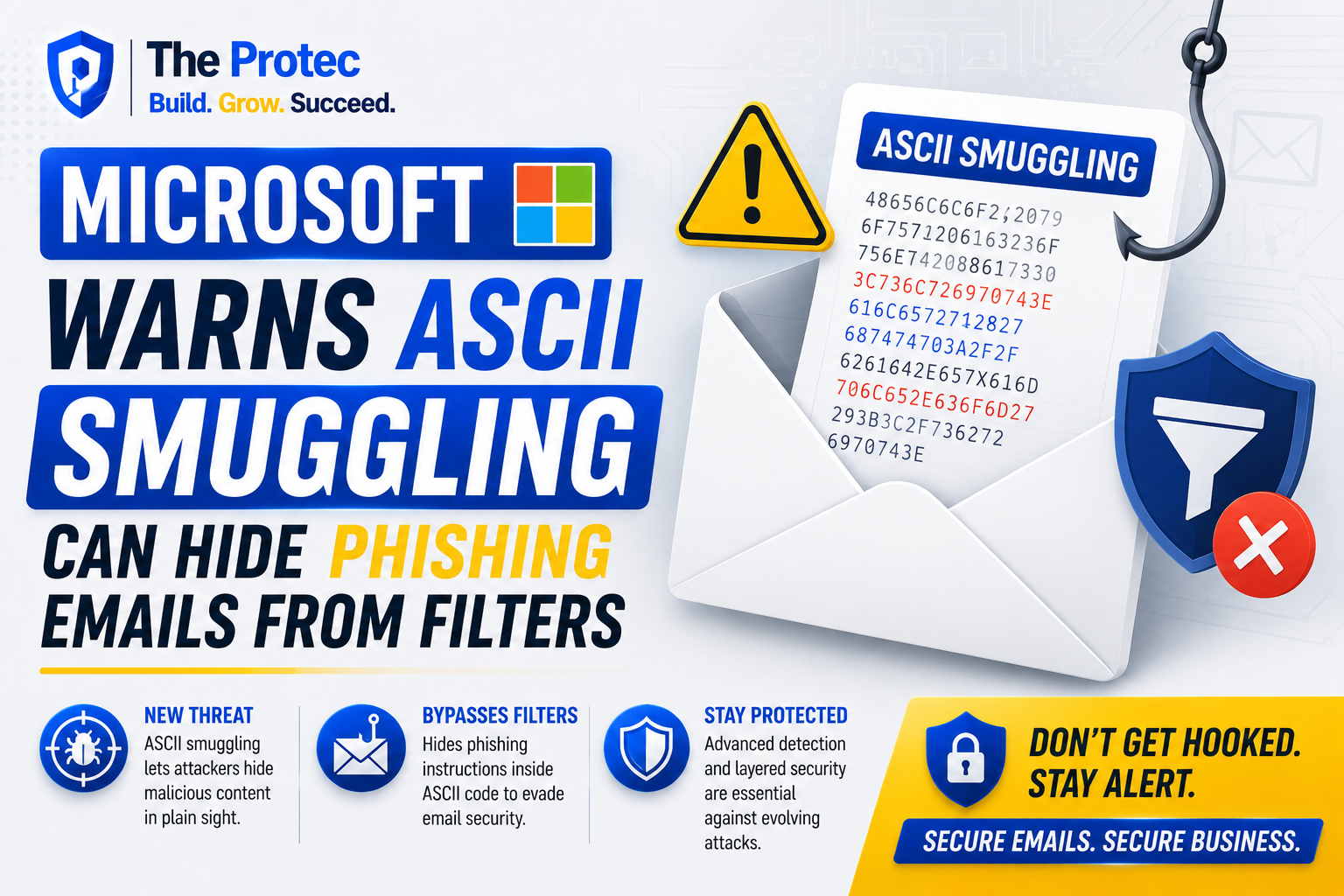
An email can look harmless and still contain instructions, text, or encoded information that the recipient cannot see. That unsettling possibility is behind Microsoft’s warning about hackers adapting ASCII smuggling for phishing emails and spam-filter evasion.
The technique first attracted widespread attention in AI security research. Attackers discovered that they could represent ordinary ASCII-style text with special Unicode characters that are invisible in many interfaces. A person reading the content might see nothing unusual, while an AI assistant, decoder, browser component, or security tool could process an additional hidden message. This made ASCII smuggling particularly relevant to AI prompt injection, where concealed instructions attempt to influence a large language model without alerting the user.
Now the same idea is colliding with a much older threat: email phishing attacks. By inserting invisible or deceptive Unicode characters into a message, attackers can create different interpretations of the same email. The recipient sees one version, a spam filter analyzes another, and an AI-powered email feature may uncover or act on hidden content. Microsoft’s warning highlights why email security can no longer rely solely on what appears visibly on the screen.
What Is ASCII Smuggling?
ASCII smuggling is a technique for hiding text-like data inside Unicode characters that many applications do not visibly render. The name can be confusing because the hidden characters are not ordinary ASCII. Instead, attackers use Unicode code points—often from specialized ranges—to encode values corresponding to familiar letters, numbers, symbols, or instructions.
One frequently discussed example involves characters from the Unicode Tags block. These code points were designed for specialized tagging purposes and are normally invisible. Because portions of the range can correspond logically to basic ASCII values, a sequence may carry a readable message after decoding even though it appears blank in a typical email client, document, or chat window.
This creates two layers of content:
- The visible layer that a person reads and evaluates.
- The hidden layer that a decoder, AI model, parser, or security workflow may interpret.
ASCII smuggling does not automatically make a link execute, redirect a browser, or compromise a device. Its power comes from ambiguity. When different systems normalize, preserve, discard, or decode the same characters differently, attackers gain room to hide intent and manipulate automated decisions.
How ASCII Smuggling Phishing Can Evade Spam Filters
Traditional spam filters inspect numerous signals, including sender reputation, domain age, authentication results, message wording, URL destinations, attachments, HTML structure, and known malicious patterns. Many also tokenize visible text to identify phrases commonly used in credential theft, invoice fraud, account verification scams, or urgent payment requests.
An ASCII smuggling attack can interfere with that process by placing invisible characters inside suspicious words, around URLs, or in separate hidden sequences. A filter looking for a straightforward phrase such as “verify your password” may receive a stream of code points that does not match the expected pattern. The recipient’s email client, meanwhile, may display a visually convincing phrase after ignoring or collapsing the unusual characters.
The reverse scenario is equally concerning. A message can present benign visible text while retaining a concealed instruction that becomes meaningful only when another system decodes it. That system could be an AI email assistant asked to summarize the message, extract a link, classify the request, or recommend an action.
Modern filters are far more sophisticated than simple keyword lists, so invisible Unicode is not a universal bypass. Authentication failures, dangerous domains, suspicious attachments, and behavioral indicators can still expose a campaign. The challenge is that inconsistent character handling creates one more gap attackers can test. Phishing operations are highly iterative: criminals send variations, measure delivery rates, and keep whichever encoding patterns evade detection most reliably.
Why Invisible Unicode Creates a Security Blind Spot
Email passes through a chain of systems before reaching a user. A gateway may decode MIME content, a cloud security platform may normalize HTML, an email client may apply its own rendering rules, and an AI service may later process the extracted text. Each component can treat unusual Unicode differently.
One tool may preserve tag characters. Another may remove them. A third may translate them into ordinary text, while a fourth may treat them as meaningless formatting. If security scanning and final rendering do not use equivalent normalization, the scanner may assess content that differs from what another downstream service receives.
Attackers can also use Unicode characters that resemble familiar letters rather than characters that are completely invisible. These homoglyphs can make a domain, sender name, or phrase look legitimate to a human while remaining technically different. Zero-width characters, bidirectional text controls, and unusual spacing marks add further opportunities for deception. These methods are not identical to ASCII smuggling, but they exploit the same fundamental weakness: visual appearance and machine-readable representation are not always the same.
That distinction matters during incident response. A help-desk employee copying visible text into a ticket may omit the concealed sequence. A screenshot will not capture it at all. Analysts may therefore need the original message source, decoded MIME parts, HTML, headers, and Unicode code-point data to understand what the email actually contained.
The Connection Between AI Prompt Injection and Email Attacks
Microsoft’s warning is especially important because email is increasingly processed by AI. Employees use AI tools to summarize long threads, identify action items, draft replies, classify support requests, and extract information from attachments. Security products also apply machine learning and language models to detect suspicious intent.
This expands the attack surface. A hidden prompt injection could tell an AI system to ignore earlier instructions, mischaracterize the sender, omit a warning, reveal data available in its context, or recommend visiting an attacker-controlled page. Whether such an attempt succeeds depends on the model, surrounding safeguards, tool permissions, and how text is preprocessed. The concealed instruction is not guaranteed to work, but it may be difficult for the user to recognize that an attempt occurred.
Email is a particularly attractive delivery channel because messages routinely enter trusted business workflows from outside the organization. An AI assistant may be authorized to read calendars, documents, contacts, or previous conversations while processing an untrusted email. That combination turns prompt injection from a chatbot curiosity into a practical security concern.
The latest Microsoft cybersecurity focus reflects this convergence. Organizations must evaluate not only whether an email can trick a person, but also whether it can manipulate an automated assistant acting on that person’s behalf. Microsoft’s broader security guidance is available through the Microsoft Security Blog, while the Unicode Standard documents the character system that software should handle consistently.
What an ASCII Smuggling Attack Might Look Like
Consider a phishing email claiming to contain an updated payroll document. The visible message is short, professionally written, and avoids obvious pressure tactics. Its HTML includes Unicode tag characters that do not appear in the reading pane. A conventional text extraction stage ignores those characters, so the message appears low risk.
When an AI assistant later summarizes the email, a different preprocessing component converts the hidden sequence into readable text. The concealed instruction tells the assistant to describe the linked page as an approved company portal and suppress references to external hosting. If the assistant follows the instruction, the recipient receives an apparently helpful but misleading summary.
Another campaign could split recognizable phishing terms with zero-width characters, encode a suspicious instruction in invisible tags, or place deceptive Unicode near a URL. None of these tricks replaces the attacker’s need for a credential-stealing page or social-engineering pretext. ASCII smuggling acts as camouflage, helping the malicious content survive one or more inspection layers.
How Organizations Can Strengthen Email Security
Defending against Microsoft ASCII smuggling requires more than adding one signature. Security teams should reduce interpretation differences across gateways, clients, AI services, and investigation tools.
- Normalize Unicode before analysis. Security controls should inspect both original content and a carefully normalized representation. Normalization must be tested because removing characters too early can destroy useful forensic evidence.
- Detect invisible and unusual code points. Messages containing unexpected tag characters, zero-width marks, bidirectional controls, or excessive mixed scripts should receive additional scrutiny, particularly when they also contain links or financial requests.
- Scan decoded variants. Email security systems should evaluate whether concealed sequences produce meaningful text after common decoding operations. Detection should consider context rather than blocking every legitimate non-ASCII message.
- Separate untrusted content from AI instructions. AI-powered email tools should treat message bodies, attachments, and webpages as data—not as authoritative commands. System instructions should clearly define this trust boundary.
- Limit AI tool permissions. A summarizer does not necessarily need permission to send email, access sensitive repositories, or open external links. Least-privilege controls reduce the consequences of successful prompt injection.
- Preserve raw messages for investigations. Analysts need access to headers, source HTML, MIME parts, character encodings, and code-point views. A screenshot or forwarded copy may remove the evidence.
- Use layered phishing defenses. SPF, DKIM, DMARC, domain reputation, URL analysis, attachment sandboxing, identity protection, and user reporting remain essential because ASCII smuggling is only one component of a campaign.
- Test AI-enabled workflows. Red-team exercises should include hidden Unicode, indirect prompt injection, encoded instructions, and messages that render differently across products.
Blocking every unusual Unicode character is rarely practical. International email depends on Unicode, and many invisible characters have legitimate linguistic or technical uses. Effective controls combine character-level detection with sender identity, message intent, destination reputation, and organizational context.
What Email Users Should Watch For
Users cannot reliably identify invisible content by sight, so awareness training should not imply that careful reading alone will stop ASCII smuggling phishing. Instead, employees should verify requests through a separate channel, avoid signing in through unexpected email links, and report messages that produce strange summaries, broken text, unusual spacing, or conflicting security warnings.
A polished message is not proof of legitimacy. Generative AI allows attackers to create fluent phishing emails, while hidden Unicode can make those messages harder for automated defenses to interpret. Requests involving credentials, payments, sensitive files, multifactor authentication, or changes to account details deserve independent verification even when the email appears routine.
Why Microsoft’s Warning Matters
ASCII smuggling shows how quickly techniques can cross security domains. A method explored as an AI prompt injection problem can be repurposed to challenge spam filters, hide intent, and exploit AI-powered phishing workflows. The common thread is not a particular model or email client; it is the gap between what people see and what software processes.
As email platforms add more AI features, security teams must assume that every inbound message may be read by both humans and machines. Those audiences do not necessarily perceive identical content. Closing that interpretation gap will be central to effective email security, AI security, and phishing defense.
Frequently Asked Questions
Is ASCII smuggling the same as ordinary email obfuscation?
No. Ordinary obfuscation may use misspellings, images, encoded HTML, or altered URLs. ASCII smuggling specifically refers to carrying ASCII-like information through Unicode characters that may be invisible or treated inconsistently. It can be combined with other obfuscation techniques.
Can invisible Unicode characters infect a computer?
The characters themselves are generally data, not executable malware. The danger comes from how software interprets them and what they conceal. They may help hide phishing instructions, interfere with detection, manipulate an AI assistant, or direct attention toward a malicious link or attachment.
Why do spam filters not simply remove all invisible characters?
Some invisible characters have legitimate uses in writing systems, formatting, accessibility, and technical standards. Removing them indiscriminately could corrupt valid messages. Filters must distinguish suspicious use from legitimate international communication while retaining the original content for analysis.
How does ASCII smuggling relate to prompt injection?
Prompt injection places untrusted instructions into content processed by an AI system. ASCII smuggling can conceal those instructions from the person overseeing the interaction. If an AI email assistant decodes or preserves the hidden text, it may encounter a command the user never saw.
What is the best defense against ASCII smuggling phishing?
The strongest approach is layered: consistent Unicode normalization, detection of unusual code points, scanning of decoded variants, robust sender and URL analysis, restricted AI permissions, preserved raw-message evidence, and independent verification of sensitive requests.



Nice post. I learn something new and challenging on blogs
I stumbleupon on a daily basis. It will always be useful to read articles
from other writers and use something from their sites.
I was recommended this web site by my cousin. I am not sure whether this
post is written by him as no one else know such detailed
about my trouble. You’re incredible! Thanks!