








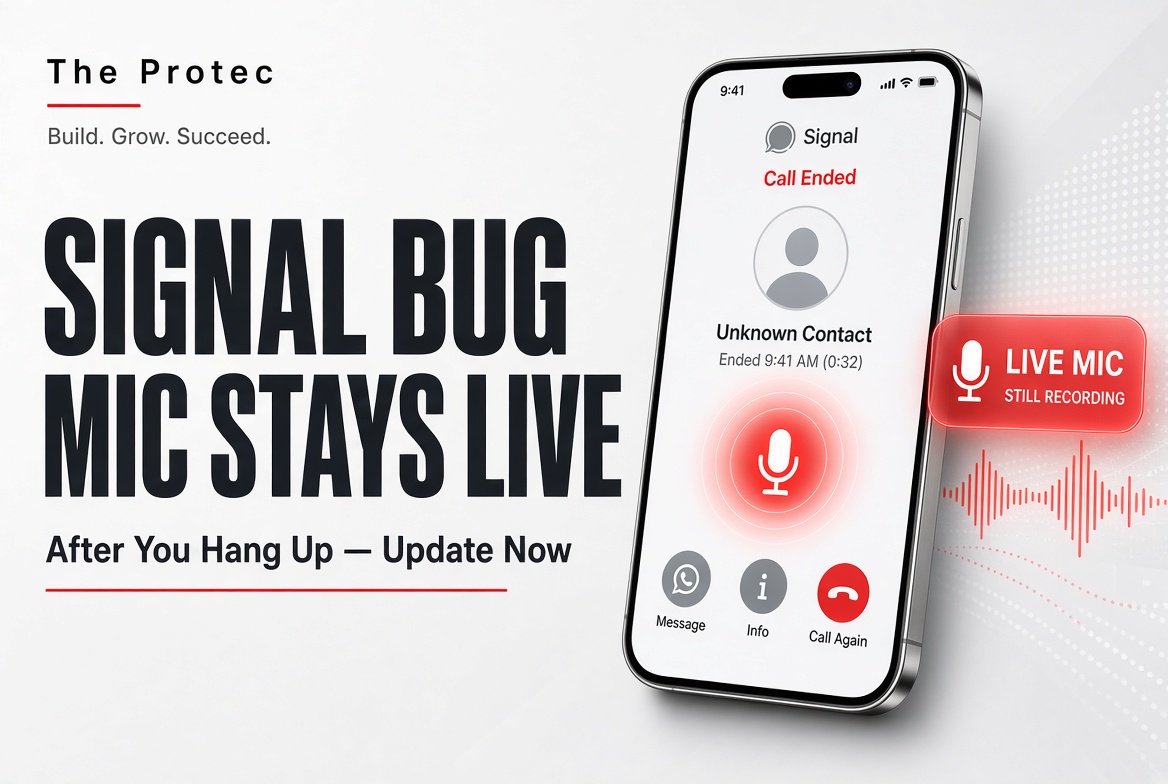
Hanging up a voice call should be definitive: the call ends, the microphone is released, and both participants return to an idle state. A reported Signal security flaw shows why that seemingly simple transition deserves the same scrutiny as encryption.
Tracked as CVE-2026-113380, the issue is associated with RingRTC, the real-time calling library used by Signal. Under the conditions described in public reporting, a call-termination failure could potentially leave a session active after a user believed the call had ended. That creates a serious privacy concern because an active session may continue using the microphone until the software reaches the correct disconnected state.
The vulnerability was fixed beginning with RingRTC 2.72.0. That number refers to a library release, however—not necessarily the version displayed in the Signal app on Android, iOS, or desktop. Users should update Signal through its official distribution channel rather than searching for an app labeled “2.72.0.”
What happened, and why does CVE-2026-113380 matter?
The Signal vulnerability CVE-2026-113380 concerns call termination rather than the cryptography used to encrypt a call. Signal relies on RingRTC to handle important real-time communication functions, including call setup, signaling, media transport, and changes in call state. A defect affecting the transition from an active call to a disconnected call can create a mismatch between what the user believes happened and what the calling subsystem is still doing.
The privacy implication is straightforward: if a call remains active, microphone audio could potentially continue flowing within that session. This is why the issue has been described as a Signal microphone bug or Signal call termination vulnerability.
It is equally important to define what the available evidence does not establish. The reported flaw does not mean every Signal installation was affected, that any stranger could activate a microphone at will, or that Signal’s operating-system permissions were universally bypassed. It also is not proof that someone listened to a particular user after a call.
SecurityWeek’s reporting indicated that there was no known exploitation in the wild at the time of publication. The public CVE record for CVE-2026-113380 should be checked for subsequent updates, because exploit status and severity assessments can change as maintainers and security databases add information. As of October 23, 2026, publicly available reporting does not establish a widespread surveillance campaign involving this flaw.
How could a Signal call fail to terminate properly?
Calling software maintains a state machine that tracks whether a call is ringing, connecting, active, ending, or disconnected. It also exchanges signaling messages so each participant’s application can coordinate those transitions. When someone taps the hang-up button, the interface must notify the calling components, stop media processing, release the microphone, close or invalidate the session, and update the display.
If an error interrupts that sequence, one layer of the application may behave as though the call has ended while another layer has not completed its cleanup. For example, the visible call interface and the underlying RingRTC session could temporarily disagree about the connection state. CVE-2026-113380 is significant because this kind of state-management failure can undermine a user’s reasonable expectation that pressing “end call” immediately stops microphone use.
That high-level explanation should not be confused with an exploit recipe. Public advisories do not support claims that the vulnerability always preserved a connection, worked under every network condition, or provided arbitrary microphone recording. Nor does a lingering session necessarily bypass Android, iOS, macOS, Windows, or Linux microphone permissions. The application already has microphone access during an authorized call; the concern is whether that authorized use stops when expected.
Which Signal platforms and versions were affected?
The clearest version boundary in the published information applies to the RingRTC library. Vulnerable RingRTC releases precede 2.72.0, while the fix begins with RingRTC 2.72.0. Determining whether a specific Signal app build was exposed requires knowing which RingRTC revision that build bundled and whether the affected calling path was enabled on that platform.
Signal uses RingRTC across its calling ecosystem, making Android, iOS, and desktop clients relevant to the investigation. However, a shared dependency does not prove that every platform, package, configuration, or app release was exploitable in precisely the same way. Public vulnerability information available at publication time does not provide one authoritative, universal list mapping every affected RingRTC revision to every user-facing Signal version.
| Product or platform | Affected status | Fixed or recommended version |
|---|---|---|
| RingRTC library | Releases before 2.72.0 in the reported vulnerable range | RingRTC 2.72.0 or later |
| Signal for Android | Build-dependent; exposure depends on the bundled RingRTC version | Latest official Signal Android release |
| Signal for iOS | Build-dependent; exposure depends on the bundled RingRTC version | Latest official Signal iOS release |
| Signal Desktop | Build-dependent; exposure depends on the bundled RingRTC version | Latest official Signal Desktop release |
This distinction prevents a common updating mistake. RingRTC 2.72.0 is not a Signal app version users should expect to see in an app store. Maintainers incorporate library updates into downstream application builds, which then receive separate Android, iOS, and desktop version numbers. Unless Signal publishes a platform-specific affected-build matrix, users should install the newest official release available for their device rather than relying on an unverified version number circulating online.
The disclosure sequence is similarly best understood as a set of milestones: the call-termination problem was reported and assessed, RingRTC received the fix beginning with version 2.72.0, updated library code became available for downstream integration, and Signal application updates were distributed through their normal channels. Users and administrators should consult the live CVE entry and Signal release information for later revisions to that timeline.
Why end-to-end encryption does not prevent this bug
Signal end-to-end encryption security protects call and message content against important forms of interception. In simplified terms, it is designed so that content is encrypted between participating endpoints rather than being readable by an intermediary handling the traffic.
Encryption does not guarantee that an endpoint’s calling software will always display or manage the correct state. A Signal privacy vulnerability involving session cleanup can exist even when the audio remains strongly encrypted in transit. If a legitimate encrypted call stays active longer than the user expects, encryption may continue protecting that audio from outsiders while still delivering it to the other authorized endpoint.
This illustrates the difference between transport protection and endpoint behavior. Microphone permissions, media capture, user-interface indicators, session state, dependency security, and process cleanup all operate on the device. A defect in one of those layers is not automatically a break of Signal’s encryption protocol.
There is no basis in the reported issue for claiming that CVE-2026-113380 decrypted stored messages, exposed encryption keys, or defeated Signal’s message encryption. Describing the bug accurately matters: exaggeration can obscure both the genuine microphone privacy risk and the specific update needed to address it.
How to update Signal and verify that calls end
The safest response to the Signal security flaw is to update promptly. Avoid third-party download sites, unofficial installation packages, and social media posts offering supposed fixes.
Update Signal on Android
- Open Google Play and search for Signal Private Messenger.
- Confirm that Signal Messenger, LLC is listed as the publisher.
- Tap Update if the option is available.
- If Signal was installed from Signal’s official Android package, follow the application’s supported update process.
Update Signal on iPhone or iPad
- Open the App Store and select the account or profile icon.
- Review pending updates and choose Update beside Signal.
- If no update appears, refresh the update list and verify that automatic updates are enabled.
Update Signal Desktop
- Open Signal Desktop and install any update notification presented by the application.
- Restart Signal after installation so the updated components are loaded.
- If an update fails, obtain the current installer from the official Signal download page.
Keep the operating system updated as well. Current mobile and desktop operating systems provide microphone indicators, permission controls, application isolation, and security fixes that complement the Signal calling security update.
After a call, confirm that Signal returns to its normal conversation screen and that the device no longer shows an active-call or microphone-use indicator. The exact indicators differ by platform: some phones display a colored privacy dot, while desktop systems may show a menu-bar, taskbar, or system-tray symbol.
If a Signal call is not ending properly, leave the call interface, inspect the device’s active-call and microphone indicators, and close Signal. If an indicator remains, force-quit or restart the application; restarting the device is an additional precaution. Users can also review Signal’s microphone permission and temporarily revoke it when the app is not needed for calls.
These checks are practical safeguards, not forensic proof. A microphone indicator may reflect another feature or application, while the absence of an indicator alone cannot reconstruct what happened during an earlier session. Anyone who suspects targeted monitoring should preserve relevant details and seek qualified incident-response assistance rather than relying only on interface behavior.
What this incident teaches us about privacy-focused apps
Privacy-focused messaging applications are not secured by encryption alone. Their safety also depends on calling libraries, user-interface logic, session management, operating-system controls, dependency maintenance, code review, and a reliable process for receiving and deploying security updates.
CVE-2026-113380 also demonstrates why responsible vulnerability disclosure matters. Reporting a flaw, correcting the shared component, integrating the fix into downstream apps, and communicating clearly with users are all parts of the security process. A patched vulnerability should encourage timely maintenance—not unsupported claims that the entire service is unsafe.
Users do not need to abandon Signal because of one fixed software defect. They should keep it updated, pay attention to unexpected call or microphone indicators, and apply the same endpoint-security habits they would use with any sensitive communications tool. The measured conclusion is that this was a real privacy-relevant calling flaw with a RingRTC fix, not evidence of universal microphone access or widespread surveillance.
Frequently asked questions
Could CVE-2026-113380 let anyone remotely turn on my microphone?
The available reporting does not support that broad claim. The vulnerability concerns a call session potentially remaining active after an attempted hang-up. That is different from allowing an arbitrary person to activate a microphone at any time or bypass operating-system permission controls.
Was Signal’s end-to-end encryption broken?
No evidence associated with this issue indicates that Signal’s encryption algorithm or message encryption was broken. The flaw concerns call state and termination behavior at an endpoint, not the decryption of protected traffic.
Should I look for Signal version 2.72.0?
No. Version 2.72.0 refers to RingRTC, an underlying calling library. Signal’s Android, iOS, and desktop applications use their own version numbers. Install the latest Signal app release offered through the official app store or Signal’s official desktop channel.
How can I secure Signal calls going forward?
Enable automatic updates, keep your operating system current, review microphone permissions, install Signal only from official sources, and watch for active-call or microphone indicators after ending a conversation. Restart the application if a call appears stuck.
Was this Signal microphone bug exploited in the wild?
SecurityWeek reported no known in-the-wild exploitation at the time of its coverage, and the available public information does not establish widespread abuse. Because investigations can evolve, organizations should recheck the official CVE record and vendor information when assessing current risk.