








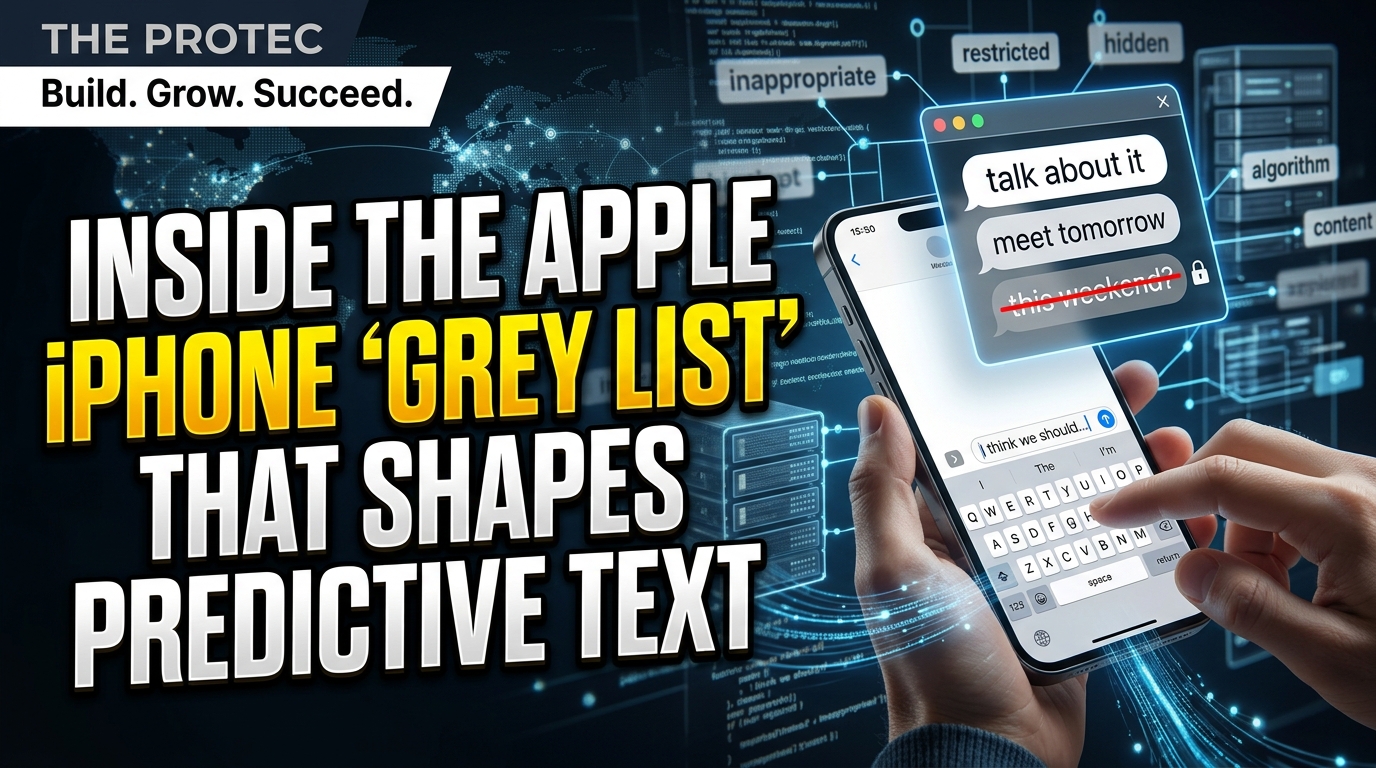
Type “Dictator Trump,” “NSA spies,” “Trayvon Martin,” “Kashmir dispute” or “male chauvinist pig” on an iPhone, and the keyboard may behave unexpectedly. Researcher Derik Kauffman found that these phrases appeared in a vast, multilingual collection of terms that Apple’s keyboard would not reliably produce through autocomplete or swipe-typing. The reported Apple iPhone grey list does not stop anyone from entering the words manually, but it raises an important question: when a keyboard silently declines to predict language, where is the line between safety-minded content moderation and influence over communication?
The short answer is that Apple appears to filter some predictive outputs to reduce offensive, inappropriate or potentially harmful suggestions. That is different from banning words. Nevertheless, the scale of the reported list—more than 100,000 words and phrases across multiple languages—makes its design, accuracy and transparency relevant to hundreds of millions of keyboard users.
What is the Apple keyboard grey list?
The grey list is reportedly a collection of terms and sequences that Apple’s predictive keyboard treats differently from ordinary vocabulary. A listed phrase may be absent from the suggestion bar, difficult to produce with iPhone swipe typing or replaced by an unrelated interpretation of the user’s gesture.
It is better understood as an output restriction than a blocked-word list. If users tap each letter, dictate successfully or paste the text, the phrase can still appear in a message, note or search box. The operating system does not display a warning or delete the manually entered language.
That distinction matters. Calling the system “iPhone autocorrect censorship” can imply that Apple prevents communication, which the available evidence does not show. At the same time, refusing to help produce particular language can create friction and may subtly steer users toward alternatives—especially when the filtering is invisible.
How the predictive text restrictions appear in practice
Apple’s keyboard offers several forms of assistance, including word completion, inline predictions, autocorrection and QuickPath swipe input. The reported restrictions are most noticeable when one of those systems must generate a word or phrase rather than simply accept individually tapped letters.
A user swiping a listed term may receive a common but semantically unrelated word, even when the gesture seems clear. A phrase may also stop appearing as the likely next-word suggestion after its opening word. Results are not necessarily identical on every device because keyboard language, software version, capitalization, user history and surrounding text can affect predictions.
In practical terms, users may encounter three different outcomes:
- No prediction: The expected word or next phrase never appears in the suggestion bar.
- An unrelated replacement: QuickPath interprets the gesture as a different, permitted word.
- Manual entry succeeds: Tapping the letters individually produces the intended text without blocking it.
The third outcome is crucial: the reported filtering concerns what the keyboard volunteers or constructs, not what an iPhone owner is allowed to say.
How Derik Kauffman investigated the list
Kauffman’s research examined resources associated with Apple’s keyboard and compared the terms he found with observable prediction behavior. His analysis identified a multilingual collection containing more than 100,000 entries. That approximate total should not be read as 100,000 prohibited ideas: it can include inflections, spelling variants, phrases in different languages and multiple forms of similar expressions.
He then tested selected entries against autocomplete and swipe input, looking for cases where the expected result was consistently withheld or diverted. Politically notable examples included “Dictator Trump,” “NSA spies,” “Trayvon Martin” and “Kashmir dispute.” “Male chauvinist pig” illustrated that the collection also extended into insults and socially charged language.
The Guardian’s reporting brought wider attention to the findings and the multilingual nature of the material. Reuters also conducted independent spot checks and reported that it could reproduce at least some of the unexpected predictive behavior. Those tests provide corroboration for selected examples, but they are not a comprehensive audit of every entry, language or iOS configuration.
Nor does presence in a resource file prove why each item was added. Without an entry-by-entry explanation from Apple, it is difficult to determine whether a term reflects a deliberate policy choice, an automated classification, a legacy safety rule or an effort to prevent an embarrassing suggestion.
The list changes across languages
The research is particularly significant because it does not describe an English-only filter. Reported entries span numerous languages and scripts, including Hebrew and Arabic. The Hebrew and Arabic material included local-script political or conflict-related expressions as well as insulting, sexual and otherwise sensitive vocabulary.
This variation suggests that Apple predictive text restrictions are localized rather than produced by simply translating one universal English list. A phrase treated cautiously in one keyboard language may predict normally in another, while transliteration may produce a different result from the same words written in their native script.
Local context can make moderation harder. A term may be a slur in one region, a neutral surname in another or a political slogan whose meaning depends on who is using it. Dialects, reclaimed language and rapidly changing events further complicate any static classification.
Political examples attract attention, but they should not distort the overall picture. Many reported entries concern profanity, explicit sexual language, illegal drugs, violence, abuse and combinations of words likely to generate an offensive suggestion. The evidence does not establish that every entry—or even most entries—is politically motivated.
Why Apple filters iOS predictive text
Apple’s stated rationale is that its keyboard is designed to avoid generating inappropriate or offensive predictions. That goal addresses a real product risk. A keyboard that unexpectedly completes a child’s sentence with sexual language, inserts a slur into a professional message or suggests violent wording after a person’s name can cause harm and erode trust.
Predictive systems also operate without knowing the user’s intent. Someone may be discussing harassment, quoting a historical source, reporting abuse or attempting the abuse itself. Because the keyboard cannot reliably distinguish those cases, a conservative developer may decide that not suggesting a sensitive phrase is safer than producing it at the wrong moment.
Apple has rejected the implication that affected words are impossible to type. Its response emphasizes that users remain free to enter the language themselves. That is technically meaningful, but it does not answer every concern about consistency, errors or the lack of user-facing information about which predictions are restricted.
From dictionaries to transformer-based keyboards
Early phone keyboards relied heavily on fixed dictionaries and letter-frequency statistics. Later systems used larger language models to estimate the next word from recent input. Modern keyboards increasingly employ neural networks and transformer-based models capable of considering broader context and generating fluent inline completions.
These advances make iOS predictive text more useful, but they also make its decisions less obvious. A simple dictionary can be inspected as a list of accepted words. A modern system combines model probabilities, user learning, language-specific resources and safety filters. When a suggestion fails to appear, users generally cannot tell which layer was responsible.
Filtering can therefore occur before or after model inference. Developers might reduce the probability of a term, suppress it from visible suggestions or reject an entire phrase pattern. A grey list may function as one guardrail among several rather than as the keyboard’s complete moderation policy.
A prediction is not an instruction, yet convenience influences behavior. People often accept the keyboard’s suggestion because it saves time. If one expression is easy to swipe while another requires careful manual entry, that small difference can shape word choice at enormous scale.
The concern is strongest where restrictions touch politics, identity, public figures or disputed events. Silent filtering can look viewpoint-based even when it originated from a broad rule intended to prevent insults. It can also create unequal burdens across languages if moderation receives more careful review in English than in smaller or regionally complex language communities.
Transparency would make it easier to evaluate those risks. Apple could explain categories, publish change criteria, provide an appeal channel for obvious errors and report how localized filters are reviewed. It would not necessarily need to expose every safety rule, which could make abuse easier, but the current opacity leaves researchers to infer policy from technical behavior.
How other smartphone keyboards compare
Apple is not alone in filtering suggestions. Google’s Gboard and Microsoft’s SwiftKey also apply safeguards intended to limit offensive predictions. Both provide user controls for areas such as personalization, learned data and incognito use, although their exact moderation systems and phrase lists are not fully public either.
Some competing keyboards expose options related to blocking offensive words, while Apple mainly offers broader controls. On an iPhone, users can turn off Predictive Text, Auto-Correction or Slide to Type, reset the keyboard dictionary, and create Text Replacements for chosen phrases. These tools can reduce unwanted intervention, but they do not offer a dashboard for inspecting or overriding individual Apple keyboard grey list entries.
Third-party keyboards are not automatically a privacy upgrade. Depending on their permissions and design, they may process typing data differently or request broader access. Smartphone keyboard privacy therefore involves two separate questions: whether language is filtered and how typed information is stored, learned from or transmitted. Evidence of a local grey list does not, by itself, show that private keystrokes are being uploaded.
Should users be able to customize the rules?
A reasonable middle ground would preserve protective defaults while giving adults meaningful control. Apple could offer a clearly explained sensitivity setting, allow specific personal terms, and show when a prediction was withheld by a safety rule rather than misunderstood by the language model.
Customization would also help people who routinely write about medicine, law, journalism, sexuality or conflict. Their legitimate vocabulary may overlap heavily with categories that a general-purpose keyboard treats as risky.
Any override should be designed carefully. Shared and child-managed devices may need stricter defaults, while organizations may require managed settings. The objective is not a completely unfiltered keyboard for everyone; it is a system whose behavior is understandable and proportionate.
A moderation system, not a typing ban
The available reporting supports a narrow but consequential conclusion. Apple’s keyboard reportedly maintains extensive multilingual restrictions on what it will predict, including some political and culturally sensitive phrases. It does not prevent users from manually typing those phrases, and much of the list appears aimed at profanity, sex, drugs and violence rather than politics.
That makes “censorship” an incomplete label. Content moderation is the more precise description, but moderation embedded in a default keyboard still deserves scrutiny. As predictive models become more capable, users need clearer information about when software is helping them write—and when it has quietly decided not to help.
Frequently asked questions
Does Apple block grey-listed words from being typed?
No. Users can still enter reported terms manually, paste them or sometimes produce them through other input methods. The restriction concerns autocomplete, next-word prediction and swipe-typing assistance, not a system-wide ban on the text.
How large is the reported Apple iPhone grey list?
Kauffman’s research identified more than 100,000 words and phrases across multiple languages. The figure includes variants and multilingual entries, so it should not be interpreted as the number of unique subjects Apple has chosen to restrict.
Why does iPhone swipe typing return the wrong word?
Ordinary recognition errors are common, but a safety filter may also suppress an otherwise likely result. Device language, context, software version and learned vocabulary can change the outcome, making any single test inconclusive.
Can users turn off Apple’s predictive restrictions?
There is no documented setting for disabling individual filtering rules. Users can disable Predictive Text, Auto-Correction or Slide to Type, reset learned keyboard data, or create a Text Replacement for a phrase they use frequently.
Does the grey list prove Apple reads private messages?
No. A filtering resource can operate on the device, and its existence does not establish that message contents are sent to Apple. Users should evaluate privacy separately, especially when installing third-party keyboards that request expanded permissions.