







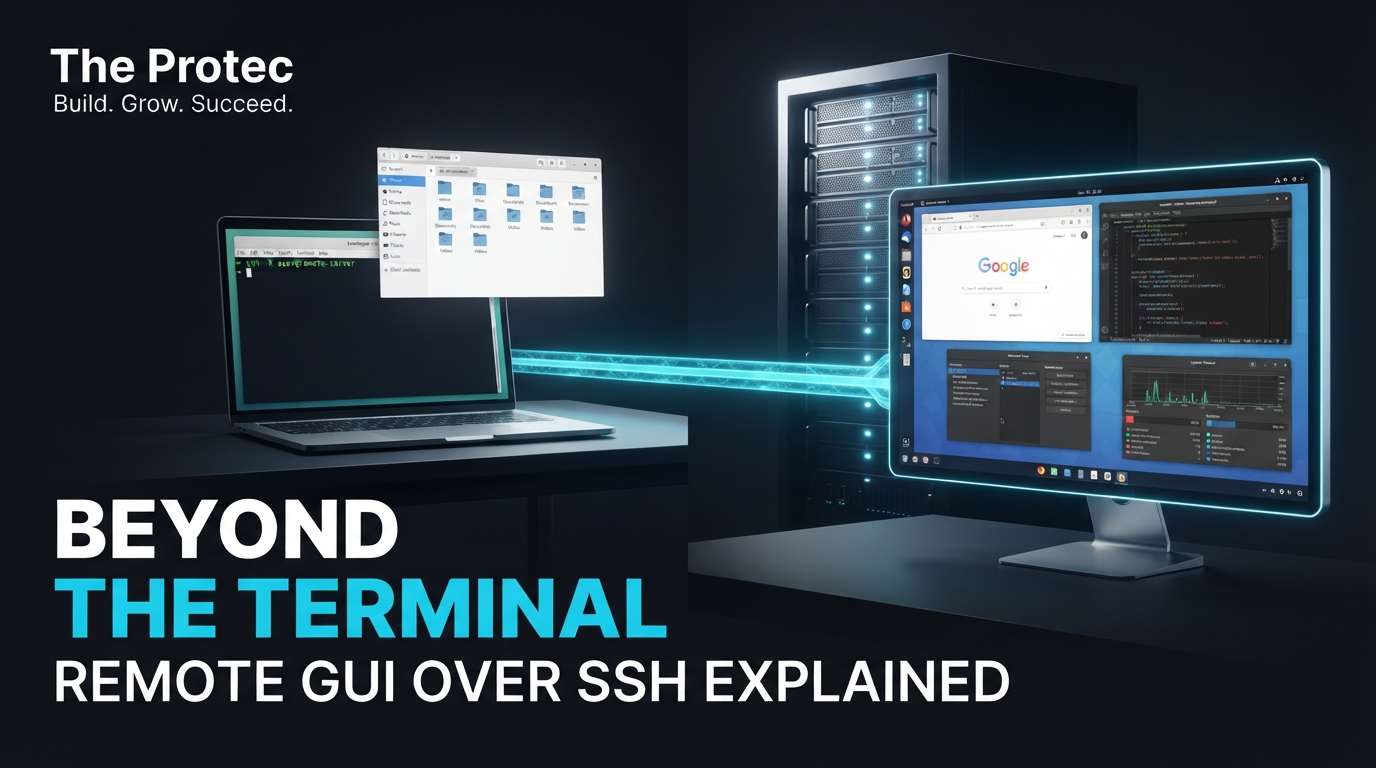
For decades, connecting to a server with SSH meant accepting a text prompt. That boundary is beginning to blur. A remote GUI over SSH can now use modern terminal features to display images, process mouse input, synchronize screen updates, and expose an interactive desktop—all through the same encrypted connection developers already use for shells and remote administration.
The important caveat is that SSH has not suddenly become a graphical protocol. It remains a secure transport, authentication system, and channel multiplexer. The graphical experience comes from terminal protocols layered on top of that transport. Projects such as Hasan Madi’s zydra.sh demonstrate how far that layered architecture can go without requiring a conventional VNC, RDP, or browser client.
SSH transports bytes; the terminal interprets them
SSH can open an encrypted channel, allocate a pseudo-terminal, carry input and output, forward ports, and authenticate users. It does not define windows, pixels, buttons, mouse pointers, or a desktop compositor. Those capabilities belong to software at the endpoints.
After an SSH client creates a terminal session, the remote program writes bytes to it. A basic terminal interprets familiar control sequences for cursor movement, colors, and text formatting. A modern terminal may also understand richer SSH terminal protocols, including inline graphics, extended keyboard events, mouse tracking, clipboard operations, notifications, and synchronized output.
This produces a layered remote GUI architecture:
- SSH provides encryption, integrity, server authentication, and user authentication.
- The pseudo-terminal carries an ordered stream of output and input events.
- Terminal escape sequences negotiate or invoke interactive features.
- A graphics protocol transfers images and controls their placement on screen.
- The remote application renders the interface and translates local input into desktop actions.
Calling the result an SSH graphical interface is convenient, but the distinction matters. Compatibility and security depend as much on the terminal emulator and application protocol as they do on the SSH implementation.
How zydra.sh turns a terminal into a remote desktop
Zydra is a central example of this emerging model because it presents a complete remote desktop environment through an ordinary SSH session. Instead of asking the user’s computer to create native remote windows, the server renders the desktop and sends visual updates for the terminal to display.
Its design combines several terminal capabilities:
- Kitty Graphics Protocol: Encoded image data and placement commands let a compatible terminal display graphical regions inside its character grid. The protocol supports identifiers, positioning, deletion, and image updates rather than treating every frame as terminal text.
- Mouse input: Terminal mouse-tracking modes report button presses, releases, motion, and wheel events. Zydra can map those events back to coordinates in the remote environment.
- Keyboard and escape sequences: Key events travel through the pseudo-terminal, while control sequences manage terminal state and interactive behavior.
- OSC 52 clipboard integration: Operating System Command 52 can request that compatible terminals place encoded data on the local clipboard. Reading clipboard contents is more restricted and varies by emulator because it creates additional security concerns.
- Notifications: Supported terminal notification sequences can surface remote events on the local desktop, subject to terminal and operating-system policy.
- Synchronized output: The application can group related screen changes so the terminal presents them together, reducing visible tearing or half-drawn frames.
- Incremental rendering: Rather than retransmitting an entire desktop for every small change, the system can update changed regions. This is essential when a cursor moves or a single window repaints.
The result resembles a cloud desktop, but its client is a capable terminal emulator. The Kitty Graphics Protocol specification explains the image transmission and placement mechanisms on which this type of interface can build.
Performance depends on rendering less, not merely compressing more
A desktop represented as a continuous sequence of full-size screenshots would consume excessive bandwidth and respond poorly on high-latency links. A practical SSH remote desktop therefore needs damage tracking: identify which rectangles changed, encode only those regions, and avoid updates that users cannot see.
Compression helps with large images, while incremental rendering helps with frequency. Applications can also coalesce rapid changes, lower quality during motion, cache reusable graphical assets, and prioritize interactive feedback over background repainting. Synchronized output prevents a group of incremental updates from appearing as separate flashes.
This approach can feel responsive for editors, dashboards, file managers, and administration tools. Video, animation, 3D rendering, and rapidly scrolling content remain harder because much of the screen changes continuously. SSH encryption is rarely the only bottleneck; server-side encoding, terminal decoding, latency, and emulator rendering all contribute.
How it compares with X11, VNC, RDP, browsers, and web apps
X11 forwarding
X11 forwarding tunnels the X protocol through SSH and displays individual remote applications through a local X server. It integrates naturally with X applications, but chatty protocol behavior can perform poorly over high-latency networks. It also requires an X server on the client and does not automatically solve support for Wayland-native applications.
VNC and RDP
VNC is primarily a remote-framebuffer model with mature viewers on desktop and mobile platforms. RDP offers a broad remote-session ecosystem, particularly for Windows, with features such as audio, device redirection, clipboard integration, and adaptive graphics. Both have purpose-built clients and far wider support for conventional graphical applications.
A terminal-native system can be a lightweight VNC alternative when SSH access already exists and the required terminal features are available. It is not a universal replacement. VNC or RDP is usually more suitable when users need audio, polished mobile clients, multiple monitors, arbitrary desktop software, multimedia acceleration, or predictable enterprise support.
Browser desktops and web applications
Browser-based remote desktops offer excellent reach because users need only a modern browser. They can use WebSockets, WebRTC, canvas rendering, and browser input APIs, but they add an HTTP-facing service, TLS deployment, session handling, and another authentication surface.
A purpose-built web application can provide the best user experience when developers are willing to redesign the interface for the web. An SSH-native interface instead preserves the operational advantages of SSH and can expose an existing remote environment without maintaining a separate public web application.
Compatibility and backward-compatible fallbacks
The largest practical limitation is terminal fragmentation. Kitty Graphics Protocol is supported by a growing set of terminals, but not every SSH client implements it. Other clients may support Sixel graphics, basic Unicode rendering, or no graphics protocol at all. Mouse modes, keyboard enhancements, OSC 52 behavior, and synchronized output also differ.
Robust applications should detect capabilities conservatively and provide fallbacks. A client might select Kitty graphics first, Sixel second, and a text interface last. It should also survive terminal multiplexers that filter or alter escape sequences. Capability negotiation needs timeouts because unsupported queries may never receive an answer.
Accessibility requires similar care. A pixel-rendered desktop inside a terminal may be opaque to screen readers even when the surrounding terminal is accessible. Text alternatives, keyboard navigation, meaningful status output, adjustable scaling, and a non-graphical mode should be part of the design rather than afterthoughts.
Authentication is inherited; terminal security is not
Using SSH brings valuable security properties. Teams can reuse host-key verification, public-key authentication, hardware-backed keys, SSH certificates, multifactor workflows, bastion hosts, and existing access controls. They should avoid unnecessary agent forwarding and protect the remote account as they would any interactive shell.
Terminal graphics introduce a separate risk: the local emulator parses complex, potentially untrusted escape sequences. Parser vulnerabilities can turn hostile terminal output into more than visual corruption. Clipboard commands may overwrite sensitive clipboard state, notification sequences can create deceptive prompts, and oversized graphics payloads may consume memory or processing time.
Users should keep terminal emulators updated, verify SSH host keys, restrict clipboard and notification permissions, and connect only to trusted systems. Developers should validate dimensions and payload sizes, rate-limit updates, sanitize untrusted child-process output, and avoid passing arbitrary escape sequences directly to the client. Sandboxing image decoders and testing malformed protocol messages are especially important for any production implementation.
Where SSH-based cloud desktops make sense
Terminal-native graphics are most compelling where SSH is already the operational front door. Useful scenarios include:
- Remote development environments that combine a shell, editor, preview window, and graphical debugging tools.
- Cloud workstations reached through existing keys, bastions, and firewall policies.
- Server administration dashboards that need charts, topology views, or occasional graphical controls.
- Lightweight application interfaces that are richer than a text UI but do not justify a public web service.
The model is less attractive for consumer-facing applications, touch-first workflows, media production, gaming, or fleets whose approved terminals lack graphics support.
Protocols developers can experiment with
Developers building a remote GUI over SSH can begin with Kitty Graphics Protocol or Sixel for images, standard mouse-tracking sequences for pointer input, and extended keyboard reporting where available. OSC 52 provides controlled clipboard output, while terminal-specific OSC sequences may expose notifications. Synchronized-output mode can make multi-part updates appear atomically.
The engineering challenge is not sending one image; it is managing state. An implementation needs capability discovery, image identifiers, coordinate mapping, resize handling, damage tracking, compression, flow control, input validation, and cleanup when a session disconnects. It must also decide whether the server renders a complete framebuffer or sends higher-level assets that the client assembles.
These trade-offs explain both the appeal and the limits of SSH-native interfaces. They can turn a ubiquitous administrative channel into a surprisingly capable application transport, but only when developers respect the terminal as a diverse, security-sensitive client platform—not as a transparent bag of pixels.
Frequently asked questions
Does SSH natively support graphical applications?
No. SSH securely transports data and can tunnel other protocols, but it does not define a graphical interface. Graphics come from X11 forwarding, a tunneled remote-desktop protocol, or terminal graphics protocols interpreted by the local emulator.
Is a terminal-based remote desktop faster than VNC?
Not automatically. It may be efficient for mostly static interfaces when incremental updates are small. VNC and RDP can perform better for rapidly changing desktops because their clients, codecs, and adaptation strategies are designed specifically for remote graphics.
Which terminal is required for Kitty graphics?
Kitty originated the protocol, but other terminal emulators have implemented varying levels of support. Applications should test required operations rather than assuming that every claimed implementation supports identical transmission, placement, animation, or query behavior.
Can this approach carry audio?
SSH can tunnel a separate audio protocol or port, but terminal graphics protocols do not inherently provide synchronized audio. Applications that require reliable sound, camera access, or device redirection are generally better served by a mature remote-desktop platform.