








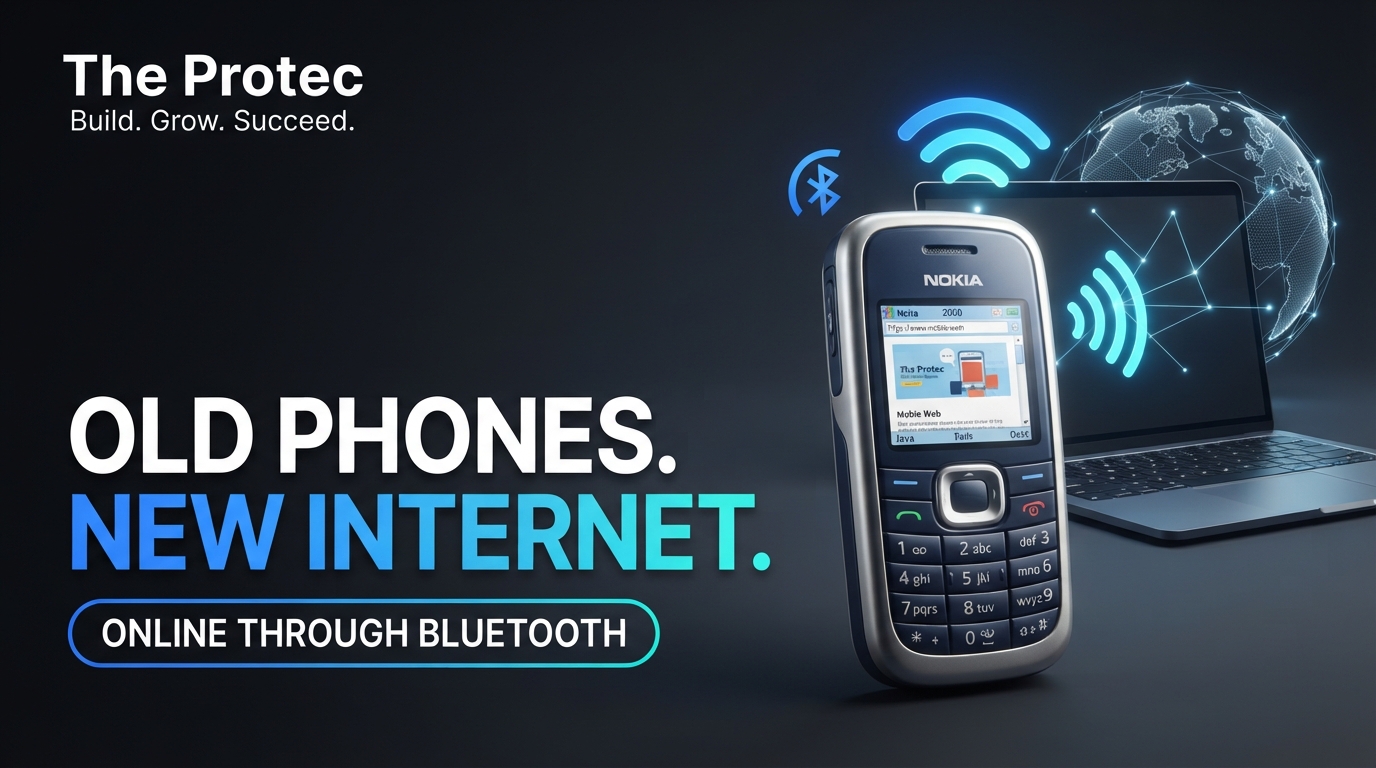
As mobile operators retire aging networks, collectors are discovering that a perfectly functional feature phone may no longer have a practical data connection. A recent enthusiast project offers another route: get old Java phones online by connecting them to a nearby computer over Bluetooth, then letting that computer forward traffic to a modern broadband network. It is a clever workaround for compatible handsets, although it neither restores cellular service nor works with every Java ME phone.
The idea is especially interesting for Sony Ericsson phones and other capable J2ME phones from the mid-to-late 2000s. Some of these devices include Bluetooth Personal Area Networking support, allowing them to behave like small network clients. A Raspberry Pi or Windows computer can provide the other side of that connection and act as a bridge to Ethernet or Wi-Fi.
Why old Java phones are losing internet access
The problem is larger than a missing SIM card. Second-generation and third-generation networks are being shut down or refarmed in many markets, although schedules vary by country and carrier. Some operators retain limited 2G service for machine-to-machine devices, while others have removed it completely. A handset may also support frequencies that no remaining local network uses.
As of November 2026, anyone investigating a 2G shutdown should check the current position of the specific operator rather than relying on a national assumption. Roaming agreements, emergency-call behavior and voice support can differ from ordinary packet-data availability.
Even where a legacy signal remains, an old phone may lack a usable data plan, compatible access point settings or an accepted SIM. Bluetooth internet tethering avoids those cellular dependencies by sending data through a local computer. The phone still has no independent mobile connection when it leaves Bluetooth range.
How Bluetooth PAN gives a feature phone internet access
Bluetooth PAN creates a small IP network between nearby devices. In the usual arrangement for this project, the phone operates as a Personal Area Network User, or PANU. The Raspberry Pi or PC supplies the Network Access Point, or NAP, role and forwards packets to its normal internet connection.
The host typically performs four jobs:
- Advertises a Bluetooth network service that the phone can discover.
- Assigns the handset an IP address, gateway and DNS information.
- Forwards traffic from the Bluetooth interface to Ethernet or Wi-Fi.
- Uses network address translation so replies return to the phone.
This is conventional IP networking carried over Bluetooth. It is defined separately from ordinary file transfer, headset audio and dial-up networking. The Bluetooth SIG specification library documents PAN and other Bluetooth profiles.
That distinction matters because a phone showing a Bluetooth icon does not necessarily support Bluetooth PAN. Many legacy mobile phones provide only audio, contact synchronization, file transfer or Dial-Up Networking. DUN commonly lets a computer use the phone as a modem; it does not automatically let the phone use the computer’s broadband connection.
The recent project as a practical reference design
The recent enthusiast demonstration follows a reusable pattern rather than depending on a recreated cellular base station. A compatible Java phone pairs with a Raspberry Pi, the Pi presents a Bluetooth network service, and Linux routes the resulting connection through its existing internet interface. A Windows computer with suitable Bluetooth drivers and Internet Connection Sharing can perform a similar role.
This approach is attractive because the radio side remains local and uses standard consumer hardware. There is no need to transmit on licensed cellular frequencies or impersonate a carrier. Once networking works, the phone’s built-in browser or a Java application such as Opera Mini can attempt to open an internet resource.
The demonstration should not be interpreted as universal support for all J2ME phones. Java ME describes an application environment, not a guaranteed networking profile. Bluetooth capabilities are determined by the handset’s radio stack, firmware, carrier customization and available connection settings.
Hardware and software requirements
Before changing any network settings, gather the following:
- A compatible handset: It must support Bluetooth PAN as a client, not merely Bluetooth file transfer or DUN.
- A network host: Use a Raspberry Pi with working Bluetooth or a Windows computer with a compatible Bluetooth adapter.
- An upstream connection: The host needs functioning Ethernet or Wi-Fi internet access.
- Routing services: Linux commonly uses BlueZ, IP forwarding, DHCP or static addressing, DNS and NAT. Windows can use Internet Connection Sharing.
- Testing software: A built-in old phone web browser, a suitable Opera Mini release or another Java network application can test connectivity.
A Raspberry Pi is convenient because it can remain powered as a dedicated gateway. The relevant Linux networking and Bluetooth components vary between operating-system releases, so consult the current Raspberry Pi Bluetooth documentation rather than copying an old configuration without review.
Setup concept: from pairing to a working connection
1. Verify the phone before configuring the host
Search the handset’s manual and connection menus for terms such as PAN, personal area network, Bluetooth internet or network access. Model names alone may not be sufficient: two phones sold under the same family name can have different firmware or regional features.
If the phone only offers to act as a modem, this method is unlikely to work. Installing a Java app cannot normally add a missing low-level Bluetooth profile because that functionality belongs to the operating system and firmware.
2. Pair the phone and computer
Enable discoverability only while pairing, confirm that both screens display the same passkey and mark the computer as trusted if the phone requires it. Delete stale pairings if the devices repeatedly connect and disconnect.
Successful pairing proves only that the devices recognize each other. The phone must also discover and select the network-access service advertised by the host.
3. Configure the Raspberry Pi or Windows bridge
On a Raspberry Pi, BlueZ handles Bluetooth, while the operating system must create or manage the PAN interface. The Pi then supplies addressing and DNS to the phone, enables IPv4 forwarding and applies NAT between the Bluetooth and upstream interfaces. Modern Linux installations may use nftables rather than older iptables examples.
On Windows, pair the handset, confirm that a Bluetooth Network Connection appears, and share the active Ethernet or Wi-Fi connection with it. Menu names vary between Windows releases and Bluetooth adapter drivers. Some driver packages expose PAN services cleanly; others support only audio and file transfer.
Bridging and routing are not always interchangeable. Wi-Fi adapters and access points may resist a transparent layer-two bridge, while NAT routing usually works more reliably. The goal is simply for the handset to receive a private IP address and use the computer as its gateway.
4. Select the connection on the phone
Open the handset’s data-account or connectivity menu and choose the Bluetooth network as the preferred connection for Java applications or web browsing. Some Sony Ericsson phones ask which connection profile an application may use each time it starts. Grant network permission when prompted.
5. Test in layers
First confirm that the phone stays connected and receives an IP address. Next test DNS resolution and a simple HTTP page. Only then try HTTPS or a complex application. This sequence separates a broken Bluetooth link from a browser or encryption problem.
Opera Mini can be useful because compatible versions send requests through Opera’s servers, which process pages before returning a compact representation. However, old Opera Mini releases may depend on services, certificates or protocols that are no longer available. A successful installation does not guarantee a working session.
Compatibility checklist for J2ME phones
- The exact handset and firmware support Bluetooth PANU or equivalent network-client mode.
- The phone can select Bluetooth networking for its browser or Java applications.
- The host Bluetooth stack can advertise the NAP service.
- DHCP works, or the phone permits a static IP address, gateway and DNS server.
- The host allows forwarding and NAT through its firewall.
- The intended browser still supports the destination’s protocol and encryption.
- The required Java application remains compatible with its remote service.
- The phone’s date and time are correct, which can affect certificate checks.
Enthusiasts often report the best prospects with higher-end Sony Ericsson phones that exposed extensive connectivity settings, but even closely related models can behave differently. Nokia Series 40 devices, Motorola feature phones and other Java handsets must be evaluated individually. A specification listing Java and Bluetooth is not enough.
What can still prevent the old phone web browser from working?
Network access solves only the transport problem. Old browser engines predate much of the modern web. They may lack current HTML, CSS and JavaScript support, have very little memory, or fail when a page loads large scripts and images.
HTTPS is another major barrier. Many old clients support obsolete TLS versions and cipher suites that modern servers correctly reject. Certificate chains may also exceed the phone’s capabilities or rely on root certificates absent from its trust store. Bluetooth PAN cannot modernize the browser’s cryptography.
Lightweight, text-focused or legacy-friendly services are therefore more realistic targets than banking, shopping, social media or authentication-heavy sites. A carefully controlled proxy can translate content for a hobby setup, but it sees traffic and may weaken security. Never enter important passwords or personal information through an untrusted proxy, unsupported browser or unpatched phone.
Performance is limited as well. Bluetooth bandwidth is adequate for simple pages, but slow processors, tiny heaps, keypad input and low-resolution screens remain bottlenecks. The experience is best treated as preservation, experimentation and access to simple services—not a replacement for a supported smartphone.
Troubleshooting Bluetooth internet tethering
- Paired but no network option: Confirm that the host advertises NAP and the phone supports PANU. Pairing alone is insufficient.
- Connected but no IP address: Check DHCP, the Bluetooth interface and firewall rules. Try a static address only if the phone permits one.
- IP address but no websites: Test the gateway and DNS separately. NAT or IP forwarding may be disabled.
- HTTP works but HTTPS fails: The likely cause is old TLS or certificates, not Bluetooth networking.
- Opera Mini cannot connect: Verify its network permission, connection profile and whether that particular release still reaches its server infrastructure.
- Connection drops: Remove duplicate pairings, reduce distance, disable aggressive power saving and check for Wi-Fi interference in the 2.4 GHz band.
Frequently asked questions
Does this reverse the 2G shutdown for my phone?
No. It gives the handset local internet access through another computer. Calls, SMS and cellular data still depend on a compatible mobile network, SIM and operator service.
Can every Java ME phone use Bluetooth PAN?
No. J2ME support does not imply PAN support. The exact phone, firmware and Bluetooth profile list must include a usable client mode.
Can a laptop replace the Raspberry Pi?
Yes. A Windows or Linux computer can provide Bluetooth networking if its adapter, drivers and operating system expose the necessary NAP service and allow internet sharing.
Is browsing from an old phone safe?
It carries substantial risk. Unsupported browsers may use obsolete encryption, miss security updates and mishandle modern certificates. Limit testing to non-sensitive services and never assume a padlock makes an obsolete client trustworthy.
A useful bridge, not a universal revival
Bluetooth networking can get old Java phones online when the handset contains the right PAN client and a properly configured Raspberry Pi or PC supplies routing. It is an inventive way to explore feature phone internet capabilities after cellular service disappears. Yet success depends on exact hardware and firmware, and modern web security remains a separate obstacle. Verify the phone’s profiles first, test the network in layers and approach legacy browsing as a controlled hobby project rather than restored everyday connectivity.