






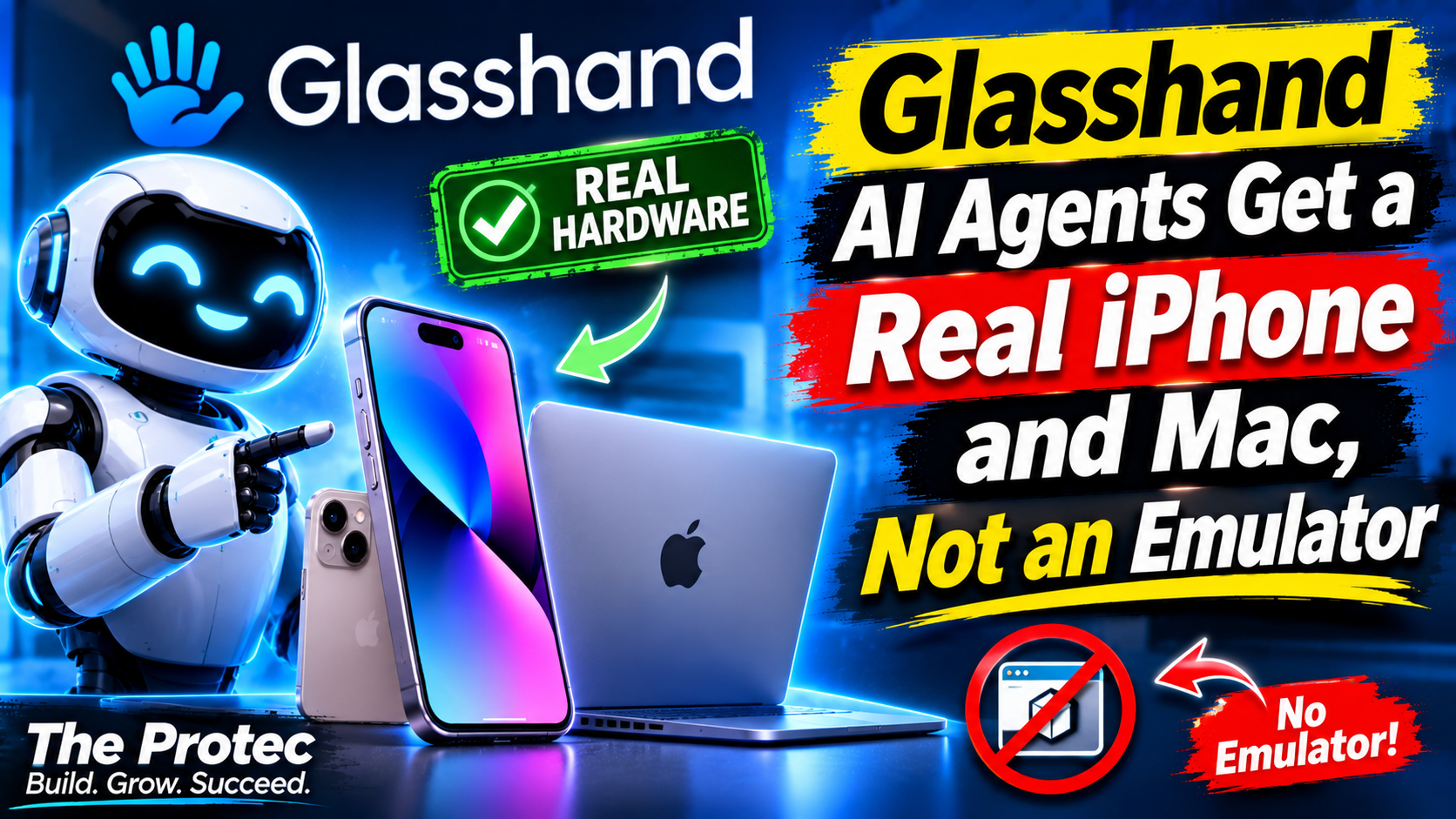
Software agents can write code, inspect websites, and run terminal commands, but native Apple workflows have remained harder to reach. Glasshand AI agents address that gap by providing access to dedicated physical iPhones and Macs hosted in a data center. Instead of stopping at a simulator or browser, an agent can see a real device screen and use API-driven taps, typing, and clicks. That could expand what tools such as Claude Code, Codex, and Cursor can test or automate, although it also creates significant reliability, security, and privacy questions.
The short version is that Glasshand turns Apple hardware into a rentable computing resource for agents. A developer can connect an agent to a device, install native software, preserve a useful configuration, and interact with services that may behave differently on physical hardware. It is not simply another emulator, nor should it be treated as a complete replacement for established mobile testing platforms. Its importance lies in giving autonomous software a new kind of environment to operate.
What Glasshand provides
According to the Glasshand website, the service offers remotely accessible, dedicated iPhones and Macs that agents can control programmatically. Its API exposes the device screen and interaction primitives needed to navigate interfaces, enter text, click controls, and perform multi-step tasks.
This approach separates Glasshand from browser automation, which can only manipulate web content, and from iOS simulators, which reproduce much of the operating system in software. Glasshand’s target environment is actual Apple hardware running native applications. Public launch materials identify coding agents including Claude Code, Codex, and Cursor as potential operators rather than limiting control to a human using a remote-device dashboard.
The service also describes several features that matter for longer or identity-dependent workflows:
- Dedicated access to a physical iPhone and Mac rather than a shared simulated session.
- Persistent device configurations, allowing installed apps and settings to remain available during a rental.
- User-controlled passwords instead of credentials selected by the hosting provider.
- Optional eSIM connectivity and the ability to receive SMS verification codes.
- A factory reset after the rental to remove the customer’s device state.
Availability, supported models, operating-system versions, regional connectivity, and individual hardware features can change. This assessment reflects public product information available as of November 2026, so teams should confirm current capabilities directly before designing a production workflow around them.
How AI agent device control works in practice
An agent does not need a robotic hand to operate the phone. It receives a representation of the current screen, reasons about the visible interface, and sends an action such as a tap at particular coordinates or a text-entry command. It can then inspect the resulting screen and choose its next step. Mac interaction follows a similar observe-act-observe loop using clicks and keyboard input.
That loop enables Claude Code iPhone automation and comparable workflows from other coding agents. For example, an agent could build a project in Xcode on the Mac, deploy it to the attached iPhone, launch the app, complete onboarding, and inspect each screen. If the app crashes or displays the wrong state, the agent could return to the source, make a change, rebuild, and repeat.
The same mechanism can automate native apps that do not publish a usable API. This is powerful because the agent acts through the user interface, but it is also fragile. Labels move, dialogs appear unexpectedly, network delays change timing, and an operating-system update can alter a flow. Physical access expands the reachable surface; it does not guarantee deterministic automation.
Physical iPhone testing versus a simulator
Apple’s simulator remains faster and more convenient for many development tasks. It can run several virtual devices on one Mac, start from known states, integrate closely with debugging tools, and support repeatable test suites. For layout checks, unit tests, basic navigation, and rapid iteration, a simulator may be the better tool.
Physical iPhone testing becomes valuable when behavior depends on real hardware, device provisioning, Apple services, cellular connectivity, or an installed application distributed outside the immediate development environment. A real iPhone may expose performance constraints, notification behavior, account prompts, keychain state, network transitions, and operating-system details that a simulator does not reproduce exactly.
The distinction is therefore not that one environment is universally superior. A sensible testing strategy uses each for what it does well:
- Use simulators for fast development cycles, broad virtual device coverage, repeatable automated tests, and inexpensive parallel execution.
- Use physical devices for final validation, hardware-sensitive behavior, real Apple service interactions, cellular scenarios, and bugs that cannot be reproduced virtually.
- Use both when an agent is expected to write code quickly and then verify important user journeys under realistic conditions.
Glasshand’s differentiator is not merely cloud device testing. Device farms already provide remote access to phones, and mature testing vendors offer extensive model catalogs, reporting, parallelization, and test-framework integrations. Glasshand is more specifically oriented around making a dedicated device legible and operable by an AI agent.
What agents could do with a real iPhone and Mac
Build and validate native applications
An agent with Mac and iPhone access can potentially work across the development loop: edit code, run Xcode, deploy a build, and inspect the result on hardware. This could help with exploratory AI iOS app testing, reproducing reported bugs, checking onboarding, or validating a small set of release-critical paths. Code signing, provisioning profiles, developer accounts, and trusted-device prompts still need to be configured correctly.
Test account and communications workflows
Optional eSIM service and SMS reception can support workflows involving phone numbers or one-time codes. An agent might verify that an app accepts an SMS code, test account recovery, or inspect how a notification appears on a real device. These capabilities are especially sensitive because verification messages can provide access to accounts, making strict account isolation essential.
Operate apps without public APIs
Many consumer and enterprise apps offer limited automation interfaces. Screen-level control lets an agent perform tasks through the same controls a person would use. Potential examples include checking a private test account, entering information into an internal app, or collecting the visible result of a workflow. Before doing so, users must consider the app provider’s terms, rate limits, anti-automation rules, and the legal basis for processing any data involved.
Real hardware does not mean every hardware feature works remotely
A physical phone has cameras, biometric sensors, microphones, motion sensors, and radios, but remote access does not automatically expose all of them to an agent. The launch discussion on Product Hunt indicated that camera image and video input was still being developed. Teams should therefore avoid assuming that an agent can already present a QR code to the camera, record an arbitrary scene, or complete every camera-dependent flow.
Face ID is another important boundary. Biometric authentication is intentionally tied to a person and secure hardware. A remote agent should not be expected to impersonate a face or bypass biometric confirmation. Apps may permit a passcode fallback, but whether that is available depends on the app, device policy, and workflow.
Other steps may also require human intervention: accepting a new legal agreement, approving a purchase, trusting a computer, handling a device-management prompt, or making a judgment with financial or legal consequences. Good automation should recognize these states, stop safely, and request approval rather than trying to force progress.
The security and privacy trade-offs
Giving an agent control of a signed-in phone is fundamentally different from letting it manipulate a disposable test page. The device may contain messages, photos, files, contact details, social accounts, session cookies, verification codes, and access to cloud services. A capable agent could expose or alter that information accidentally even without malicious intent.
Risk begins with credentials. Teams should not place a general-purpose personal Apple Account, primary phone number, or production administrator login on a rented device. Use dedicated test identities, narrowly scoped application accounts, separate email inboxes, and payment methods with strict limits. Where possible, remove access to real contacts, customer data, personal cloud storage, password managers, and account-recovery channels.
Agent permissions also matter. A coding assistant that can modify source code, read secrets, control a Mac, and operate an authenticated iPhone has a large combined blast radius. A malicious dependency, prompt injection displayed inside an app, or mistaken instruction could move data between those environments. Security controls should treat screen content as untrusted input and require explicit authorization for destructive or sensitive actions.
Factory resets are an important end-of-rental safeguard, but they are not the entire privacy model. Customers should understand what telemetry, screenshots, action logs, backups, crash reports, and support records the service retains; how those records are encrypted; who can access them; and when they are deleted. Organizations handling regulated data should also evaluate contractual, residency, incident-response, and audit requirements.
Finally, interface automation does not override platform rules. Apple developer agreements, app terms of service, privacy laws, and organizational policies still apply. Receiving an SMS on a cloud-hosted phone does not make automated account creation or verification permissible. The user deploying the agent remains responsible for the workflow.
A practical safety checklist
- Create isolated Apple, email, app, and mobile identities solely for testing.
- Grant the minimum permissions and data access needed for each task.
- Keep production secrets out of screenshots, clipboards, logs, and agent prompts.
- Require human approval for purchases, messages, account changes, and data deletion.
- Define maximum run times, action limits, and an immediate way to revoke access.
- Review recordings and logs for sensitive information before retaining or sharing them.
- Sign out of external services, revoke sessions, and confirm the factory reset when a rental ends.
A possible new infrastructure category
Glasshand points toward a category that could be described as physical devices as a service for AI. Cloud computing made servers rentable by the minute; this model makes interactive consumer hardware available as an agent-operated resource. Future agent systems may request a phone with a particular operating-system version, connectivity profile, and installed app just as software currently requests a virtual machine.
That possibility is compelling, but Glasshand should be evaluated as an early example rather than a mature replacement for established device labs. Professional testing platforms have spent years refining device coverage, observability, concurrency, framework support, and reliability. Glasshand’s agent-first interface addresses a different need, and its long-term value will depend on dependable controls, transparent security practices, useful hardware coverage, and safe handling of unavoidable human checkpoints.
Frequently asked questions
Does Glasshand use an iPhone simulator?
No. Its central proposition is access to a dedicated physical iPhone and Mac hosted remotely. An agent controls the actual device interface through an API rather than operating only inside a simulated iOS environment.
Can Claude Code control an iPhone through Glasshand?
Glasshand presents Claude Code as one of the agents that can use its device-control interface. A configured agent can inspect screens and issue actions such as taps and text entry. The exact setup, permissions, and supported actions should be checked against current documentation.
Can an agent complete Face ID or camera-based workflows?
Not necessarily. Physical hardware alone does not make every sensor remotely controllable. Camera image and video input was described as still in development in the launch discussion, while Face ID and similar biometric steps may require a person or an approved fallback.
Is it safe to sign personal accounts into a rented device?
Using personal or privileged accounts creates substantial risk. Dedicated test accounts, minimal permissions, synthetic data, human approval gates, session revocation, and a verified factory reset are safer choices. Organizations should also review the provider’s data retention and access policies.
Will real devices make AI mobile automation reliable?
They can make tests more representative, but not automatically reliable. Visual ambiguity, changing interfaces, network delays, unexpected prompts, and operating-system updates still affect screen-driven automation. Teams need monitoring, recovery logic, controlled test data, and human escalation.
Glasshand broadens the environment in which agents can act: from code editors and browsers to real Apple devices. The opportunity is meaningful, but so is the responsibility. The strongest use cases will combine realistic hardware access with narrow permissions, clear stopping rules, and deliberate human oversight.