








Contents
- 1 Cloud Costs Are Out of Control: 12 Proven Ways to Reduce Your AWS Bill
- 2 1. Start with cost visibility before cutting anything
- 3 2. Fix tagging and ownership gaps
- 4 3. Rightsize EC2, EKS, and managed services
- 5 4. Shift to Graviton where workloads are compatible
- 6 5. Use autoscaling, but tune it properly
- 7 6. Eliminate idle and orphaned resources
- 8 7. Optimize storage tiers and data lifecycle policies
- 9 8. Reduce data transfer and network costs
- 10 9. Buy smarter with Savings Plans and Reserved Instances
- 11 10. Use serverless and managed services where they fit
- 12 11. Control logging, metrics, and observability sprawl
- 13 12. Build FinOps into engineering workflows
- 14 A practical AWS cost reduction playbook
- 15 FAQ: Reducing AWS costs
- 16 Conclusion
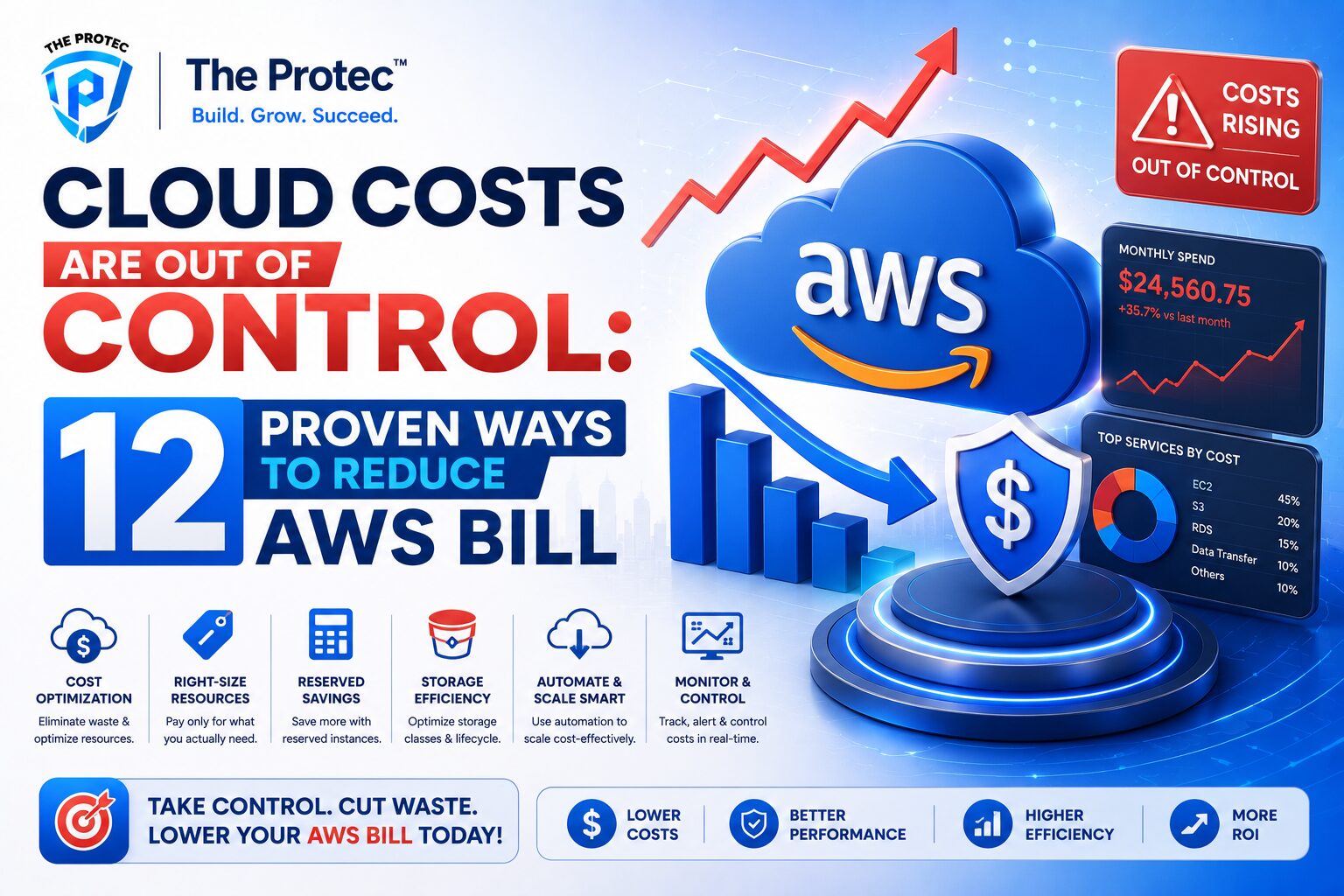
Cloud Costs Are Out of Control: 12 Proven Ways to Reduce Your AWS Bill
AWS gives teams incredible speed, scale, and flexibility—but it also makes overspending dangerously easy. One overprovisioned cluster, one forgotten snapshot, one idle data pipeline, and suddenly your cloud bill is climbing faster than revenue. For startups trying to preserve runway and enterprises trying to rein in sprawling environments, cloud cost optimization is no longer a finance-only concern. It is an operational discipline.
The good news is that reducing AWS spend does not require a complete re-architecture. In many organizations, the biggest AWS savings come from a handful of practical changes: better visibility, stronger governance, rightsizing, smarter storage choices, and more disciplined purchasing. The challenge is turning those ideas into a repeatable system.
This guide breaks down 12 proven ways to reduce AWS costs, with a focus on actions you can implement quickly and scale over time. These strategies reflect current cloud operations realities, including FinOps adoption, Kubernetes efficiency, Graviton migration, serverless optimization, and the increasing use of automated cost controls across engineering teams.
1. Start with cost visibility before cutting anything
You cannot reduce what you cannot see. The first step in cloud cost optimization is building clear, timely visibility into where AWS spend is coming from. Many organizations still rely on monthly invoices or broad account-level totals, which hide the true drivers of waste.
Use AWS Cost Explorer, Cost and Usage Reports, and resource tagging to break spend down by application, environment, team, product, and customer. The goal is to answer simple questions quickly: Which services are growing fastest? Which environments are spending the most? Which resources are idle but still running?
Visibility should be operational, not just financial. Teams need dashboards that show daily or near-real-time trends so they can catch unusual spikes before the month closes. A solid visibility layer often reveals easy AWS savings immediately, especially in non-production environments and forgotten resources.
2. Fix tagging and ownership gaps
Tags are the foundation of cloud cost optimization, but only if they are enforced consistently. Without reliable tags, spend becomes hard to allocate, and wasted resources stay hidden. Every meaningful AWS resource should have an owner, application name, environment, and cost center at minimum.
Use automated policies to block untagged resources or alert when tags are missing. For larger organizations, standardize tag keys and values across teams so reports are comparable. A clean tagging strategy also supports chargeback and showback, which creates accountability and makes it easier to reduce AWS costs over time.
Ownership matters as much as the tags themselves. If nobody is accountable for a resource, it is far more likely to linger unused. When every workload has a clearly defined owner, waste becomes someone’s problem—which is exactly what you want.
3. Rightsize EC2, EKS, and managed services
Overprovisioning is one of the fastest ways to inflate your AWS bill. Teams often choose larger instances or node groups “just to be safe,” then leave them that way long after actual demand changes. Rightsizing is one of the highest-ROI AWS savings tactics because it directly removes unused capacity.
Start by examining CPU, memory, network, and disk utilization over meaningful time windows. Look for instances that consistently run far below capacity. For EC2, consider smaller instance families, newer generations, or moving workloads to burstable or Graviton-based instances when compatible. For EKS, tune cluster autoscaling and pod requests/limits so nodes scale with real demand instead of peak assumptions.
Managed services also need review. RDS, OpenSearch, ElastiCache, and Aurora can all be oversized for the workload they serve. Rightsizing these services requires watching steady-state utilization and understanding application latency sensitivity. The goal is not simply to spend less; it is to align infrastructure with actual usage.
4. Shift to Graviton where workloads are compatible
One of the most effective ways to reduce AWS costs is to use AWS Graviton processors for workloads that support ARM architecture. Graviton-based instances often provide better price-performance than comparable x86 instances, which means you may get lower cost and strong performance at the same time.
This is especially relevant for web services, APIs, background jobs, containerized applications, and many open-source data tools. The migration effort varies by application, but modern CI/CD pipelines and container builds make the transition far easier than it used to be.
Before migrating, test performance, dependencies, and libraries carefully. Some workloads may need code changes or new base images, but for many teams the savings are worth it. Graviton should be part of any modern cloud cost optimization strategy because it reduces spend structurally rather than tactically.
5. Use autoscaling, but tune it properly
Autoscaling can save a lot of money, but only when it is configured to match real traffic patterns. Poorly tuned autoscaling can create the illusion of efficiency while keeping capacity higher than necessary.
Review scaling thresholds, cooldown periods, and minimum capacity settings for EC2 Auto Scaling, ECS, EKS, and serverless workloads. If minimums are too high, you pay for idle capacity around the clock. If thresholds are too conservative, you scale up too late or keep too many instances online. Good autoscaling is based on observed demand, not guesswork.
For Kubernetes environments, look closely at cluster autoscaler behavior, pod resource requests, horizontal pod autoscaling, and whether workloads are actually eligible to scale down. Many EKS environments overpay because requests are inflated and nodes never fully drain. Tightening these settings can unlock significant AWS savings without sacrificing reliability.
6. Eliminate idle and orphaned resources
Idle resources are one of the easiest forms of cloud waste to remove. Yet they are also among the most common, especially in fast-moving environments with frequent experimentation. Old volumes, unattached EBS snapshots, unused Elastic IPs, zombie load balancers, abandoned NAT gateways, stale AMIs, and forgotten development servers can quietly accumulate costs for months.
Make cleanup a recurring process, not a one-time project. Create automated detection for idle resources and assign remediation workflows to the owning team. In lower environments, consider aggressive shutdown schedules or ephemeral infrastructure that is destroyed after use.
This is one area where speed matters. The longer unused resources remain active, the more waste they generate. A disciplined cleanup process is one of the quickest ways to reduce AWS costs and prove that cloud cost optimization is a continuous practice, not an annual review.
7. Optimize storage tiers and data lifecycle policies
Storage is often overlooked because it seems inexpensive at first glance. But as data grows, poor storage decisions can become a major line item. S3, EBS, EFS, snapshots, logs, and backups all need lifecycle management.
Move infrequently accessed data to lower-cost storage classes such as S3 Intelligent-Tiering, Standard-IA, Glacier Instant Retrieval, or Deep Archive where appropriate. Use lifecycle policies to transition data automatically based on age and access frequency. Review retention requirements carefully so you are not keeping data longer than needed for compliance or business value.
For EBS, identify oversized volumes and snapshots that are no longer needed. For EFS, evaluate whether access patterns justify the performance tier you are using. Storage optimization often produces AWS savings without affecting application performance, making it one of the safest places to start.
8. Reduce data transfer and network costs
Data transfer charges can surprise teams because they are easy to ignore until they become meaningful. Cross-AZ traffic, internet egress, NAT gateway usage, inter-region replication, and chatty microservices can all drive up costs.
Start by identifying where traffic is flowing. If services in the same architecture are communicating heavily across availability zones, consider co-locating them where latency and resilience requirements allow. Review NAT gateway usage, since it can become expensive at scale. In some cases, VPC endpoints for AWS services can reduce both cost and network complexity.
Also examine egress-heavy workloads such as analytics exports, media delivery, and backup replication. Compressing data, caching frequently used content, and minimizing unnecessary transfers can materially reduce AWS costs. Network optimization is often invisible during design but highly visible on the bill.
9. Buy smarter with Savings Plans and Reserved Instances
Not all AWS spend should be treated the same. For stable workloads with predictable usage, commitment-based pricing can produce major AWS savings. Compute Savings Plans and Reserved Instances are especially useful when you have a reliable baseline of always-on compute.
The key is not to overcommit. Commit only to the portion of spend you are confident will remain steady. Use historical usage patterns, seasonality, and business forecasts to determine an appropriate commitment level. In mature organizations, this often means separating baseline production usage from variable burst demand.
Review coverage and utilization regularly. If you buy commitments but fail to use them, you lose the savings benefit. A healthy purchasing strategy blends flexibility with discipline: commit where usage is stable, stay on-demand where usage is uncertain, and revisit the mix as your architecture evolves.
10. Use serverless and managed services where they fit
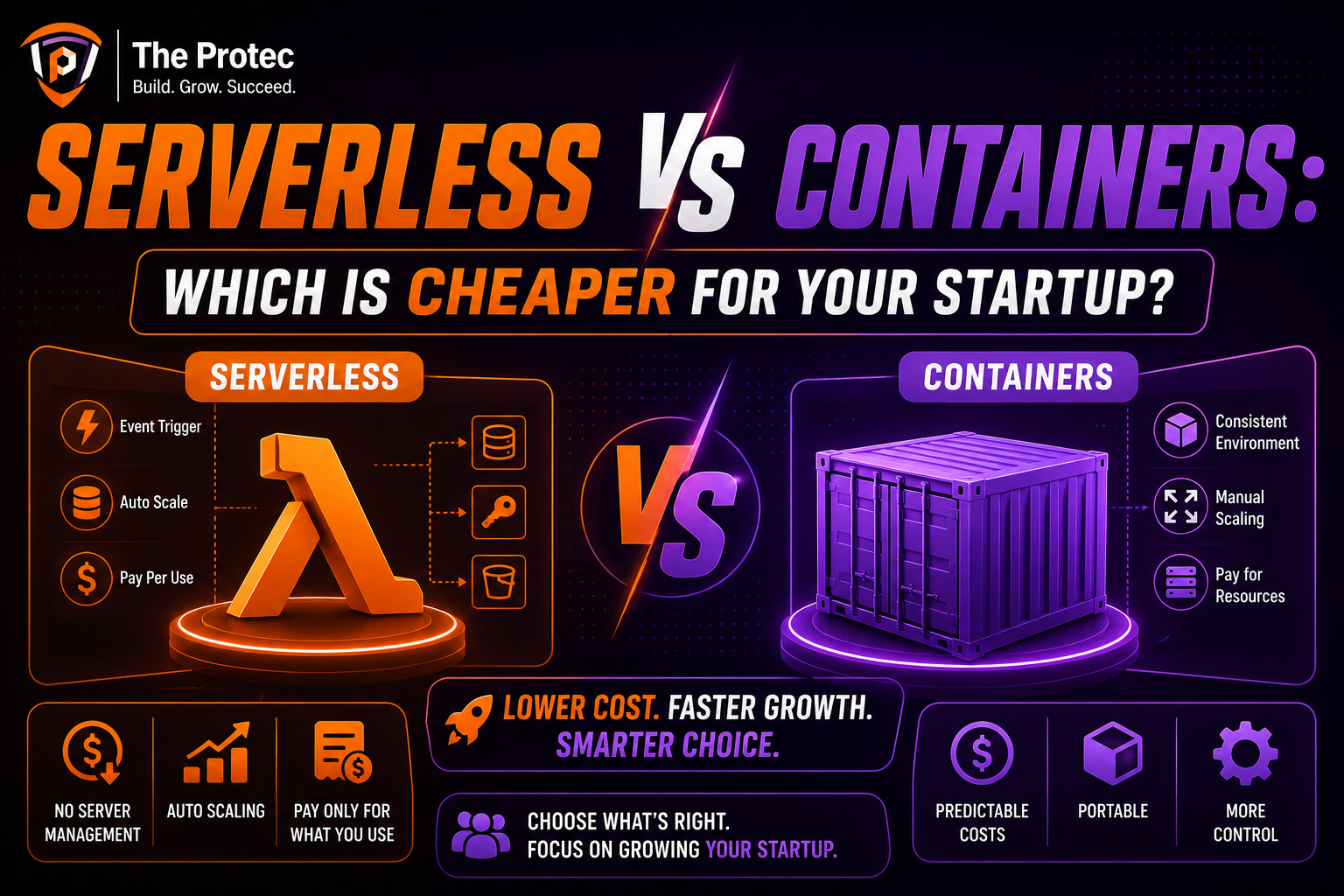
Serverless and managed services are not automatically cheaper, but they can significantly reduce operational overhead and wasted capacity when used appropriately. Lambda, Fargate, API Gateway, Step Functions, DynamoDB, and fully managed databases can eliminate the need to run always-on infrastructure for certain workloads.
The economics are strongest when traffic is spiky, unpredictable, or intermittent. If an application only needs compute during bursts, serverless can be far more efficient than provisioning EC2 instances 24/7. Managed services also shift the burden of patching, scaling, and maintenance away from your team.
However, this strategy requires careful evaluation. Some serverless architectures become expensive if they are poorly designed, overly chatty, or unbounded in invocation volume. The right approach is to compare total cost of ownership, including engineering effort and operational risk, not just raw infrastructure spend.
11. Control logging, metrics, and observability sprawl
Observability is essential, but ungoverned telemetry can create a hidden cost problem. High-cardinality metrics, verbose logs, and unnecessary retention periods can drive up AWS spend and third-party tooling costs at the same time.
Review which logs are truly required, how long they must be retained, and whether all environments need the same level of detail. Reduce debug logging in production unless it is actively needed. Filter out noisy events. Sample where appropriate. Move older logs to lower-cost storage tiers if they must be retained.
Metrics need the same discipline. Avoid collecting data that nobody uses. The best cloud cost optimization programs treat observability as a product: valuable, targeted, and continuously refined. Better telemetry should improve decision-making, not become a source of avoidable waste.
12. Build FinOps into engineering workflows
Long-term AWS savings come from behavior change, not just one-off cleanups. That is why modern cloud cost optimization programs increasingly embed FinOps principles into engineering workflows. The idea is simple: make cost visible, actionable, and shared across finance, engineering, and product teams.
In practice, that means setting budgets and alerts, reviewing cost during architecture decisions, adding cost checks to pull requests or infrastructure reviews, and assigning clear ownership for service spend. Some teams also use automated policy engines to prevent expensive misconfigurations before they reach production.
FinOps is powerful because it prevents waste from recurring. Instead of repeatedly finding and fixing the same problems, teams learn to design with cost in mind from the start. That cultural shift is often the difference between temporary AWS savings and sustained efficiency.
A practical AWS cost reduction playbook
If your cloud bill is out of control, do not try to fix everything at once. A phased approach works better.
First 30 days: improve visibility, fix tagging, remove obvious idle resources, and review storage lifecycle policies.
Next 60 days: rightsize top spenders, tune autoscaling, and evaluate network transfer hotspots.
Next 90 days: assess Graviton migration opportunities, optimize commitment coverage, and formalize FinOps governance.
This sequence delivers quick wins while creating the structure needed for ongoing cloud cost optimization. Start with the easiest gains, then move into architectural improvements that compound over time.
FAQ: Reducing AWS costs
What is the fastest way to reduce AWS costs?
The fastest wins usually come from removing idle resources, rightsizing oversized instances, and cleaning up storage and snapshots. These actions can produce immediate AWS savings with minimal engineering effort.
Are Reserved Instances better than Savings Plans?
It depends on your workload. Savings Plans usually offer more flexibility, especially for changing compute needs, while Reserved Instances can work well for specific steady-state services. Most organizations benefit from a mix based on usage patterns.
How often should we review cloud spending?
Weekly reviews are ideal for active teams, with monthly deep dives for planning and forecasting. High-growth startups may need more frequent checks, while enterprises should automate alerts and dashboards to catch anomalies early.
Does serverless always reduce AWS bills?
No. Serverless can reduce costs for intermittent or variable workloads, but it can become expensive if the application generates heavy invocation volume, excessive data transfer, or inefficient execution patterns. Always compare it against the full workload profile.
What role does FinOps play in cloud cost optimization?
FinOps brings finance, engineering, and operations together so cloud costs are managed continuously rather than reactively. It turns AWS savings into an ongoing process with clear accountability and better decision-making.
Conclusion
Cloud spend rarely gets out of control because of one major mistake. It usually grows through dozens of small inefficiencies: oversized workloads, idle resources, poor visibility, weak tagging, and architecture choices that no longer fit usage patterns. The path to lower AWS bills is not a mystery. It is a disciplined combination of visibility, accountability, and continuous optimization.
Start with the simplest wins, then build systems that keep waste from coming back. Whether you are a startup trying to protect runway or an enterprise managing a complex multi-account environment, the same principle applies: cloud cost optimization works best when it is baked into everyday operations.
For teams looking to sharpen their cost management practices, AWS documentation on cost management and the FinOps Foundation’s guidance are useful references for building a durable program: AWS Cost Management and FinOps Foundation.